JPG to WebP Converter
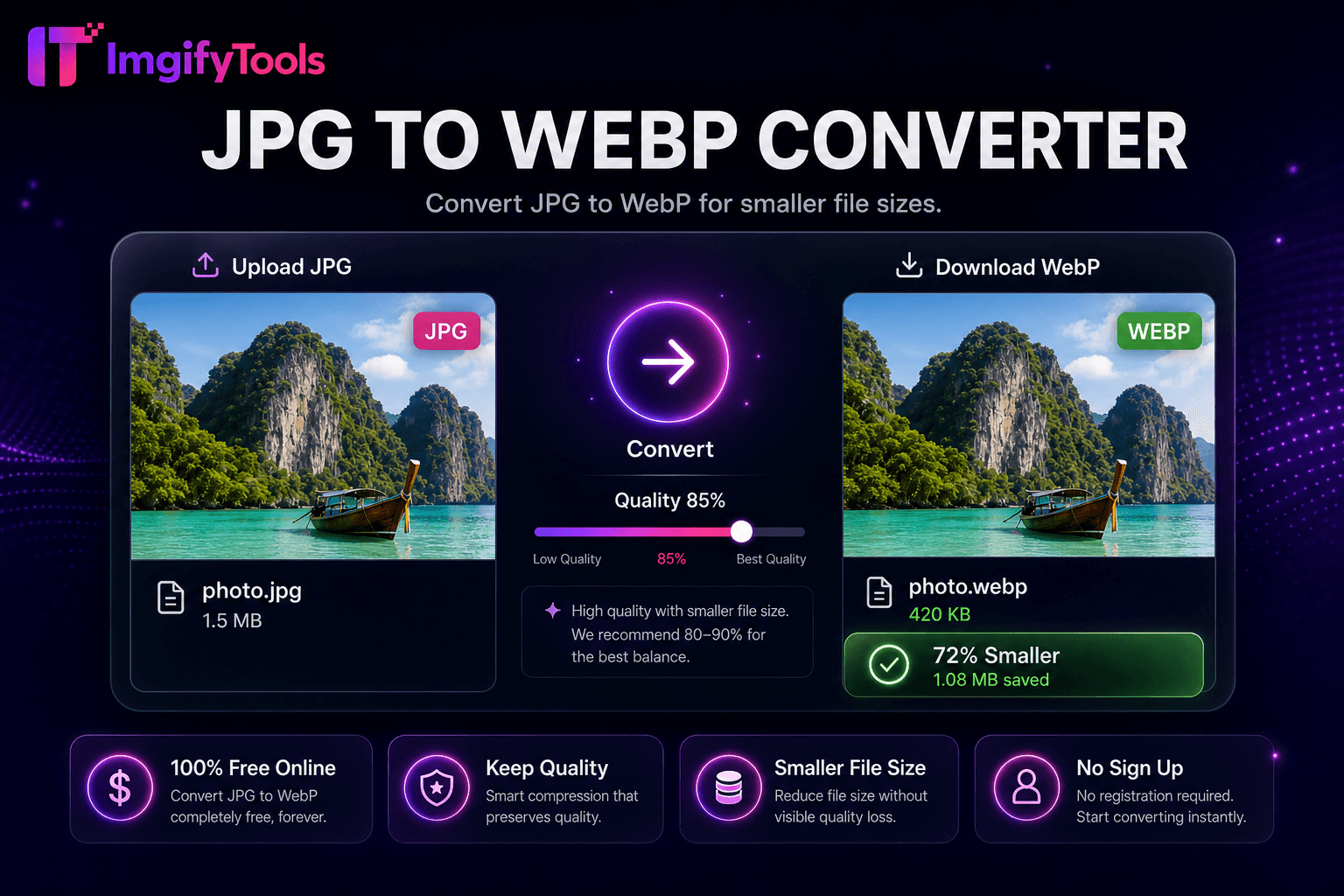
تحويل JPG إلى WebP لأحجام ملفات أصغر.
أداة الإطلاقتحويل صور WebP إلى تنسيق JPG. سريع وآمن ومجاني بالكامل — لا يلزم التسجيل.
يقوم ImgifyTools WebP to JPG Converter بتحويل صور WebP الحديثة إلى ملفات JPEG متوافقة عالميًا لعملاء البريد الإلكتروني ومنصات CMS القديمة وبائعي الطباعة والمتعاونين الذين لا يستطيعون فتح WebP. تدفع Google وشبكات CDN WebP لتوفير عرض النطاق الترددي، لكن Outlook وبعض برامج الجدولة الاجتماعية وعارضي Windows الأقدم لا يزالون يتوقعون JPG. يتلقى المصممون أصول WebP من المطورين ويجب عليهم تسليم JPG إلى محلات الطباعة. يقوم المدونون بترحيل مكتبات وسائط WebP مرة أخرى إلى JPG أثناء عمليات ترحيل المضيف. يقوم المحول بفك تشفير WebP - بما في ذلك المتغيرات التي لا تحتوي على فقدان أو فقدان البيانات - ويعيد تشفير JPG بالجودة التي اخترتها مع تسوية الخلفية الاختيارية عند وجود قنوات ألفا. يتم تعيين الأبعاد ومعلومات الألوان إلى مخرجات sRGB JPEG القياسية. تحويلات مجانية وفورية وغير محدودة دون تثبيت برامج الترميز أو أدوات سطر الأوامر المساعدة على جهازك.
قم بتحميل ملف WebP الخاص بك عبر السحب والإفلات أو التصفح.
قم بتعيين جودة JPEG ولون الخلفية في حالة وجود الشفافية.
تحويل WebP إلى JPG بنقرة واحدة.
مراجعة حجم الإخراج وجودة الصورة في المعاينة.
قم بتنزيل ملف JPG للبريد الإلكتروني أو الطباعة أو تحميل النظام الأساسي القديم.
على عكس العديد من المنصات الأخرى التي تتنازل عن الجودة أو تخفي النتائج خلف نظام حظر الاشتراك غير المدفوع، تقدم ImgifyTools مخرجات عالية الدقة مع التركيز على السرعة وخصوصية المستخدم. لا يلزم إنشاء حساب لبدء تحويل صورك.
يعمل فك تشفير WebP على توسيع تدفقات البت VP8 أو VP8L إلى صور نقطية RGB أو RGBA. إذا كان ألفا موجودًا، فحدد لونًا مسطحًا قبل تصدير JPEG نظرًا لأن JPG يفتقر إلى الشفافية. يتحكم شريط تمرير الجودة في جداول تكميم DCT لمخرجات JPEG. يتعامل المسار مع WebP المتحرك عن طريق تحويل الإطار الأول ما لم يتم تطبيق أدوات الرسوم المتحركة المخصصة — تحقق من الإخراج للمصادر المتحركة. يتم عرض مقارنة حجم الملف بالنسبة إلى WebP المصدر. تضمن المكتبات الموجودة على جانب الخادم دعمًا واسعًا لميزات WebP، بما في ذلك الأوضاع غير المفقودة أو شبه المفقودة.
غالبًا ما ترفض قوالب التسويق عبر البريد الإلكتروني مرفقات WebP - حيث تقوم بتحويل الصور الرئيسية إلى JPG بجودة 85. تتجنب معامل الطباعة التي تطلب JPEG من تنزيلات موقع WebP مفاجآت الألوان عن طريق التحويل باستخدام إعدادات جودة متسقة. يقوم مستخدمو Windows الذين يشاركون لقطات شاشة WebP بالتحويل قبل إرسالها إلى العملاء على الأنظمة القديمة. بعد التحويل، قم بتشغيل ضاغط الصور إذا ظلت أهداف البايت ضيقة. إذا كنت بحاجة إلى الشفافية في سير عمل قديم، فقم بتحويل WebP إلى PNG بدلاً من ذلك. قم بترحيل النسخ الاحتياطية لـ CDN WebP أثناء تغييرات النظام الأساسي باستخدام محور محول التنسيق.
تعرف على كيفية مقارنة webp to jpg converter المجانية بـ iLoveIMG من حيث السعر والحدود والميزات.
| ميزة | ⟦0 | iLoveIMG |
|---|---|---|
| سعر | تحويلات مجانية وغير محدودة | مجاني مع الإعلانات. قسط يزيل الحدود |
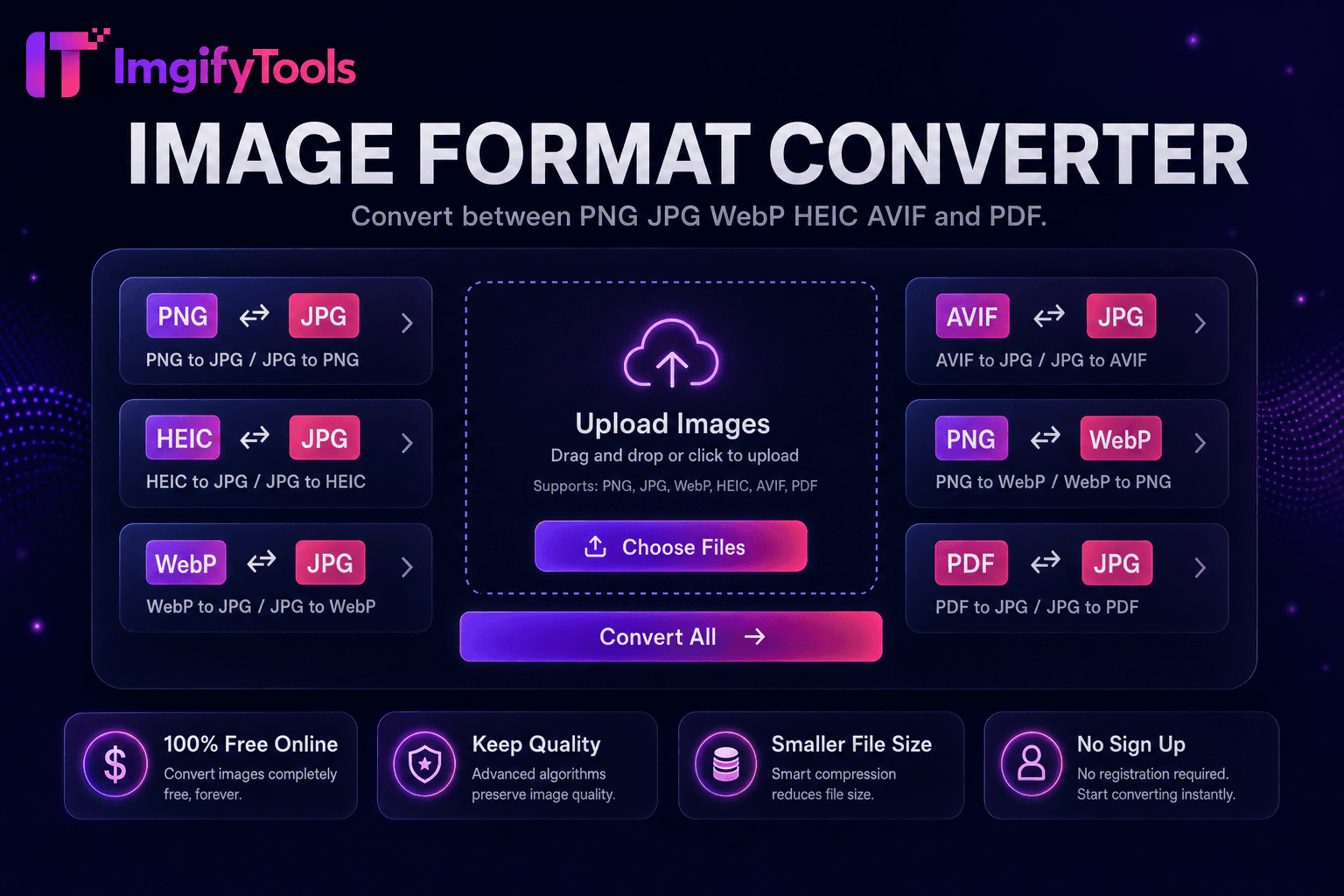
| تغطية التنسيق | PNG، JPG، WebP، HEIC، AVIF، PDF | دعم تنسيق واسع |
| تحويل دفعة | يدعم Hub أدوات متعددة | دفعة على قسط |
| إعدادات الجودة | الحفاظ على الجودة أو تحسينها | إعدادات مسبقة الجودة القياسية |
| خصوصية | لا يوجد تخزين دائم | المعالجة السحابية المؤقتة |
| سرعة | تحويل سريع من جانب الخادم | معالجة سحابية سريعة |
| أدوات إضافية | مجموعة كاملة على منصة واحدة | صفحات أدوات منفصلة |
المزيد من الأدوات
أدوات متخصصة أخرى لسير عملك.