Resize Image to 20KB
ضغط أي صورة إلى أقل من 20 كيلو بايت.
أداة الإطلاقيمكنك ضغط JPG وPNG وWebP دون فقدان الجودة بشكل واضح. سريع وآمن ومجاني بالكامل — لا يلزم التسجيل.
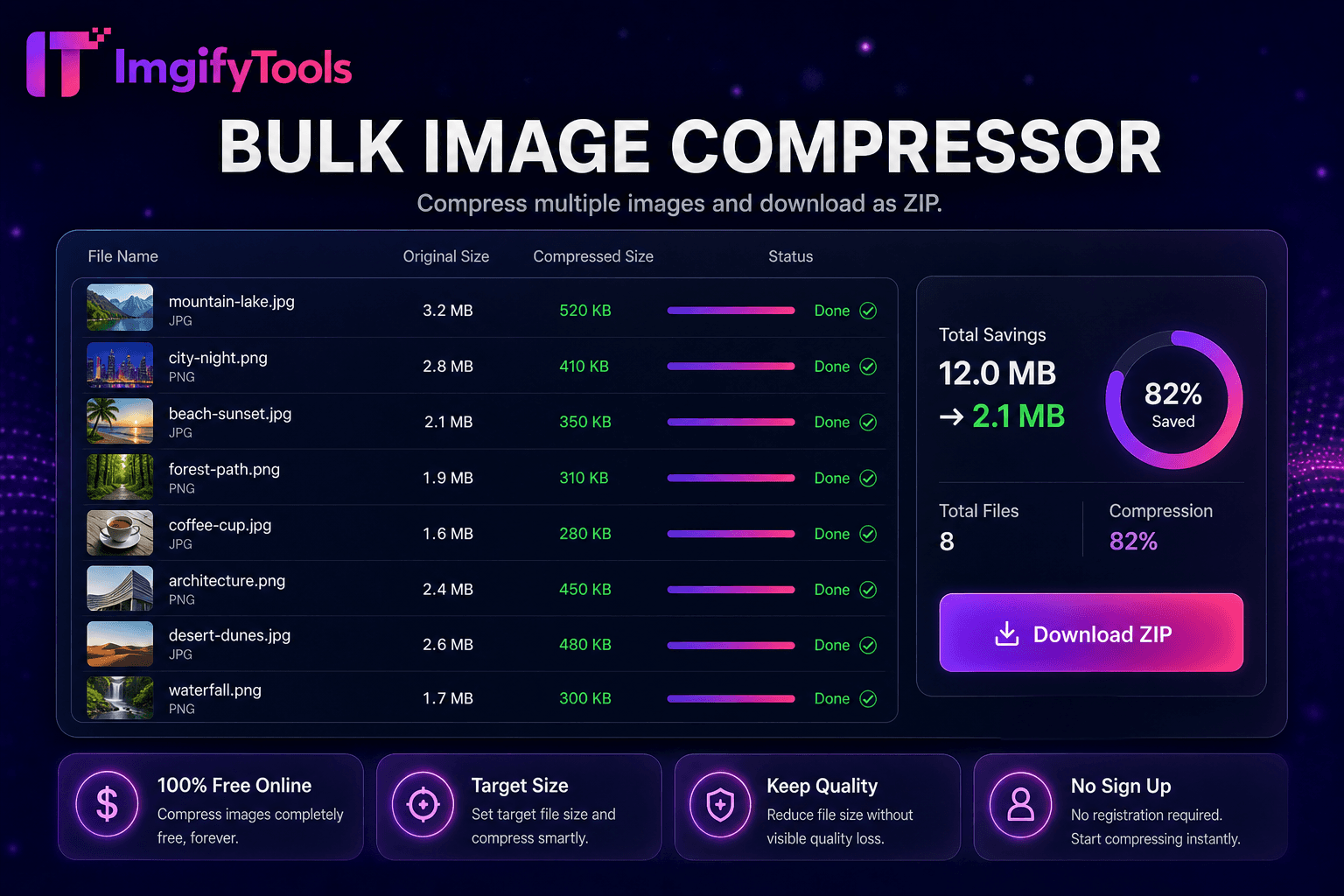
يعمل ImgifyTools Image Compressor على تقليل حجم الملف مع الحفاظ على الصور واضحة بصريًا - وهو أمر ضروري لمواقع الويب الأسرع ومرفقات البريد الإلكتروني وتحميلات التطبيقات التي تفرض حدودًا بالميجابايت. تعمل ملفات PNG وJPG غير المحسنة من الكاميرات والتصميم على تصدير أوقات تحميل الصفحات البطيئة، مما يؤدي إلى الإضرار بنتائج مؤشرات أداء الويب الأساسية، وترتد زائري الأجهزة المحمولة على الاتصالات البطيئة. يطبق الضاغط الخاص بنا استهدافًا ذكيًا للجودة: فهو يحلل محتوى الصورة ويطبق تكميم JPEG أو تحسين PNG المناسب بحيث تظل حواف النص واضحة وتتجنب ألوان البشرة النطاقات. يقوم المدونون بتقليص الصور الرئيسية قبل تحميلها على WordPress. حقق المطورون ميزانيات أداء Lighthouse دون التضحية بالجودة الملحوظة. يقوم البائعون بضغط معارض القوائم للحصول على الحد الأقصى للتحميل في السوق. يتيح لك شريط تمرير الجودة القابل للتعديل معاينة المفاضلات بين وحدات البايت المحفوظة والمصنوعات المرئية قبل الالتزام. يمكن للمستخدمين ذوي التفكير المجمعي التبديل إلى الضاغط المجمع الخاص بنا لمجلدات الأصول. على عكس الضواغط التلقائية العمياء التي تسحق الجودة بشكل موحد، يوازن ImgifyTools بين تقليل الحجم والدقة التي يراها الإنسان. مجاني وفوري ومراعي للخصوصية - تتم معالجة صورك أثناء الجلسة دون الحاجة إلى تخزين دائم.
قم بتحميل صورة واحدة أو أكثر بتنسيق JPG أو PNG أو WebP.
قم بتعيين مستوى الجودة المطلوب أو استخدم المستوى الافتراضي الموصى به.
قم بمعالجة الصورة ومراجعة المعاينة المضغوطة.
قارن بين تقليل حجم الملف وعدد البايتات الأصلي.
قم بتنزيل الملف الأمثل الجاهز للويب أو البريد الإلكتروني أو التحميل.
على عكس العديد من المنصات الأخرى التي تتنازل عن الجودة أو تخفي النتائج خلف نظام حظر الاشتراك غير المدفوع، تقدم ImgifyTools مخرجات عالية الدقة مع التركيز على السرعة وخصوصية المستخدم. لا يلزم إنشاء حساب لبدء تحويل صورك.
يبدأ الضغط عن طريق فك تشفير ملفات JPG أو PNG أو WebP التي تم تحميلها إلى صورة نقطية عاملة. بالنسبة لمخرجات JPEG، يطبق المشفر عينات فرعية من اللون وجداول الجودة التي تم ضبطها للحفاظ على الحواف في المناطق عالية التباين مع السماح بالتكميم الأكثر قوة في السماء الناعمة ومناطق الجلد. يؤدي تحسين PNG إلى إعادة فهرسة اللوحات، وإزالة البيانات التعريفية غير الضرورية، وتطبيق مرشحات بدون فقدان عندما يكون ذلك مفيدًا. يمكنك تعيين نسبة الجودة المستهدفة أو قبول الإعدادات الافتراضية الذكية؛ تقوم الأداة بإعادة ترميز أعداد البايتات الأصلية مقابل أعداد البايتات المضغوطة والإبلاغ عنها حتى تتمكن من التكرار. يتم ضبط علامات اتجاه EXIF بشكل صحيح حتى لا تظهر الصور مدورة بعد الضغط. تنزيلات الإخراج على الفور كملف جديد؛ لا يتم الكتابة فوق التحميل الأصلي الخاص بك أبدًا. يستخدم التشفير من جانب الخادم مكتبات متوافقة مع معايير الصناعة تم ضبطها للتسليم عبر الويب.
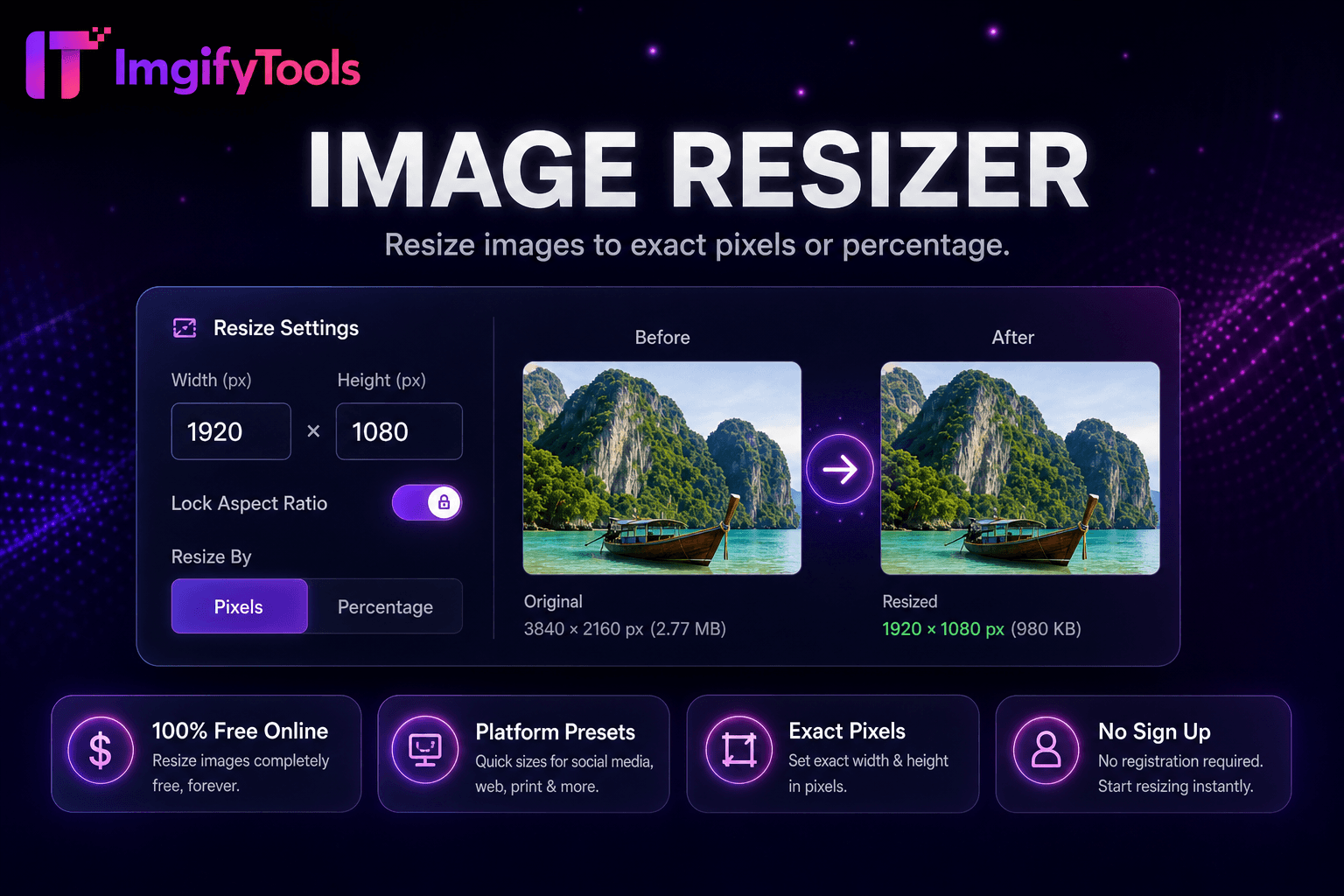
اضغط قبل التحميل إلى Shopify أو WooCommerce أو Amazon للوفاء بإرشادات ملفات النظام الأساسي وتحسين سرعة واجهة المتجر. تظل الرسائل الإخبارية عبر البريد الإلكتروني ضمن حدود حجم الموفر عندما تمر الصور الرئيسية عبر الضاغط بجودة 75-85. يعمل مطورو تطبيقات الأجهزة المحمولة على تقليل تكاليف النطاق الترددي لـ CDN على الخلاصات ذات الصور الثقيلة. بالنسبة إلى لقطات الشاشة التي تحتوي على نص، تفضل جودة PNG أو JPEG أعلى لتجنب الكتابة غير الواضحة. يقوم المصورون بتسليم معارض الويب للعملاء بأحجام محسنة للويب أثناء أرشفة النسخ الأصلية بشكل منفصل. قم بالاقتران مع أداة تغيير حجم الصورة عندما تحتاج إلى تقليل الأبعاد والبايت. قم بتشغيل الضغط المجمع عند ترحيل مكتبات الوسائط بعد إعادة تصميم الموقع.
تعرف على كيفية مقارنة image compressor المجانية بـ TinyPNG من حيث السعر والحدود والميزات.
| ميزة | ⟦0 | TinyPNG |
|---|---|---|
| سعر | مجاني مع ضوابط الجودة | مجانًا: 20 صورة/الشهر؛ الخطط الاحترافية متاحة |
| طريقة الضغط | الجودة الذكية + استهداف الحجم | تحسين PNG/JPG مع فقدان البيانات |
| دعم التنسيق | جبغ، بابوا نيو غينيا، ويب بي | PNG و JPG في المقام الأول |
| ضغط بالجملة | أداة مخصصة السائبة المتاحة | ما يصل إلى 20 مجانا لكل دفعة |
| ضبط الجودة | شريط تمرير عالي الجودة قابل للتعديل | التحسين التلقائي |
| الوصول إلى واجهة برمجة التطبيقات | يعتمد على الويب، ولا يوجد مفتاح API | واجهة برمجة تطبيقات المطور على الطبقة المدفوعة |
| تحميل | تحميل متصفح فوري | تحميل فوري |
المزيد من الأدوات
أدوات متخصصة أخرى لسير عملك.