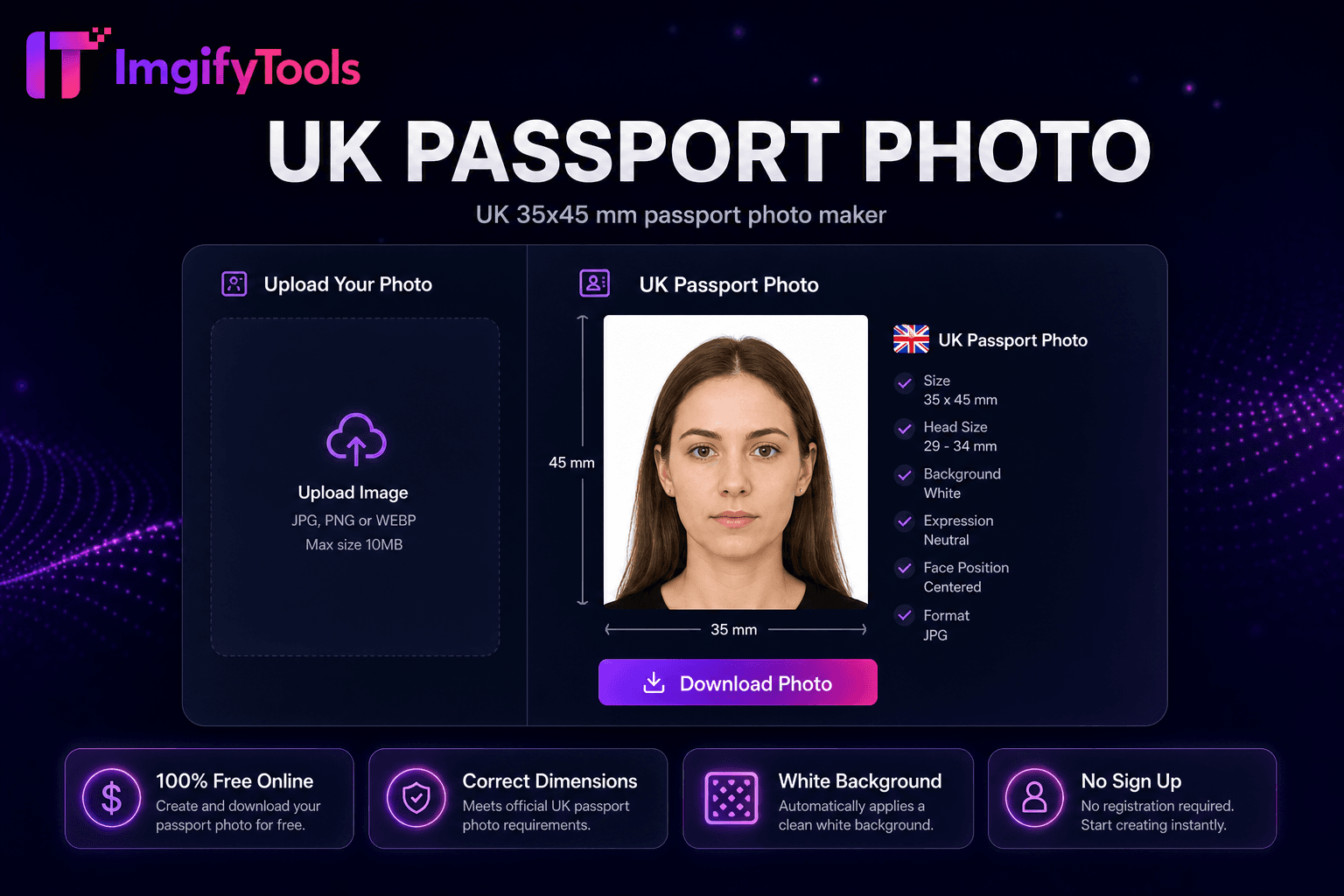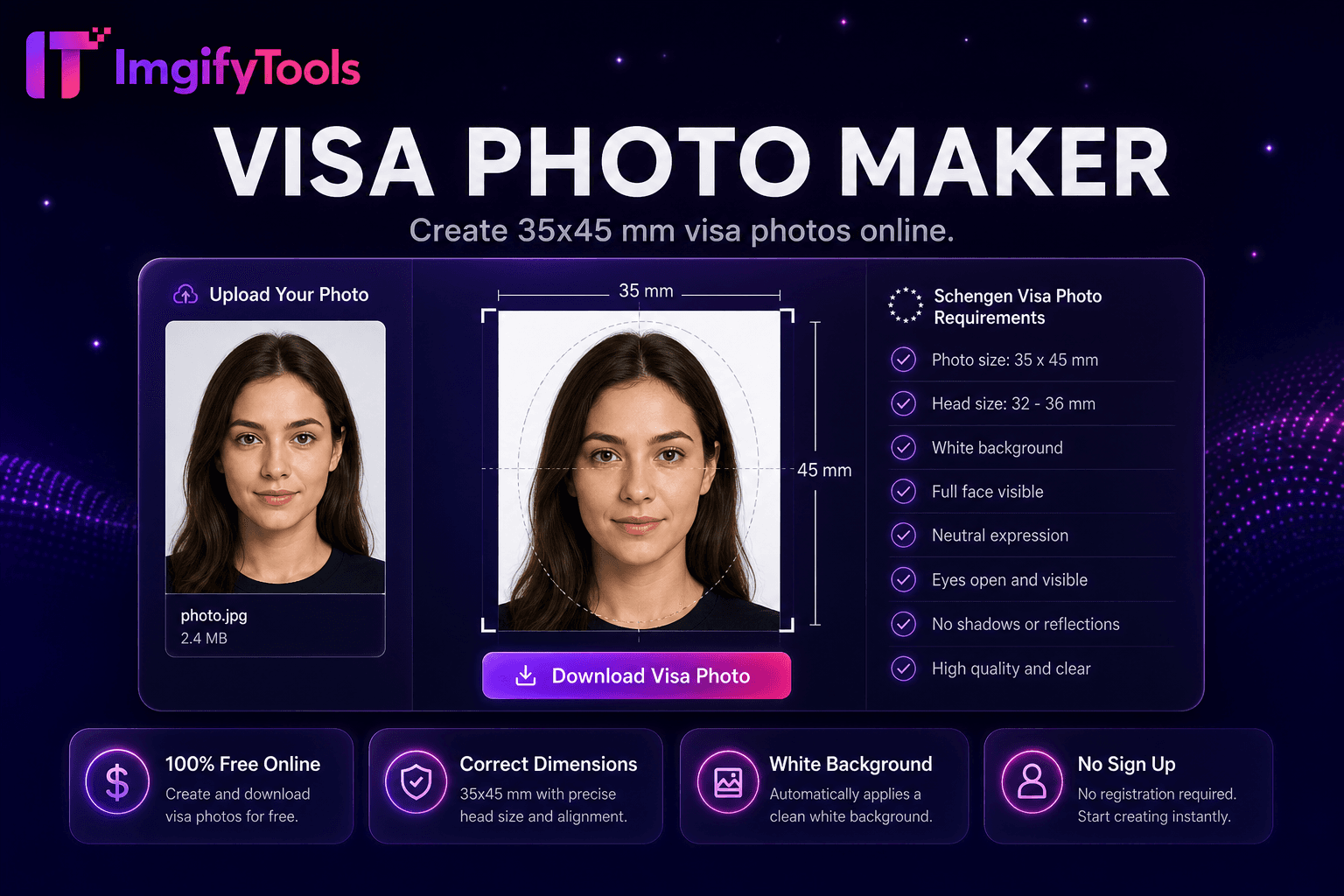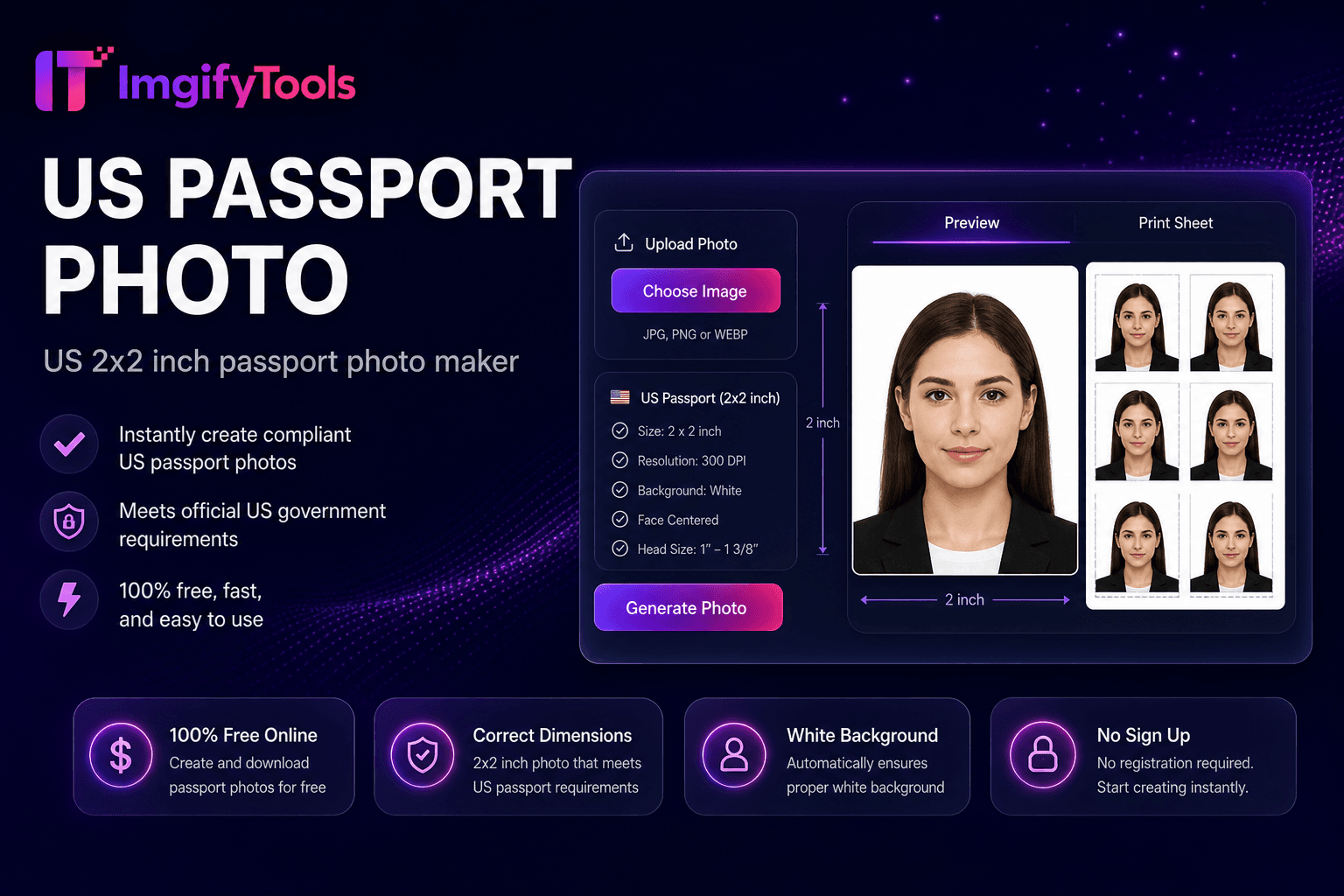
US Passport Photo
صانع صور جواز السفر الأمريكي مقاس 2 × 2 بوصة.
أداة الإطلاققم بإنشاء صور بحجم جواز السفر بخلفية بيضاء. سريع وآمن ومجاني بالكامل — لا يلزم التسجيل.
يقوم ImgifyTools Passport Photo Maker بإنشاء صور هوية متوافقة من صور شخصية ولقطات شخصية يومية - القص إلى الأبعاد القياسية، وضبط نسب حجم الرأس، وتطبيق الخلفيات البيضاء أو البيضاء المطلوبة لجوازات السفر والتأشيرات وتطبيقات الهوية الوطنية. زيارات الاستوديو الاحترافية تكلف الوقت والمال؛ أكشاك الصيدليات تختلف في الجودة. قم بتحميل صورة أمامية تم التقاطها على جدار عادي، وسيقوم الذكاء الاصطناعي بمحاذاة وجهك ضمن الأدلة الرسمية، وإزالة الخلفيات المشتتة للانتباه، وتصدير ملفات جاهزة للطباعة بحجم يناسب المتطلبات العامة بما في ذلك مواصفات جواز السفر الأمريكي مقاس 2 × 2 بوصة. يقوم الطلاب والمهاجرون والمسافرون الدائمون والعاملون عن بعد بتجديد المستندات دون جدولة المواعيد. قم بتنزيل ملف JPG الرقمي للتطبيقات عبر الإنترنت أو ورقة صور متعددة منسقة لورق طابعة صور مقاس 4×6. مجاني وفوري ومقترن بصانع صور التأشيرة وأدوات جواز السفر 2 × 2 للمتغيرات الخاصة بالمنطقة. تحقق دائمًا من المخرجات النهائية وفقًا للإرشادات الحالية لسلطة الإصدار الخاصة بك.
Jurisdiction: US, UK, Canada, India, Pakistan, and common ID⟦0s sizes. Last checked against the official source on 2026-08-09.
جواز السفر الرسمي وقواعد صورة الهوية يمكن أن تتغير. ويعاد دائما التحقق من المصدر الحكومي المرتبط به )وسلطة بلدكم( قبل تقديم الطلب.
. . . يساعد في المحاصيل، الحجم، وإعداد الخلفية فقط. ولا تضمن قبول أي جواز سفر أو تأشيرة أو سلطة هوية.
View official government sourceالتقط أو قم بتحميل صورة أمامية بإضاءة متساوية.
حدد حجم صورة جواز السفر أو بطاقة الهوية مسبقًا لبلدك.
اسمح للذكاء الاصطناعي بالاقتصاص ومحاذاة حجم الرأس وتطبيق الخلفية المتوافقة.
معاينة المحاذاة مقابل تراكبات الدليل التي تظهر على الشاشة.
قم بتنزيل الملف الرقمي أو ورقة الطباعة لتقديمها.
على عكس العديد من المنصات الأخرى التي تتنازل عن الجودة أو تخفي النتائج خلف نظام حظر الاشتراك غير المدفوع، تقدم ImgifyTools مخرجات عالية الدقة مع التركيز على السرعة وخصوصية المستخدم. لا يلزم إنشاء حساب لبدء تحويل صورك.
يعمل اكتشاف الوجه على تحديد موقع العينين والأنف والذقن لحساب ارتفاع الرأس كنسبة مئوية من الإطار، وهو مقياس رئيسي في قواعد صور جواز السفر. يؤدي الاقتصاص التلقائي إلى توسيط الوجه داخل تراكبات القالب التي تطابق نوع المستند المحدد. تؤدي إزالة الخلفية إلى استبدال المشاهد المزدحمة بتعبئة متوافقة باللون الأبيض أو الرمادي الفاتح. يعمل تطبيع التعريض على تقليل الظلال الموجودة على جانب واحد من الوجه، وهو أمر شائع في صور السيلفي المنزلية. يتم عرض المخرجات بأبعاد البكسل الدقيقة لبوابات التحميل الرقمية وتخطيطات ورق الطباعة الاختيارية مع نسخ متعددة على أحجام ورق الصور الفوتوغرافية القياسية. تعرض تراكبات المعاينة هوامش الرأس المقبولة قبل التنزيل.
قم بتجديد جوازات السفر الأمريكية بصور مقاس 2 × 2 بوصة تم التقاطها في المنزل باستخدام ضوء النافذة المواجه لوجهك. يقوم المتقدمون للحصول على التأشيرة بإعداد متغيرات شنغن 35 × 45 ملم أو المملكة المتحدة 45 × 35 ملم عبر الأدوات ذات الصلة. ارتداء ملابس عادية متباينة مع الخلفية؛ تجنب الزي الرسمي والمجوهرات الثقيلة ما لم ينطبق الإعفاء الديني. لا يوجد وهج للنظارات في العديد من الولايات القضائية - قم بإزالة النظارات إذا كانت اللوائح تتطلب ذلك. حافظ على تعبيرات محايدة، وفم مغلق، وعينان مفتوحتان. قم بالطباعة على ورق صور غير لامع في CVS أو Walgreens باستخدام تخطيط الورقة 4 × 6 للحفظ مقابل عدادات صور جواز السفر.
تُستخدم صور جوازات السفر لتجديد كتاب جوازات السفر وتُدرج وفقاً لمعيار جوازات سفر بلدكم (مثل 2 x2 بوصة). صور الفيزا تتبع مواصفات تأشيرات بلد المقصد غالباً 35 ×45 مليمتر لـ (شينغن) لكن الأحجام تتباين صور الهوية تغطي بطاقات الهوية الوطنية، ورخص القيادة، وتصاريح العمل بقواعد البعد الخاصة بهم. وفي حين تختلف الأبعاد، فإن نفس قواعد الجودة تنطبق: الخلفية الواضحة، والتعبير المحايد، والصورة الأخيرة، وعدم وجود مرشحات. وتغطي هذه الأداة جوازات السفر المشتركة ومسابقات الهوية؛ وتستخدم مصانع فيسا فيوتو لتشيغن وحجم التأشيرات الدولية.
بعد إنشاء صورة جواز سفرك الرقمي، تحميل ورقة مطبوعة من 46 بوصة مع نسخ متعددة ملصقة لورقة طابعة موحدة. طباعة في CVS، والغرينز، أو أي كشك صور لجزء من أسعار الاستوديو. استعملي ورقة الصور لأفضل دقة لون مخطط الأوراق ينقذك من ترتيب نسخ يدوية في تطبيق مطبوع
تعرف على كيفية مقارنة passport photo maker المجانية بـ photoaid.com من حيث السعر والحدود والميزات.
| ميزة | ⟦0 | photoaid.com |
|---|---|---|
| سعر | أداة مجانية لصور جواز السفر | صورة رقمية مجانية؛ رسوم الطباعة اضافية |
| امتثال البلد | الإعدادات المسبقة ذات الحجم المشترك (2x2، التأشيرة) | أكثر من 100 قالب دولة |
| خلفية | خلفية بيضاء/بيضاء تلقائية | التحقق من خلفية الامتثال |
| تخطيط الطباعة | تحميل ورقة جاهزة للطباعة | الطباعة في المنزل أو الالتقاط |
| كشف الوجه | محاذاة الوجه بالذكاء الاصطناعي والمحاصيل | تحديد المواقع التلقائي للوجه |
| التسليم الرقمي | تنزيل فوري بتنسيق JPG/PNG | خيارات الطباعة الرقمية + |
| يعيد | عمليات إعادة الالتقاط المجانية غير المحدودة | الدفع لكل صورة نهائية في بعض الخطط |
المزيد من الأدوات
أدوات متخصصة أخرى لسير عملك.