PDF to Image Converter
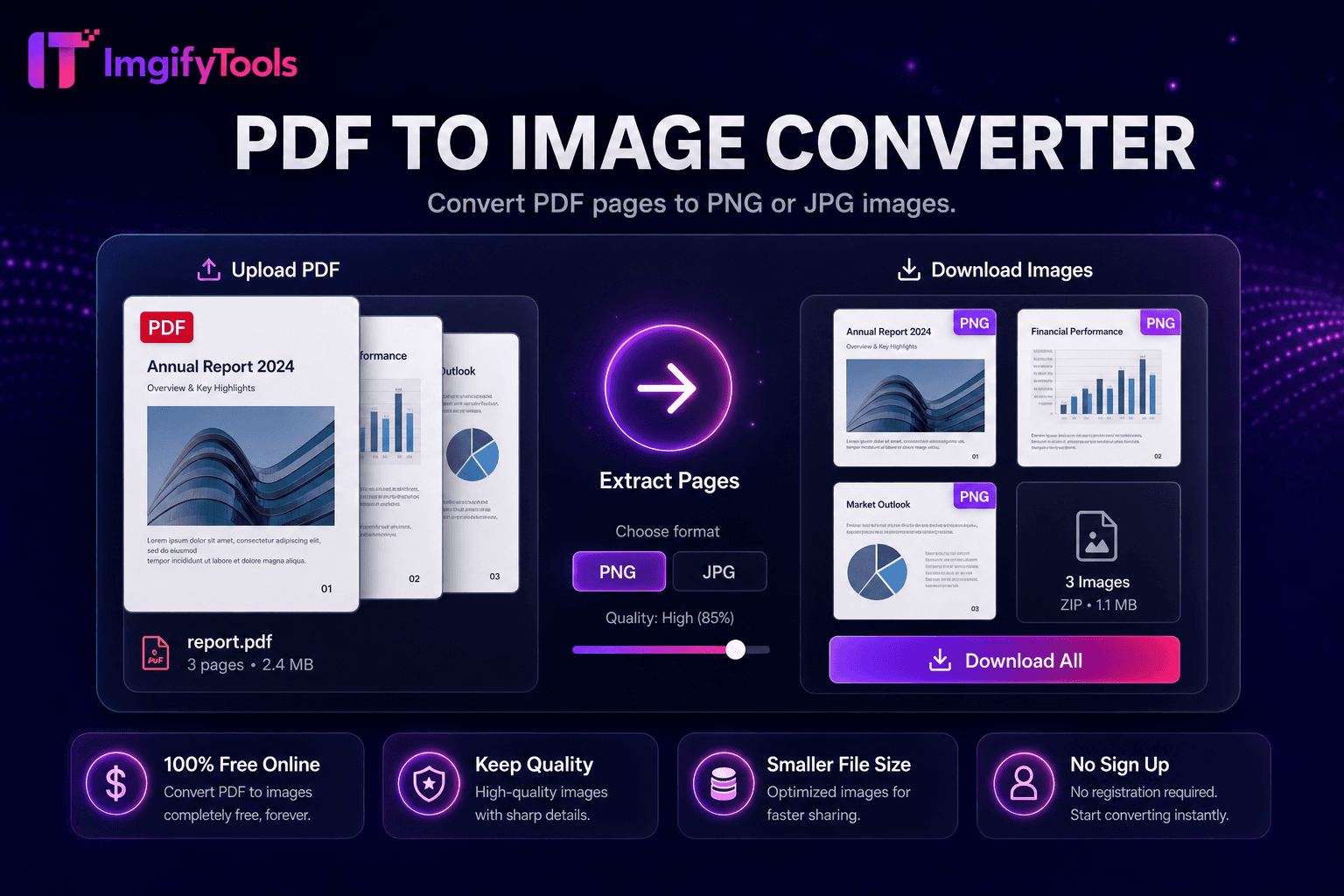
تحويل صفحات PDF إلى صور PNG أو JPG.
أداة الإطلاقتحويل الصور إلى مستندات PDF عبر الإنترنت. سريع وآمن ومجاني بالكامل — لا يلزم التسجيل.
يقوم ImgifyTools Image to PDF Converter بتجميع ملفات JPG وPNG وWebP في مستندات PDF مصقولة — عمليات مسح ضوئي لصفحة واحدة، ومحافظ صور متعددة، ومرفقات الفواتير، وأوراق صور جاهزة للطباعة. يرسل المحترفون أدلة PDF عبر البريد الإلكتروني بدلاً من مرفقات الصور السائبة التي يتم إعادة ترتيبها بشكل غير متوقع في صناديق البريد الوارد للعملاء. يرسل الطلاب عمليات مسح المهام بتنسيق PDF واحد لكل بوابات الجامعة. يقوم المطالبون بالتأمين بتجميع الصور التالفة في تحميل واحد. يقوم الملاك بتجميع صور حالة الانتقال لسجلات الإيجار. قم بترتيب ترتيب الصفحات واختيار اتجاه حجم الورق وتعيين الهوامش قبل التصدير. يقوم المحول بتحويل الصور إلى نقطية بدقة المصدر ما لم تظهر خيارات الاختزال لقيود حجم البريد الإلكتروني. لا يلزم الاشتراك في Acrobat لمهام التجميع الأساسية. مجاني، قائم على المتصفح، ومكمل لأداة تحويل PDF إلى صورة الخاصة بنا لسير العمل ذهابًا وإيابًا عند استخراج الصفحات مرة أخرى إلى JPG.
قم بتحميل صورة واحدة أو عدة صور JPG أو PNG أو WebP.
قم بترتيب ترتيب الصفحات وحدد حجم الورق في حالة وجود خيارات.
قم بإنشاء مستند PDF من صورك.
معاينة عدد الصفحات وحجم الملف المقدر.
قم بتنزيل ملف PDF للتحميل عبر البريد الإلكتروني أو الطباعة أو البوابة الإلكترونية.
على عكس العديد من المنصات الأخرى التي تتنازل عن الجودة أو تخفي النتائج خلف نظام حظر الاشتراك غير المدفوع، تقدم ImgifyTools مخرجات عالية الدقة مع التركيز على السرعة وخصوصية المستخدم. لا يلزم إنشاء حساب لبدء تحويل صورك.
تحميل صورة واحدة أو عدة صور؛ يقوم خط الأنابيب بتضمين كل منها كصفحة PDF بحجم أبعاد الصورة أو تنسيق الورق المحدد (A4، Letter). يتم فك تشفير JPEG وPNG إلى صور نقطية مضمنة في تدفقات PDF XObject مع ضغط اختياري لتقليل حجم بايت PDF. يتبع ترتيب الصفحة تسلسل التحميل ما لم تكن هناك عناصر تحكم في إعادة الترتيب. تناسب ملفات PDF متعددة الصور أوراق الاتصال بالصور وحزم الوثائق. تنزيلات الإخراج بتنسيق PDF قياسي يمكن قراءته في عارض Preview وAdobe Reader ومتصفح PDF. تتم المعالجة من جانب الخادم للتشفير الموثوق به عبر الصور الكبيرة متعددة الميجابكسل.
قم بدمج صور الإيصالات في ملف PDF واحد لتقارير النفقات. دمج نماذج التصميم لحزم تسجيل خروج العميل. إنشاء ملفات صور لمقترحات التصوير الفوتوغرافي المستقلة. قم بتعيين الاتجاه لكل دفعة - تعمل صور الهاتف الشخصية على الصفحات الشخصية ذات الحروف على تقليل الهوامش غير الملائمة. قم بضغط الصور قبل تجميع PDF إذا كان موفرو البريد الإلكتروني يفرضون حدودًا تبلغ 25 ميجابايت. بالنسبة لتخطيطات طباعة جواز السفر، استخدم أدوات جواز السفر المخصصة التي ترتب شبكات 2 × 2 على أوراق مقاس 4 × 6 بدلاً من تحويل الصورة العامة إلى ملف PDF عندما يكون الامتثال مهمًا.
تعرف على كيفية مقارنة image to pdf converter المجانية بـ iLoveIMG من حيث السعر والحدود والميزات.
| ميزة | ⟦0 | iLoveIMG |
|---|---|---|
| سعر | تحويلات مجانية وغير محدودة | مجاني مع الإعلانات. قسط يزيل الحدود |
| تغطية التنسيق | PNG، JPG، WebP، HEIC، AVIF، PDF | دعم تنسيق واسع |
| تحويل دفعة | يدعم Hub أدوات متعددة | دفعة على قسط |
| إعدادات الجودة | الحفاظ على الجودة أو تحسينها | إعدادات مسبقة الجودة القياسية |
| خصوصية | لا يوجد تخزين دائم | المعالجة السحابية المؤقتة |
| سرعة | تحويل سريع من جانب الخادم | معالجة سحابية سريعة |
| أدوات إضافية | مجموعة كاملة على منصة واحدة | صفحات أدوات منفصلة |
المزيد من الأدوات
أدوات متخصصة أخرى لسير عملك.