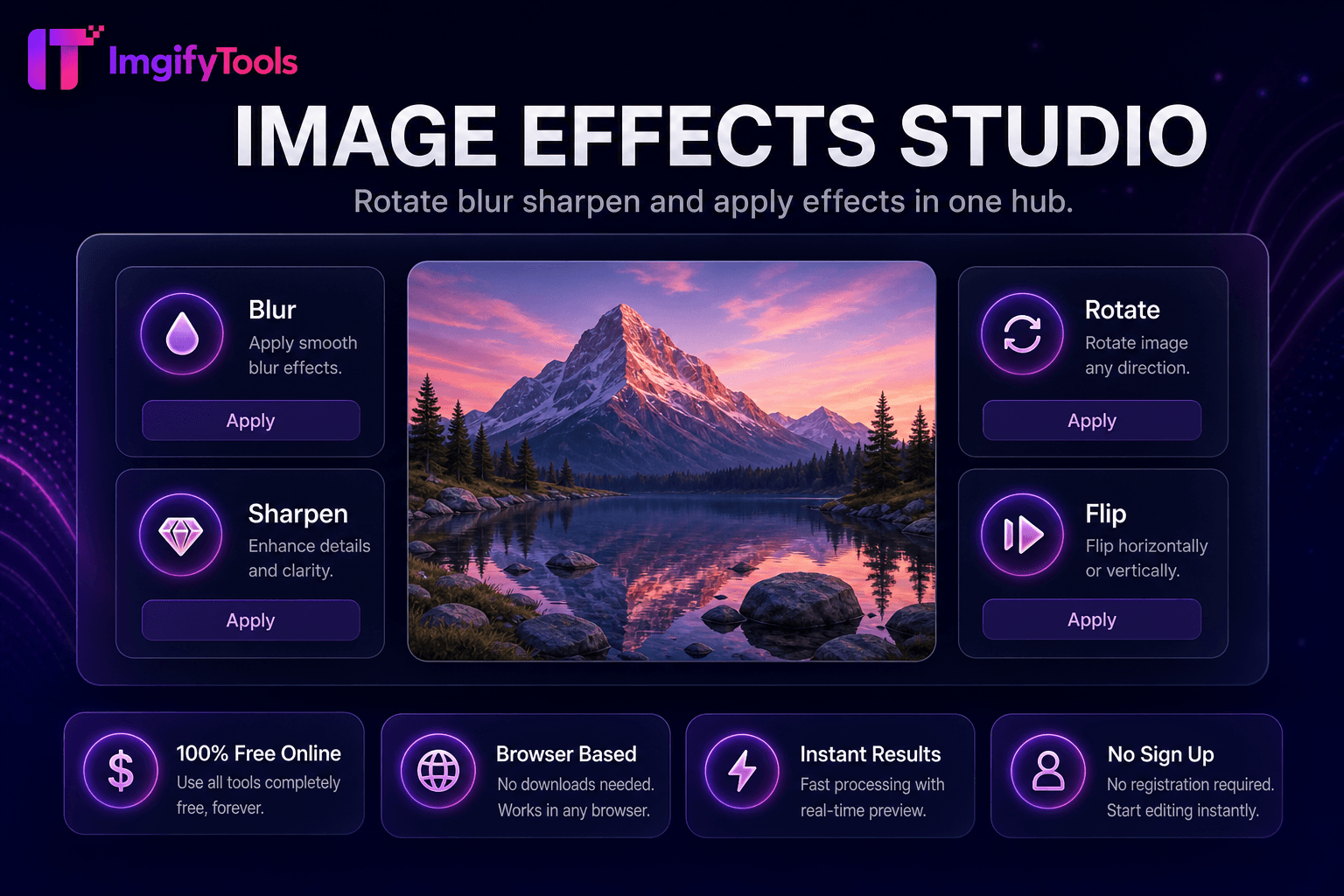
Image Effects Studio
قم بتدوير التأثيرات وطمسها وشحذها وتطبيقها في مركز واحد.
أداة الإطلاقأضف نصًا مخصصًا إلى الصور عبر الإنترنت. سريع وآمن ومجاني بالكامل — لا يلزم التسجيل.
يضيف ImgifyTools Text Overlay طباعة قابلة للتخصيص مباشرة على الصور — عروض الأسعار، وشارات البيع، وتواريخ الأحداث، والعلامات المائية، وتسميات الحث على اتخاذ إجراء — دون فتح Canva أو Photoshop. يقوم المسوقون بختم العروض لفترة محدودة على اللافتات الترويجية. يقوم منظمو الأحداث بنشر الجداول الزمنية على رسومات البطل. يغطي بكرات التسمية التوضيحية المؤثرة قبل التحميل. تقوم الشركات الصغيرة بإنشاء إعلانات بيع متسقة من صور المنتج. التحكم في حجم الخط واللون والمحاذاة والعتامة والموضع من خلال المعاينة المباشرة بحيث يظل النص قابلاً للقراءة على الخلفيات المزدحمة. تقبل الأداة تحميلات JPG وPNG وتصدير الصور المسطحة الجاهزة لـ Instagram ورؤوس البريد الإلكتروني والصور المميزة للمدونة. على عكس برامج تحرير سطح المكتب ذات منحنيات التعلم الحادة، فإن سير عمل التراكب هو التحميل والكتابة والنمط والتنزيل - في ثوانٍ من الفكرة إلى الأصل القابل للمشاركة. قم بالاقتران مع أداة تغيير حجم الوسائط الاجتماعية للوصول إلى أبعاد النظام الأساسي الدقيقة بعد إضافة النص. مجاني، يعتمد على المتصفح، ومثالي للحملات السريعة عندما يكون النطاق الترددي للتصميم محدودًا ولكن يجب شحن الرسائل اليوم.
قم بتحميل صورتك الأساسية بتنسيق JPG أو PNG.
أدخل النص الذي تريد عرضه على الصورة.
اضبط حجم الخط ولونه ومحاذاته وموضعه على لوحة المعاينة.
قم بمراجعة إمكانية القراءة بالحجم الذي سيراه جمهورك على الهاتف المحمول.
قم بتنزيل الصورة المسطحة مع النص المخبأ.
على عكس العديد من المنصات الأخرى التي تتنازل عن الجودة أو تخفي النتائج خلف نظام حظر الاشتراك غير المدفوع، تقدم ImgifyTools مخرجات عالية الدقة مع التركيز على السرعة وخصوصية المستخدم. لا يلزم إنشاء حساب لبدء تحويل صورك.
بعد تحميل صورة أساسية، يعرض المحرر طبقة نص في الأعلى بخصائص قابلة للتكوين: تحديدات عائلة الخطوط من مجموعات آمنة على الويب، ومنتقي الألوان السداسية، وعناصر التحكم في الخط الغامق والمحاذاة، وتحديد موضع السحب في معاينة اللوحة القماشية. يحافظ مانع التعرج على سلاسة الحواف عند دقة التصدير التي تتوافق مع أبعاد المصدر لديك. قد يتم دعم كتل نصية متعددة اعتمادًا على إصدار الواجهة؛ كل موقف كتلة بشكل مستقل. قم بتصدير طبقات التسوية إلى صورة نقطية JPG أو PNG واحدة مناسبة للأنظمة الأساسية التي لا تدعم طبقات نص منفصلة. تتم المعالجة من جانب العميل أو من جانب الخادم اعتمادًا على التنفيذ، مع تحديثات المعاينة الفورية أثناء تحرير النسخة. لا يتم تثبيت أي خطوط على جهازك بما يتجاوز ما توفره الأداة.
يتم تحويل تراكبات بيع الفلاش على صور المنتج بشكل أفضل عندما يتباين النص بشدة — كتابة بيضاء مع ظل داكن على الخلفيات المزدحمة، أو كتابة داكنة على لقطات المنتج الباهتة. احتفظ بالعناوين أقل من ست كلمات لسهولة القراءة على الهاتف المحمول بحجم الصورة المصغرة. ضع النص المهم داخل المناطق الآمنة عندما يتم اقتصاص الصورة للقصص. استخدم التراكبات شبه الشفافة خلف الكتل النصية لتحسين إمكانية القراءة دون حجب الصورة بالكامل. قم بتصدير PNG عندما تحتاج إلى حواف نص غير قابلة للفقدان؛ تعمل JPG بجودة عالية على قواعد التصوير الفوتوغرافي. ادمجها مع أداة العلامة المائية لإنشاء علامة تجارية دقيقة على المحتوى القابل للمشاركة.
تعرف على كيفية مقارنة text overlay tool المجانية بـ iloveimg من حيث السعر والحدود والميزات.
| ميزة | ⟦0 | iloveimg |
|---|---|---|
| سعر | أداة تراكب النص المجانية | مجاني مع الإعلانات. قسط يزيل الحدود |
| تخصيص النص | حجم الخط، اللون، المحاذاة، الموضع | أضف نصًا بالتصميم الأساسي |
| معاينة حية | معاينة قماش في الوقت الحقيقي | المعاينة قبل التحميل |
| الاشتراك مطلوب | لا حاجة لحساب | حساب اختياري للتاريخ |
| تنسيقات الإخراج | تصدير JPG و PNG | خيارات JPG، PNG، وPDF |
| خصوصية | تتم معالجتها أثناء الجلسة، ولا يتم تخزينها | المعالجة السحابية المؤقتة |
| الأدوات ذات الصلة | مجموعة متكاملة لتغيير الحجم والضغط | صفحات منفصلة لكل أداة |
الأدوات ذات الصلة
قم بتدوير التأثيرات وطمسها وشحذها وتطبيقها في مركز واحد.
أداة الإطلاق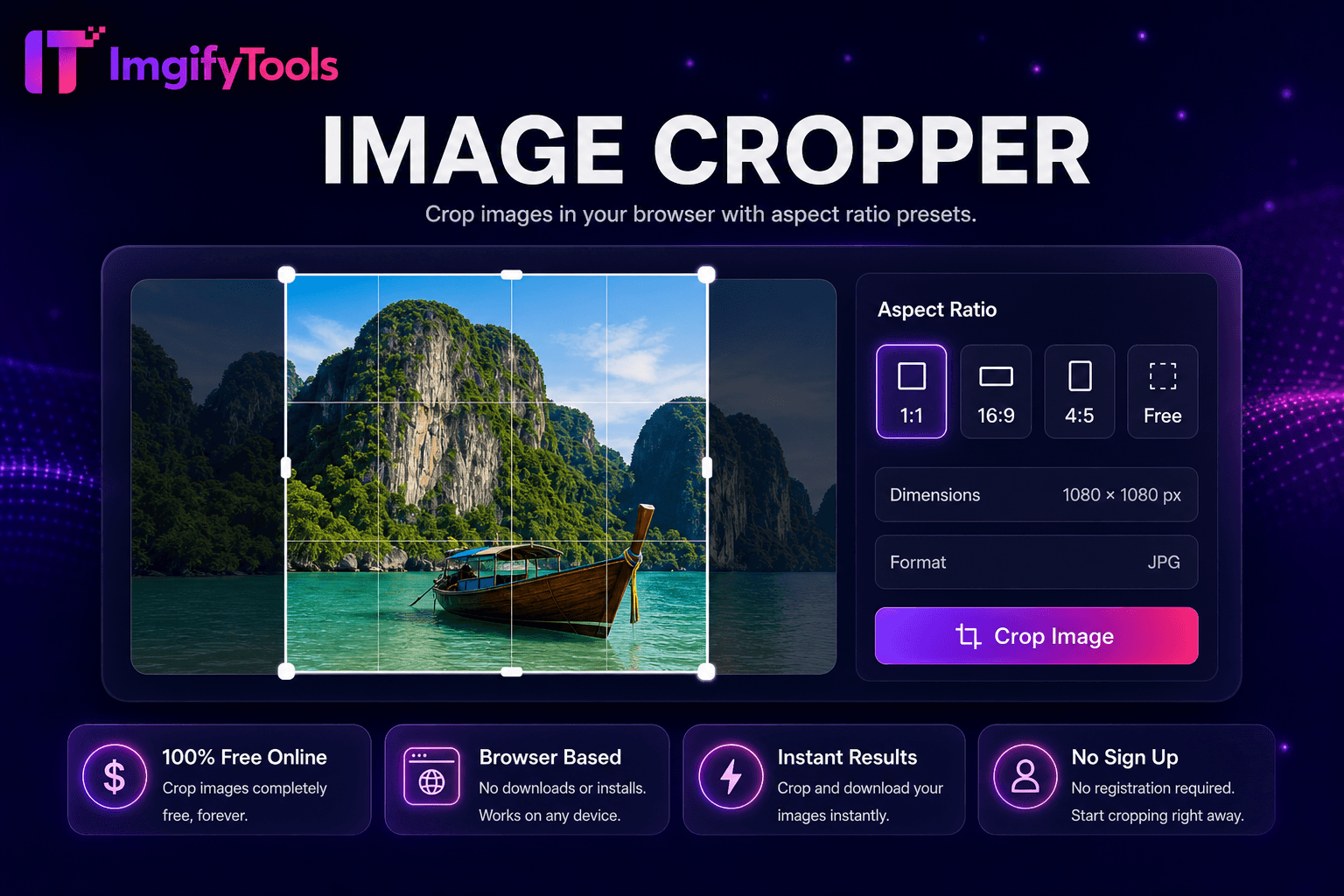
قم بقص الصور في متصفحك باستخدام الإعدادات المسبقة لنسبة العرض إلى الارتفاع.
أداة الإطلاق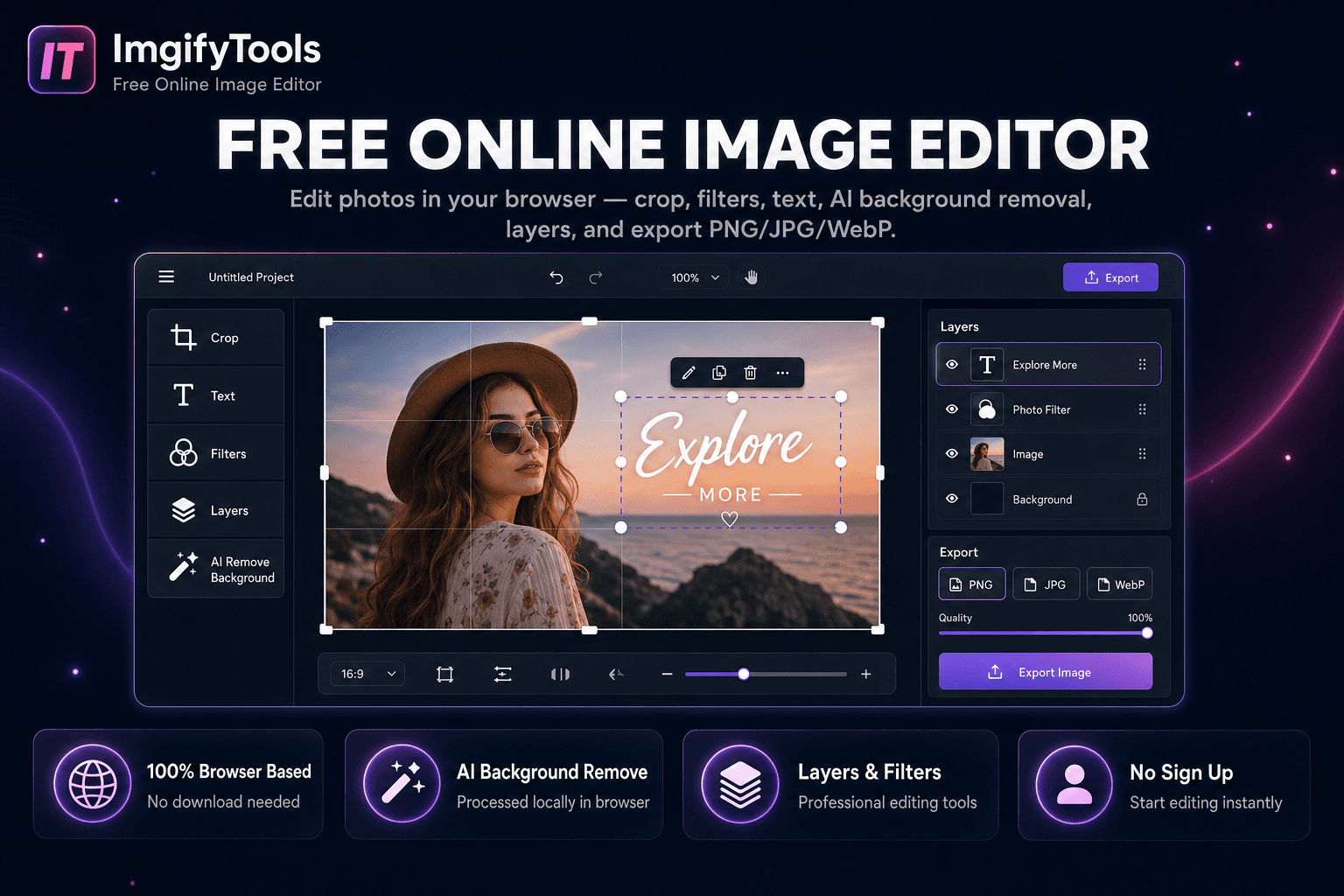
صور (إديت) في مركبك - المحصول، المرشّح، النص، إزالة خلفية AI، طبقات، والصادرات لا تحميل، لا إشارة.
أداة الإطلاقالمزيد من الأدوات
أدوات متخصصة أخرى لسير عملك.
قم بتدوير التأثيرات وطمسها وشحذها وتطبيقها في مركز واحد.
أداة الإطلاققم بقص الصور في متصفحك باستخدام الإعدادات المسبقة لنسبة العرض إلى الارتفاع.
أداة الإطلاقصور (إديت) في مركبك - المحصول، المرشّح، النص، إزالة خلفية AI، طبقات، والصادرات لا تحميل، لا إشارة.
أداة الإطلاق