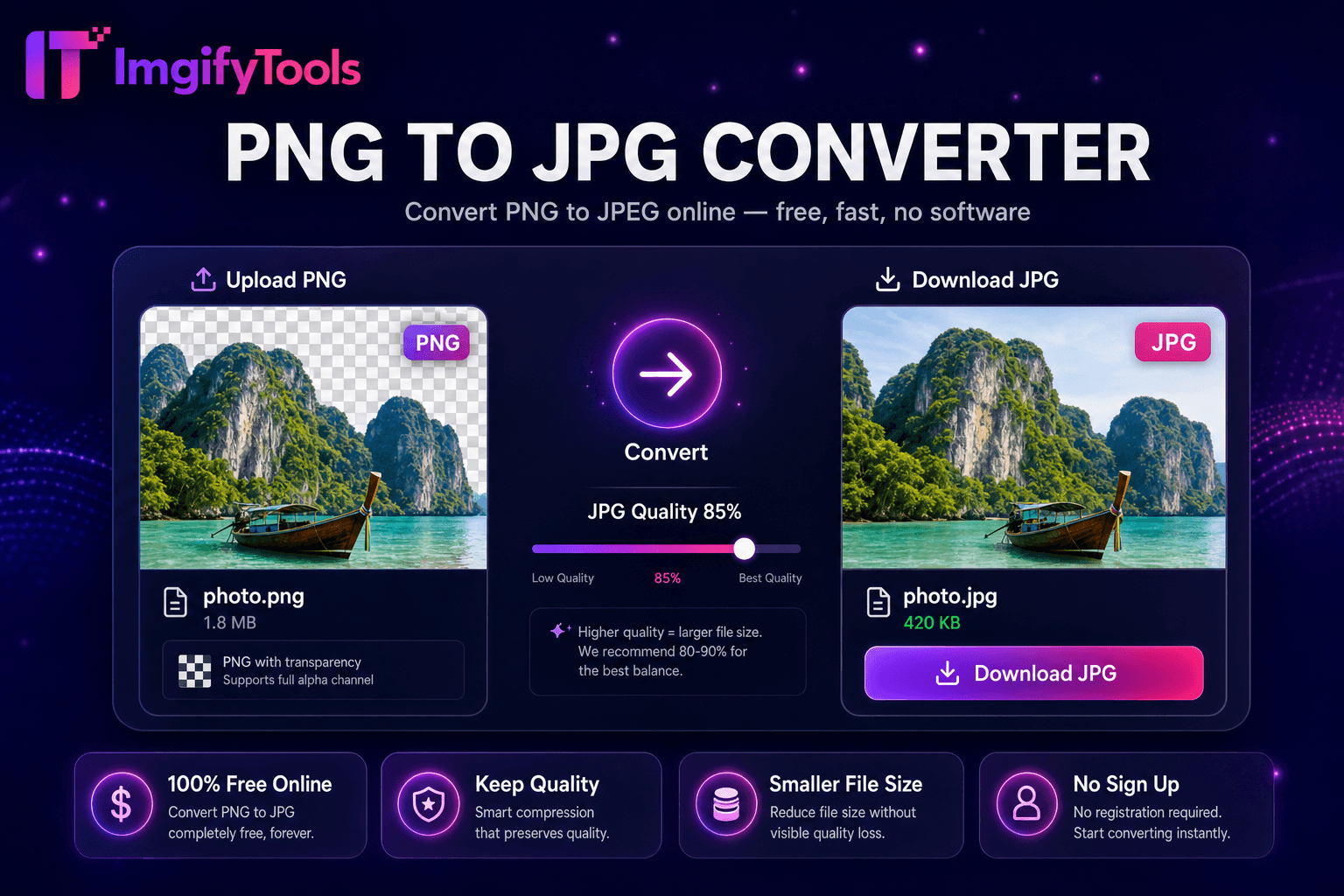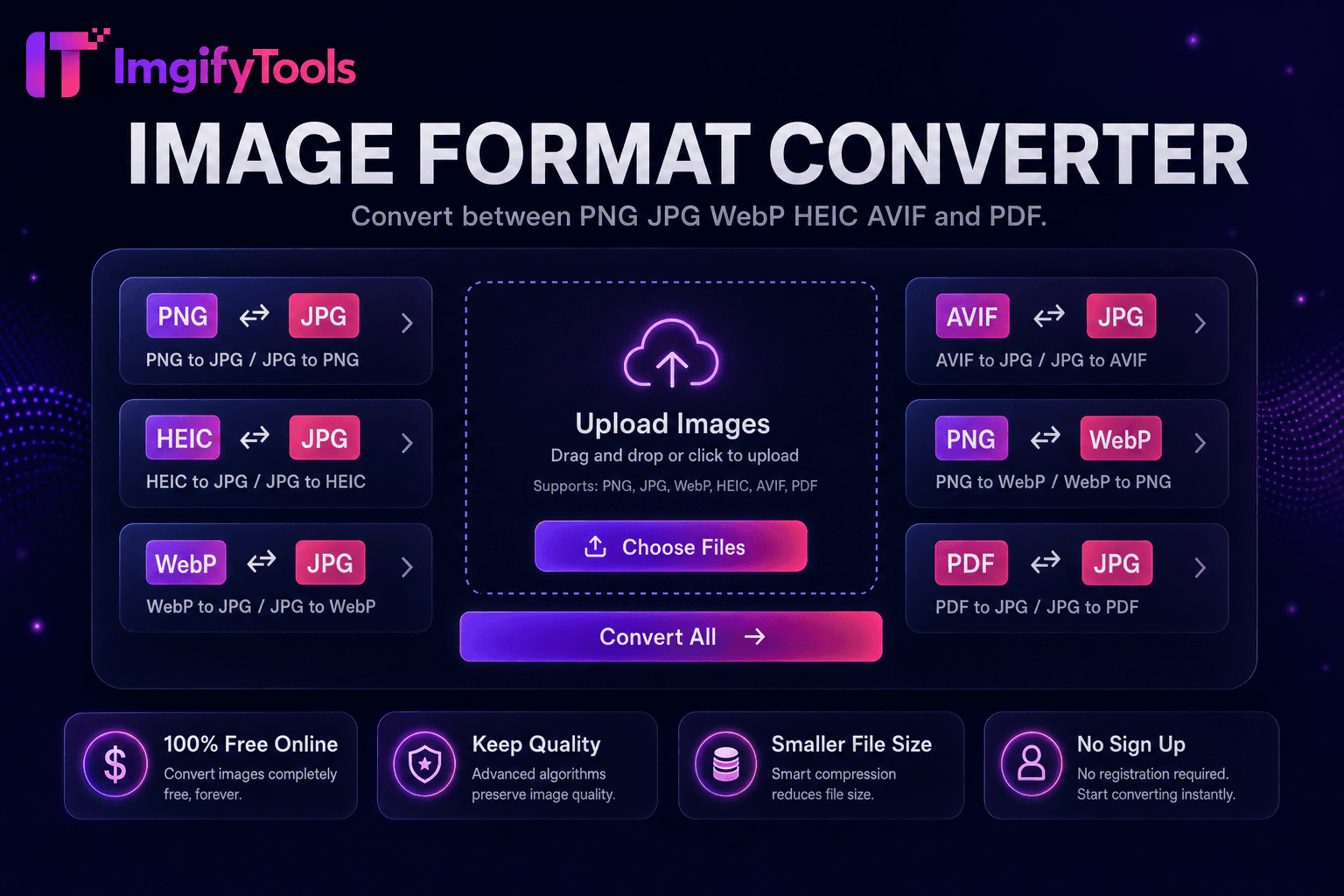
Image Format Converter
التحويل بين PNG وJPG وWebP وHEIC وAVIF وPDF.
أداة الإطلاقتحويل صور iPhone HEIC إلى JPG. سريع وآمن ومجاني بالكامل — لا يلزم التسجيل.
يفتح ImgifyTools HEIC to JPG Converter صور iPhone وiPad المقفلة بتنسيق HEIC من Apple ويصدر ملفات JPEG المتوافقة عالميًا لأجهزة الكمبيوتر التي تعمل بنظام Windows ومشاركات Android ومرفقات البريد الإلكتروني ومواقع الويب التي ترفض تحميلات HEIC. نظرًا لأن نظام التشغيل iOS الافتراضي هو حاوية الصور عالية الكفاءة، فإن المستخدمين الذين يرسلون الصور عبر البريد الإلكتروني إلى زملائهم على نظام التشغيل Windows يرون المرفقات المعطلة ما لم يتم تحويلها. يقوم Google Photos وDropbox بمزامنة HEIC ولكن العديد من مكتبات وسائط CMS لا تزال تتوقع JPG. يقوم المحول بفك تشفير HEIC - بما في ذلك إطارات Live Photo الثابتة عند الاقتضاء - وإعادة تشفير JPG بجودة قابلة للتعديل مع لون sRGB المناسب للعرض عبر الأنظمة الأساسية. تساعد عمليات سير العمل الملائمة للدفعات على ترحيل لقطات الكاميرا بأكملها بعد تبديل الأنظمة البيئية. معالجة مجانية وسريعة وتراعي الخصوصية دون تثبيت iTunes أو برامج الترميز التابعة لجهات خارجية على أجهزة الكمبيوتر المحمولة الخاصة بالشركة والتي تمنع عمليات تثبيت البرامج.
قم بتحميل ملفات HEIC من صادرات iPhone أو iPad أو Mac.
حدد مستوى جودة JPEG للإخراج.
تحويل HEIC إلى JPG بنقرة واحدة.
التحقق من الاتجاه والألوان في المعاينة.
قم بتنزيل ملفات JPG لمشاركتها أو تحميلها أو تحريرها.
على عكس العديد من المنصات الأخرى التي تتنازل عن الجودة أو تخفي النتائج خلف نظام حظر الاشتراك غير المدفوع، تقدم ImgifyTools مخرجات عالية الدقة مع التركيز على السرعة وخصوصية المستخدم. لا يلزم إنشاء حساب لبدء تحويل صورك.
تعمل وحدة فك ترميز HEIC على تعزيز تدفقات بتات الصور الثابتة HEVC المضمنة في حاويات .heic، وتمتد إلى صور نقطية RGB كاملة الدقة. يقوم برنامج ترميز JPEG بكتابة تنسيق .jpg القياسي مع تكميم الجودة القابل للتكوين. تقوم علامات اتجاه EXIF من iPhone بالتقاط الخريطة بشكل صحيح حتى تظهر الصور في وضع مستقيم بعد التحويل. تُترجم ملفات تعريف الألوان إلى sRGB للعرض المتوقع على شاشات غير تابعة لشركة Apple. قد يتم تصدير تسلسلات HEIC متعددة الصور بشكل أساسي اعتمادًا على التنفيذ فقط. يتعامل فك التشفير من جانب الخادم مع صور iPhone بدقة 12 ميجابكسل و48 ميجابكسل بكفاءة.
يقوم مستخدمو Windows الذين يتلقون بدائل AirDrop عبر الروابط السحابية بتحويل HEIC قبل التحرير في تطبيقات Paint أو التطبيقات القديمة. يقوم وكلاء العقارات بتحميل صور قائمة JPG المحولة من لقطات الوكيل على iPhone. يقوم مؤلفو WordPress بتحويل HEIC قبل استيراد مكتبة الوسائط على الأجهزة المضيفة بدون مكونات HEIC الإضافية. ضبط الجودة على 90 عند أرشفة الصور الثمينة؛ 85 يكفي للمشاركة الاجتماعية. قم بالاقتران مع ضاغط الصور بعد التحويل لمعارض الويب. احتفظ بنسخ HEIC الأصلية على iCloud؛ نشر مشتقات JPG إلى الخارج.
تعرف على كيفية مقارنة heic to jpg converter المجانية بـ iLoveIMG من حيث السعر والحدود والميزات.
| ميزة | ⟦0 | iLoveIMG |
|---|---|---|
| سعر | تحويلات مجانية وغير محدودة | مجاني مع الإعلانات. قسط يزيل الحدود |
| تغطية التنسيق | PNG، JPG، WebP، HEIC، AVIF، PDF | دعم تنسيق واسع |
| تحويل دفعة | يدعم Hub أدوات متعددة | دفعة على قسط |
| إعدادات الجودة | الحفاظ على الجودة أو تحسينها | إعدادات مسبقة الجودة القياسية |
| خصوصية | لا يوجد تخزين دائم | المعالجة السحابية المؤقتة |
| سرعة | تحويل سريع من جانب الخادم | معالجة سحابية سريعة |
| أدوات إضافية | مجموعة كاملة على منصة واحدة | صفحات أدوات منفصلة |
المزيد من الأدوات
أدوات متخصصة أخرى لسير عملك.