AI Image Upscaler
AI से इमेज गुणवत्ता 4x तक बढ़ाएँ।
टूल खोलेंAI से पुरानी, फीकी या क्षतिग्रस्त फोटो बहाल करें। तेज़, सुरक्षित और पूरी तरह मुफ़्त — साइनअप की ज़रूरत नहीं।
तीन सरल चरणों में — खाते की ज़रूरत नहीं।
scan or upload damaged photo highest practical resolution
run AI restoration reduce scratches fade noise
preview restored details especially faces
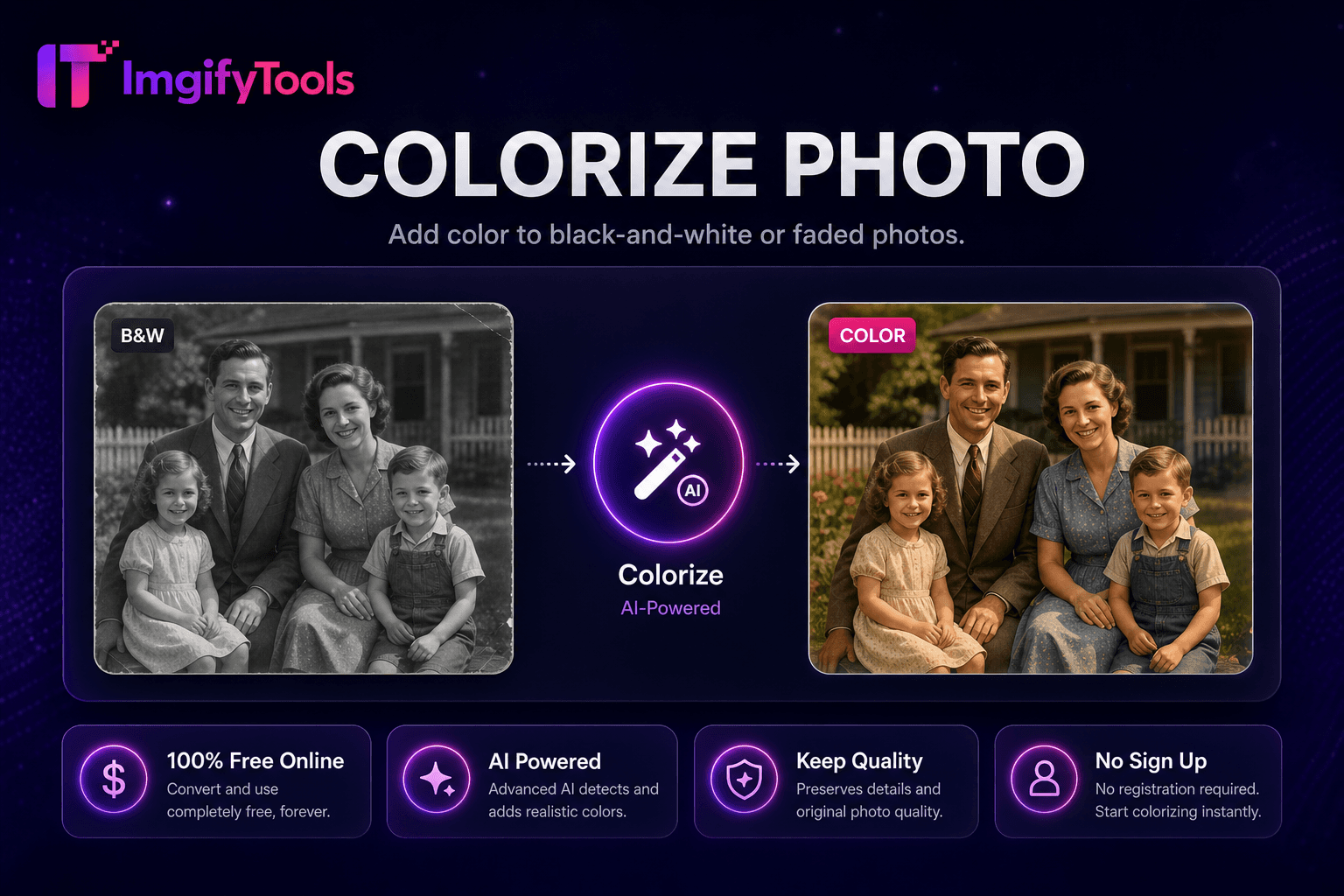
ImgifyTools Photo Restoration repairs damaged vintage prints scanned snapshots degraded digital archives reducing scratches creases dust spots fading noise recovering facial clarity old family photos genealogists prepare ancestor portraits printing reunions historians stabilize archive scans museum display families salvage flood-damaged photo albums digitally when physical prints irreplaceable AI models trained degradation patterns inpaint scratch lines equalize faded yellowed tones sharpen soft faces without inventing false details missing regions upload high-resolution scans best results phone photos prints work pinch even lighting chain colorize photo after restoration full revival workflow free alternative professional restoration services moderately damaged images।
restoration pipeline detects linear scratches speckle noise morphological filters then inpaints damaged pixels surrounding intact texture global tone mapping lifts faded contrast corrects yellow age cast common pre-1980 color prints face regions optional enhancement pass preserving identity severe missing chunks torn corners partially reconstruct adjacent context sufficient completely missing areas may remain blank requiring manual artist touch-up externally output maintains scan resolution upscaler follows print enlargement।
scan prints 600 DPI flatbed restoration input not phone photos when avoidable dust scan glass before scanning reduce speckles needing AI fix restore before colorizing black white archives frame restored digital files ordering canvas prints online labs disclose AI restoration historical publications when authenticity debates matter।
देखें हमारा मुफ़्त photo restoration कीमत, सीमाओं और फ़ीचर्स में remove.bg से कैसे तुलना करता है।
फ़ीचर
To make a way.
remove.bg
मूल्य
मुफ़्त no credits
limited free paid
signup
no account
API account
output formats
PNG JPG option
PNG JPG API
batch
single instant
bulk paid
hair edge detail
AI edge detection
industry-leading
privacy
session not stored
may retain
resolution
high-res uploads
free tier caps
scan or upload damaged photo highest practical resolution
run AI restoration reduce scratches fade noise
preview restored details especially faces
download restored image print archive
optional colorize or upscale display enlargement
कई प्लेटफ़ॉर्म गुणवत्ता से समझौता करते हैं या परिणाम पे-वॉल के पीछे छिपाते हैं, ImgifyTools गति और उपयोगकर्ता गोपनीयता पर ध्यान देते हुए उच्च-गुणवत्ता आउटपुट देता है। अपनी इमेज बदलना शुरू करने के लिए अकाउंट बनाने की ज़रूरत नहीं।
Photo Restoration के बारे में वह सब कुछ जो आपको जानना चाहिए।
और टूल्स
आपके वर्कफ़्लो के लिए अन्य विशेष उपयोगिताएँ।
खींचकर छोड़ें या ब्राउज़ करने के लिए क्लिक करें
अधिकतम 10 MB