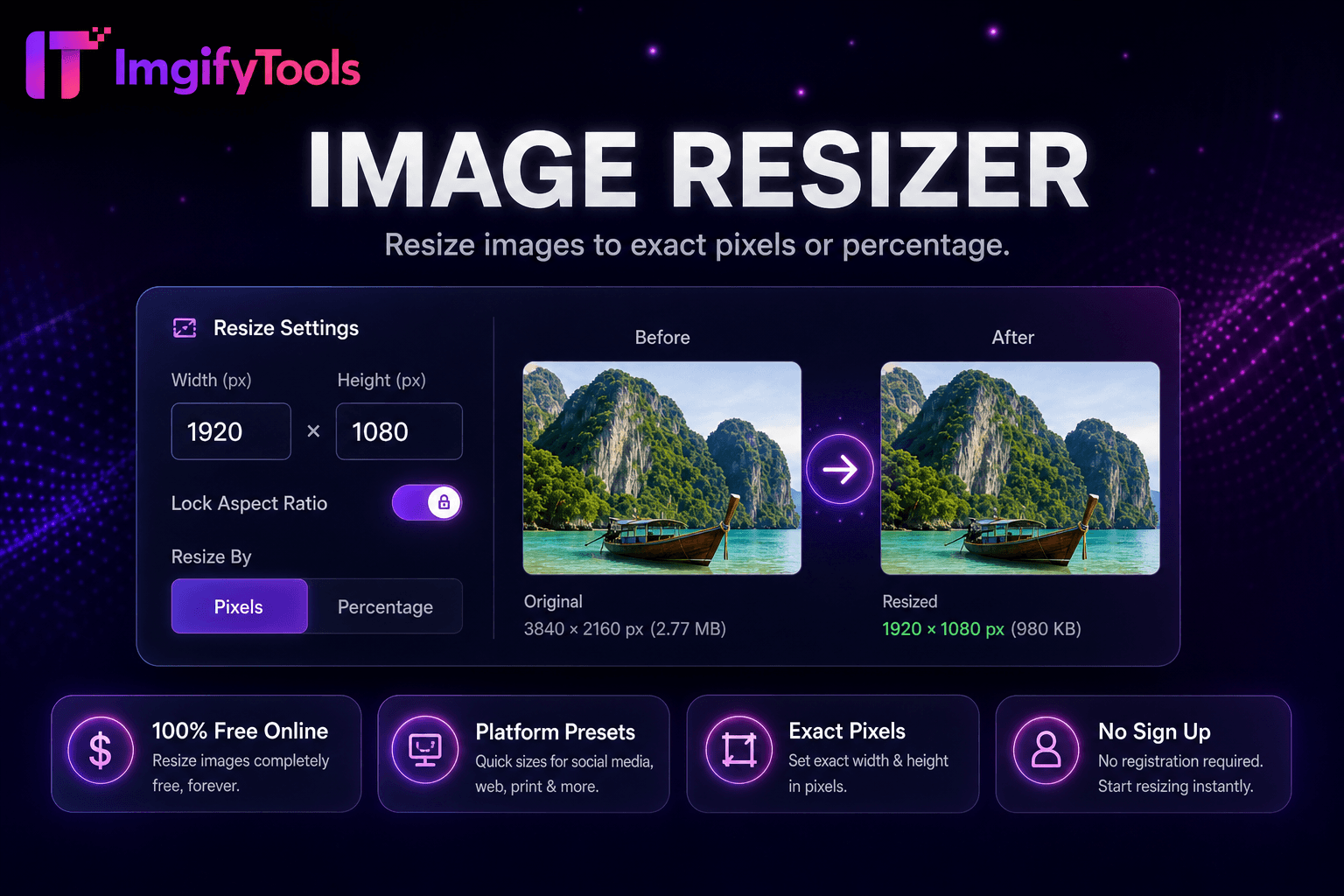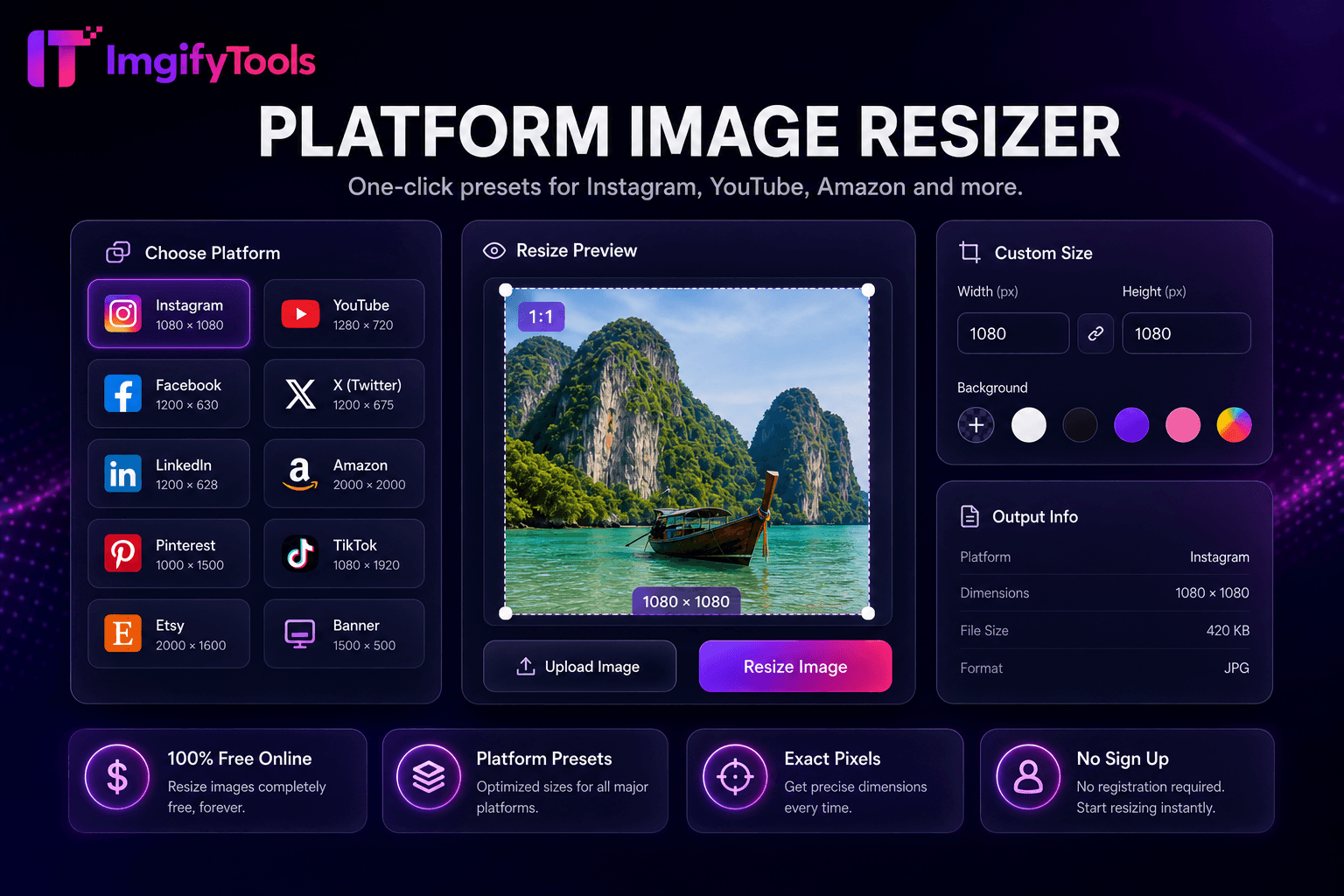
Platform Image Resizer
Instagram, YouTube, Amazon आदि के लिए one-click प्रीसेट।
टूल खोलेंInstagram, Facebook, YouTube के लिए इमेज resize करें। तेज़, सुरक्षित और पूरी तरह मुफ़्त — साइनअप की ज़रूरत नहीं।
तीन सरल चरणों में — खाते की ज़रूरत नहीं।
social platform preset or custom pixel dimensions choose
source photo JPG PNG WebP upload
crop mode fit padding or fill smart center crop
ImgifyTools Social Media Resizer crops scales exact platform dimensions Instagram Facebook LinkedIn X Twitter TikTok YouTube Pinterest eliminating awkward auto-crops cut off faces product labels each network different aspect ratios feed posts stories reels covers channel banners profile headers one-size-fits-all photo letterboxing zoom crops rejected uploads preset library common requirements 1080×1080 Instagram square 1080×1920 story vertical 1200×630 link previews 2560×1440 YouTube art marketers export once per format without memorizing pixel charts content calendars consistent influencers batch-prepare weekly small businesses professional feeds without hiring designers routine sizing optional focal-point cropping subjects centered landscape portrait story frames free browser paired compression tools upload-ready file sizes।
select platform preset or enter custom width height pixels upload source resizer scales crops target aspect ratio differ choose fit letterbox padding or fill center crop modes fill uses smart center weighting preserve faces when detectable output format options typically JPG PNG optional quality compression does not upscale beyond reasonable limits starting sufficient resolution avoids blurry posts dimensions display screen before download verify against current platform documentation processing instantaneous standard web photo sizes।
schedule Instagram carousel squares 1080×1080 story assets 1080×1920 same photoshoot master file LinkedIn article thumbnails 1200×627 resize before upload prevent automatic edge cropping YouTube channel banners need safe-zone awareness keep logos centered edges crop TV displays export JPG 85 quality after resizing balance clarity upload speed converting landscape vertical shoot extra headroom or use image extender add background space before cropping platform specs change occasionally verify critical campaigns against official docs।
देखें हमारा मुफ़्त social media resizer कीमत, सीमाओं और फ़ीचर्स में iloveimg से कैसे तुलना करता है।
फ़ीचर
To make a way.
iloveimg
मूल्य
मुफ़्त resizing
ads premium
presets
social platform built-in
common sizes
custom
exact pixel width height
custom
aspect lock
maintain proportions
lock ratio
batch
platform bulk tools
premium batch
quality
slider available
standard compression
format
JPG PNG WebP
multiple formats
social platform preset or custom pixel dimensions choose
source photo JPG PNG WebP upload
crop mode fit padding or fill smart center crop
resized frame preview adjust focal point if available
platform-ready image direct upload download
कई प्लेटफ़ॉर्म गुणवत्ता से समझौता करते हैं या परिणाम पे-वॉल के पीछे छिपाते हैं, ImgifyTools गति और उपयोगकर्ता गोपनीयता पर ध्यान देते हुए उच्च-गुणवत्ता आउटपुट देता है। अपनी इमेज बदलना शुरू करने के लिए अकाउंट बनाने की ज़रूरत नहीं।
Social Media Resizer के बारे में वह सब कुछ जो आपको जानना चाहिए।
और टूल्स
आपके वर्कफ़्लो के लिए अन्य विशेष उपयोगिताएँ।
खींचकर छोड़ें या ब्राउज़ करने के लिए क्लिक करें
अधिकतम 10 MB