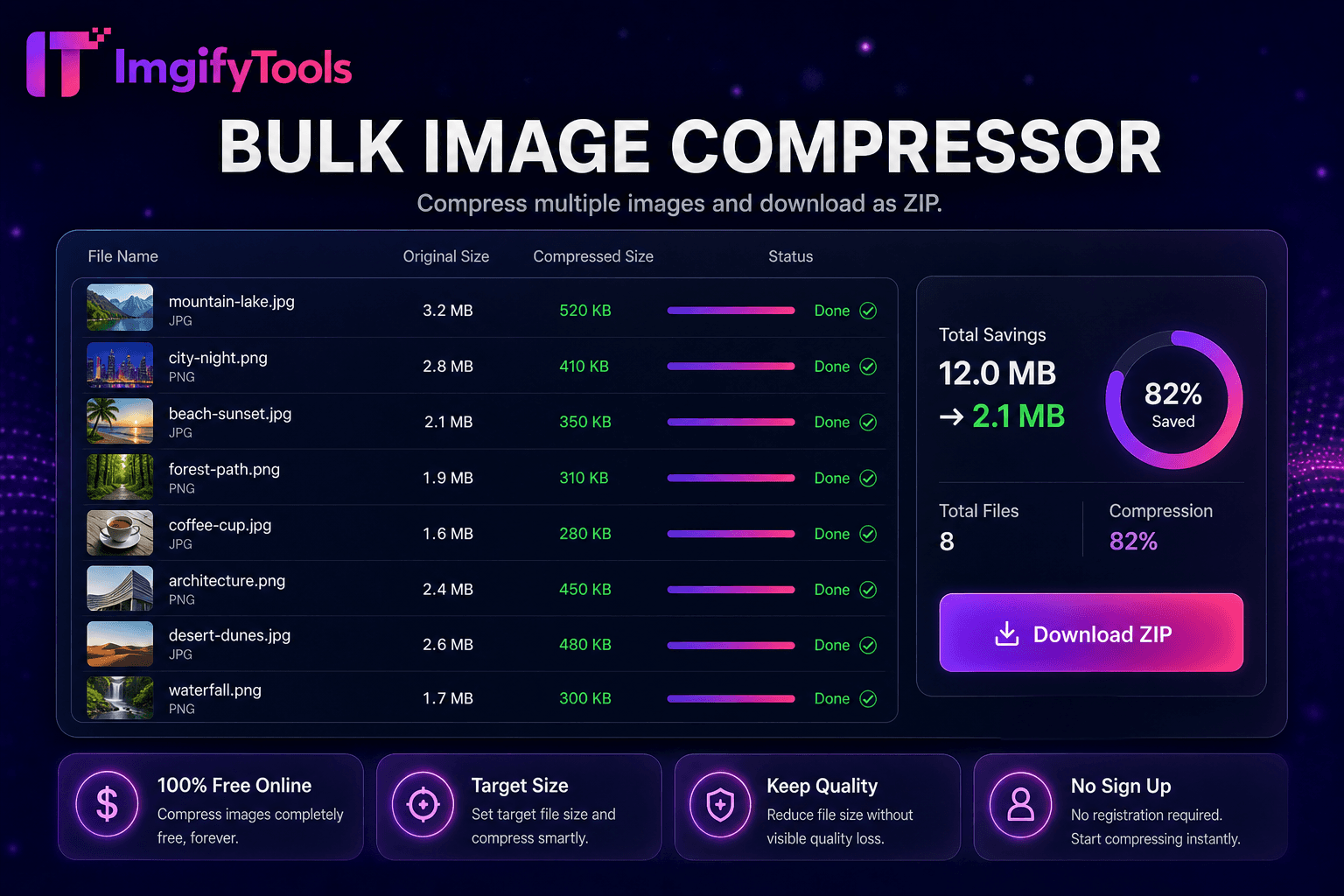
Image Compressor
JPG, PNG और WebP को दिखने में गुणवत्ता खोए बिना संपीड़ित करें।
टूल खोलेंकिसी भी इमेज को 200KB से कम संपीड़ित करें। तेज़, सुरक्षित और पूरी तरह मुफ़्त — साइनअप की ज़रूरत नहीं।
तीन सरल चरणों में — खाते की ज़रूरत नहीं।
image exceeding 200KB portal CMS limit upload
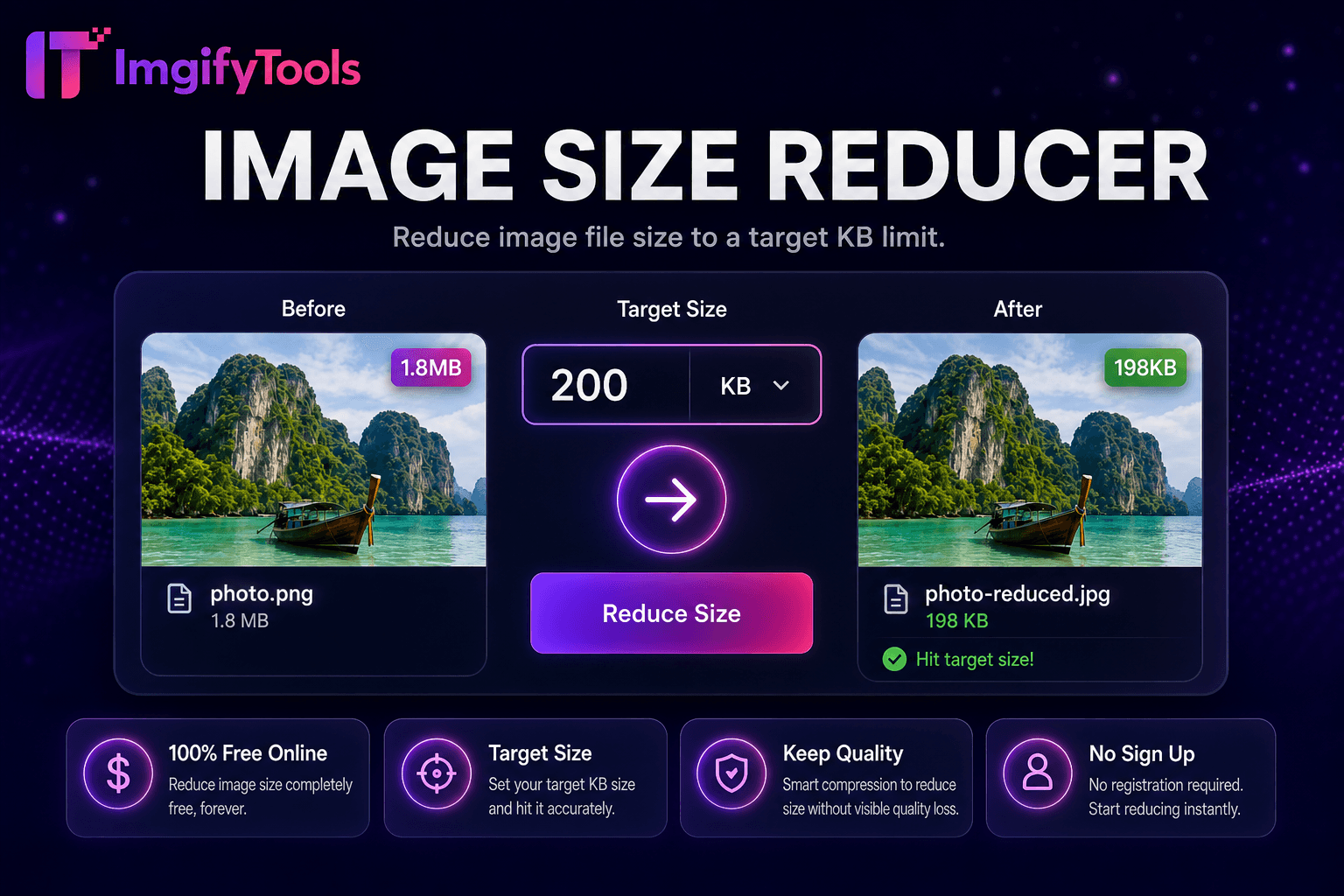
automatic compression targets under 200KB
inspect preview detail text legibility
ImgifyTools Resize to 200KB compresses images under two hundred kilobytes CMS uploads email-friendly scholarship applications web forms slightly more headroom still blocking multi-megabyte camera dumps two hundred kilobytes typically adequate facial detail ID verification thumbnails readable certificate text moderate resolution crisp product thumbs e-commerce admin content editors migrating blogs theme frameworks warn media weight Lighthouse without demanding extreme 50KB cuts automated encoder iterates quality metadata stripping proportional scaling until ceiling maximal visual fidelity tier unlike blind save for web presets exact byte count preview before commit free unlimited integrates image compressor non-target workflows passport makers portals specify 200KB digital photo limits archive uncompressed originals separately future print large-display need।
upload triggers analysis color complexity edge density existing compression artifacts pipeline encodes JPEG progressively lower quality measuring output size each pass until under 200KB optional dimension reduction activates noisy high-resolution phone photos cannot target acceptable quality alone metadata removal progressive JPEG structure squeeze additional bytes without visible changes most photos preview panel achieved kilobytes side-by-side comparison against upload minimum quality floor violated interface suggests moderate crop less aggressive 500KB manual compression via image size reducer output JPG maximizes portal compatibility server completes iteration seconds even 12MP sources।
scholarship grant portals often allow 200KB profile photos comfortable recognizable headshots when 50KB feels too aggressive Shopify WooCommerce admin thumbnails upload faster under 200KB without visible quality loss at listing size newsletter images attached campaigns stay under ESP per-asset guidelines when 200KB output still looks sharp near optimal avoid recompressing same file repeatedly combine with social media resizer when platforms need exact pixels plus byte cap documents ensure 200KB leaves text readable 100 percent zoom before submitting legal PDFs assembled from JPG pages।
देखें हमारा मुफ़्त resize image to 200kb कीमत, सीमाओं और फ़ीचर्स में iloveimg से कैसे तुलना करता है।
फ़ीचर
To make a way.
iloveimg
मूल्य
मुफ़्त 200KB targeting
free ads
KB लक्ष्य
automatic under 200KB
manual compress only
detail level
higher fidelity than 50/100KB
user-dependent quality
preview
size quality preview
basic preview
workflow
pairs resizer passport tools
standalone compress
output format
portal-friendly JPG
multiple formats
privacy
no permanent storage
cloud processing
image exceeding 200KB portal CMS limit upload
automatic compression targets under 200KB
inspect preview detail text legibility
re-crop simplify background if quality marginal
download compliant JPG upload email
कई प्लेटफ़ॉर्म गुणवत्ता से समझौता करते हैं या परिणाम पे-वॉल के पीछे छिपाते हैं, ImgifyTools गति और उपयोगकर्ता गोपनीयता पर ध्यान देते हुए उच्च-गुणवत्ता आउटपुट देता है। अपनी इमेज बदलना शुरू करने के लिए अकाउंट बनाने की ज़रूरत नहीं।
Resize Image to 200KB के बारे में वह सब कुछ जो आपको जानना चाहिए।
और टूल्स
आपके वर्कफ़्लो के लिए अन्य विशेष उपयोगिताएँ।
खींचकर छोड़ें या ब्राउज़ करने के लिए क्लिक करें
अधिकतम 10 MB