Image Compressor
JPG, PNG और WebP को दिखने में गुणवत्ता खोए बिना संपीड़ित करें।
टूल खोलेंInstagram, YouTube, Amazon आदि के लिए one-click प्रीसेट। तेज़, सुरक्षित और पूरी तरह मुफ़्त — साइनअप की ज़रूरत नहीं।
तीन सरल चरणों में — खाते की ज़रूरत नहीं।
target platform placement preset hub choose
master photo highest resolution upload
crop fit mode adjust focal point
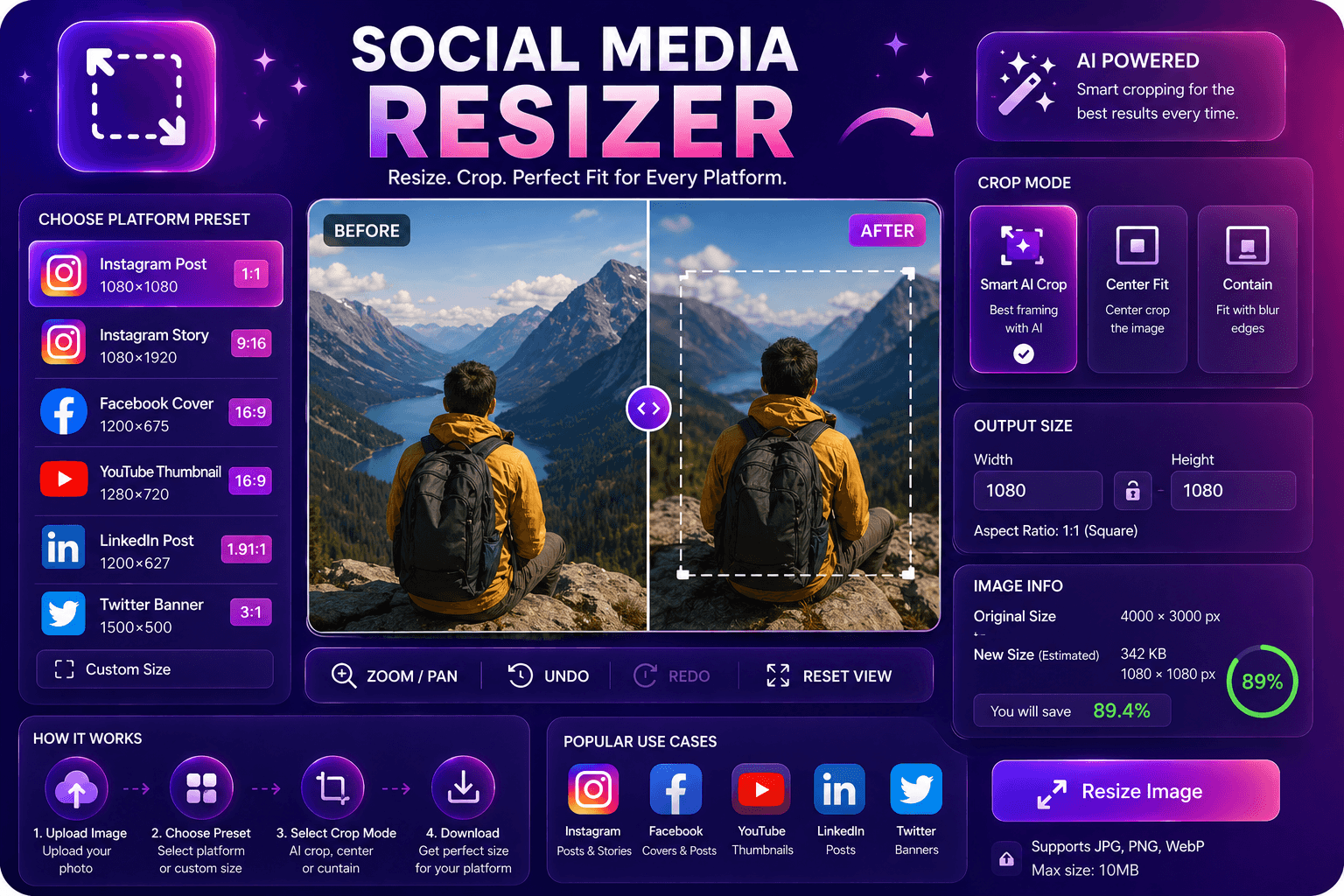
ImgifyTools Platform Image Resizer hub centralizes dimension presets Instagram Facebook LinkedIn YouTube TikTok Pinterest X Etsy Amazon listing requirements one entry point instead memorizing pixel charts across networks social managers weekly content batches every channel spec from master photoshoot Amazon sellers main secondary image sizes marketplace minimums Etsy listing photos recommended ratios reducing platform auto-crop surprises hub pages anchor individual platform tools while offering cross-platform batch planning free resizing pairs compression upload-ready weights when platforms update specs hub documentation aggregates changes faster scattered blog posts।
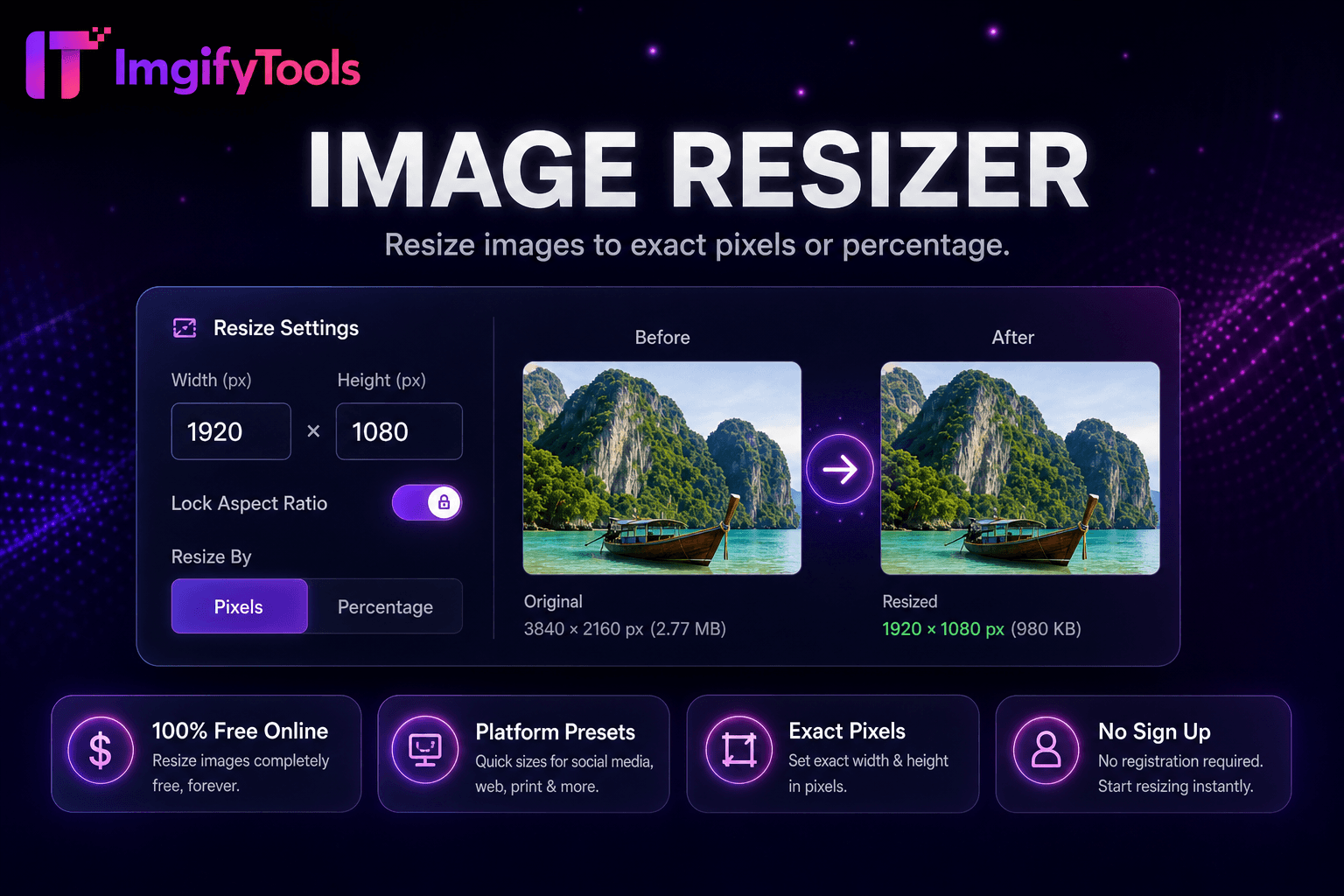
select platform placement type feed story cover thumbnail listing preset matrix width height aspect ratio upload resizer crops pads fit mode safe zone overlays YouTube banners profile circles preview critical logo placement output names may include platform slug organizer folders batch mode queues multiple presets one master upload sized variants ZIP quality format options mirror general resizer capabilities।
one horizontal photoshoot export LinkedIn article 1200×627 Instagram square 1080×1080 Pinterest pin 1000×1500 single session Amazon main images often need 2000px longest edge verify category-specific rules keep 15 percent margin story text overlays safe zone guides after hub resize run image compressor if platform enforces file size caps।
देखें हमारा मुफ़्त platform image resizer कीमत, सीमाओं और फ़ीचर्स में iloveimg से कैसे तुलना करता है।
फ़ीचर
To make a way.
iloveimg
मूल्य
मुफ़्त resizing
ads premium
presets
social platform built-in
common sizes
custom
exact pixel width height
custom
aspect lock
maintain proportions
lock ratio
batch
platform bulk tools
premium batch
quality
slider available
standard compression
format
JPG PNG WebP
multiple formats
target platform placement preset hub choose
master photo highest resolution upload
crop fit mode adjust focal point
sized output verify safe zones
platform-ready file direct upload download
कई प्लेटफ़ॉर्म गुणवत्ता से समझौता करते हैं या परिणाम पे-वॉल के पीछे छिपाते हैं, ImgifyTools गति और उपयोगकर्ता गोपनीयता पर ध्यान देते हुए उच्च-गुणवत्ता आउटपुट देता है। अपनी इमेज बदलना शुरू करने के लिए अकाउंट बनाने की ज़रूरत नहीं।
Platform Image Resizer के बारे में वह सब कुछ जो आपको जानना चाहिए।
और टूल्स
आपके वर्कफ़्लो के लिए अन्य विशेष उपयोगिताएँ।
खींचकर छोड़ें या ब्राउज़ करने के लिए क्लिक करें
अधिकतम 10 MB