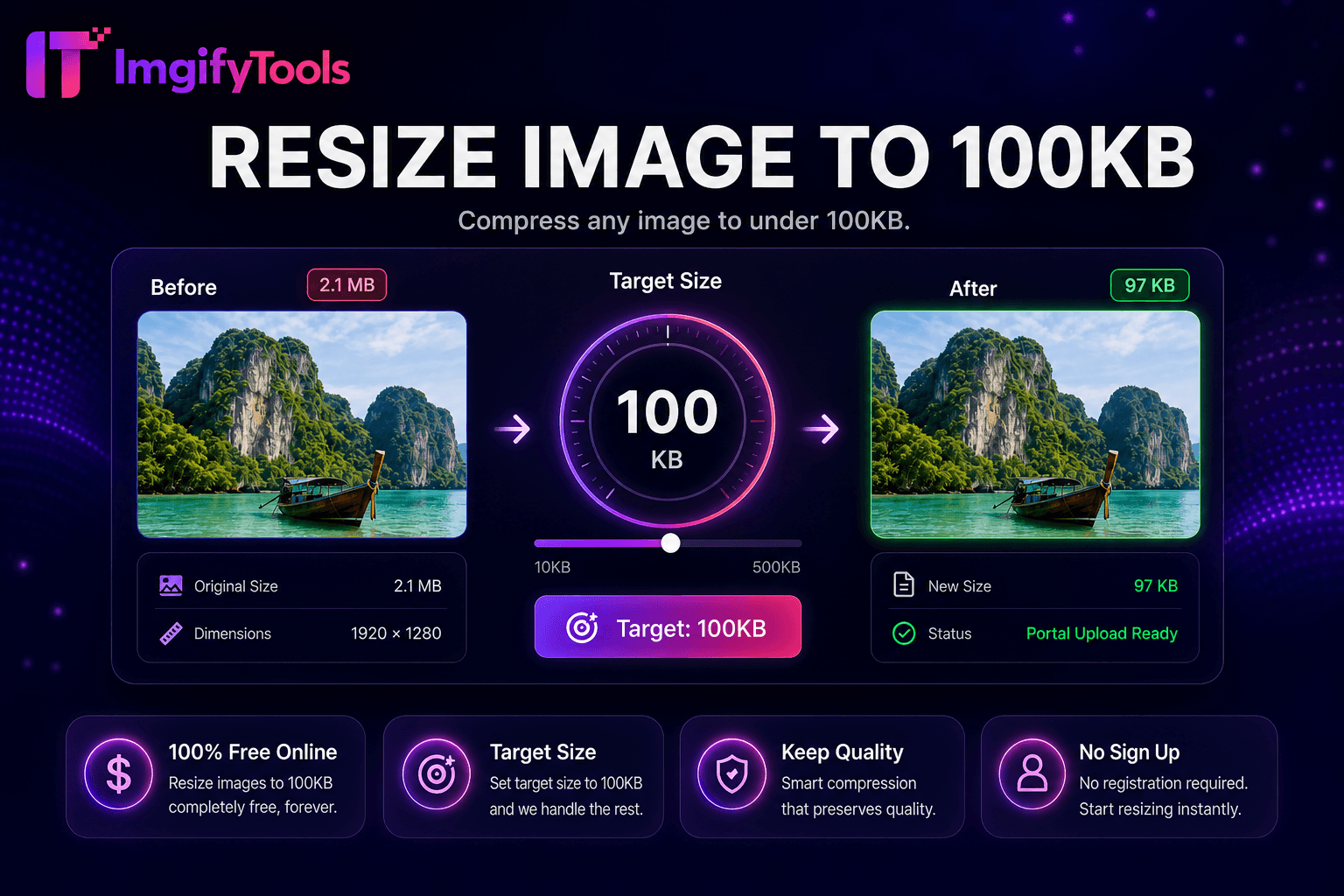
Resize Image to 100KB
किसी भी इमेज को 100KB से कम संपीड़ित करें।
टूल खोलेंकिसी भी इमेज को 50KB से कम संपीड़ित करें। तेज़, सुरक्षित और पूरी तरह मुफ़्त — साइनअप की ज़रूरत नहीं।
तीन सरल चरणों में — खाते की ज़रूरत नहीं।
image exceeds 50KB portal upload
start compression targets under 50KB automatically
preview quality achieved file size
ImgifyTools Resize to 50KB compresses any photo under fifty kilobytes—strictest common government portals university HR forms reject larger without clear errors generic compressors guess quality trial-error dozens exports target-size iterates encoding automatically cap maximum readable detail job seekers passport headshots online registration students ID scans exam proctoring byte ceilings developers avatar upload validators staging JPEG quantization chroma subsampling photographic optionally reduces dimensions quality alone cannot 50KB previews before download free instant paired resize-to-100kb 200kb stepped limits keep originals archived aggressive submission not portfolio quality।
upload encoder analyzes complexity moderate JPEG quality measure bytes exceeds 50KB reduce quality progressive EXIF strip optionally scale proportionally until target ceiling minimum quality floor warning PNG JPG convert transparency unnecessary maximum savings preview side-by-side KB readout single-image faster manual desktop server standard JPG form attachment weight।
Indian government banking portals often 50KB cap passport country makers export then tool before upload crop tight face shoulders empty background wastes compressible area solid light backgrounds smaller busy patterns facial detail unacceptable allow 100KB variant when portal permits scanned documents 50KB may downsize page dimensions verify text readable preview zoom never 50KB exports only archive store full-resolution masters locally।
देखें हमारा मुफ़्त resize image to 50kb कीमत, सीमाओं और फ़ीचर्स में iloveimg से कैसे तुलना करता है।
फ़ीचर
To make a way.
iloveimg
मूल्य
मुफ़्त target-size
ads premium batch
target size
fixed 50KB ceiling
general no exact KB
automation
iterates until under 50KB
manual quality
preview
visual before download
preview available
formats
JPG optimized size
multiple
related
100KB 200KB variants
separate compress
privacy
session only
cloud policy
image exceeds 50KB portal upload
start compression targets under 50KB automatically
preview quality achieved file size
re-upload tighter crop if detail too soft 50KB
download compliant form submission
कई प्लेटफ़ॉर्म गुणवत्ता से समझौता करते हैं या परिणाम पे-वॉल के पीछे छिपाते हैं, ImgifyTools गति और उपयोगकर्ता गोपनीयता पर ध्यान देते हुए उच्च-गुणवत्ता आउटपुट देता है। अपनी इमेज बदलना शुरू करने के लिए अकाउंट बनाने की ज़रूरत नहीं।
Resize Image to 50KB के बारे में वह सब कुछ जो आपको जानना चाहिए।
और टूल्स
आपके वर्कफ़्लो के लिए अन्य विशेष उपयोगिताएँ।
खींचकर छोड़ें या ब्राउज़ करने के लिए क्लिक करें
अधिकतम 10 MB