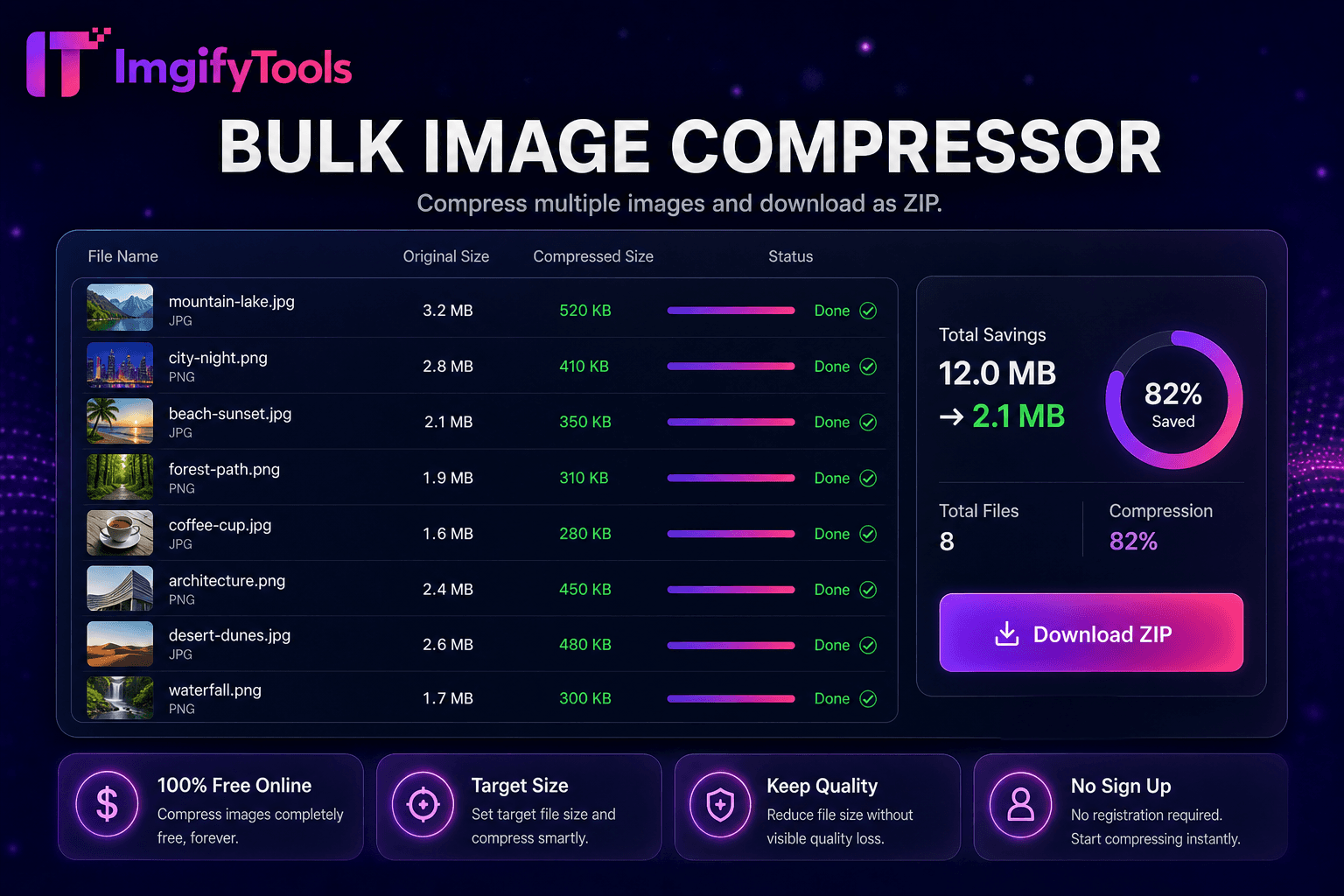
Image Compressor
JPG, PNG और WebP को दिखने में गुणवत्ता खोए बिना संपीड़ित करें।
टूल खोलेंइमेज फ़ाइल आकार लक्ष्य KB सीमा तक कम करें। तेज़, सुरक्षित और पूरी तरह मुफ़्त — साइनअप की ज़रूरत नहीं।
तीन सरल चरणों में — खाते की ज़रूरत नहीं।
limit exceed image upload।
target max KB or quality slider।
process preview reduced size quality।
ImgifyTools Image Size Reducer byte limits priority—email caps, form max, portal restrictions smart quality optional dimension downscale। job applicants portfolio PDF embeds resume headshots under 200KB। government forms reject oversized scans size reducer compliance। messaging apps large photo warnings compress before send। slider fidelity vs kilobytes live preview। resize-only different prioritizes weight moderate resolution reduction। free companion image compressor explicit KB targets।
iterate quality optional scale until target max KB or acceptable preview JPEG quant PNG JPG convert metadata strip preview side-by-side KB readout single-image faster manual desktop।
visa photo portal KB after passport maker export। tax scan JPG online submission। newsletter ESP campaign weight। mobile hero 150KB Lighthouse LCP। unacceptable target raise KB or dimensions first compress।
देखें हमारा मुफ़्त image size reducer कीमत, सीमाओं और फ़ीचर्स में TinyPNG से कैसे तुलना करता है।
फ़ीचर
To make a way.
TinyPNG
मूल्य
मुफ़्त
20/month
संपीड़न
smart size
lossy
फ़ॉर्मैट
JPG PNG WebP
PNG JPG
बल्क
bulk tool
20 batch
गुणवत्ता
slider
auto
API
web
paid
डाउनलोड
instant
instant
limit exceed image upload।
target max KB or quality slider।
process preview reduced size quality।
adjust until balance।
download upload email।
कई प्लेटफ़ॉर्म गुणवत्ता से समझौता करते हैं या परिणाम पे-वॉल के पीछे छिपाते हैं, ImgifyTools गति और उपयोगकर्ता गोपनीयता पर ध्यान देते हुए उच्च-गुणवत्ता आउटपुट देता है। अपनी इमेज बदलना शुरू करने के लिए अकाउंट बनाने की ज़रूरत नहीं।
Image Size Reducer के बारे में वह सब कुछ जो आपको जानना चाहिए।
और टूल्स
आपके वर्कफ़्लो के लिए अन्य विशेष उपयोगिताएँ।
खींचकर छोड़ें या ब्राउज़ करने के लिए क्लिक करें
अधिकतम 10 MB