How to Remove Background from Product Photos
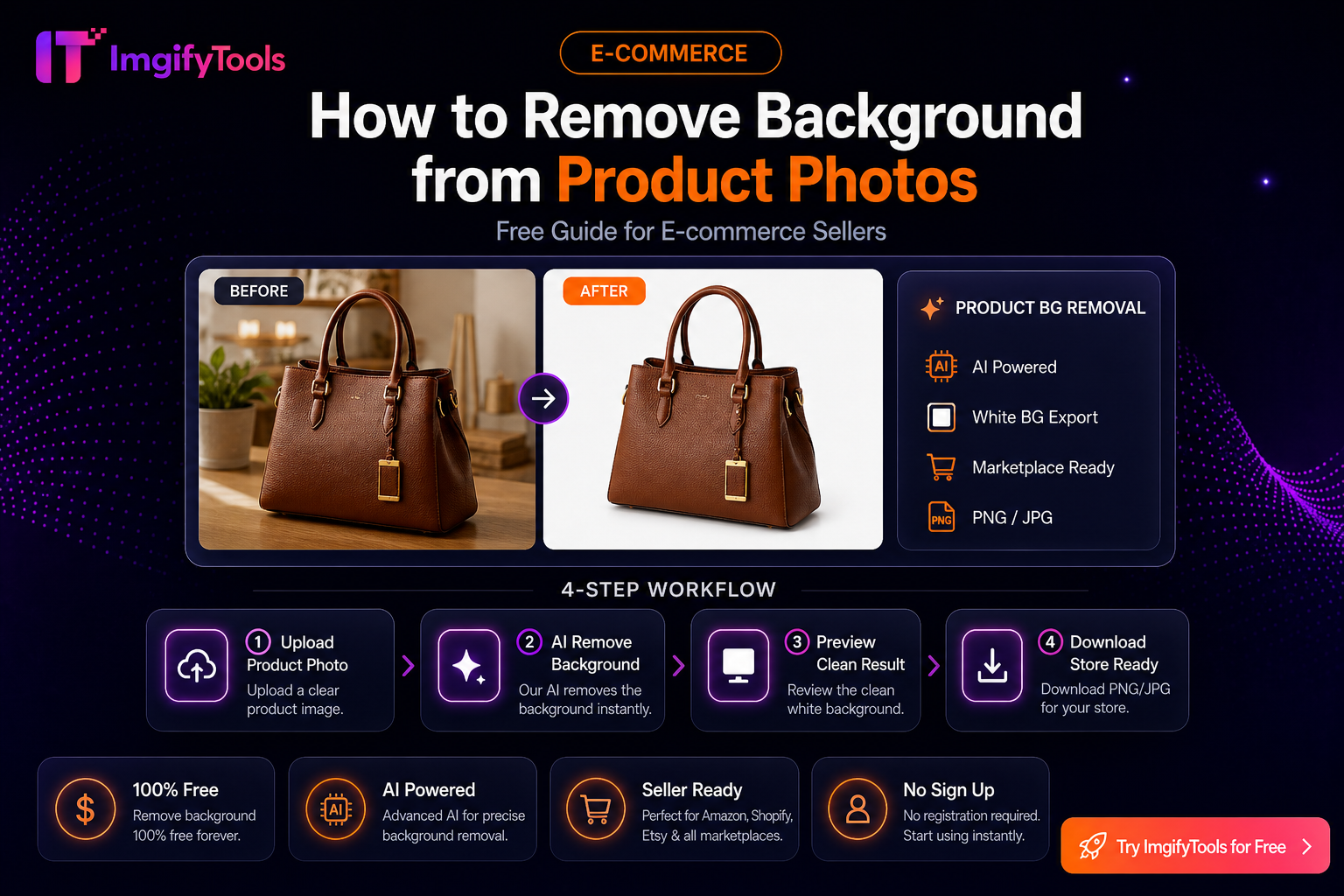
Selling online? Clean product photos with white or transparent backgrounds convert better and meet marketplace requirements.
Why product background removal matters
- Amazon main images often require pure white backgrounds
- Shopify stores look more professional with consistent catalog shots
- Ads perform better when products are isolated from clutter
Step-by-step workflow
- Photograph your product with even lighting against any backdrop
- Upload to our product background remover
- Download the PNG cutout
- Place on white (#FFFFFF) if your marketplace requires it
- Optionally compress with our image compressor
Tips for best results
- Use diffuse lighting to avoid harsh shadows
- Fill the frame with your product
- For jewelry and fine detail, use Refine mode after auto-processing
Related tools
- Amazon image background remover
- General AI background remover
- PNG to JPG converter for smaller listing file sizes
आपको ये भी पसंद आ सकते हैं

मुफ्त ऑनलाइन छवि संपादक - पूर्ण गाइड
जानें कि कैसे तस्वीरों को मुफ्त ऑनलाइन संपादित करने के लिए with a word. क्रॉप करें, टेक्स्ट जोड़ें, पृष्ठभूमि को हटा दें, फिल्टर लागू करें और अपने सभी ब्राउज़र में निर्यात करें।
अगला पढ़ें →
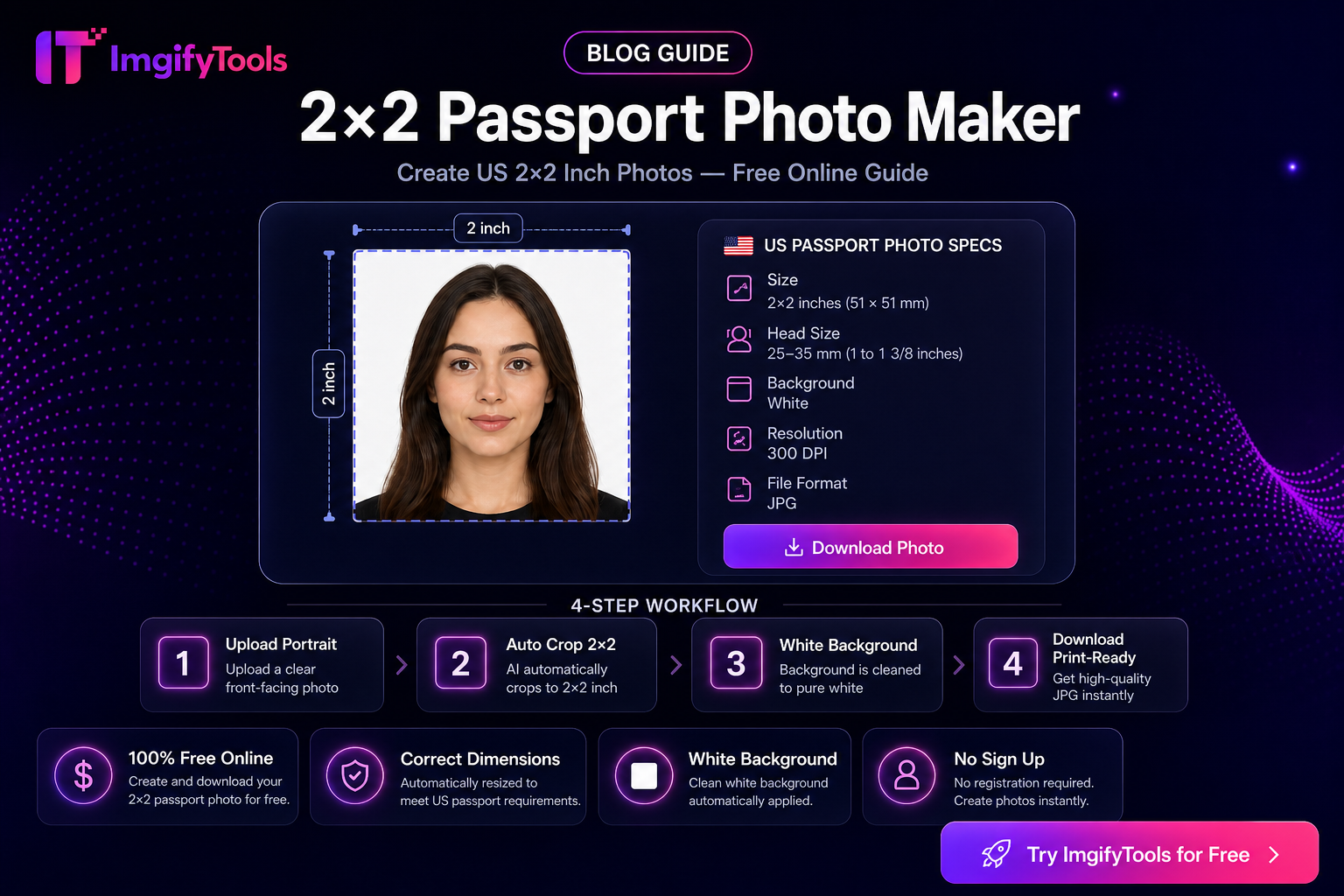
2x2 पासपोर्ट फ़ोटो मेकर — मुफ़्त ऑनलाइन गाइड
ImgifyTools 2×2 Passport Photo से 2x2 passport photo maker सीखें। मुफ़्त ब्राउज़र टूल, चरण-दर-चरण गाइड, FAQs और वास्तविक उपयोग के उदाहरण।
अगला पढ़ें →
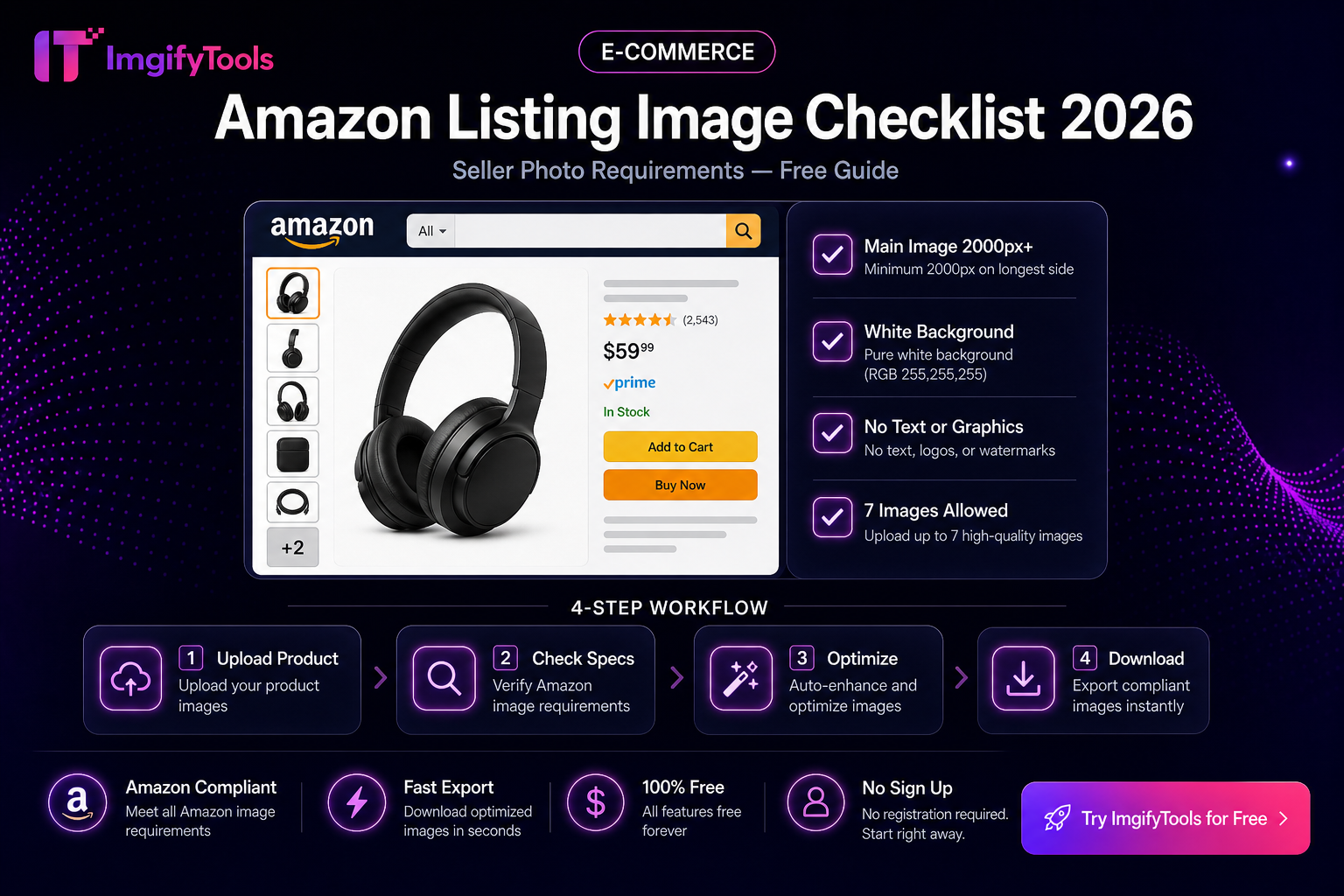
Amazon लिस्टिंग इमेज चेकलिस्ट 2026
Amazon Listing Image Checklist 2026। सही टूल के चरण, टेबल और लिंक के साथ मुफ़्त ImgifyTools गाइड।
अगला पढ़ें →