JPG to PNG Converter
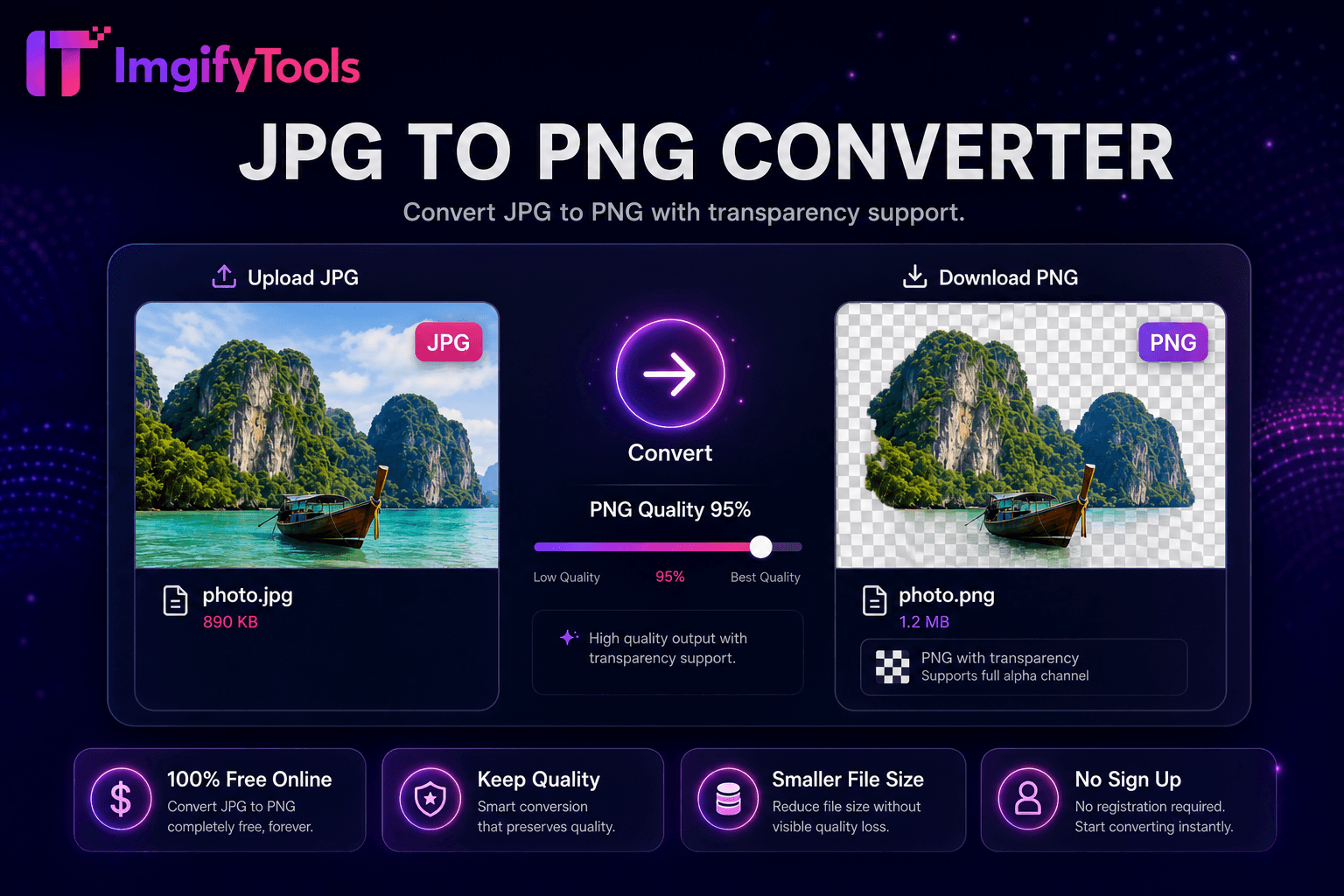
Convert JPG to PNG online free with lossless output and batch conversion.
Launch ToolConvert PNG images to JPG online for free. Free for standard use — no signup required.
Convert PNG to JPG online free—flatten transparent backgrounds, control JPEG quality, keep dimensions, and download smaller files without signup. ImgifyTools PNG to JPG Converter transforms lossless PNG files into smaller JPEG images ideal for web pages, email, and platforms that reject transparency or oversized PNG payloads. Screenshots, exported graphics, and camera RAW conversions often land as multi-megabyte PNGs that slow WordPress uploads and bounce mobile users. JPG encoding applies efficient lossy compression tuned for photographic content while letting you set quality to balance artifacts against byte savings. Designers deliver client web galleries in JPG after approving masters in PNG. Developers convert UI captures when alpha channels are unnecessary. E-commerce uploads meet marketplace JPG requirements from PNG design exports. The converter strips alpha by flattening onto white or custom backgrounds when needed. Processing preserves dimensions and orientation metadata. Free and fast within the 10 MB upload limit—no desktop software required.
Upload your PNG file via drag-and-drop or file picker.
Choose background color if the PNG has transparency.
Set JPEG quality level for size versus clarity trade-off.
Convert and preview the resulting JPG file size.
Download the JPG ready for web upload or email.
Unlike many other platforms that compromise on quality or hide results behind paywalls, ImgifyTools offers high-fidelity output with a focus on speed and user privacy. No account creation is required to start transforming your images.
Upload a PNG file; the decoder reads pixel data and alpha channel if present. When transparency exists, you choose a flatten background—typically white for documents and product shots, or black for dark UI themes—before JPEG encoding. The encoder applies chroma subsampling and quality quantization based on your slider setting, outputting a standard .jpg file compatible with all browsers and CMS media libraries. Color profiles map to sRGB for predictable web display. File size reduction displays immediately so you can lower quality if targets require sub-200KB heroes. No re-upload needed to try different quality levels from the same source in-session.
Convert PNG screenshots for blog posts where transparency adds no value—file size drops dramatically. Flatten logo exports onto white before JPG conversion for Amazon main images that disallow transparency. Keep archival PNG masters locally; deploy JPG derivatives to production CDNs. Quality 82–88 suits most photographic PNG sources; graphics with sharp text need 90+. After conversion, run image compressor for additional savings. If you need transparency on web, consider WebP instead via our PNG-to-WebP tool.
See how our free png to jpg converter compares to iLoveIMG on price, limits, and features.
| Feature | ImgifyTools | iLoveIMG |
|---|---|---|
| Price | Free conversions (10 MB upload limit) | Free with ads; premium removes limits |
| Format coverage | PNG, JPG, WebP, HEIC, AVIF, PDF | Wide format support |
| Batch convert | Hub supports multiple tools | Batch on premium |
| Quality settings | Preserve or optimize quality | Standard quality presets |
| Privacy | No permanent storage | Temporary cloud processing |
| Speed | Fast server-side conversion | Fast cloud processing |
| Extra tools | Full suite on one platform | Separate tool pages |
Related Tools
More tools
Other specialized utilities for your workflow.