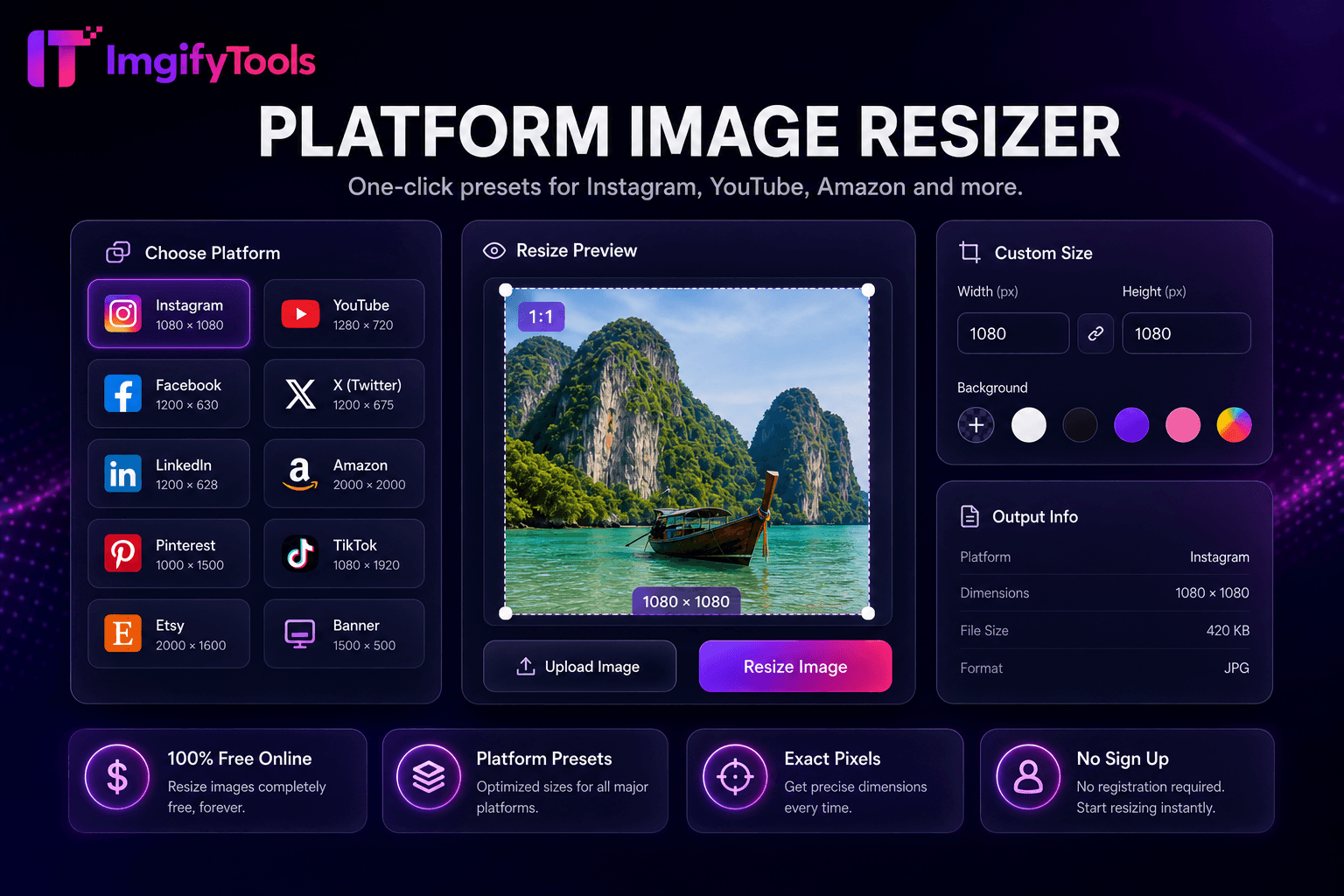
Platform Image Resizer
One-click presets for Instagram, YouTube, Amazon, and more.
Launch ToolResize images online free by pixels, percentage, or social media presets. Free for standard use — no signup required.
Resize photos by width, height, percentage, platform preset, or target file size—with instant preview for JPG, PNG, and WebP. Resize image online free with ImgifyTools — enter exact pixel dimensions, scale by percentage, or pick a social media preset for Instagram, YouTube, Facebook, and LinkedIn. Lock aspect ratio to prevent distortion, batch-resize multiple files, and download in JPG, PNG, or WebP. Bloggers hit exact theme widths like 1200px. Developers export icon sizes from one master. HR teams resize headshots for intranet directories. Unlike careless stretch handles in presentation software, this image resizer uses high-quality downscaling interpolation to preserve detail when shrinking photos. Optional compression after resize hits byte budgets for form uploads. Uploads are processed on ImgifyTools servers for your session (max 10 MB) with instant preview. Pair with resize-to-KB tools for government portal file size limits.
Upload your image in JPG, PNG, or WebP format.
Enter target width, height, percentage scale, or select a social preset.
Enable aspect ratio lock to avoid stretching.
Preview resized output dimensions and quality.
Download the resized image in your chosen format.
Unlike many other platforms that compromise on quality or hide results behind paywalls, ImgifyTools offers high-fidelity output with a focus on speed and user privacy. No account creation is required to start transforming your images.
Enter exact pixel width and height for web and app assets — common targets include 1200×630 for link previews, 1920×1080 for HD, and 512×512 for avatars. Scale by percentage to halve or double dimensions proportionally. For print-adjacent workflows, convert between pixels and physical units (cm, mm, inch) using your target DPI. Aspect ratio lock ensures changing one dimension adjusts the other automatically, preventing stretched faces or logos.
One-click presets eliminate memorizing platform dimension charts. Instagram feed square (1080×1080), story/reel vertical (1080×1920), Facebook link preview (1200×630), LinkedIn post (1200×627), and YouTube thumbnail (1280×720) are available as presets. Select a preset, upload your image, and download a platform-ready file. For dedicated YouTube sizing, use our YouTube Thumbnail Resizer tool.
When you downscale an image (make it smaller), the resizer uses high-quality Lanczos or bicubic interpolation to average pixel data intelligently — preserving edges and reducing moiré patterns. Upscaling beyond source resolution cannot add real detail; the tool warns when you exceed original pixels. For AI-powered enlargement, pair with our image upscaler. Chain resize then compress for optimal CMS upload sizes.
See how our free image resizer compares to Adobe Express on price, limits, and features.
| Feature | ImgifyTools | Adobe Express |
|---|---|---|
| Price | Free image resizer online | Free tier with Adobe account |
| Preset sizes | Social and platform presets built-in | Social media size presets |
| Custom dimensions | Exact pixel width and height | Custom width/height |
| Aspect ratio lock | Maintain proportions option | Lock aspect ratio |
| Batch resize | Bulk resize with ZIP download | Batch on premium |
| Output quality | High-quality downscaling | Standard resampling |
| Signup | No account required | Adobe account required |
Related Tools
One-click presets for Instagram, YouTube, Amazon, and more.
Launch Tool
Compress JPG, PNG, and WebP online. Adjust quality and compare before/after sizes.
Launch Tool
Compress any photo to an exact file size — 20KB, 50KB, 100KB and more.
Launch ToolMore tools
Other specialized utilities for your workflow.
