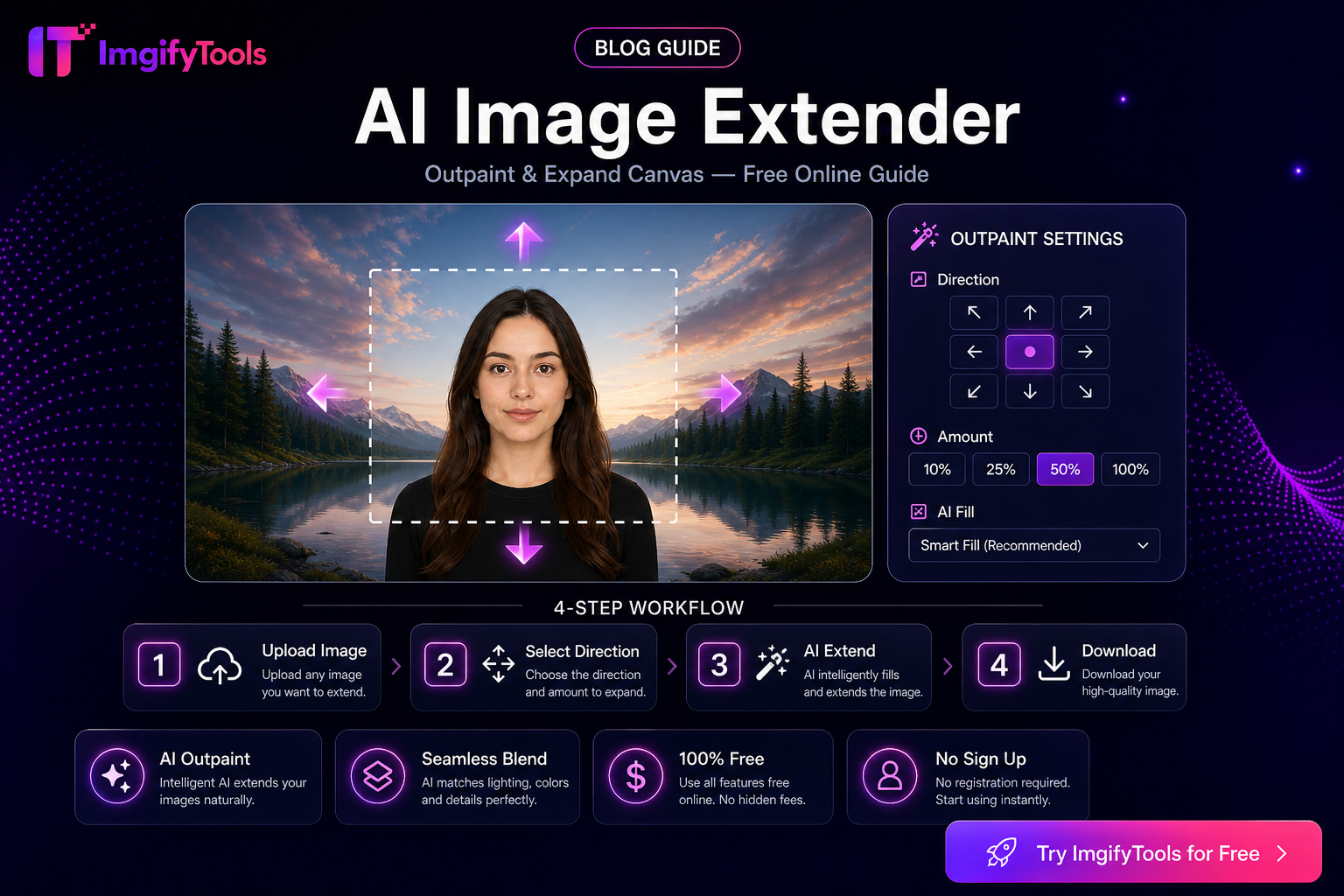
Image Extender vs Image Resizer — When to Expand the Canvas
Expand canvas with mirrored edge fill when you need more margin; use a resizer when you only need exact pixels. Clear decision guide for stories, banners, and marketplaces.
Read articleThis hub collects ImgifyTools articles on everyday image jobs—compressing and converting files, preparing product or social images, and working with common AI edit workflows. Use search or categories to find a guide, then open the related tool when you want to try the steps yourself.
Posts include how-to tutorials, workflow guides, and occasional comparisons. They are written for creators, sellers, and marketers who need clear steps—not hype. Some articles are still being improved; unfinished drafts are kept out of this listing until they are ready.
Prefer to start with a tool instead of an article? These category hubs and the full directory sit alongside this blog.
Searchable catalog of free ImgifyTools utilities in one place.
Background removal, upscaling, face enhancement, and related AI workflows.
Format conversion such as PNG to JPG, HEIC to JPG, WebP, and image/PDF paths.
Compress, crop, watermark, and other everyday editing jobs.
Platform-oriented sizes for social posts, thumbnails, and listings.
Passport, visa, and similar dimension-focused photo helpers.
Filter by category or search titles and descriptions. Open a card to read the full guide.
A few bounds so you know what these posts are—and are not.
Guides describe common workflows and tool options. Results depend on your source image, platform rules, and the specific tool path you use.
We do not publish fake benchmarks, user counts, or testimonials. If a comparison still needs original measurements, it stays unfinished and out of this index.
Country photo size articles summarize publicly available requirements for DIY prep. Always confirm current rules with the official authority before you submit.
An article explains the job; the matching ImgifyTools page is where you upload and process a file. Capabilities follow what each tool actually supports.
Reading the blog does not upload your images. When you open a linked tool, processing depends on that tool: some paths such as the image editor work primarily in your browser, while many AI and convert tools upload files to ImgifyTools servers for temporary session processing and are not kept as a permanent library of uploads by default. Read the privacy policy for details, and see About and Contact for trust information.
We do not claim that every file stays on your device. Processing location depends on the tool you open.
Short answers about finding articles, languages, and how guides relate to tools.
Use the search box to match a title or description, or filter by category (AI Tools, Tutorials, Guides, Comparisons, Tips). Pagination appears when there are more than twelve matching posts.
Use a guide when you need steps, requirements, or context. Open the tool page when you are ready to upload an image and run the job.
The English hub is the source of truth for Phase 1 quality work. Other locales may show translated UI or partial overlays; treat English copy as authoritative until a locale has been reviewed.
No. The blog itself does not process uploads. File handling starts only when you use a tool, and it follows that tool’s browser or server path.
Unfinished drafts and posts with placeholder content are kept out of this listing and the sitemap until they are rewritten. That keeps drafting labels off the public index.
40 articles
Browse by category

Expand canvas with mirrored edge fill when you need more margin; use a resizer when you only need exact pixels. Clear decision guide for stories, banners, and marketplaces.
Read article
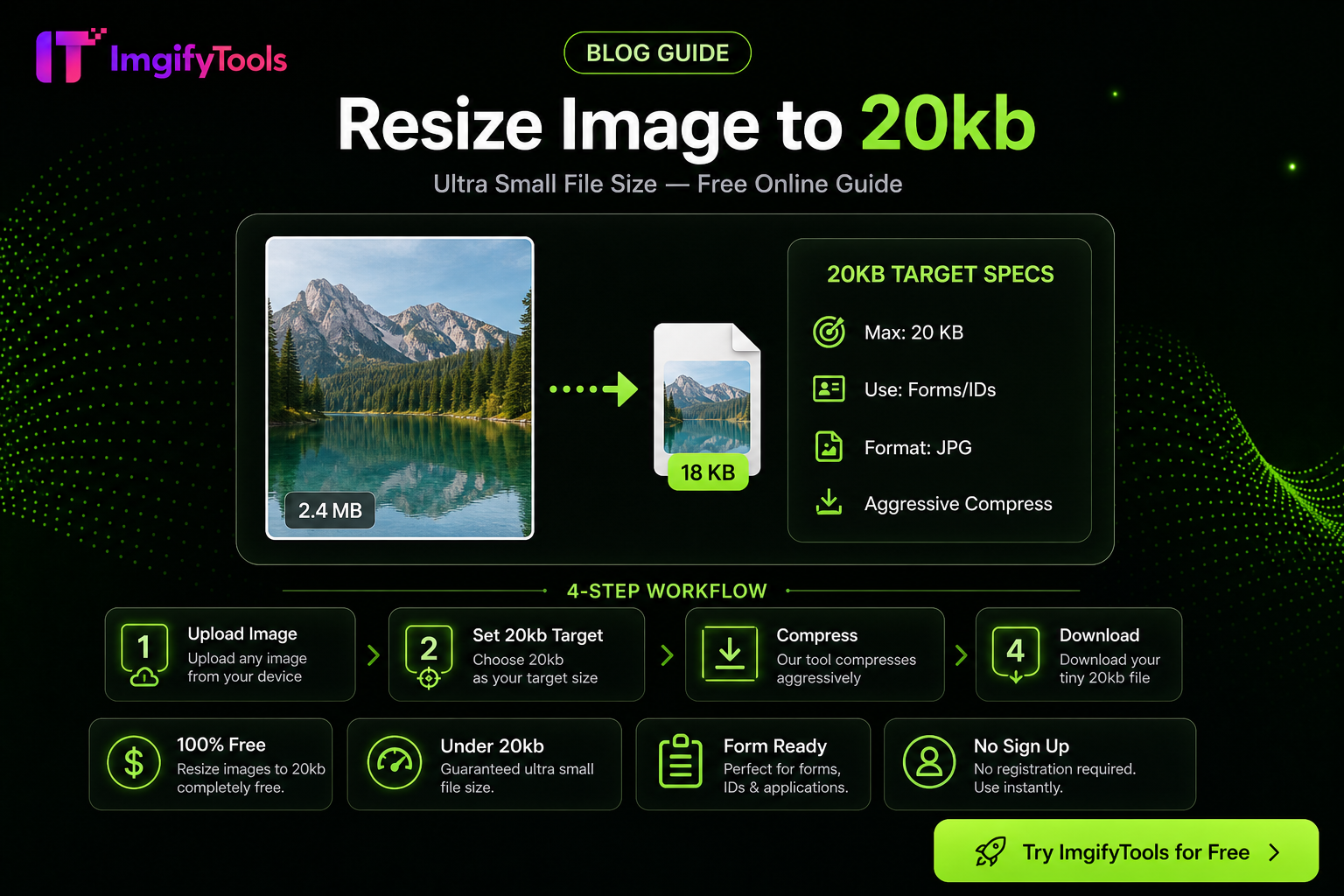
Hit a 20KB upload limit with less mush: resize first, pick JPG/WebP wisely, then use target-KB compression—practical steps for portals and forms.
Read article
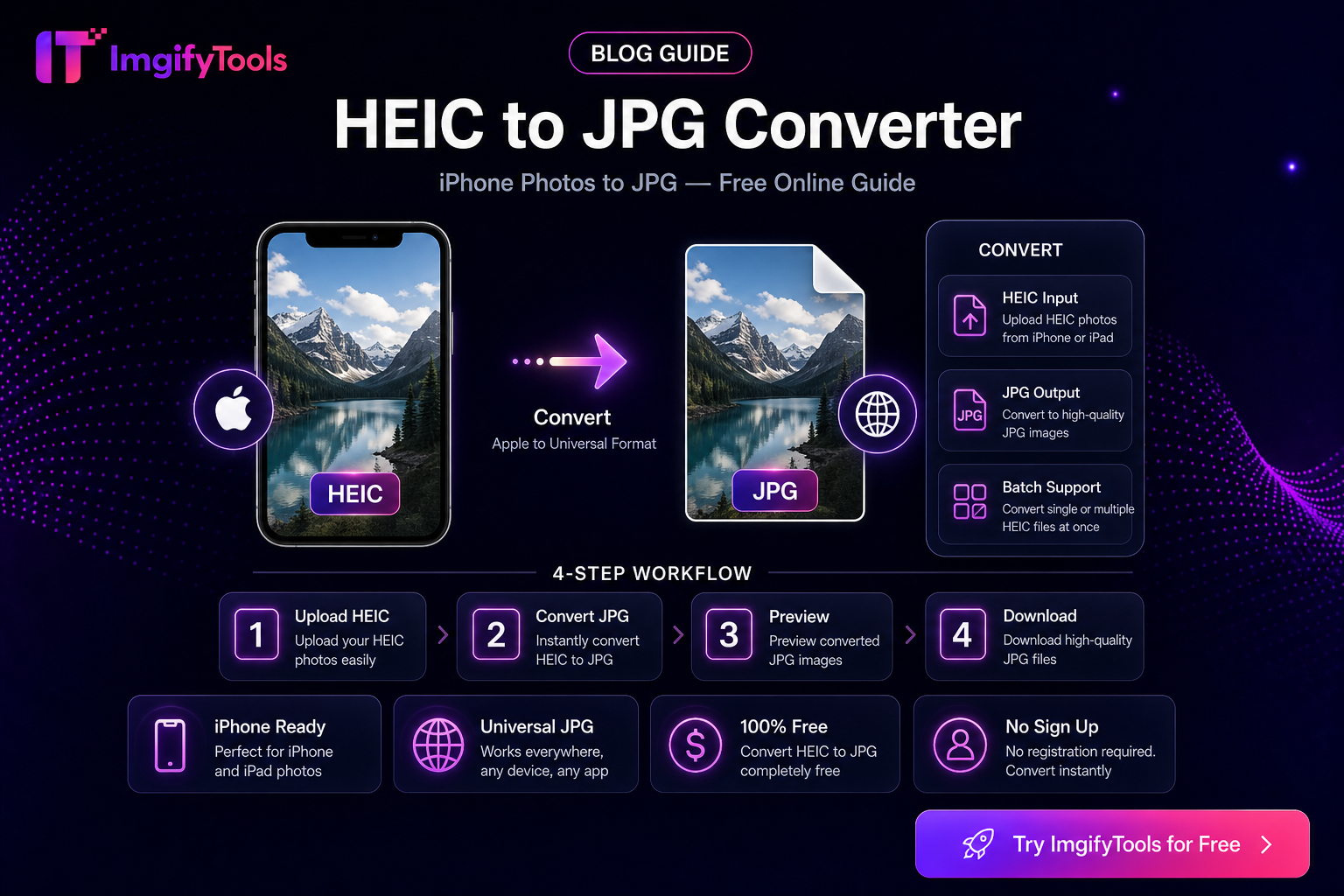
Compare free HEIC-to-JPG options for Windows and the web using privacy, compatibility, color, and workflow criteria before choosing a converter.
Read article
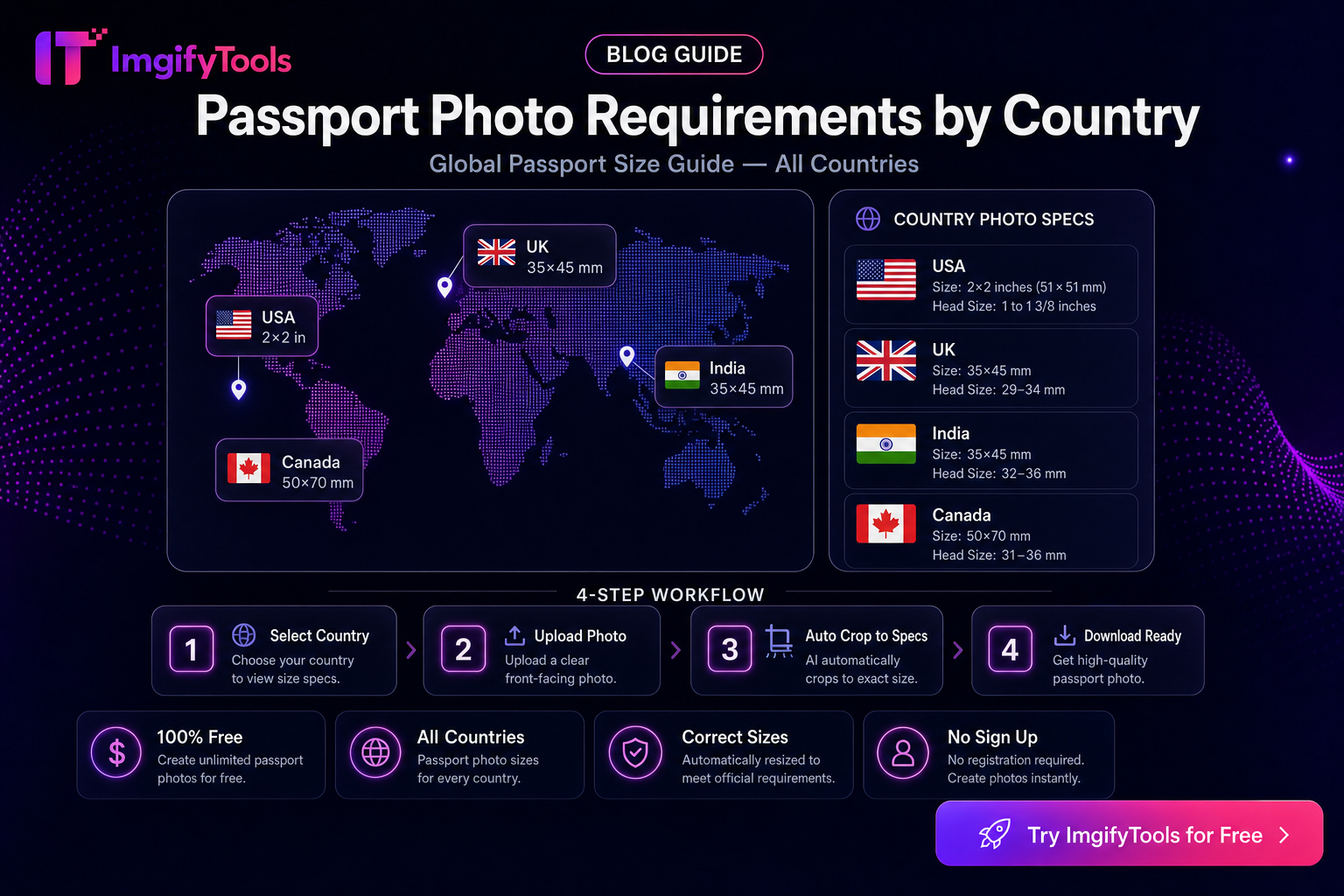
Fix passport and visa photo rejections: background, head size, shadows, expression, glasses, and compression—practical checklist before you reapply.
Read article
eBay listing photo expectations for sellers—background, clarity, and a free ImgifyTools workflow to prep gallery images that load fast.
Read article
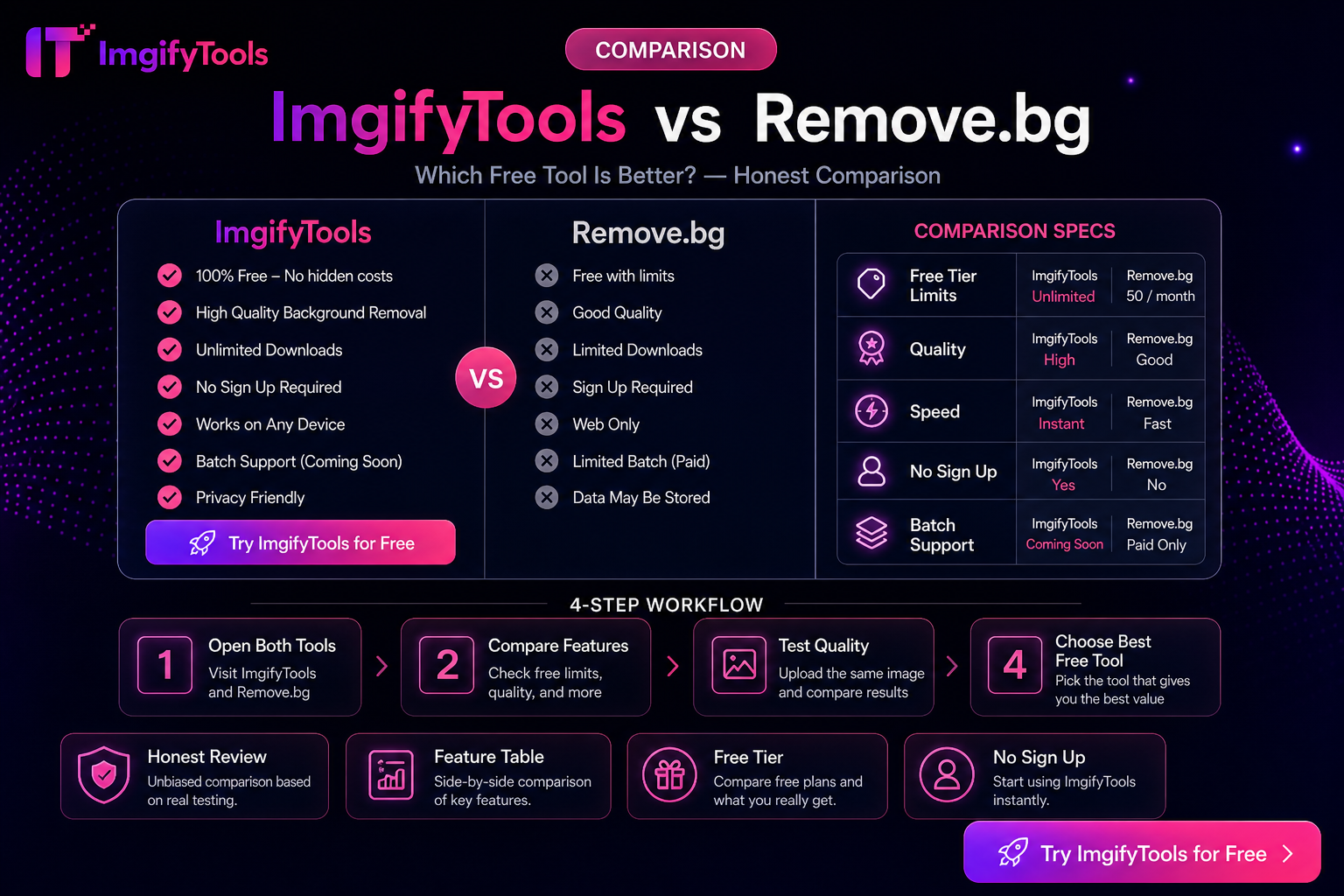
Photopea is a PSD-capable browser editor; ImgifyTools is a free tool suite for cutouts, compress, convert, and quick edits. Choose by job scope—not hype.
Read article
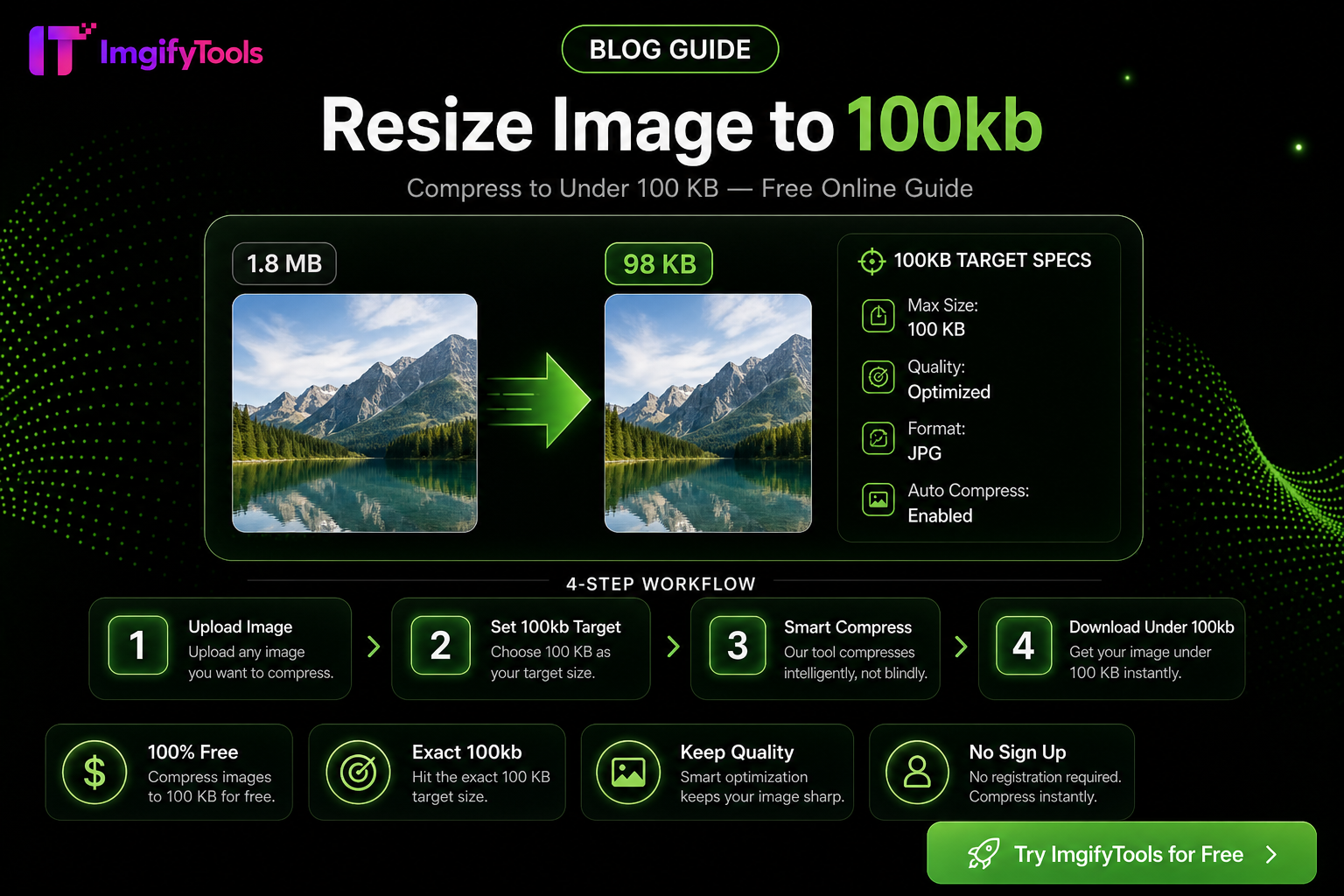
Hit exact KB targets (20KB–200KB) for portals and marketplaces with one free browser workflow—quality tips, pitfalls, and ImgifyTools compressor steps.
Read article
Free Online Image Editor — Complete Guide: practical steps, common pitfalls, and when to use ImgifyTools free browser tools—no signup, no watermark.
Read article
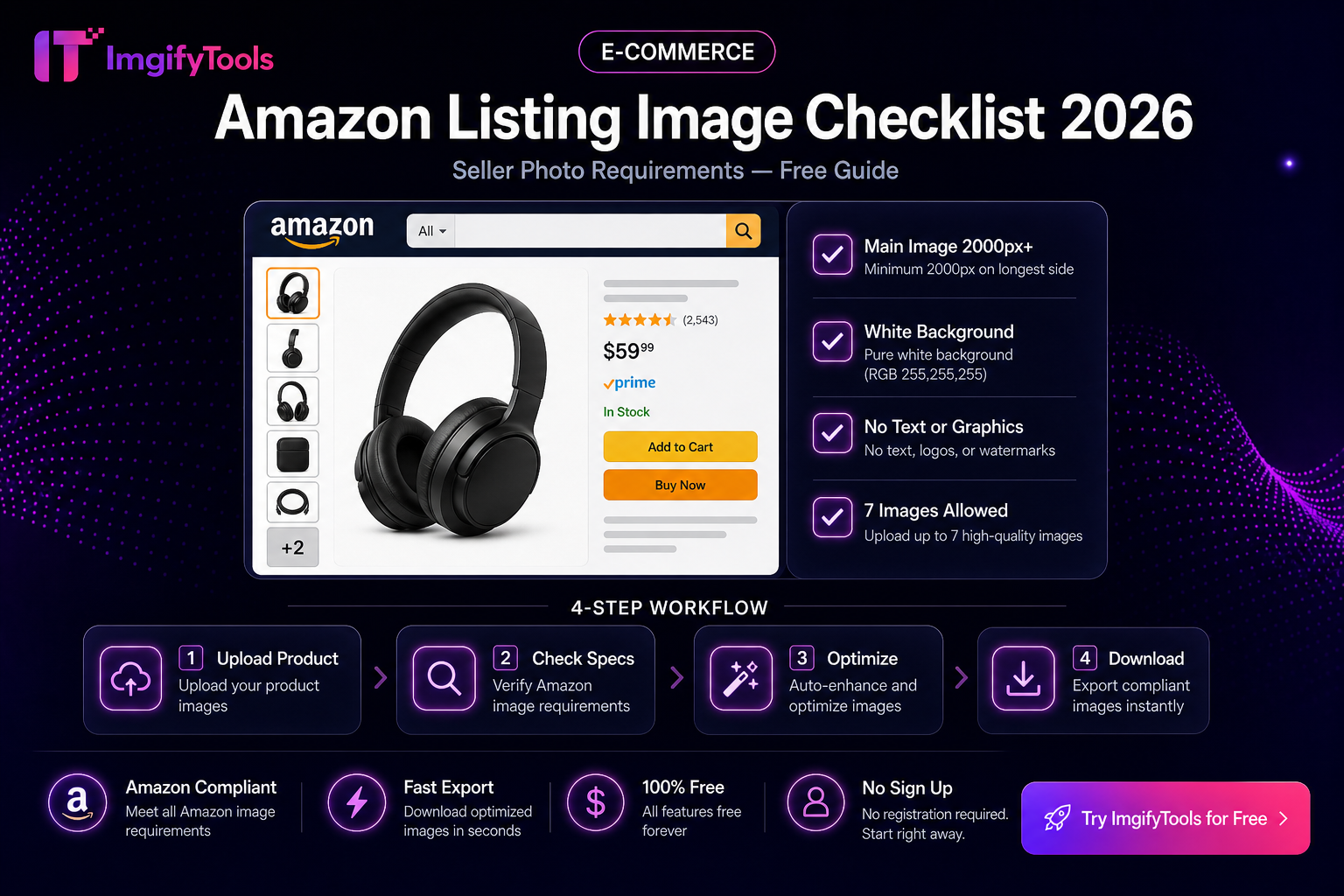
Practical Amazon main and secondary image checklist—white background, fill, pixels, and a free ImgifyTools prep flow. Verify rules in Seller Central.
Read article
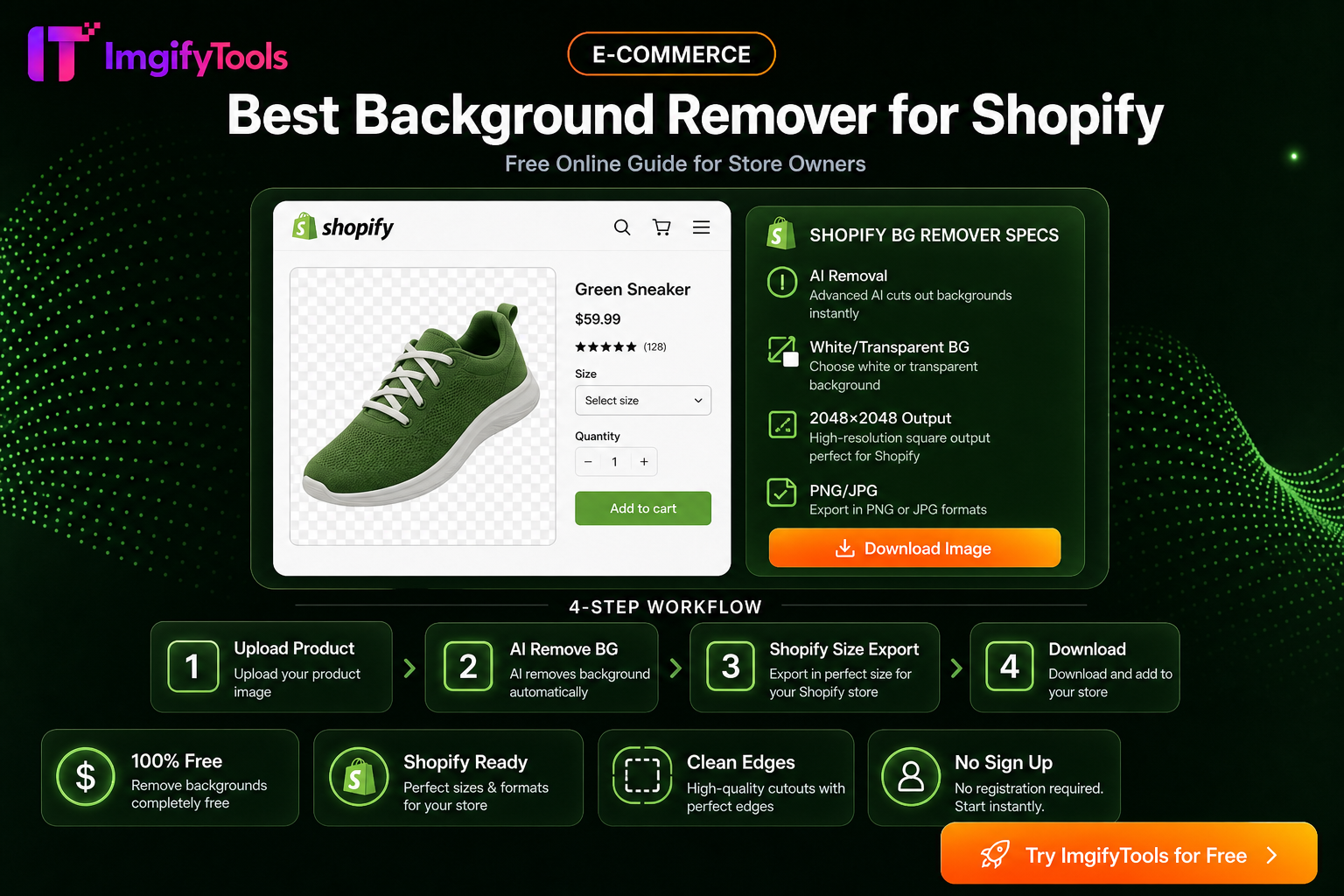
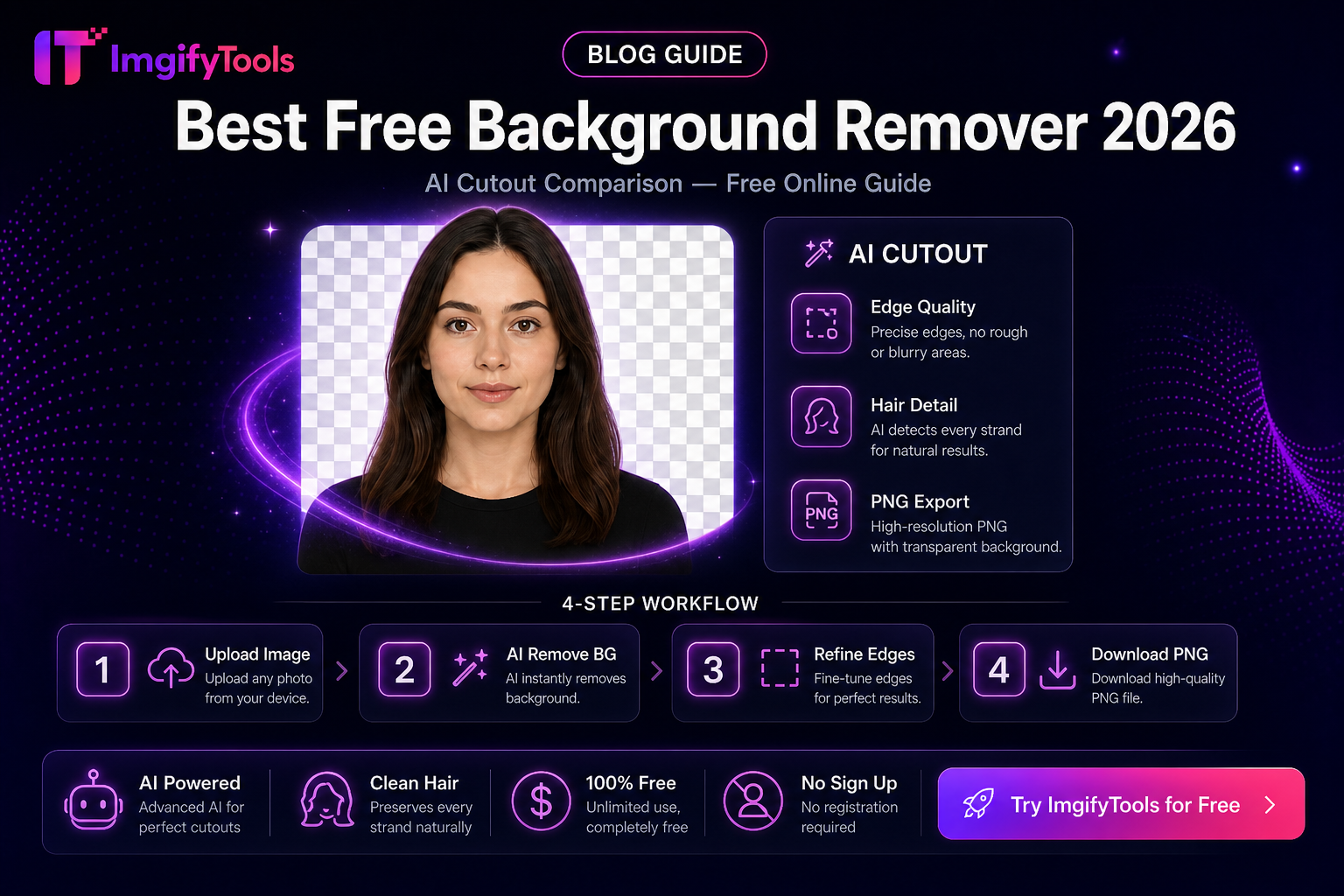
Soft-recommendation guide: evaluate free background removers on edges, limits, privacy, exports, and workflow fit—without a fake ranked “best of” list.
Read article
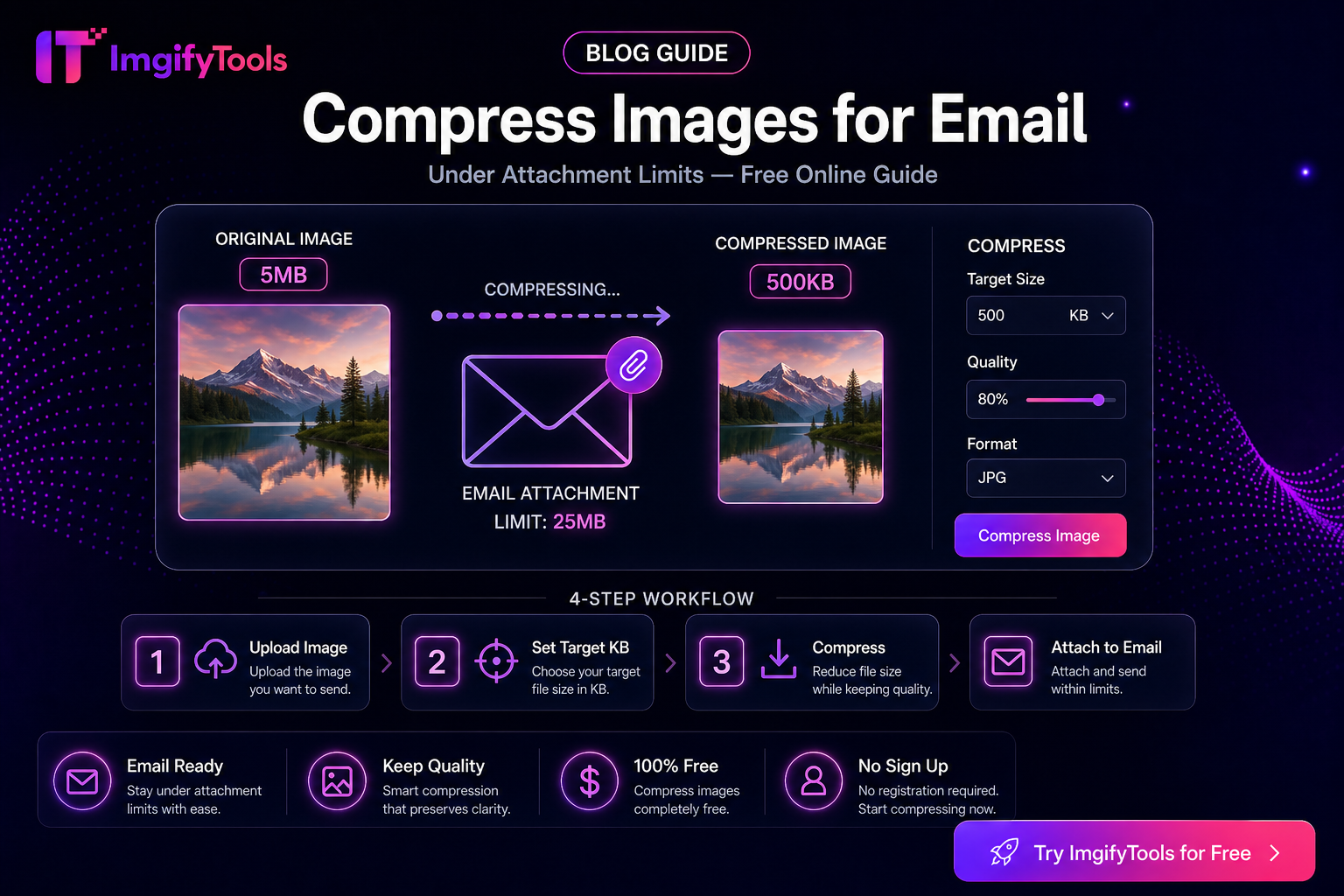
Shrink photo attachments so Gmail, Outlook, and work mail accept them—size limits, quality trade-offs, and a free ImgifyTools workflow.
Read article
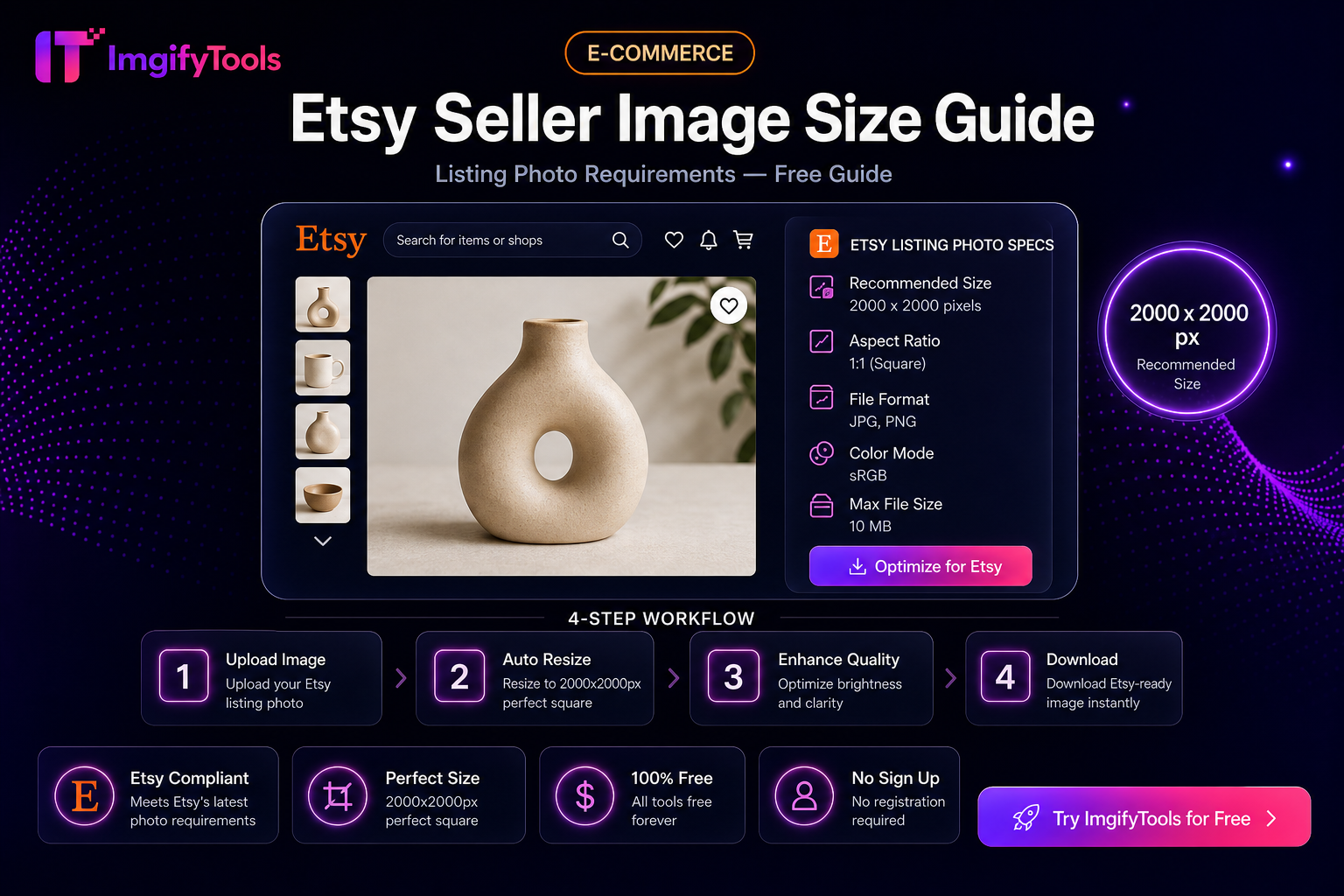
Prep Etsy listing photos: square crops, clean backgrounds, and sensible file sizes with free ImgifyTools—plus limits and privacy notes.
Read article