How to Choose a Free Background Remover (2026 Evaluation Criteria)
Search results for “best free background remover” are crowded with ranked lists that rarely show how the ranking was earned. This guide softens that framing: use criteria and a short test so you can pick a tool for your photos—ImgifyTools included—without trusting unverifiable leaderboards.
Try the workflow on: AI Background Remover. Deeper competitor notes: Remove.bg alternative.
Criteria that matter more than a #1 badge
1. Edge quality on your subject types
Portraits with hair, bottles with hard lines, and logos with thin strokes fail differently. A tool that looks great on a stock demo can still fray on your SKU photos.
2. Honest free limits
Note upload size caps, watermarks, forced accounts, and whether “free” means preview-only. ImgifyTools targets free browser use within published limits (typically about 10MB per AI upload—confirm on the tool page).
3. Export you can actually use
Transparent PNG for compositing; ability to place on white for marketplaces; easy path to compress afterward.
4. Privacy clarity
Know whether files upload to a server. On ImgifyTools, AI removal uses temporary server processing; the image editor is primarily on-device. Read Privacy Policy and any competitor’s policy before uploading sensitive images.
5. Workflow fit
Do you also need resize-to-KB, HEIC conversion, or batch-ish human review in one suite—or only a single API cutout vendor?
6. Failure recovery
Can you re-run quickly, touch up elsewhere (e.g. Photopea), or accept that some shots need a reshoot?
A 10-minute evaluation (no leaderboard required)
| Test image | What to inspect at 100% zoom |
|---|---|
| Portrait + busy background | Hair halos, chopped strands, shoulder edges |
| Product with sharp geometry | Straight edges, label readability, no warping |
| Logo / graphic | Thin strokes, anti-alias fringing |
| Difficult case (glass / mesh) | Whether the tool is even appropriate |
Score each tool yourself as pass / usable with touch-up / fail. That is more honest than copying a blog’s “Top 10.”
Where ImgifyTools fits in that criteria set
- Strengths: free-first browser cutouts, no account required for typical use, nearby compress / resize / convert tools, product-oriented entry at Remove Product Background
- Limits: not a substitute for enterprise API SLAs; difficult masks may need manual editing; quality is image-dependent—we do not publish fabricated accuracy %
When another product may fit better
- You require a specific vendor API, plugin, or procurement contract
- You need guaranteed batch automation beyond browser tools
- Your compliance team only approves a named vendor already on the allowlist
See also: ImgifyTools vs Remove.bg.
Privacy reminder
AI background removers generally upload images. Prefer tools that state retention clearly. ImgifyTools processes AI uploads temporarily for the session and does not treat them as a permanent public library by default.
FAQs
Is there a single best free remover in 2026?
Not in a way that holds for every photo and every policy. Prefer criteria + your own tests.
Should I trust “#1 tool” articles?
Only if they show dated methodology, sample images, and disclosed conflicts. Many lists do not.
What should I do after a good cutout?
Place on the required background, then compress/resize for the destination so the listing does not reject the file.
Related reading
You may also like
How to Choose AI Image Editing Tools (Practical Criteria)
Criteria for choosing AI image tools—background removal, upscaling, face enhancement, and export fit—without fake rankings. Includes ImgifyTools options.
Read next →
Best Free HEIC Converters in 2026: How to Compare Options
Compare free HEIC-to-JPG options for Windows and the web using privacy, compatibility, color, and workflow criteria before choosing a converter.
Read next →
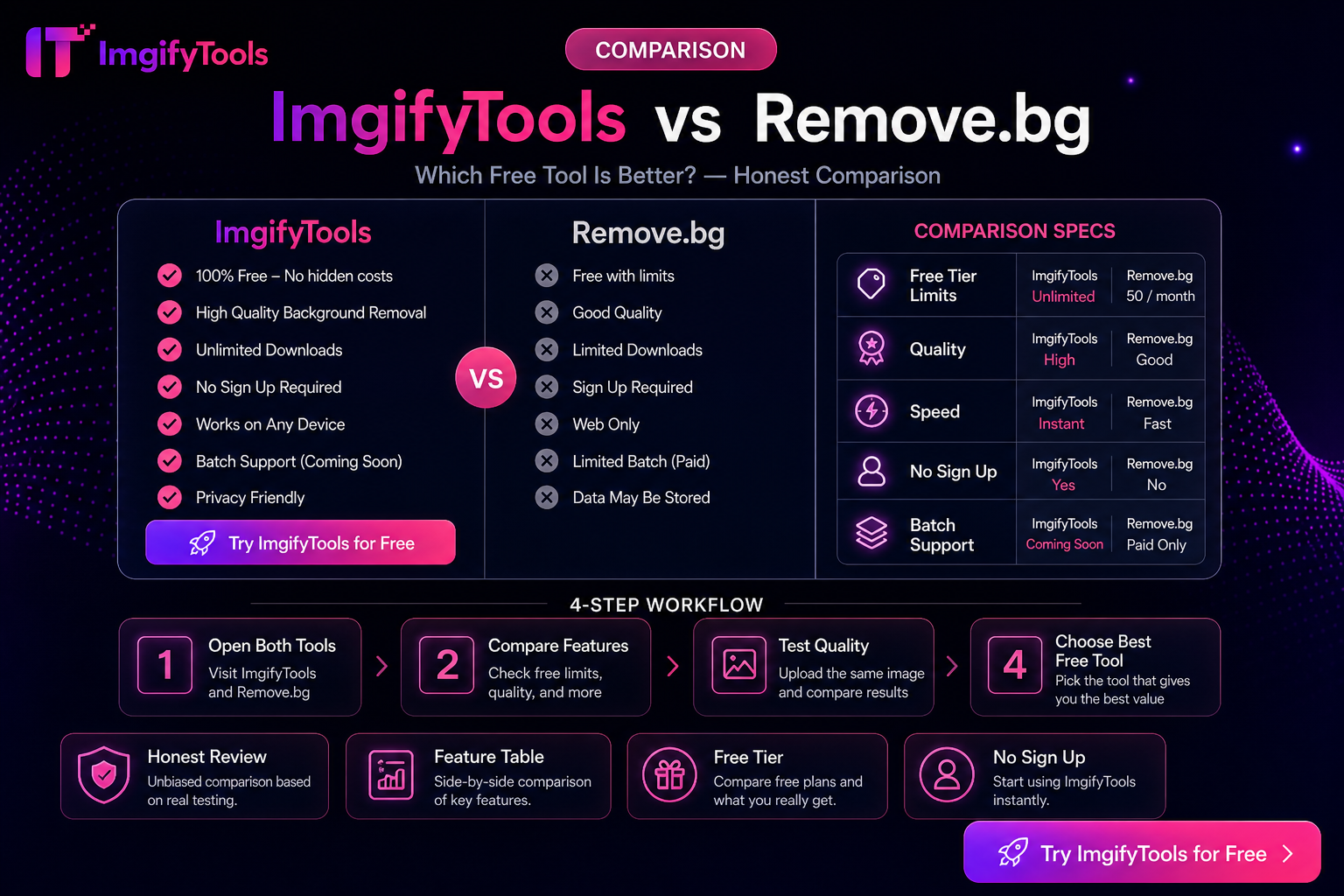
ImgifyTools vs Remove.bg — Honest Differences (Not a Fake Scorecard)
Compare ImgifyTools and Remove.bg for background removal: free access, APIs, suite extras, and privacy—without fabricated benchmarks or “winner” percentages.
Read next →