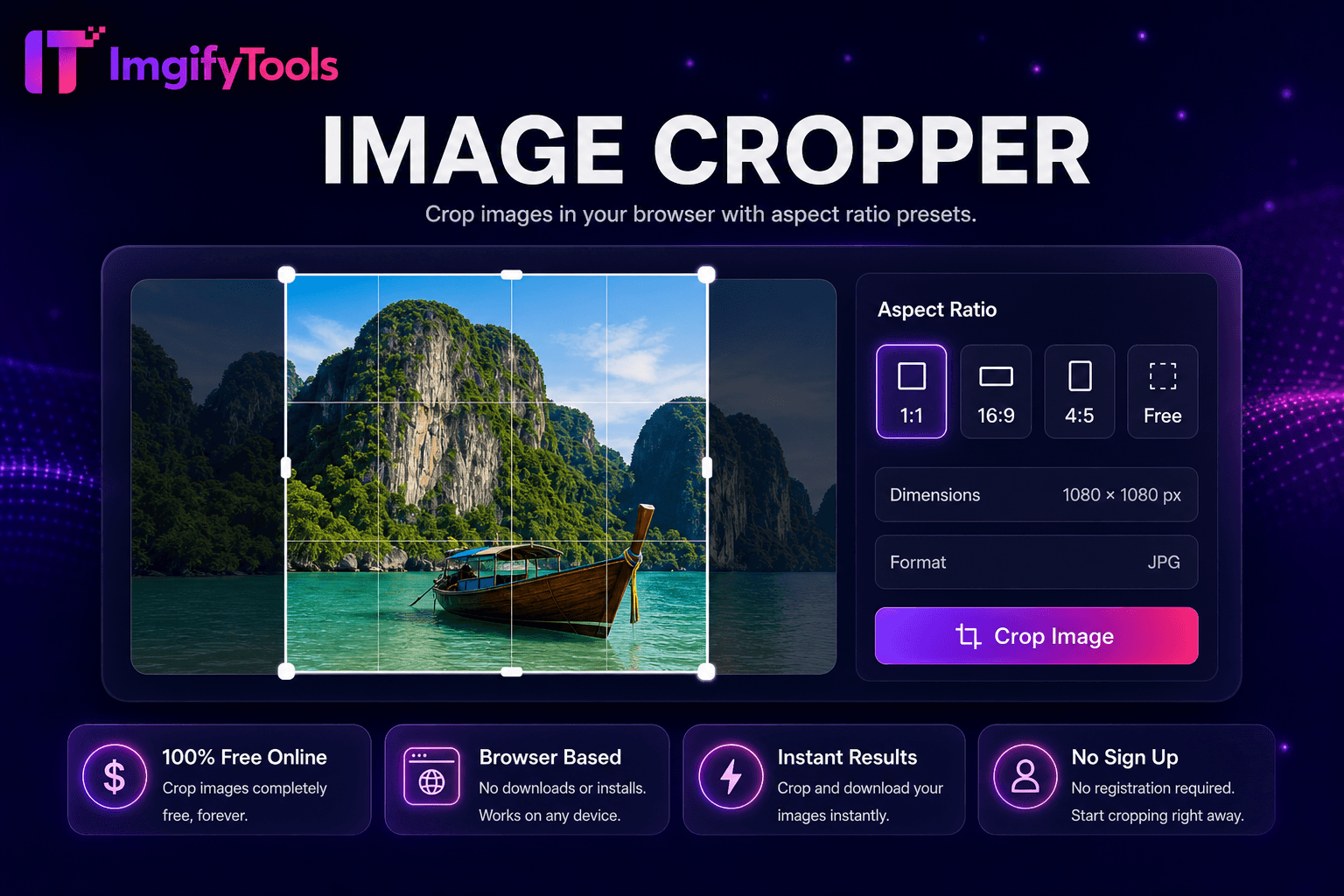
Image Cropper
Crop images in your browser with aspect ratio presets.
Launch ToolRotate, blur, sharpen, and apply effects in one hub. Free for standard use — no signup required.
ImgifyTools Image Effects hub applies professional photo filters and adjustments—vintage film, black and white, vignette, blur, sharpen, brightness, contrast, and stylized looks—without Lightroom subscriptions or mobile app export quality loss. Content creators batch-style Instagram feeds for cohesive aesthetics. Bloggers add subtle film grain to hero images matching brand mood boards. Marketers generate variant ad creatives from one master photo testing emotional tone responses. Each effect previews live before download at full resolution. Free browser effects stack with resize and compress for complete publish pipelines. Hub navigation links specialized AI tools when effects alone insufficient—cartoonizer for illustration looks, colorize for historical photos. Uploads are processed on ImgifyTools servers for your session (max 10 MB), are not retained permanently, and are not used to train AI models.
Upload photo to the image effects hub.
Browse and select filter or adjustment effect.
Tune intensity sliders while previewing live.
Compare before and after at full zoom on details.
Download stylized image for social or web publish.
Unlike many other platforms that compromise on quality or hide results behind paywalls, ImgifyTools offers high-fidelity output with a focus on speed and user privacy. No account creation is required to start transforming your images.
Effect pipeline applies GPU-accelerated filter graph to decoded bitmap—tone curves for contrast, convolution kernels for sharpen/blur, LUT mappings for vintage color grades, noise injection for film grain. Parameters expose sliders where non-destructive tuning matters. Output re-encodes as JPG or PNG preserving dimensions. Chaining multiple effects may compound in single pass for performance. Preview downsamples for UI responsiveness but export uses full resolution.
Apply consistent vintage LUT across blog series for brand recognition. Subtle vignette draws eye to product center in Shopify banners. Sharpen moderately after resize—over-sharpening halos edges on JPEG sources. Black and white conversion suits dramatic portrait storytelling before text overlay quotes. Export PNG for graphics with text; JPG for photographic filters at quality 88.
See how our free image effects studio compares to iloveimg on price, limits, and features.
| Feature | ImgifyTools | iloveimg |
|---|---|---|
| Price | Free image effects hub | Free with ads; premium removes limits |
| Filter variety | Vintage, B&W, vignette, sharpen, blur | Photo filters and effects |
| Live preview | Adjustable intensity sliders | Preview before download |
| Signup required | No account needed | Optional account for history |
| Output quality | Full resolution export | Standard quality presets |
| Privacy | Processed in-session, not stored | Temporary cloud processing |
| AI tools | Hub links to cartoonizer and colorize | Separate effect pages |
More tools
Other specialized utilities for your workflow.
Crop images in your browser with aspect ratio presets.
Launch Tool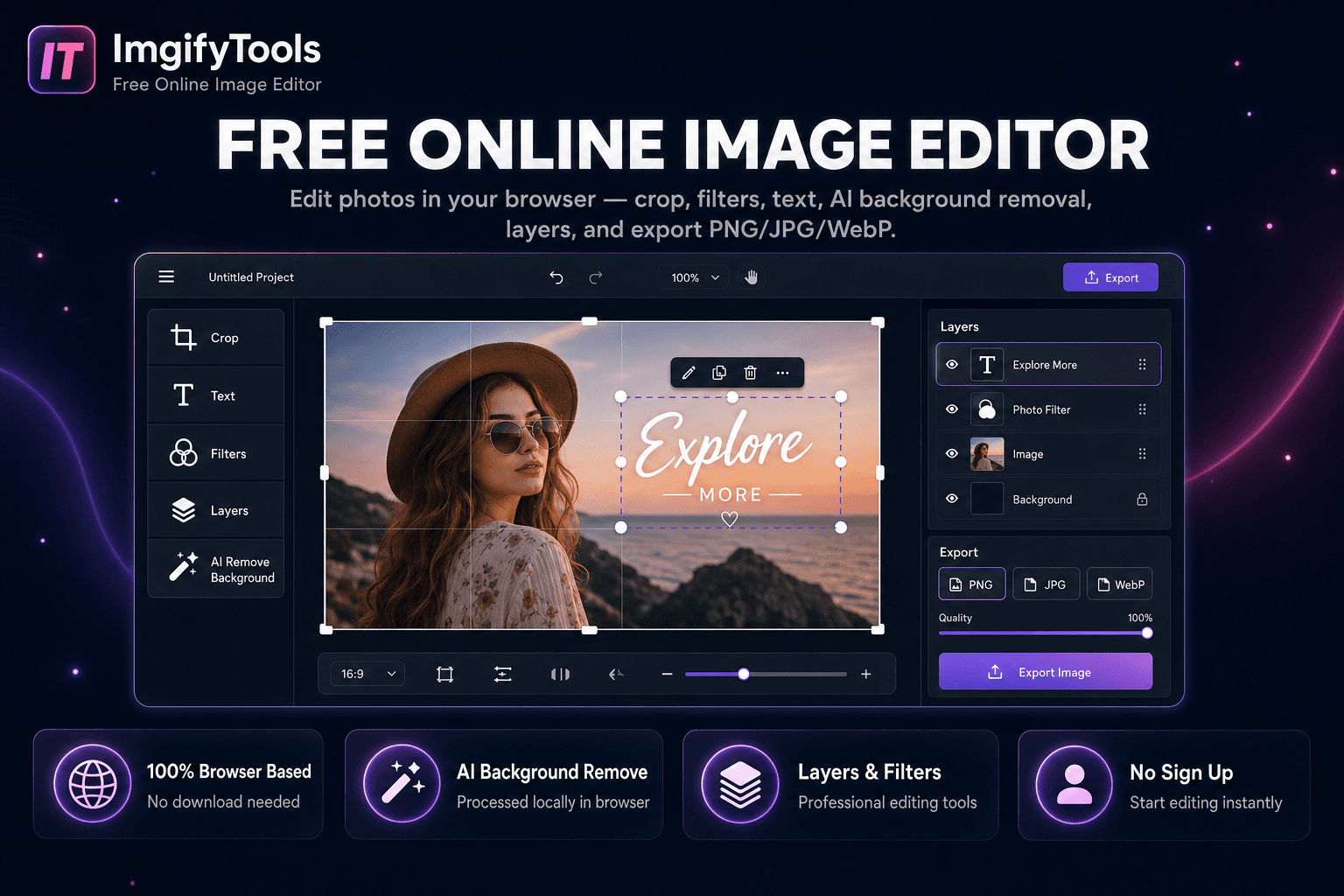
Edit photos in your browser — crop, filters, text, AI background removal, layers, and export PNG/JPG/WebP. No download, no signup.
Launch Tool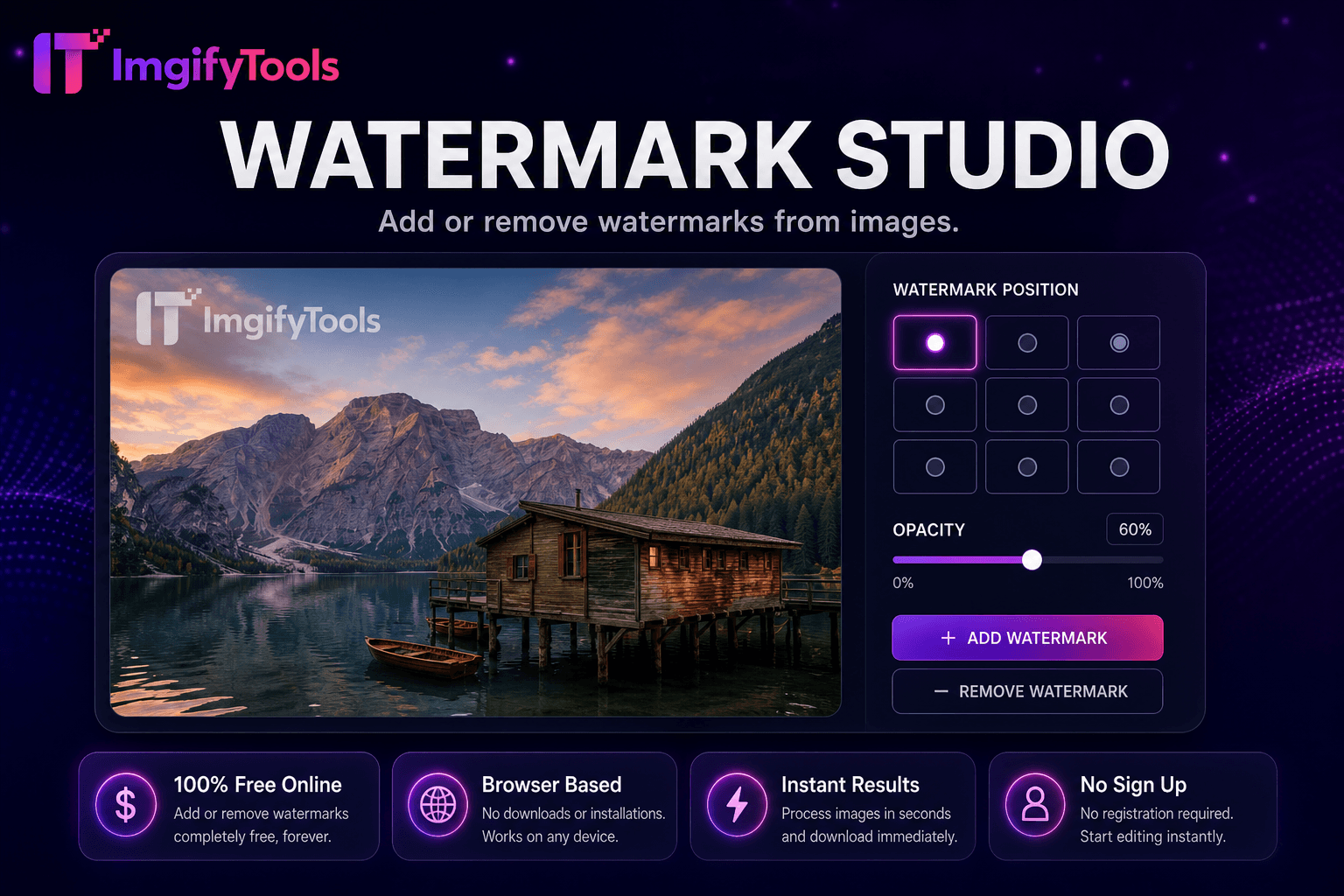
Add or remove watermarks from images.
Launch Tool