US Passport Photo
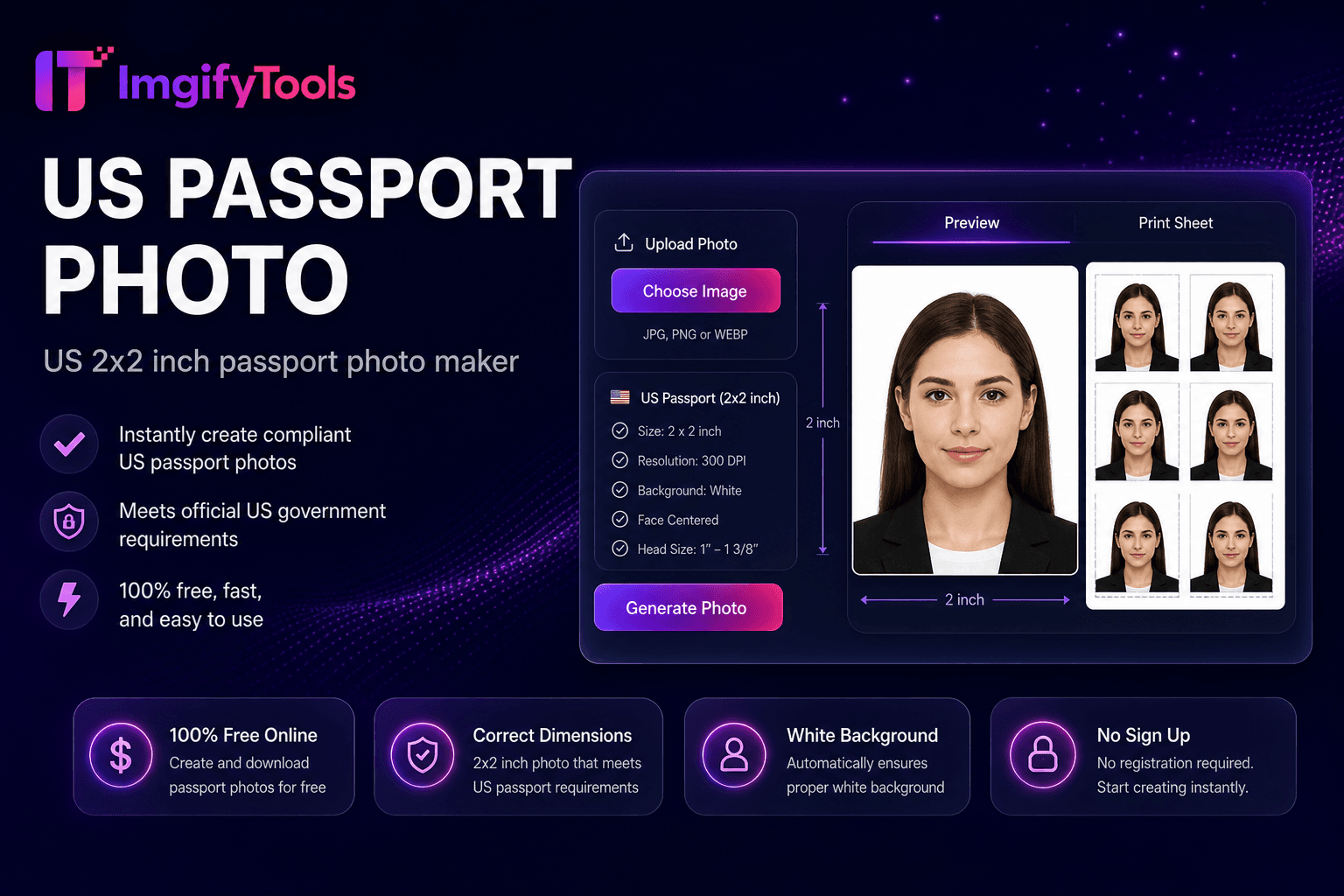
US 2×2 inch passport photo maker.
Launch ToolMake a passport or visa photo online with auto crop and white background. Free for standard use — no signup required.
Crop and resize passport or visa photos for common document sizes—including US 2×2, UK 35×45, Canada, Pakistan, India, and related ID formats—then review official requirements before submitting. Upload a front-facing portrait, select a country size preset, and crop to the selected dimensions with head-size alignment and a plain white or off-white background. This hub assists with preparation only; it does not guarantee government acceptance. Official US guidance (example source for this hub): https://travel.state.gov/content/travel/en/passports/how-apply/photos.html — last checked 2026-08-09. Rules change; always re-check your issuing authority before you apply. Uploads are processed on ImgifyTools servers for your session (max 10 MB), are not retained permanently, and are not used for training.
Jurisdiction: US, UK, Canada, India, Pakistan, and common ID/visa sizes. Last checked against the official source on 2026-08-09.
Official passport and ID photo rules can change. Always re-check the linked government source (and your own country’s authority) before submitting an application.
ImgifyTools helps with crop, size, and background preparation only. It does not guarantee acceptance by any passport, visa, or ID authority.
View official government sourceTake or upload a front-facing portrait with even lighting against a plain wall.
Select your passport or ID photo size preset for your country.
Let the tool crop, align head size, and apply a plain white or off-white background.
Preview alignment against on-screen guide overlays.
Download a digital file for online upload or a printable 4×6 photo sheet.
Unlike many other platforms that compromise on quality or hide results behind paywalls, ImgifyTools offers high-fidelity output with a focus on speed and user privacy. No account creation is required to start transforming your images.
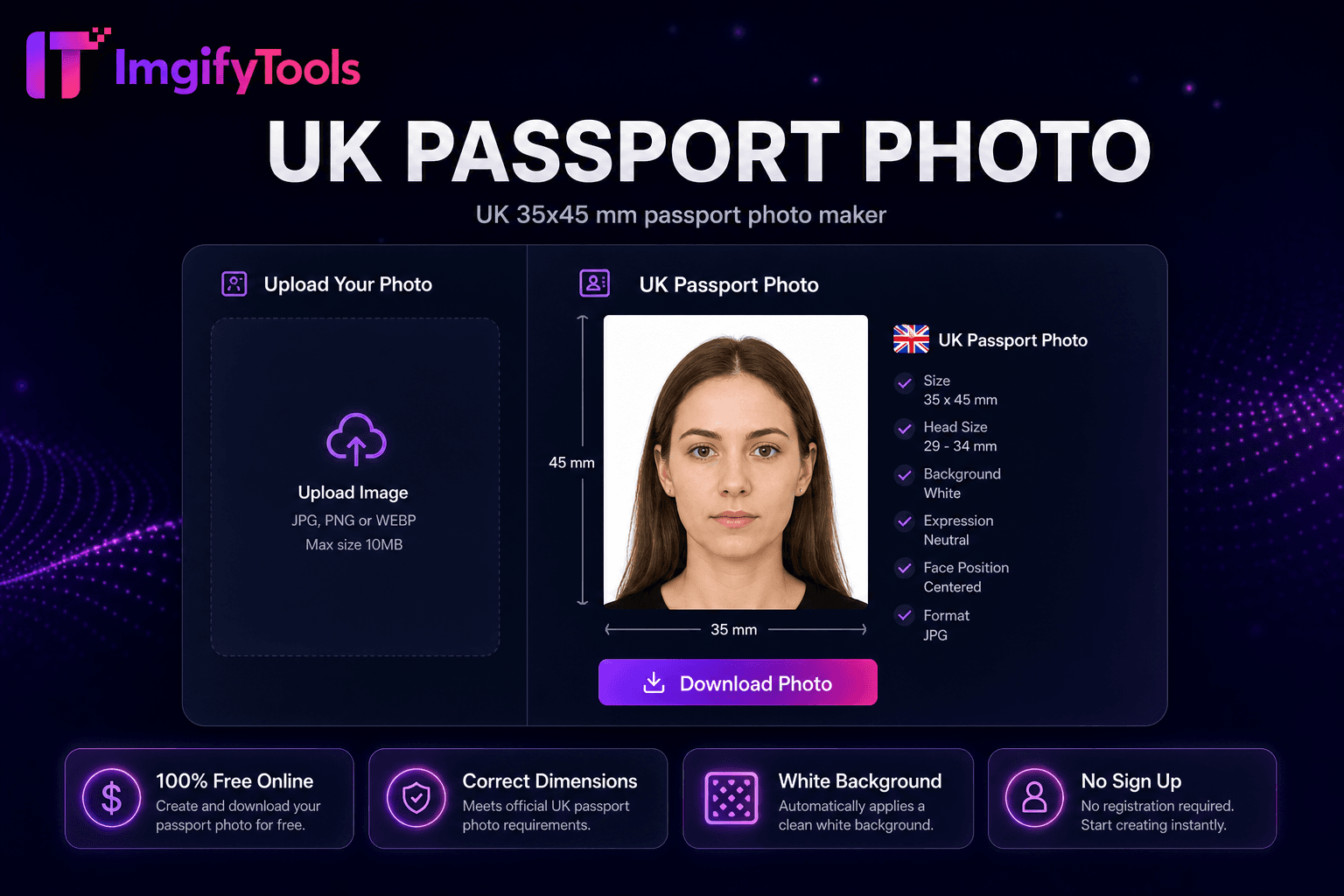
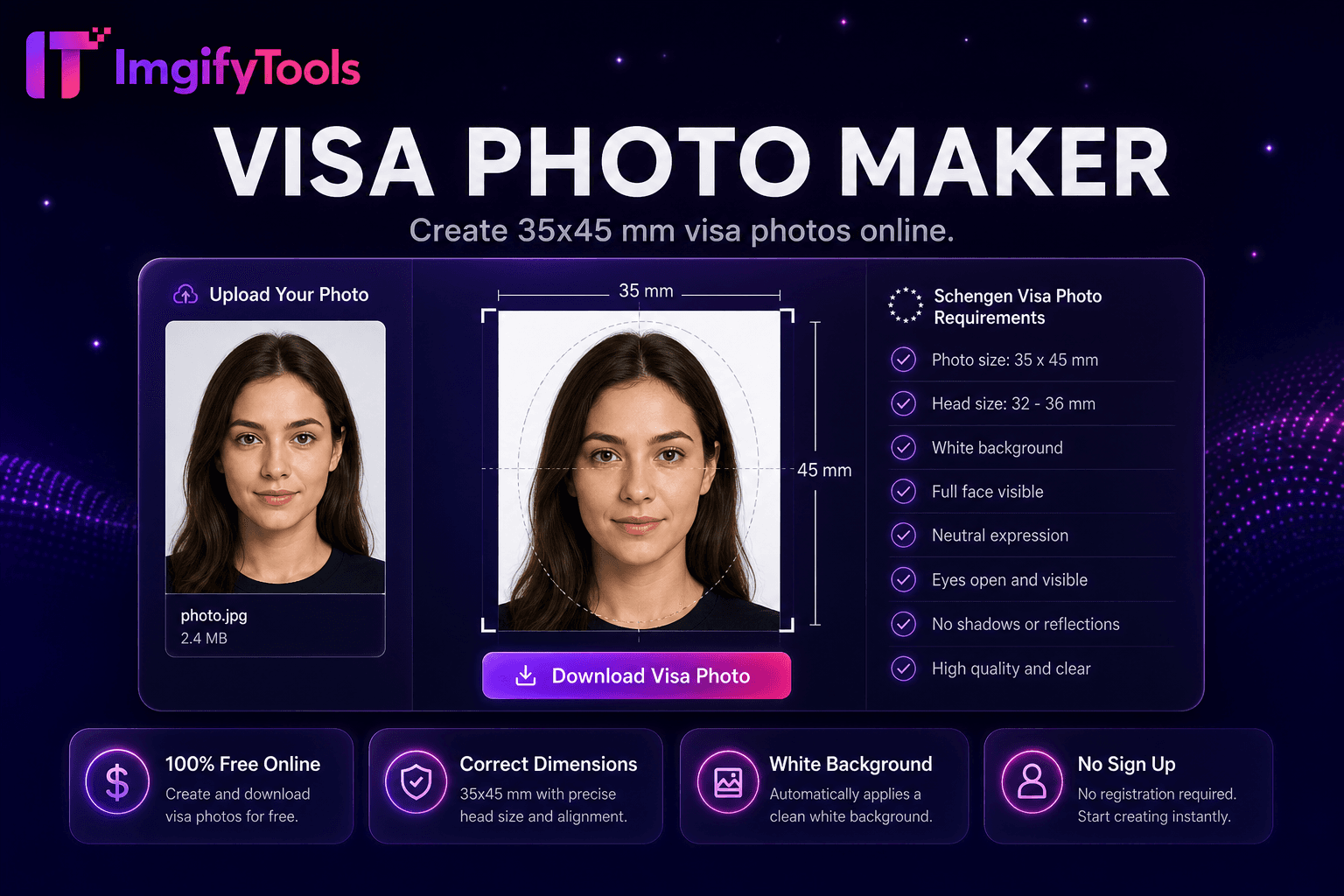
Different countries use different passport photo dimensions. US Passport Photo (2×2 in / 51×51mm): required for US passports and many visa applications — use our US passport photo tool. UK Passport Photo (35×45mm): HM Passport Office standard — see our UK Passport Photo tool. Canada Passport Photo (50×70mm): IRCC requirement — use our Canada Passport Photo tool. India / Pakistan Passport Photo: typically 51×51mm (India) and 35×45mm (Pakistan) — see our India Passport Photo and Pakistan Passport Photo tools. Schengen / EU Visa Photo (35×45mm): standard across most European visa applications — use our Visa Photo Maker tool.
Authorities reject passport photos for predictable reasons: incorrect dimensions, head too large or small relative to the frame, shadows on one side of the face, non-neutral expression, busy or colored backgrounds, and low resolution. This passport photo maker helps with size (pixel output per preset), background (plain white/off-white replacement), and head alignment (face detection and crop guides). Preview overlays show margins before download. For lighting issues, retake with even front-facing light. For glasses glare, remove eyewear if your country requires it. Always verify against the official source linked on this page—acceptance is never guaranteed.
Passport photos are used for passport book renewals and are sized per your country's passport standard (e.g., US 2×2 inch). Visa photos follow the destination country's visa specification — often 35×45mm for Schengen, but sizes vary. ID photos cover national ID cards, driver's licenses, and work permits with their own dimension rules. While dimensions differ, the same quality rules apply: plain background, neutral expression, recent photo, no filters. This tool covers common passport and ID presets; use our Visa Photo Maker for Schengen and international visa sizes.
After creating your digital passport photo, download a 4×6 inch print sheet with multiple copies tiled for standard photo printer paper. Print at CVS, Walgreens, or any photo kiosk for a fraction of studio prices. Use matte photo paper for best color accuracy. The sheet layout saves you from manually arranging copies in a print app.
See how our free passport photo maker compares to photoaid.com on price, limits, and features.
| Feature | ImgifyTools | photoaid.com |
|---|---|---|
| Price | Free passport photo maker online free | Free digital photo; print fees extra |
| Country compliance | US, UK, Canada, India, Pakistan presets | 100+ country templates |
| Background | Auto white/off-white background | Compliance background check |
| Print layout | Download ready-to-print 4×6 sheet | Print-at-home or pickup |
| Face detection | AI face alignment and crop | Automatic face positioning |
| Digital delivery | Instant JPG/PNG download | Digital + print options |
| Retakes | Free retakes (upload limits apply) | Pay per final photo on some plans |
More tools
Other specialized utilities for your workflow.