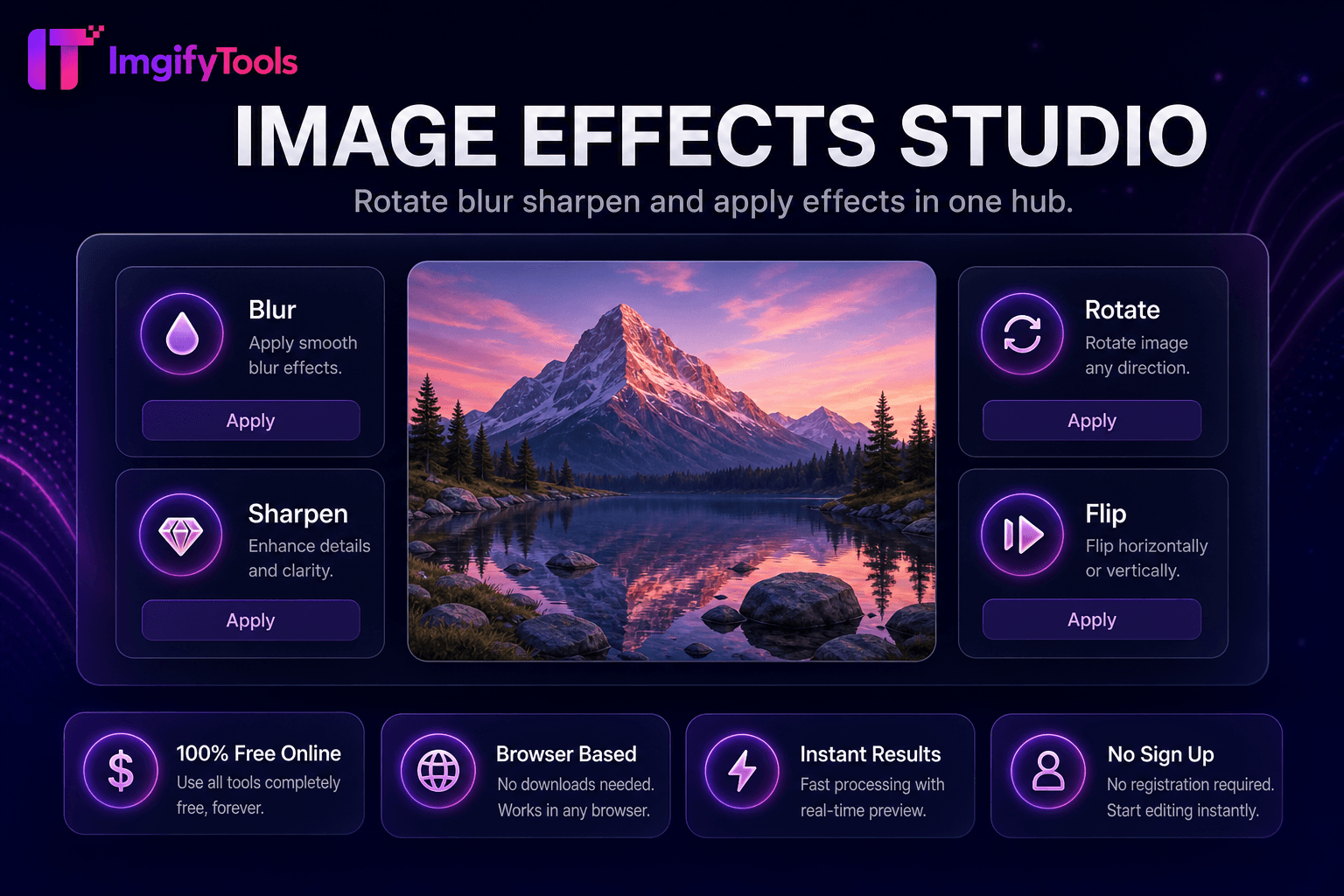
Image Effects Studio
Rotate, blur, sharpen, and apply effects in one hub.
Launch ToolEdit photos in your browser — crop, filters, text, AI background removal, layers, and export PNG/JPG/WebP. No download, no signup.
ImgifyTools Free Online Image Editor is a browser-primary photo editor for everyday crop, resize, text, shapes, layers, and filter work. Upload or drag-and-drop JPG, PNG, or WebP and edit on the canvas without installing desktop software. AI background removal uses local @imgly / WebAssembly in your browser (the model downloads once, roughly 10–40 MB). Other edits also run primarily on-device. Optional server-backed steps elsewhere in the product, if used, process uploads for the session only, are not retained permanently, and are not used for training (max 10 MB when a server step applies). Export as PNG, JPG, or WebP. Useful for product cutouts with price tags, LinkedIn headshots, social posts, and quick marketing graphics. Very large files or low-memory mobile browsers may feel slower or hit canvas limits—resize big originals first when needed.
Open the editor and upload or drag-and-drop your photo.
Use the toolbar for crop, text, shapes, filters, or background remove.
Adjust fonts, colors, and layers in the side panel.
Background removal runs locally in your browser via WebAssembly (first run may download the model).
Use Undo/Redo to refine edits, then export as PNG, JPG, or WebP.
Unlike many other platforms that compromise on quality or hide results behind paywalls, ImgifyTools offers high-fidelity output with a focus on speed and user privacy. No account creation is required to start transforming your images.
Marketplace listing: remove the product background locally, place the cutout on a clean color or keep transparency (PNG), then add a short text price tag and export. LinkedIn headshot: crop to a tight face-focused frame, apply a mild filter if needed, and export JPG. Blog or thumbnail graphic: drop in a photo, add a short headline with high contrast, and export WebP or JPG for the web.
Edits stay in your browser session until you export. Background removal needs a one-time WebAssembly model download (about 10–40 MB). Optional server steps in other tools, if you use them, are capped at 10 MB and are session-only. Mobile browsers have tighter canvas and memory limits than desktops—downscale multi-megapixel camera files first if the canvas freezes or export fails. The editor is built for quick everyday edits, not layered print production or RAW photography.
Editor feels stuck on first background remove: wait for the model download, or retry on a stronger connection. Canvas blank or crash after a huge upload: resize the photo smaller, then re-open the editor. Export looks soft: start from a sharper source and avoid heavy filters before export. Transparency needed: export PNG, not JPG. Undo not enough: use Undo/Redo for recent steps; reload only if you can re-upload—unsaved canvas work is not a cloud project.
See how our free free online image editor compares to Canva on price, limits, and features.
| Feature | ImgifyTools | Canva |
|---|---|---|
| Free without signup | Yes | Limited |
| Primarily browser processing | Yes (local bg remove) | Partial |
| AI background removal | Yes (local WASM) | Paid |
| Layers panel | Yes | Yes |
| Full design suite / templates | Essential tools only | Yes |
| Mobile friendly | Yes (device limits apply) | Limited |