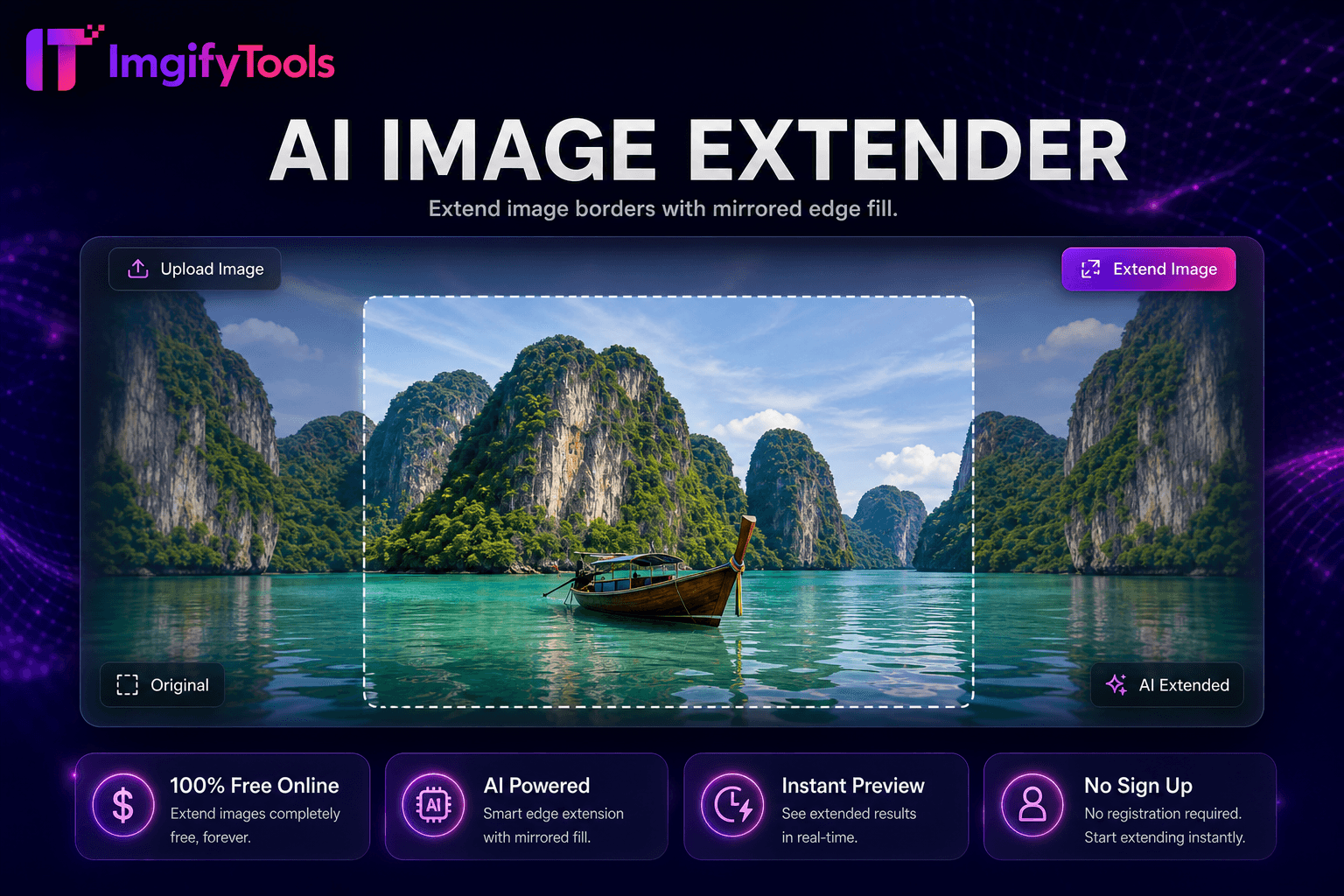
Image Extender
Uncrop and expand images with mirrored edge fill for extra canvas space.
Launch ToolUpscale and enhance image quality up to 4x using AI. Free for standard use — no signup required.
Enlarge photos 2x or 4x with ImgifyTools AI Image Upscaler. Improve resolution, reduce pixelation, and compare the result before you download. ImgifyTools Image Upscaler uses AI super-resolution to enlarge photos without the blocky artifacts you get from simple resize tools. Standard upscaling stretches existing pixels, which blurs text, softens product details, and destroys skin texture. Our model predicts missing high-frequency detail—fabric weave, eyelashes, label text, wood grain—and reconstructs sharper edges at 2x or higher magnification. Photographers rescue cropped social crops for print. E-commerce teams enlarge supplier thumbnails to meet minimum resolution requirements. Designers upscale stock assets for billboard mockups. Restorers working from small scans gain usable detail before color correction. The upscaler handles portraits, landscapes, product shots, and scanned documents, balancing sharpness against natural-looking results so upscaled faces do not look over-processed. Upload once, compare before and after, and download a higher-resolution file in seconds. No desktop software, no GPU requirements, and no per-image fees—just intelligent enlargement when you need more pixels from a limited source. Uploads are processed on ImgifyTools servers for your session (max 10 MB), are not retained permanently, and are not used for training.
Upload the image you want to enlarge (JPG, PNG, or WebP).
Select your target upscale factor or let the tool apply optimal enlargement.
Wait while the AI reconstructs detail at the higher resolution.
Compare the preview against your original to verify sharpness.
Download the upscaled image for print, web, or further editing.
Unlike many other platforms that compromise on quality or hide results behind paywalls, ImgifyTools offers high-fidelity output with a focus on speed and user privacy. No account creation is required to start transforming your images.
Super-resolution models learn mappings from low-resolution patches to their high-resolution counterparts using training data spanning natural images, faces, and textures. When you submit a photo, the pipeline analyzes local structures—edges, gradients, repeating patterns—and synthesizes plausible detail at the target scale rather than duplicating blurred pixels. Denoising may run alongside upscaling to clean compression artifacts from heavily JPEG-compressed sources. The output preserves color profiles and aspect ratio while increasing width and height. Because inference is probabilistic, extremely low-quality inputs (under 100 pixels wide) may produce softer results; starting from the highest-quality source available always yields the best enlargement. Processing completes server-side, and you download a standard JPG or PNG file compatible with any editor or CMS.
Use the upscaler when a client requests print dimensions from a web-sized file, when marketplace guidelines mandate minimum megapixels, or when old phone photos need clarity for framing. For product photography, upscale before background removal so edge detection has more data to work with. Avoid chaining multiple aggressive upscales—one 2x pass usually outperforms two sequential doublings. If faces look too sharp, slightly reduce output size in a follow-up resize step. Pair with our face enhancer for portrait-specific refinement, or with photo restoration for damaged vintage scans. Document scans benefit from upscaling before OCR to improve character recognition accuracy.
See how our free ai image upscaler compares to Upscayl on price, limits, and features.
| Feature | ImgifyTools | Upscayl |
|---|---|---|
| Primary function | AI super-resolution upscaling | Local AI upscaling desktop app |
| Price | Free online, no install | Free open-source desktop |
| Detail recovery | Neural detail synthesis | Multiple Real-ESRGAN-style models |
| Signup | None required | None (local app) |
| Upload limit | 10 MB per file | Limited by local hardware |
| Privacy | Server session; not retained permanently; not used for training | Fully local processing |
| Output | Higher-resolution JPG/PNG | Higher-resolution export |
More tools
Other specialized utilities for your workflow.