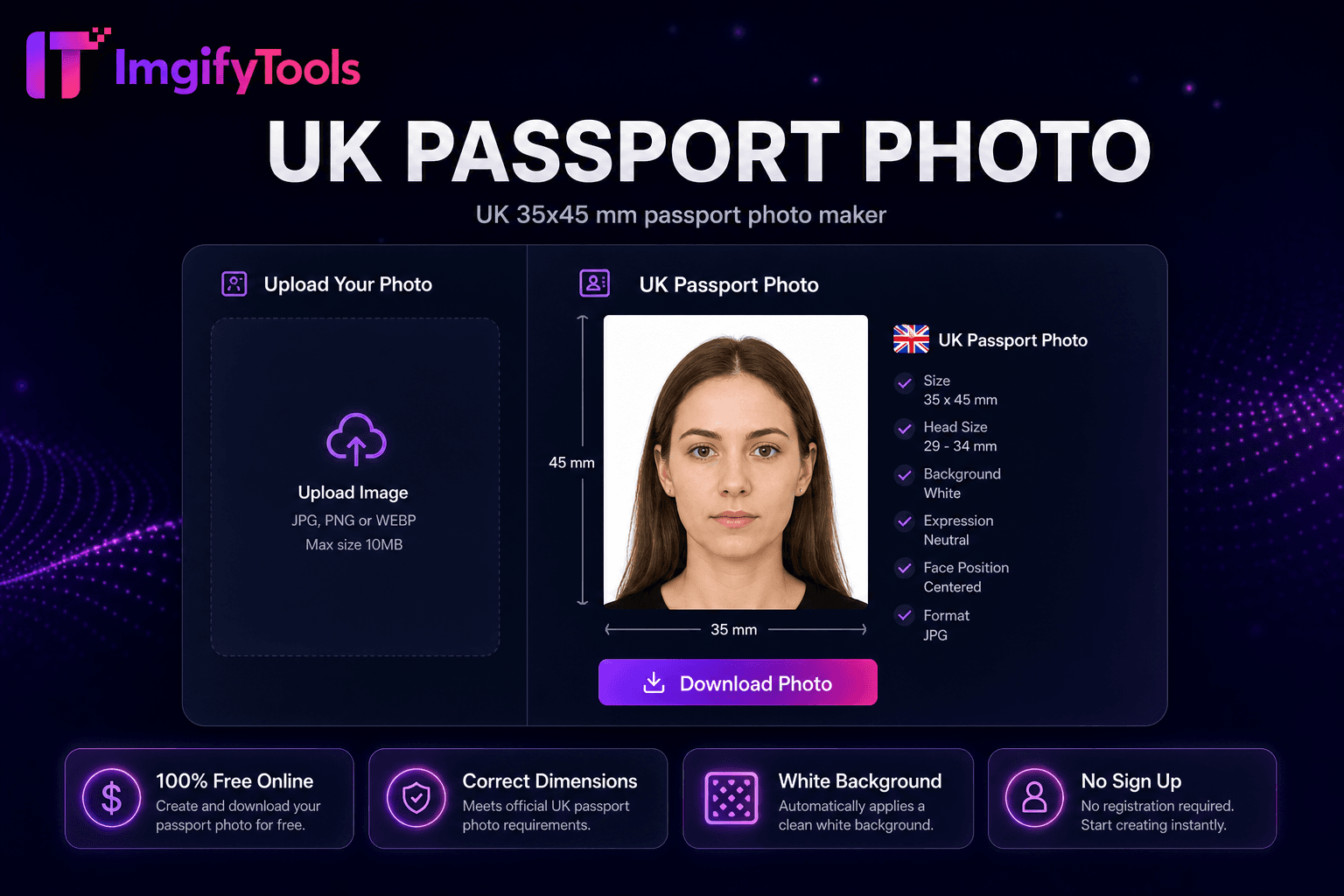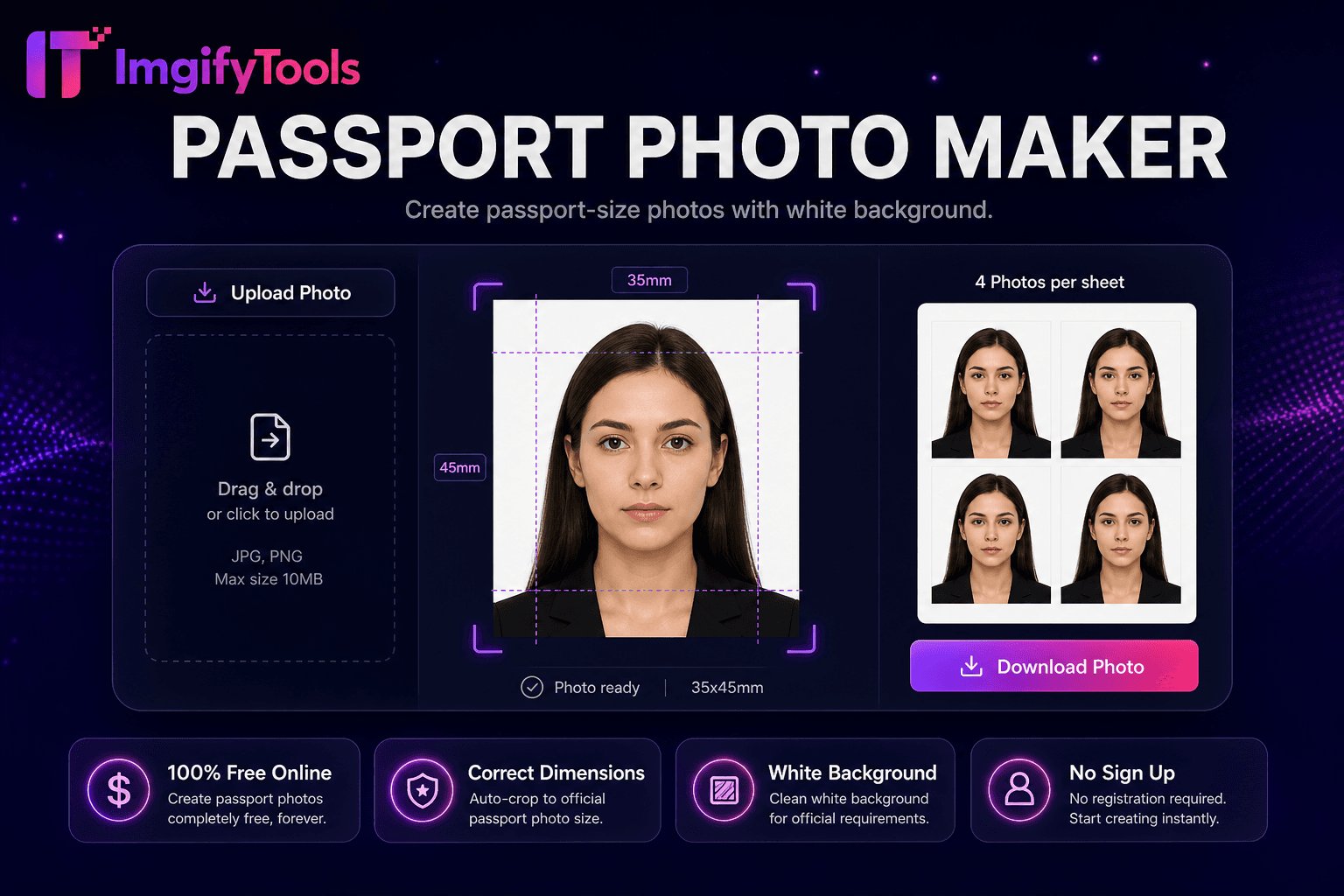
Passport Photo Maker
Make a passport or visa photo online with auto crop and white background.
Launch ToolUS 2×2 inch passport photo maker. Free for standard use — no signup required.
ImgifyTools US Passport Photo Maker crops and prepares United States passport and visa portraits to the official 2×2 inch (51×51 mm) square format with a plain white or off-white background, based on U.S. Department of State published photo guidance. Studio booths and drugstore counters charge for each set and may crop inconsistently. Take a recent front-facing color photo with even lighting, upload a JPG or PNG (max 10 MB), and the tool aligns your face within size guides, replaces busy backgrounds with a plain fill, and exports a digital file or print sheet for common retail 4×6 paper. Official rules cover head size, expression, glasses, and photo age—always verify the live travel.state.gov passport photos page before submitting Form DS-82, online renewal, or DS-160. Official source (last checked 2026-08-09): https://travel.state.gov/content/travel/en/passports/how-apply/photos.html. Requirements can change; this tool does not guarantee acceptance by any authority. Uploads are processed on ImgifyTools servers for your session (max 10 MB), are not retained permanently, and are not used to train AI models.
Jurisdiction: U.S. Department of State — Passport Services. Last checked against the official source on 2026-08-09.
Official passport photo rules can change. Always re-check the linked government source before you submit an application.
This tool helps with crop, size, and background preparation. It does not guarantee acceptance by any passport, visa, or ID authority.
View official government sourceTake a front-facing portrait against a plain light background.
Upload JPG or PNG to the US passport photo maker.
AI crops to 2×2 inches with federal head-size guides.
Preview white background and alignment overlays.
Download a digital JPG or 4×6 print sheet; confirm pixel/file rules for your portal.
Unlike many other platforms that compromise on quality or hide results behind paywalls, ImgifyTools offers high-fidelity output with a focus on speed and user privacy. No account creation is required to start transforming your images.
Face detection maps eyes, nose, and chin to compute head height as a percentage of the 2×2 frame—a primary State Department compliance metric. The crop engine centers your face within template overlays showing acceptable margin bands. Background segmentation removes non-white areas and applies uniform white or off-white fills matching federal preference. Exposure normalization reduces harsh shadows from single-side window light common in home selfies. Export renders at pixel dimensions translating to 2×2 inches at 300 DPI for print and 600×600 square JPG for common digital portals. Optional print layout arranges two or four passport photos on standard 4×6 photo paper with cut guides. Preview displays ruler overlays before download so you confirm alignment without guessing measurements.
Renew US passports by mail with Form DS-82 using home photos when meeting size, background, and recency rules. DS-160 nonimmigrant visa applicants export digital JPG before embassy interview scheduling. USCIS adjustment-of-status packets include 2×2 photos for green card and work permit forms. Wear everyday clothing without uniforms; religious headwear permitted if face fully visible. Remove glasses when current rules discourage glare—check travel.state.gov before shooting. Photograph infants lying on white sheets per infant guidance. Print on matte photo paper at retail kiosks using downloadable 4×6 sheets rather than home inkjet on copy paper for mailed applications.
See how our free us passport photo compares to photoaid.com on price, limits, and features.
| Feature | ImgifyTools | photoaid.com |
|---|---|---|
| Price | Free US passport photo tool | Free digital; print fees extra |
| US 2×2 compliance | State Department size preset | US template with validation |
| Background | Auto white background | Compliance background check |
| Digital export | Digital JPG download (confirm portal specs) | Digital delivery options |
| Print sheet | 4×6 layout for retail print | Print-at-home or pickup |
| Retakes | Free retakes (upload limits apply) | Pay per final on some plans |
| Head alignment | AI face guides and crop | Automatic positioning |
Related Tools
Make a passport or visa photo online with auto crop and white background.
Launch Tool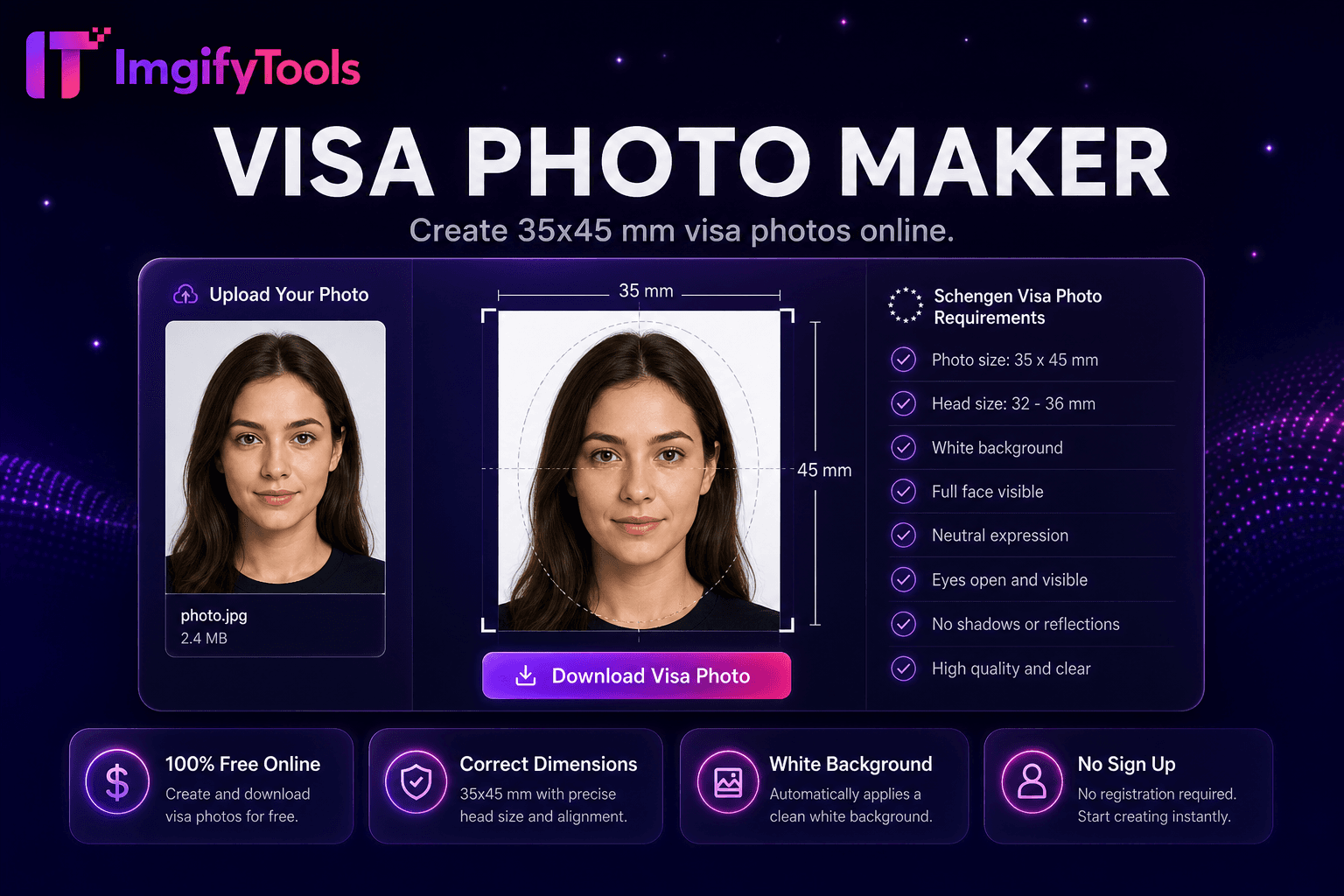
Create common visa application photos (including 35×45 mm) with crop and white background.
Launch Tool
Remove backgrounds from images automatically with AI.
Launch ToolMore tools
Other specialized utilities for your workflow.