Image Compressor
Compress JPG, PNG, and WebP online. Adjust quality and compare before/after sizes.
Launch ToolConvert between PNG, JPG, WebP, HEIC, AVIF, and PDF. Free for standard use — no signup required.
ImgifyTools Image Format Converter hub gathers PNG, JPG, WebP, HEIC, AVIF, and PDF image routes in one place so you can switch formats without hunting separate pairwise pages for every job. Designers migrate asset libraries; developers convert uploads to web-safe JPG; iPhone users export HEIC to PNG for Windows teammates. Quality settings apply across a session where the UI exposes them. Each upload follows the standard 10 MB limit. Processing runs on ImgifyTools servers for your session and is not retained permanently or used for training. Dedicated pairwise tools remain available when you only need one conversion.
Open the format converter hub and upload images.
Select target output format for each file or batch default.
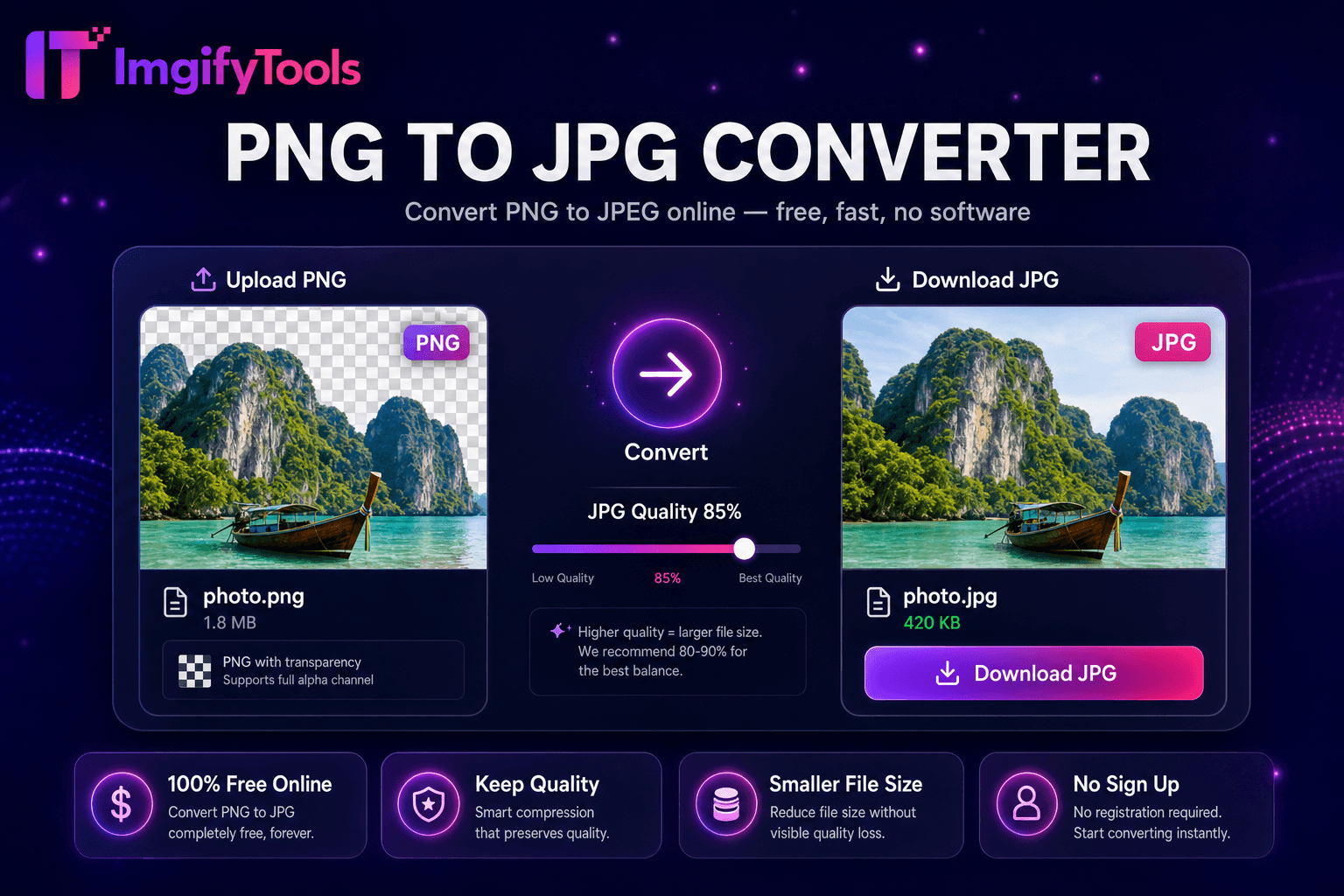
Set quality and background options when converting to JPG.
Run conversion and monitor batch progress.
Download converted files or ZIP archive.
Unlike many other platforms that compromise on quality or hide results behind paywalls, ImgifyTools offers high-fidelity output with a focus on speed and user privacy. No account creation is required to start transforming your images.
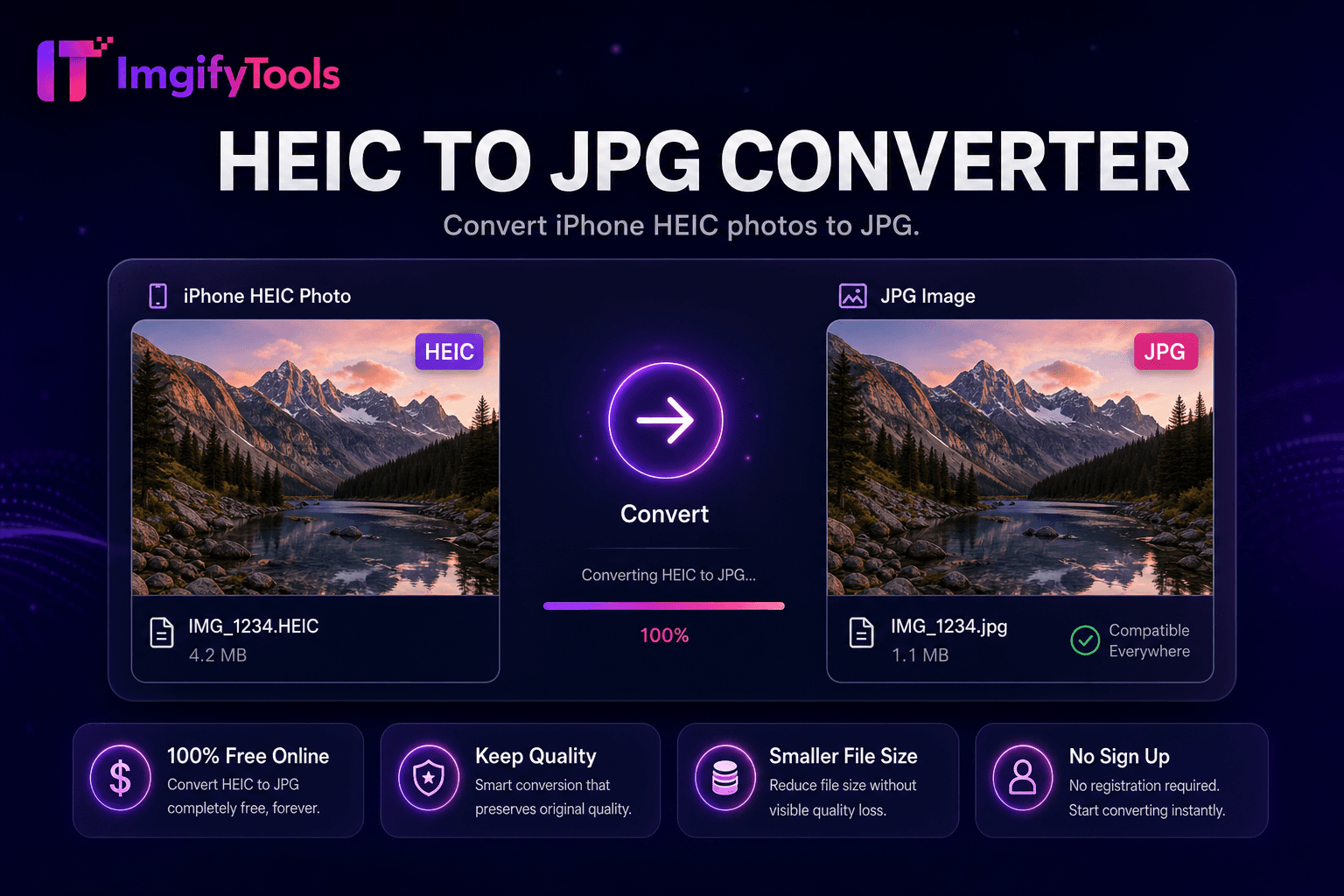
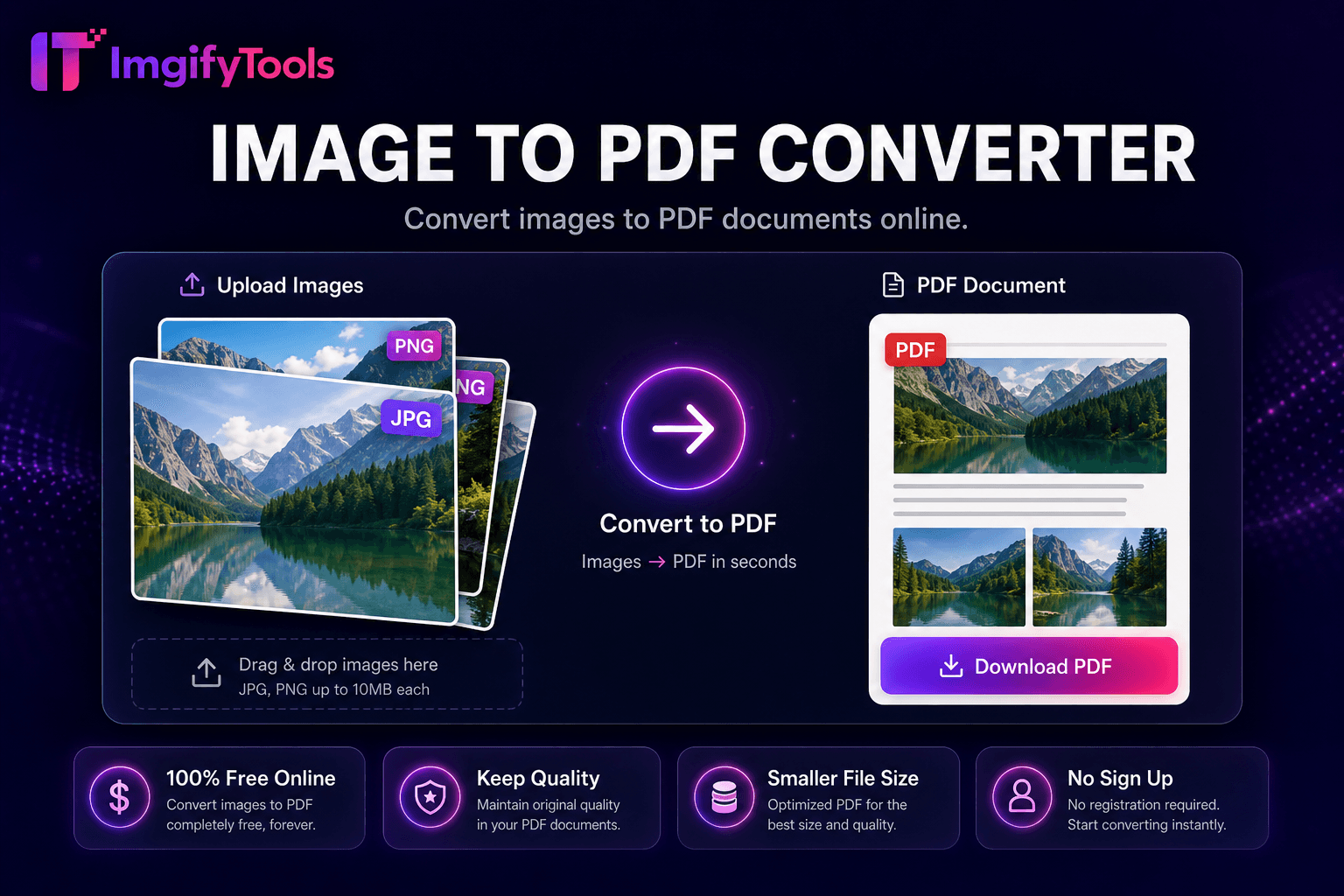
Upload detects source format automatically and presents compatible output targets—raster to raster, image to PDF, PDF to image. Encoder pipeline reuses dedicated tool backends for HEIC decode, AVIF decode, WebP alpha handling, and PDF rasterization. Batch queue processes heterogeneous inputs assigning per-file output format selections. Quality sliders propagate as session defaults. Download delivers ZIP for multi-file jobs or single file for one-offs. Error reporting flags unsupported corrupted inputs without failing entire batch.
Standardize 200 mixed HEIC/JPG vacation photos to JPG before Google Photos alternative upload. Convert designer PNG exports to WebP for Next.js deployment in one sitting. Migrate PNG screenshots to JPG for Confluence wiki size policies. Verify output on sample file before batching entire folder. Chain hub output through bulk compressor for production CDN upload.
See how our free image format converter compares to iLoveIMG on price, limits, and features.
| Feature | ImgifyTools | iLoveIMG |
|---|---|---|
| Price | Free conversions within upload limits | Free with ads; premium removes limits |
| Format coverage | PNG, JPG, WebP, HEIC, AVIF, PDF | Wide format support |
| Batch convert | Hub supports multiple tools | Batch on premium |
| Quality settings | Preserve or optimize quality | Standard quality presets |
| Privacy | No permanent storage | Temporary cloud processing |
| Speed | Fast server-side conversion | Fast cloud processing |
| Extra tools | Full suite on one platform | Separate tool pages |
More tools
Other specialized utilities for your workflow.