
AI Background Remover
Remove backgrounds from images automatically with AI.
Launch ToolSearch by name or filter by category, then open the tool that matches your file.
This directory lists ImgifyTools utilities in one place—format converters, editors, AI helpers, social resizers, and ID photo tools. Use search or category tabs when you already know the job; open a category hub when you want a shorter, topic-focused path.
Pick by the outcome you need, not by buzzwords.
Use Convert tools for PNG, JPG, WebP, HEIC, PDF, and similar pairs when the destination needs a different format.
Use Edit tools to compress, crop, watermark, or make quick adjustments. Open the image editor when you need broader browser-side controls.
Use AI tools for cutouts, upscaling, face cleanup, and similar jobs. Results vary with lighting, contrast, and subject complexity.
Use Resize tools for social and marketplace presets, or Photo tools for passport and visa dimensions.
Category hubs go deeper on one topic. This page keeps the full searchable catalog.
Background removal, upscaling, face enhancement, and related AI workflows.
Format pairs such as PNG to JPG, HEIC to JPG, WebP, and image/PDF conversion.
Compress, crop, watermark, and other everyday editing jobs.
Platform-oriented sizes for social posts, thumbnails, and listings.
Passport, visa, and similar dimension-focused photo helpers.
Filter the grid or search by tool name. Opening a card takes you to that tool’s page.
Showing 49 of 49 tools
Remove backgrounds from images automatically with AI.
Launch Tool
Upscale and enhance image quality up to 4x using AI.
Launch Tool
Enhance facial features in photos using AI.
Launch Tool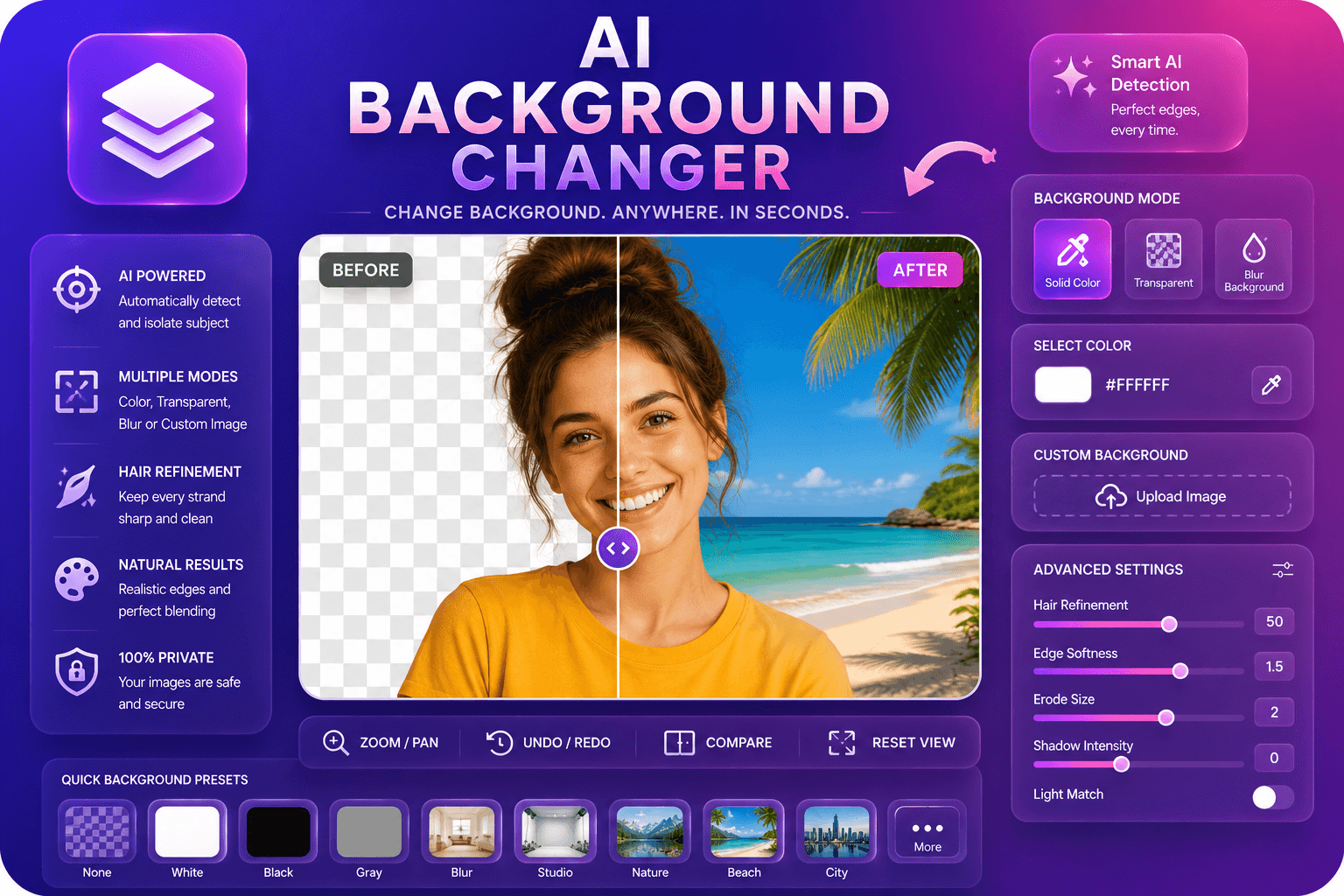
Replace image backgrounds with colors, blur, or custom images.
Launch Tool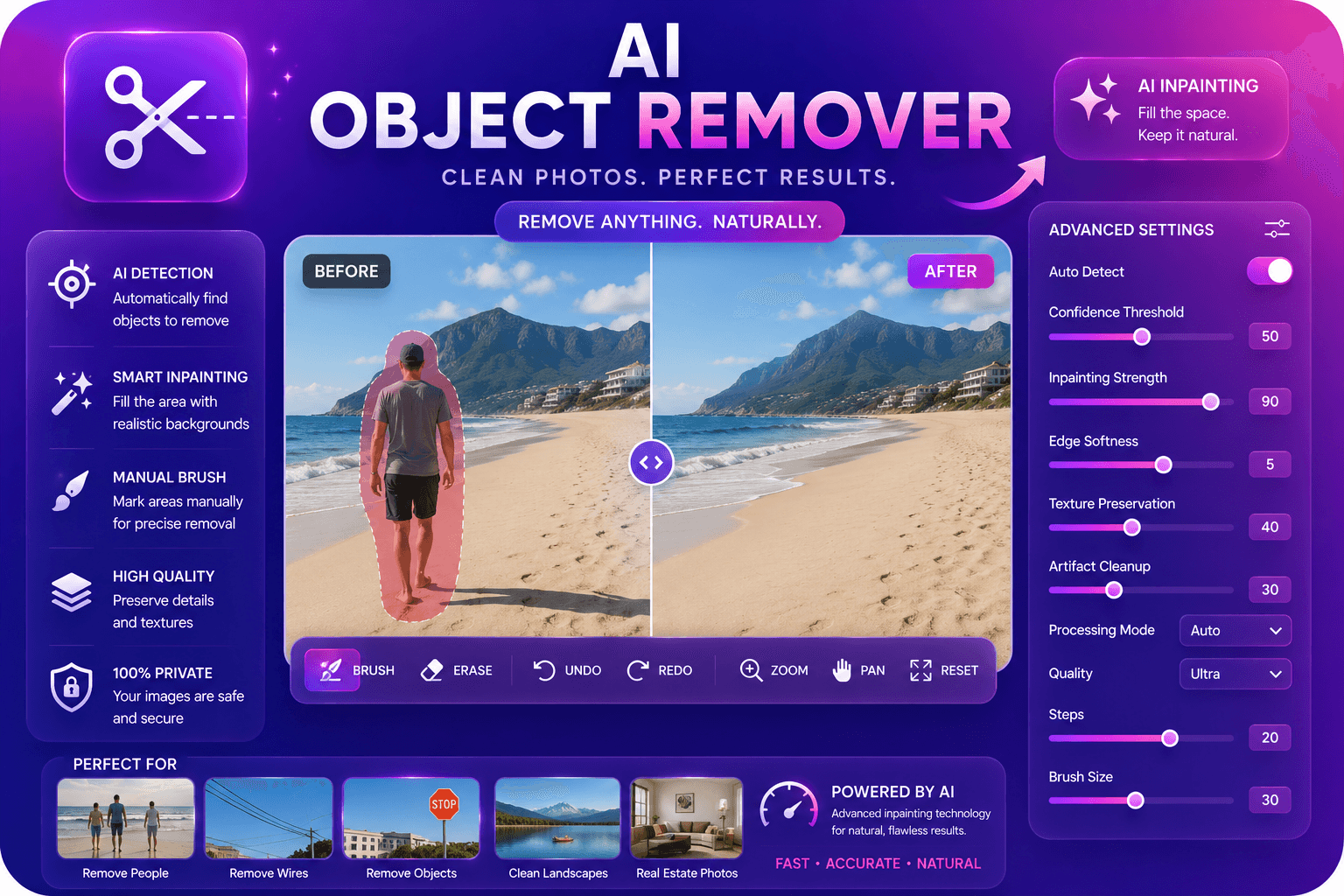
Remove unwanted objects from photos with AI inpainting.
Launch Tool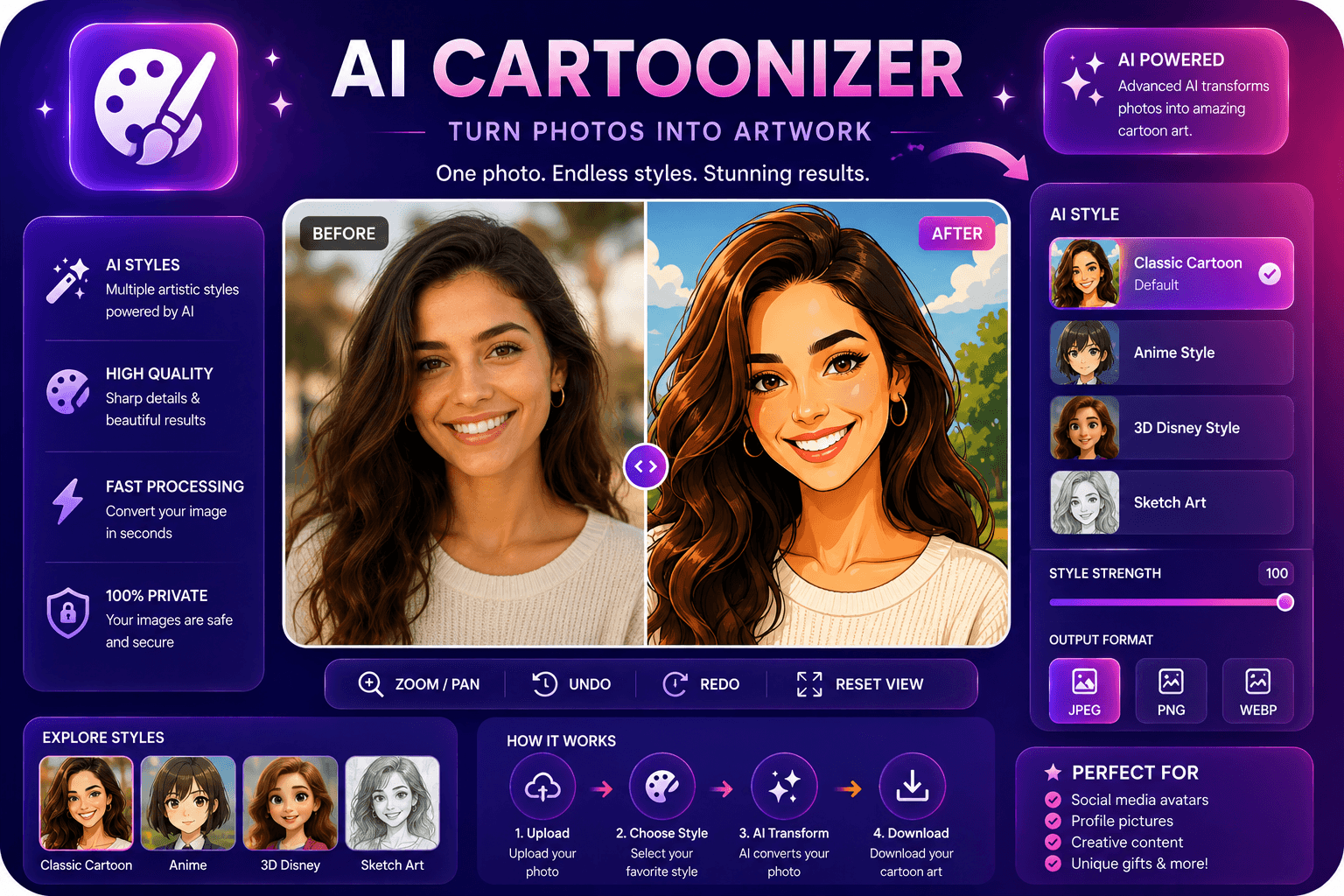
Convert photos to cartoon, anime, or sketch styles.
Launch Tool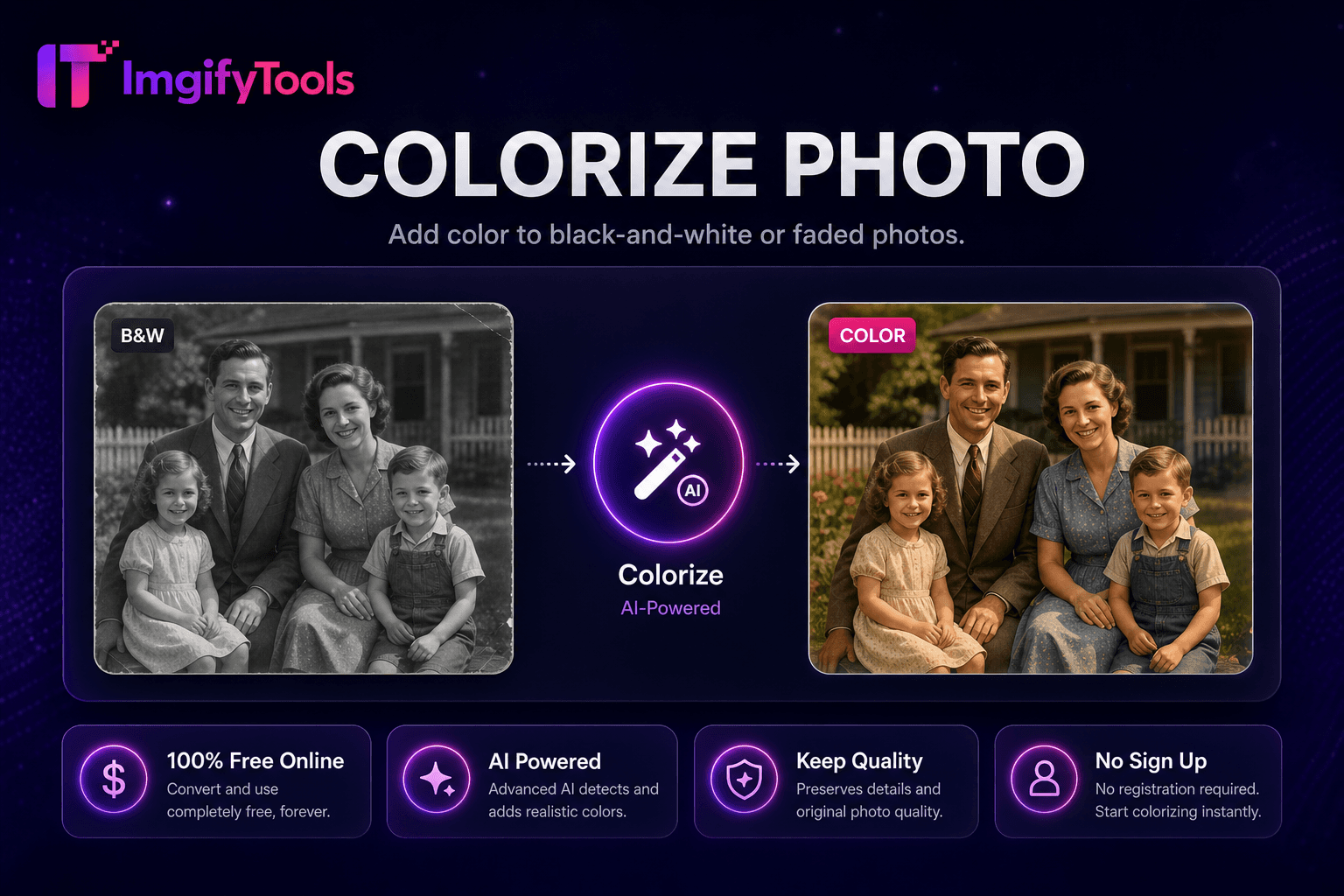
Add color to black-and-white or faded photos.
Launch Tool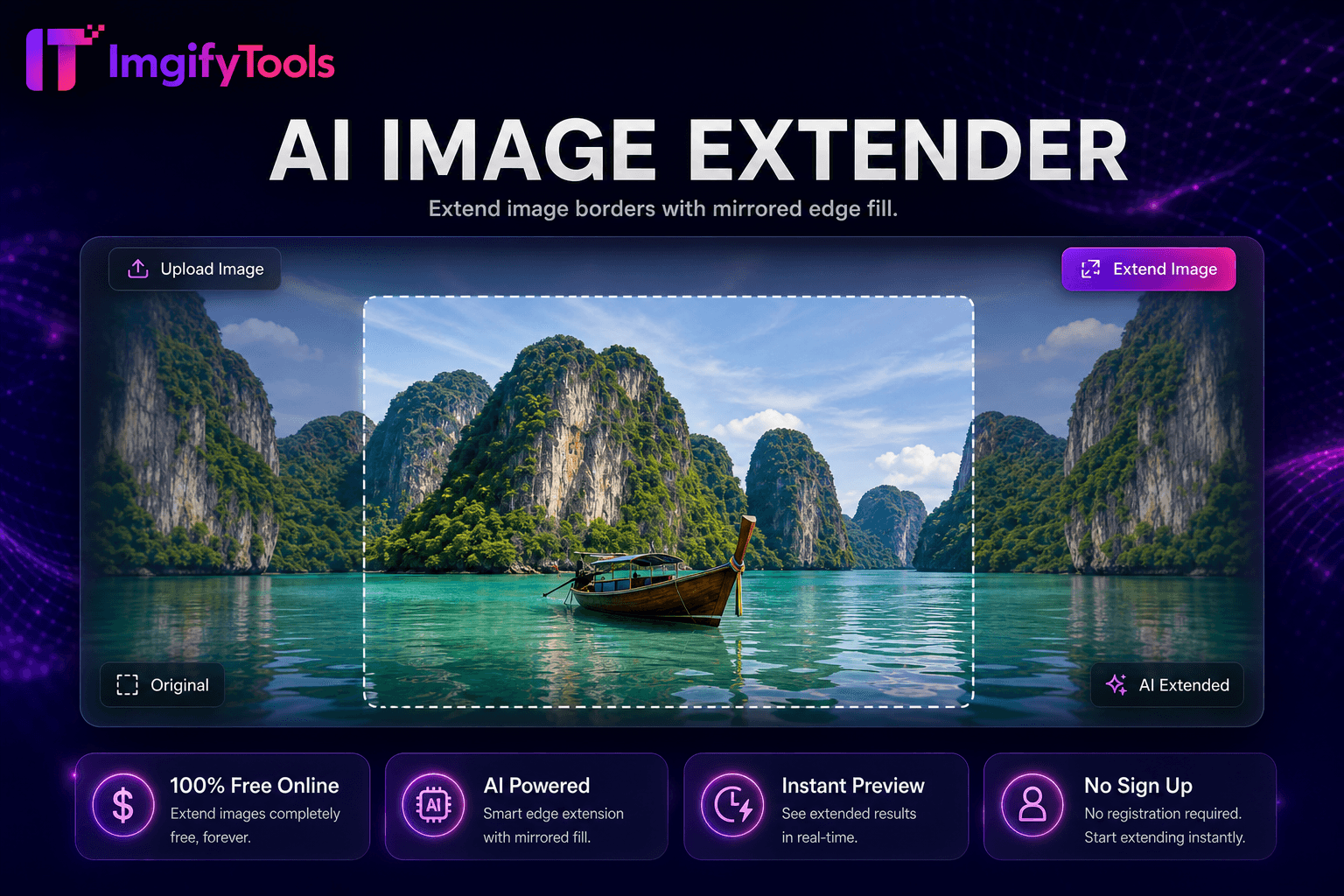
Uncrop and expand images with mirrored edge fill for extra canvas space.
Launch Tool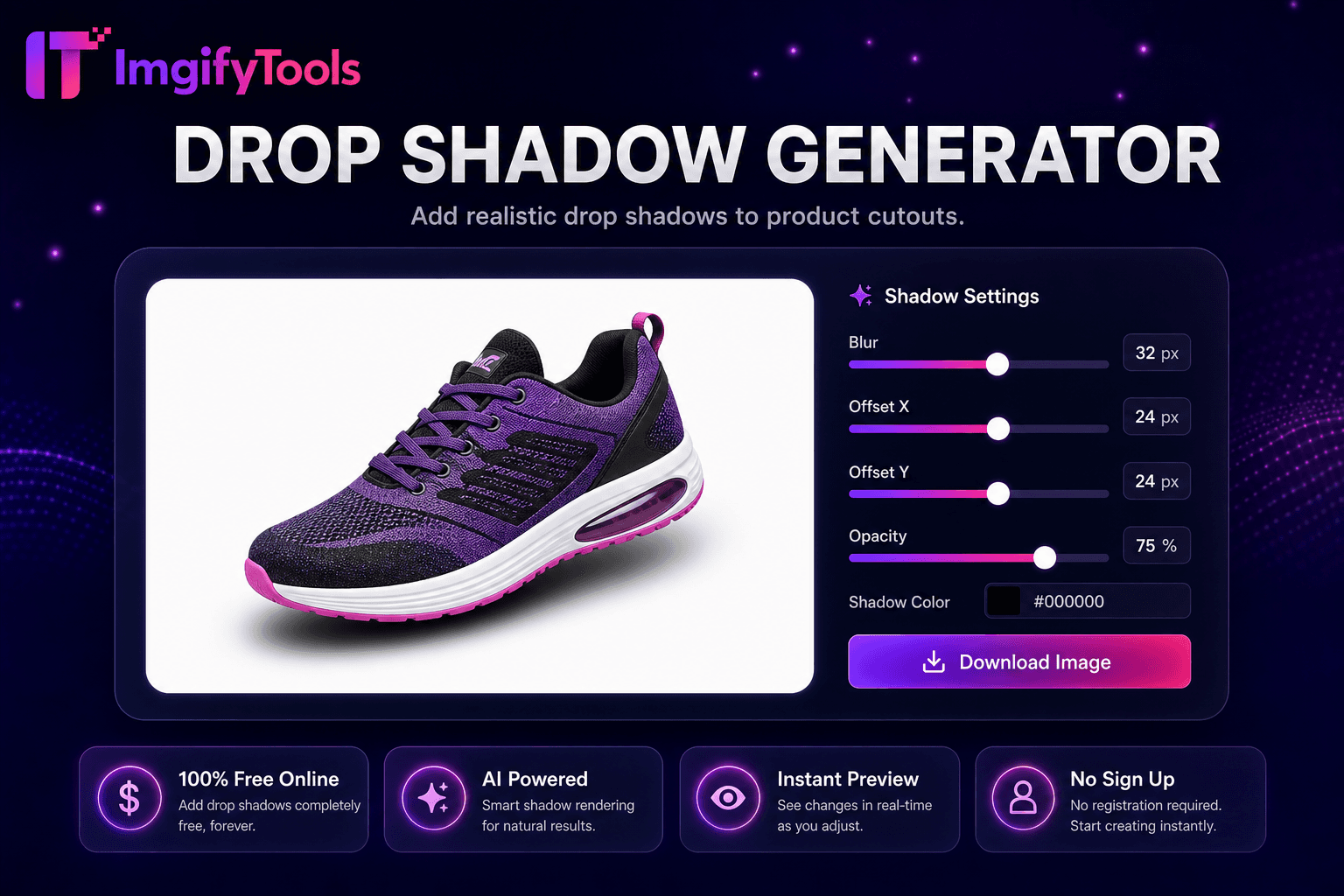
Add realistic drop shadows to product cutouts.
Launch Tool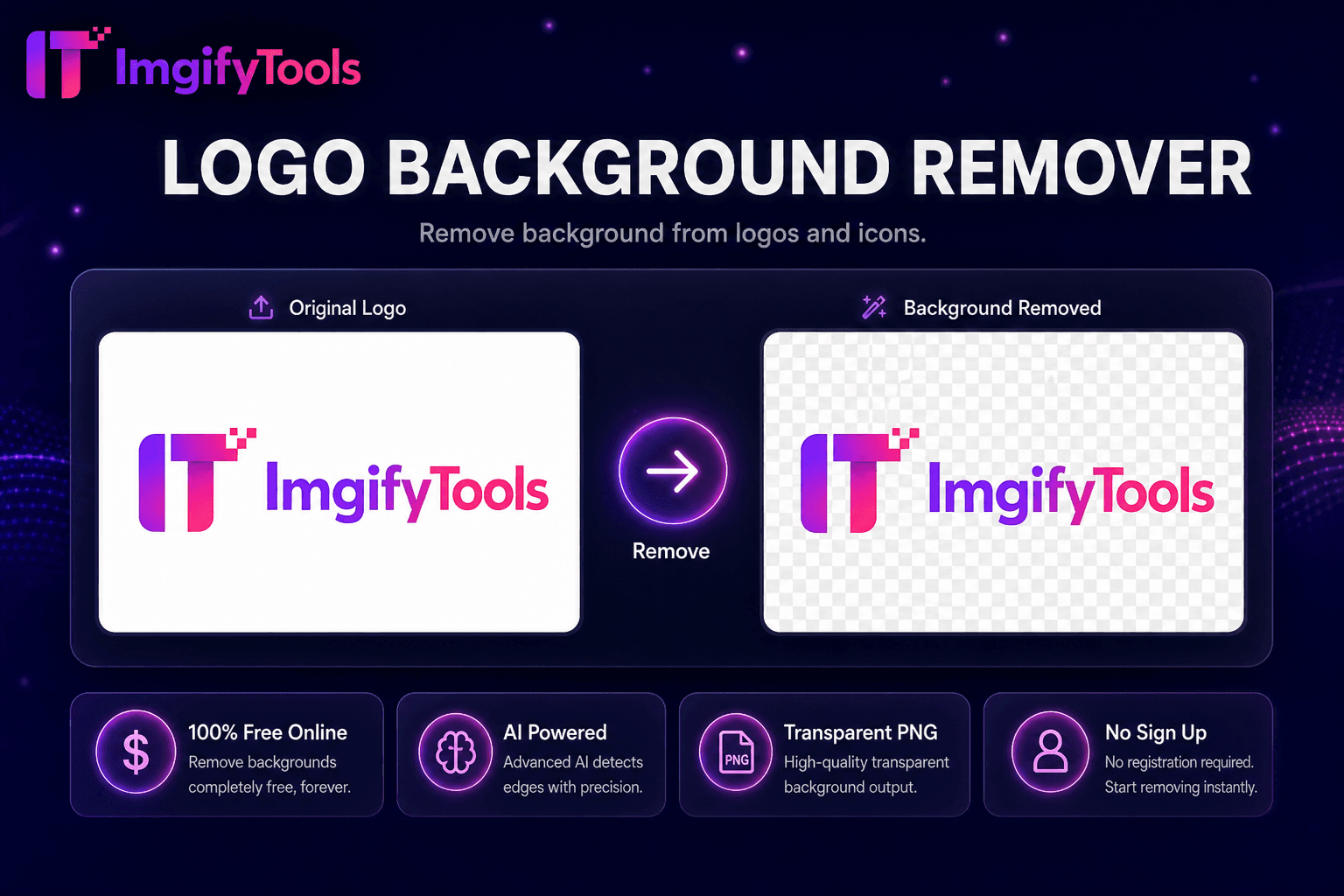
Remove background from logos and icons.
Launch Tool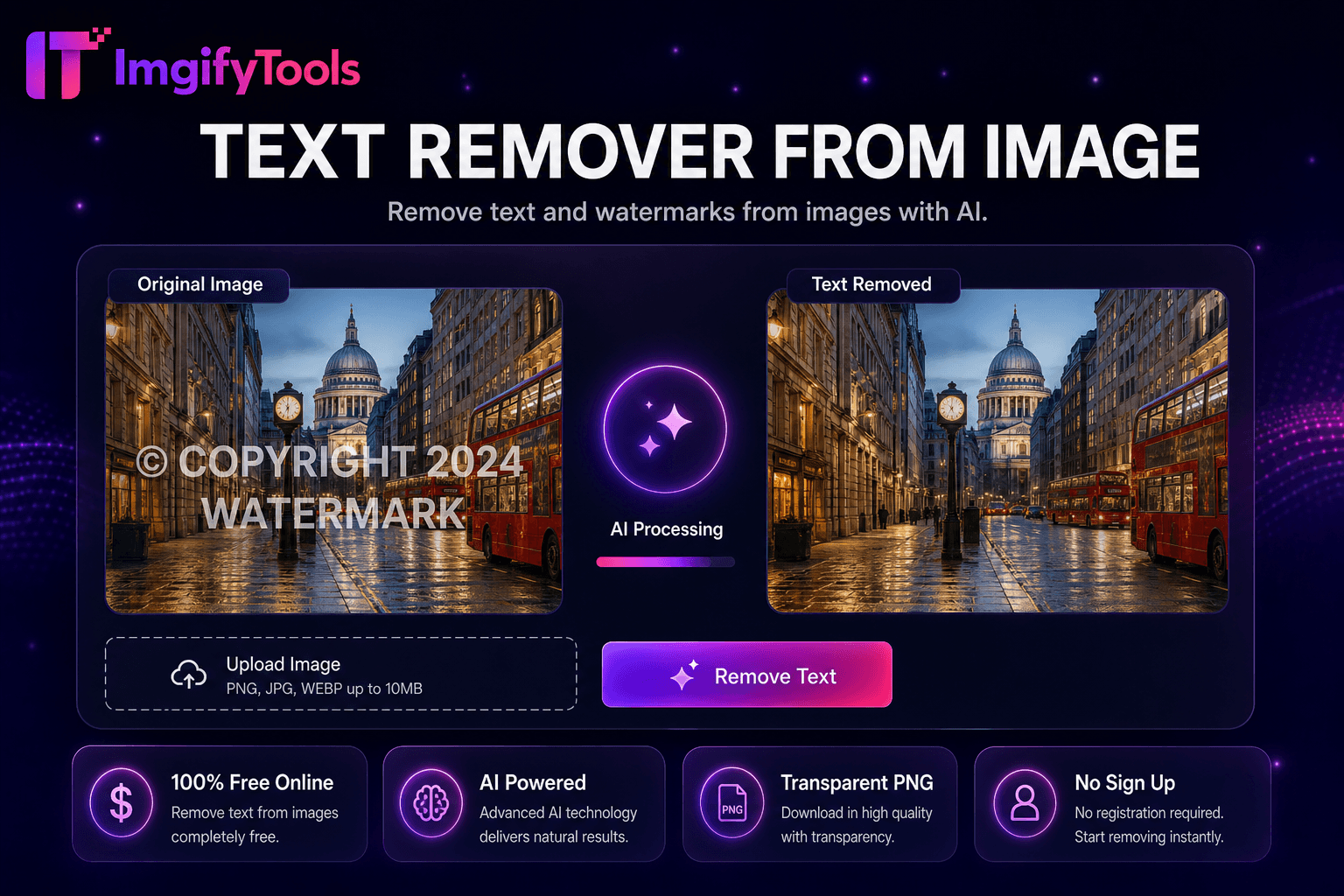
Remove text and watermarks from images with AI.
Launch Tool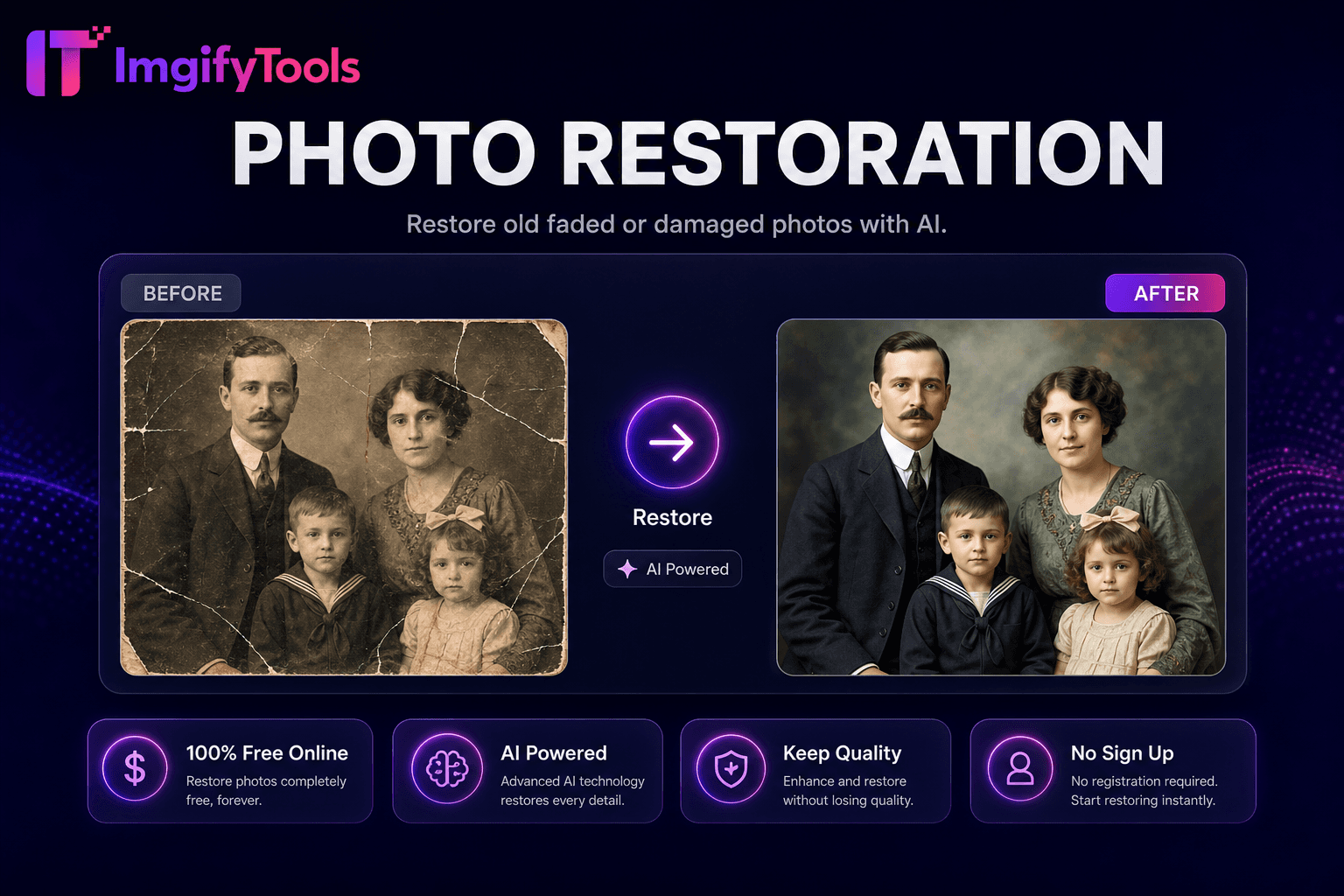
Restore old, faded, or damaged photos with AI.
Launch Tool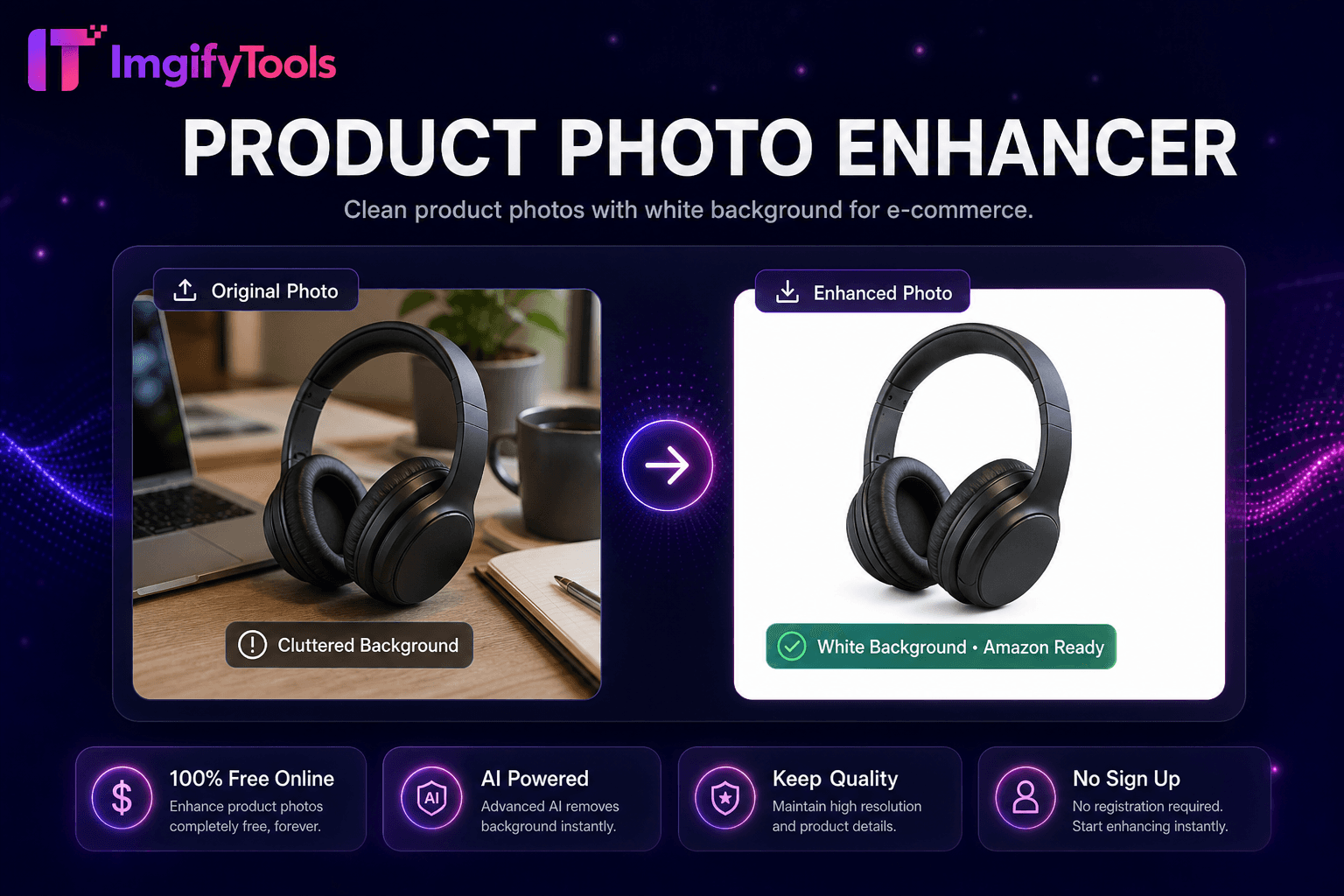
Clean product photos with white background for e-commerce.
Launch Tool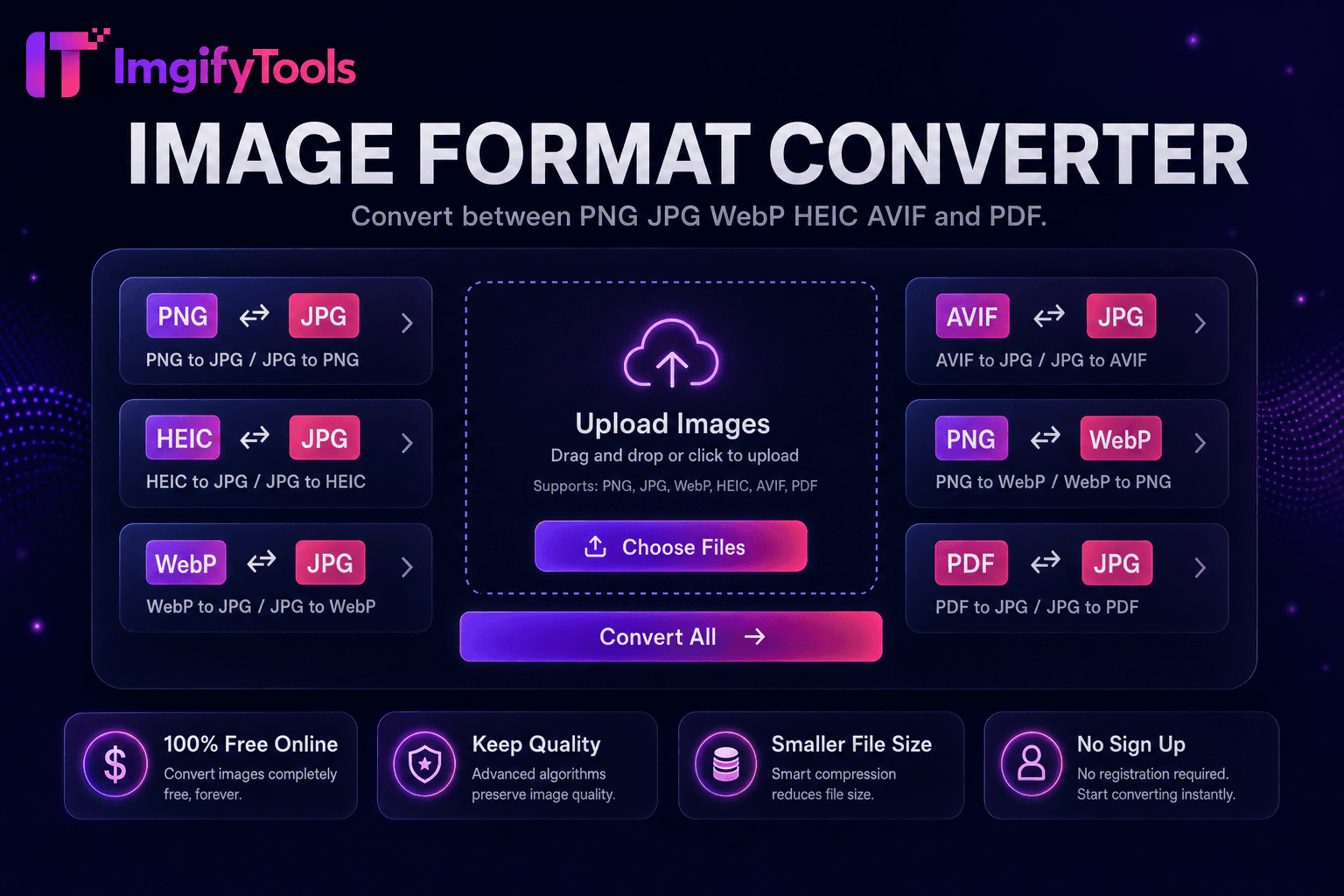
Convert between PNG, JPG, WebP, HEIC, AVIF, and PDF.
Launch Tool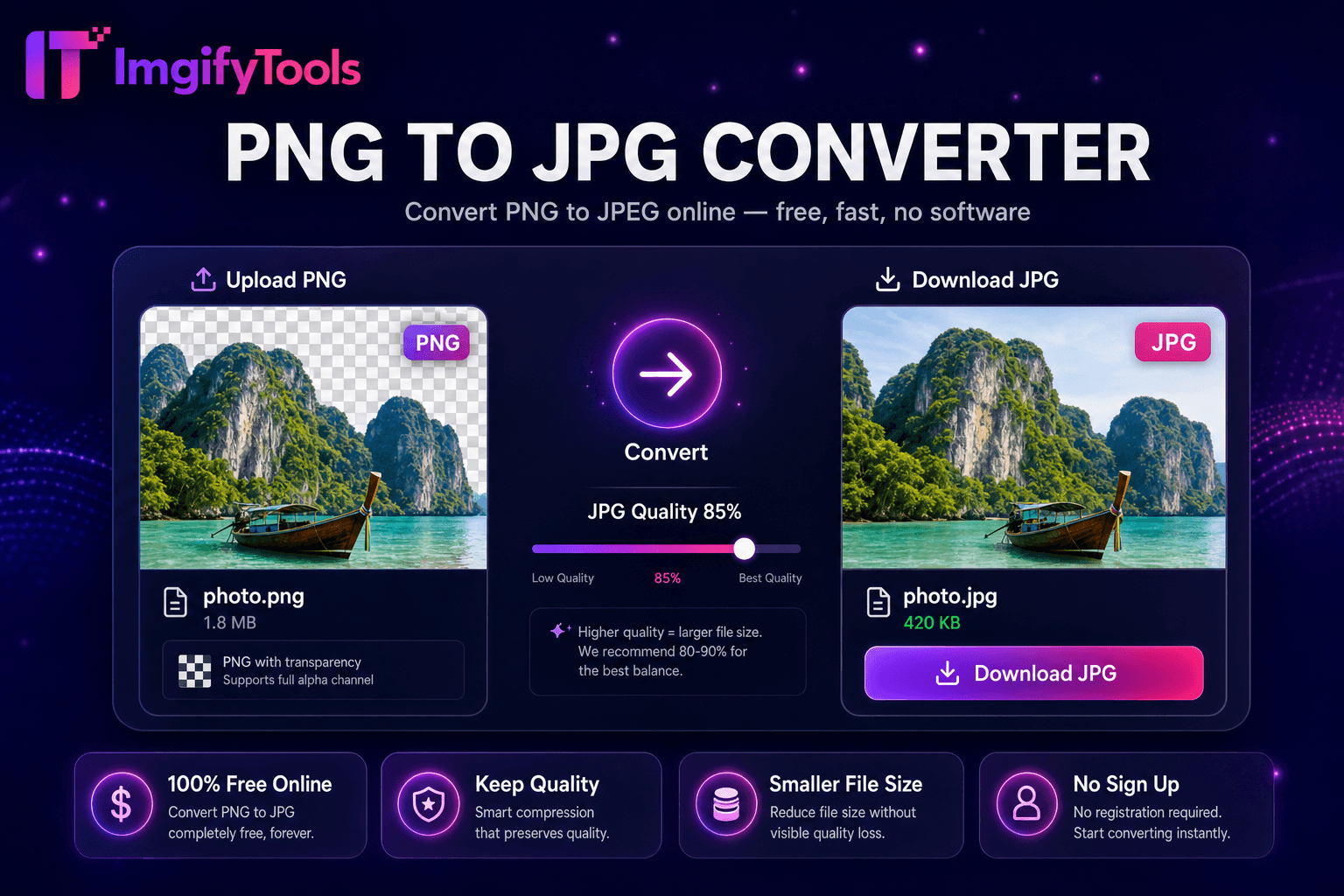
Convert PNG images to JPG online for free.
Launch Tool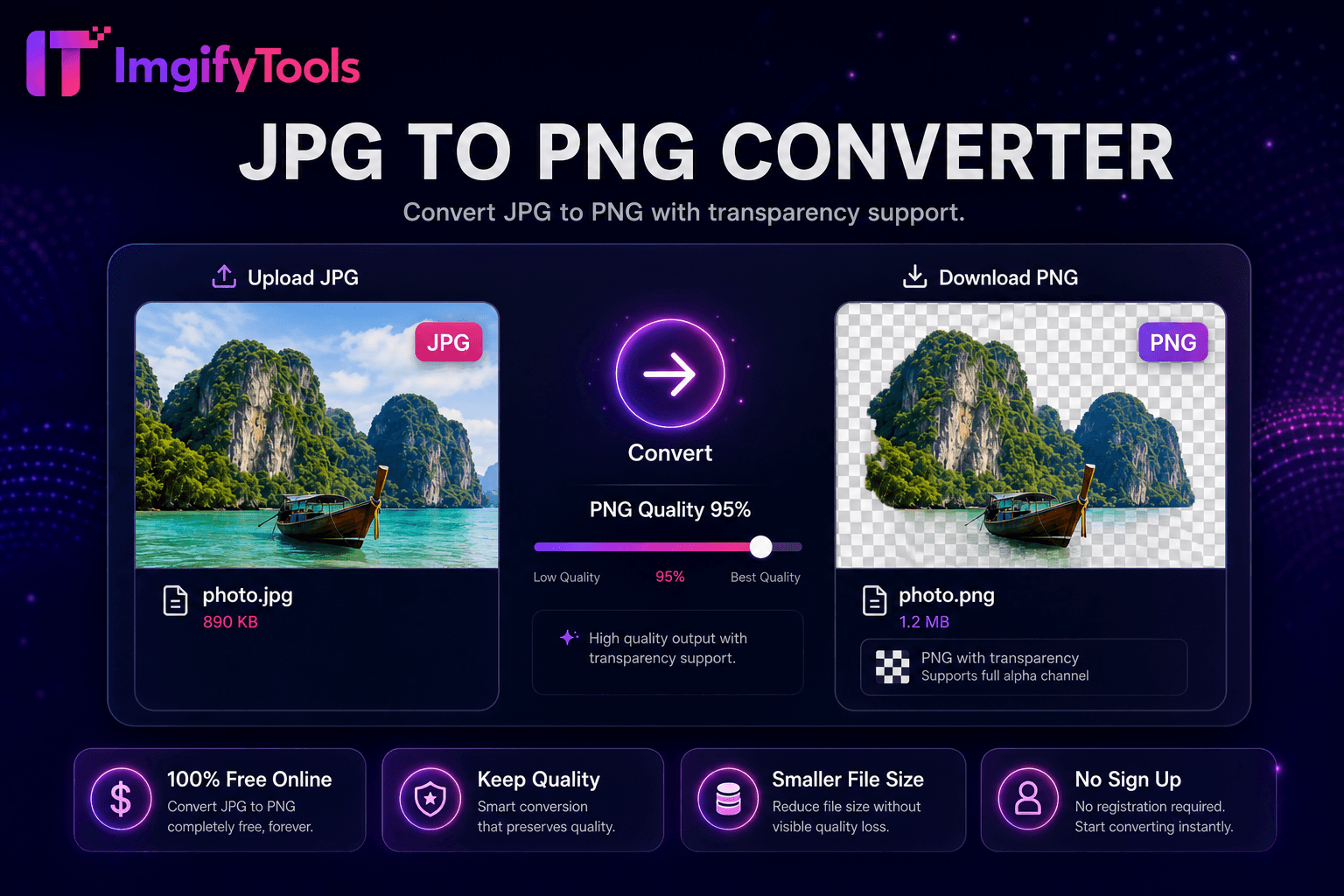
Convert JPG to PNG online free with lossless output and batch conversion.
Launch Tool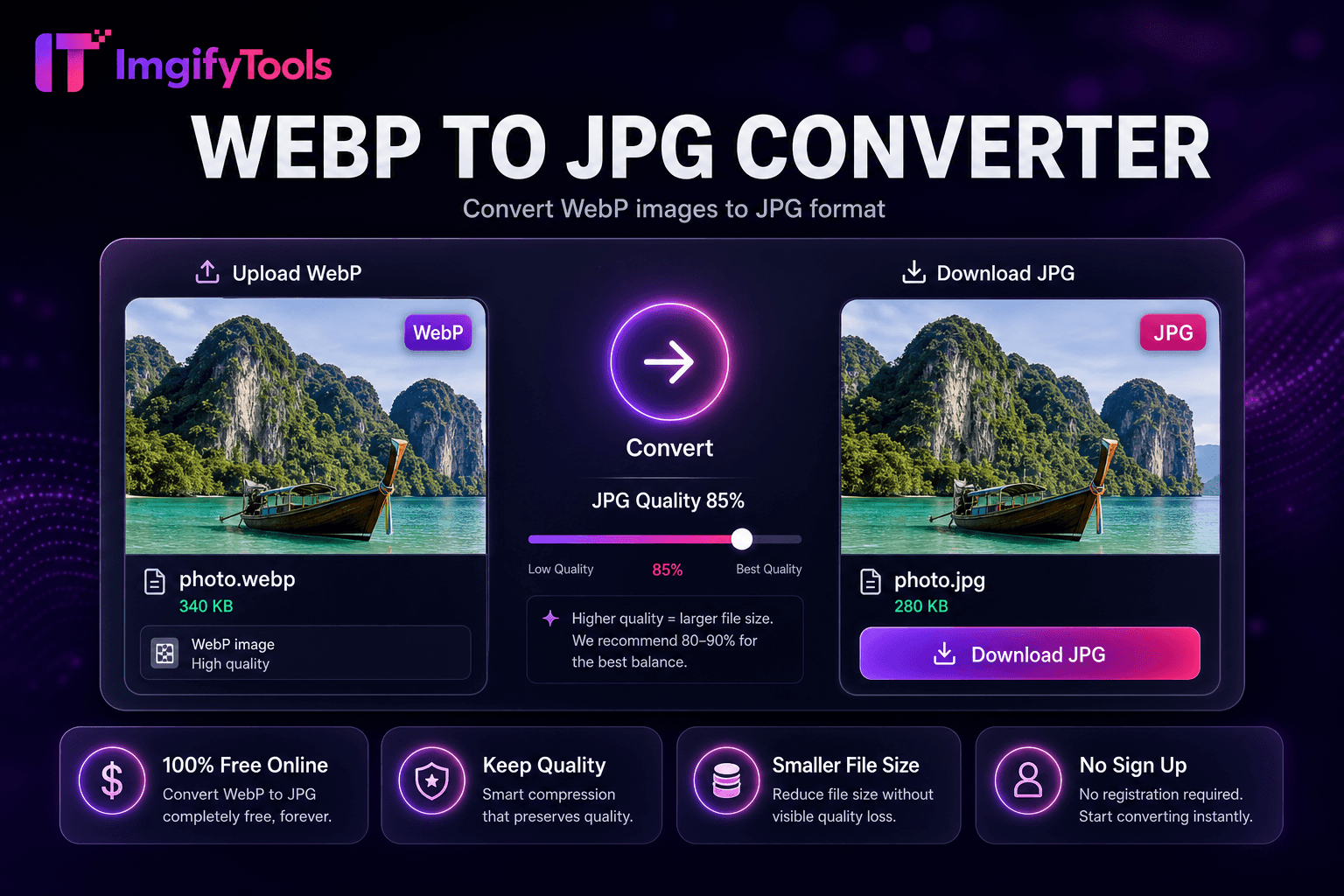
Convert WebP images to JPG format.
Launch Tool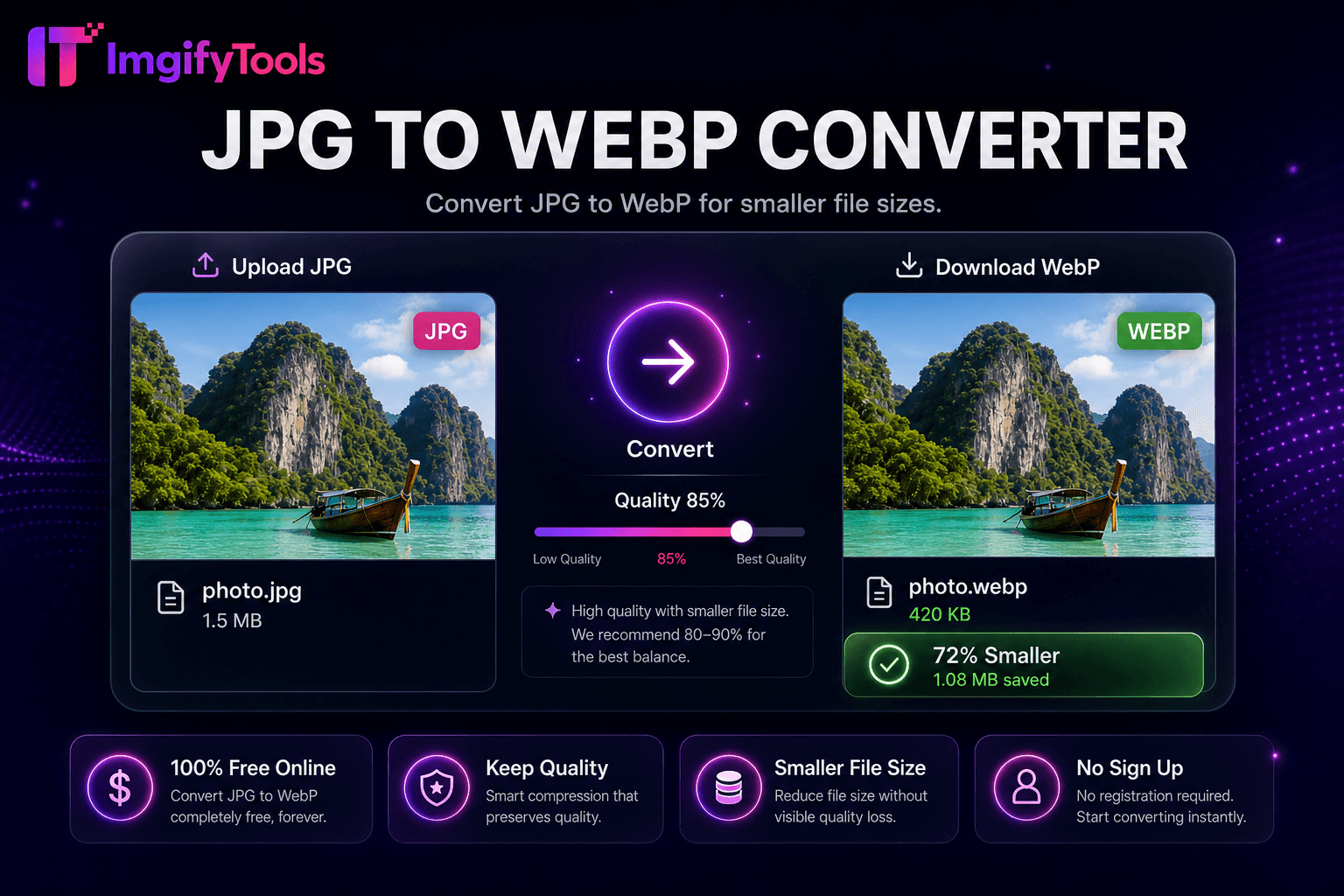
Convert JPG to WebP for smaller file sizes.
Launch Tool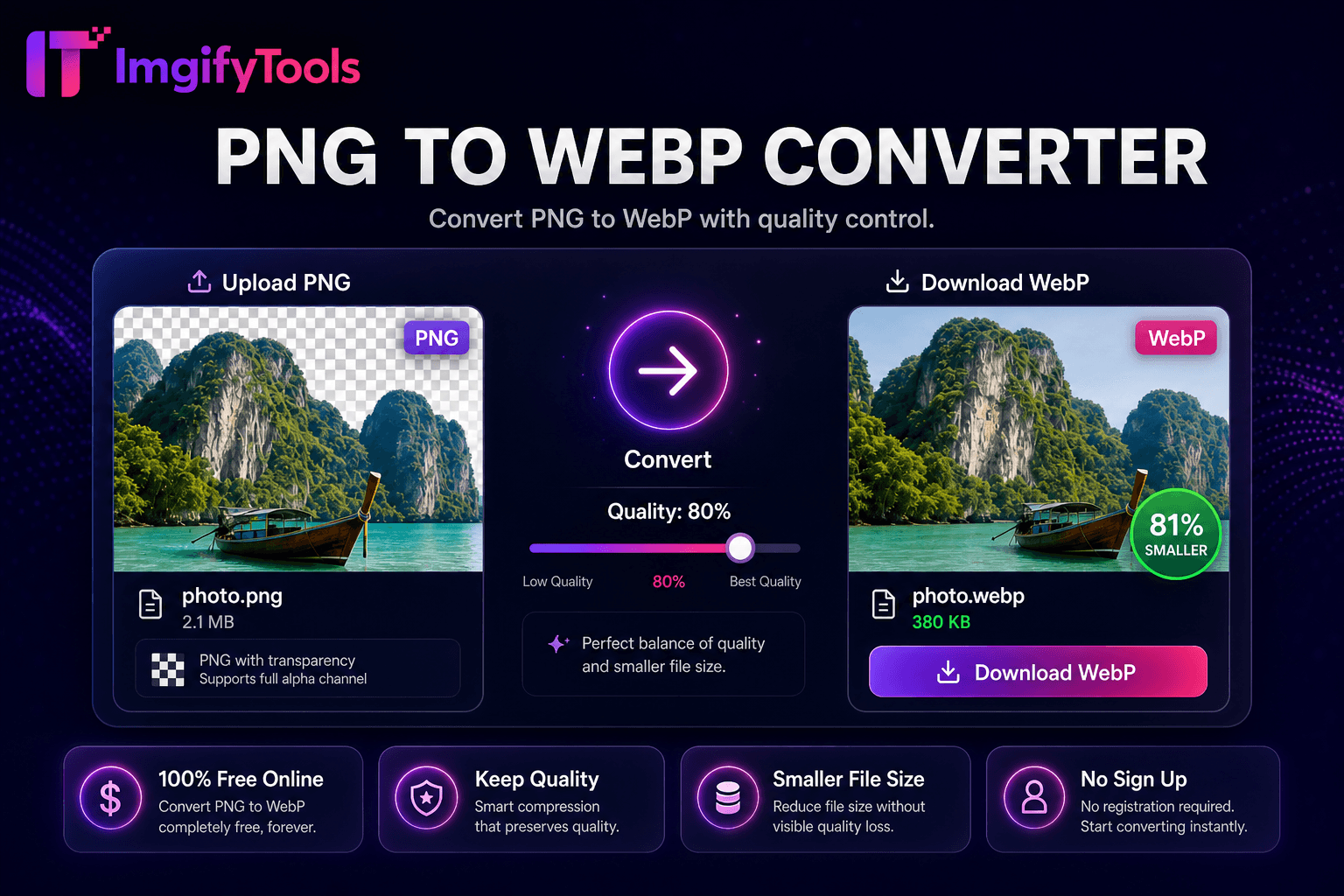
Convert PNG to WebP with quality control.
Launch Tool
Convert images to PDF documents online.
Launch Tool
Convert PDF pages to JPG or PNG online free with batch conversion and ZIP download.
Launch Tool
Convert iPhone HEIC photos to JPG.
Launch Tool
Convert HEIC to PNG online.
Launch Tool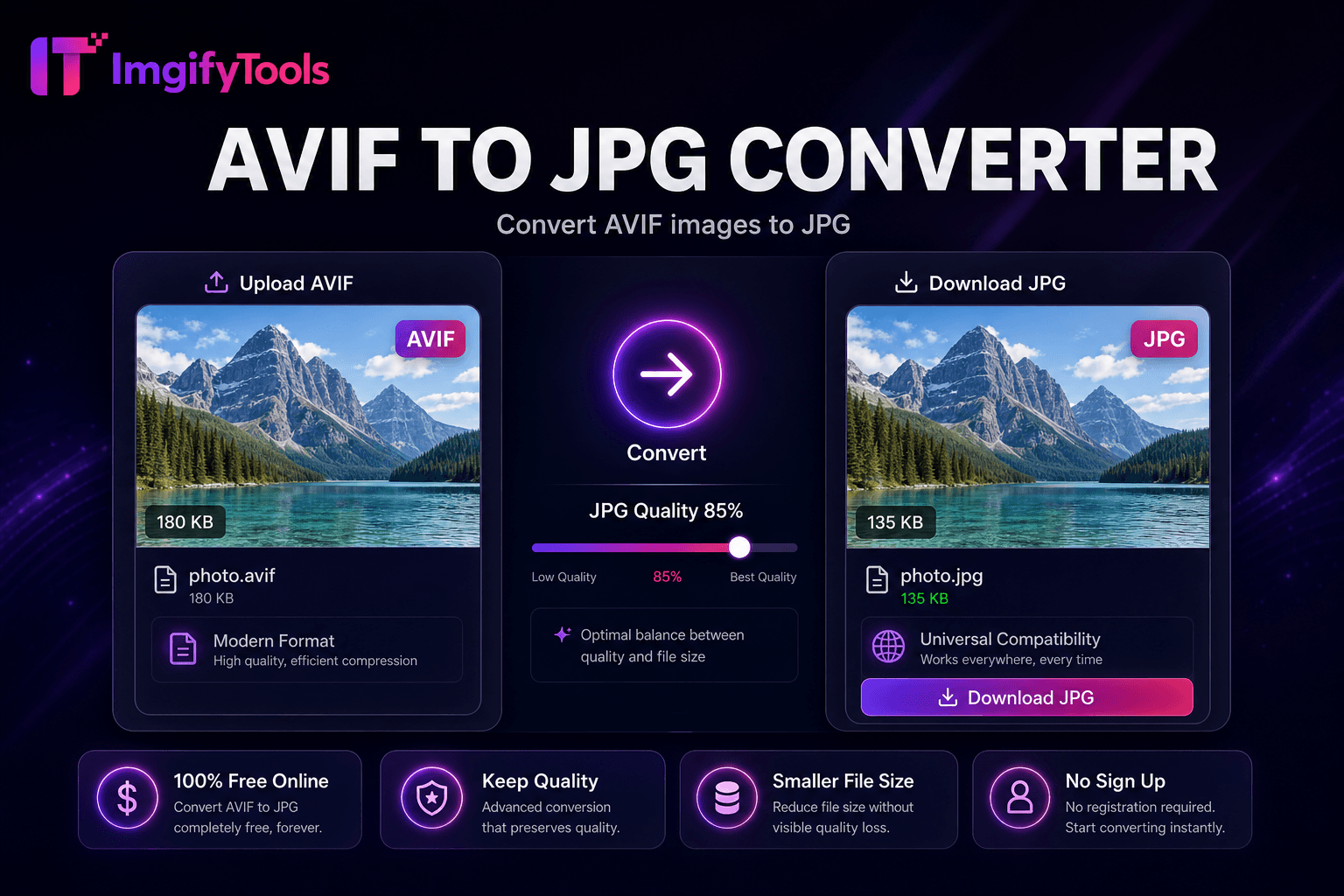
Convert AVIF images to JPG.
Launch Tool
Compress JPG, PNG, and WebP online. Adjust quality and compare before/after sizes.
Launch Tool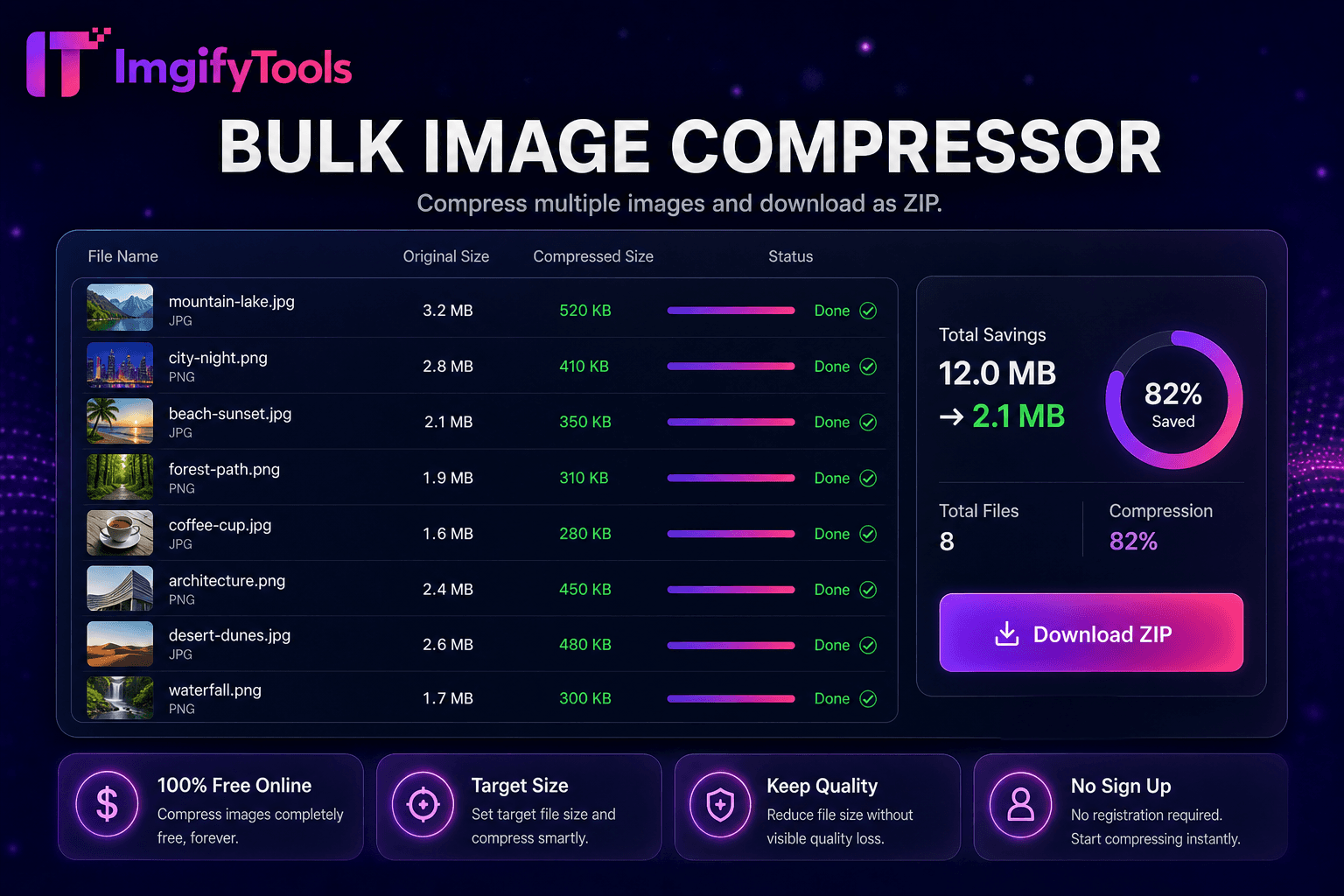
Compress multiple images and download as ZIP.
Launch Tool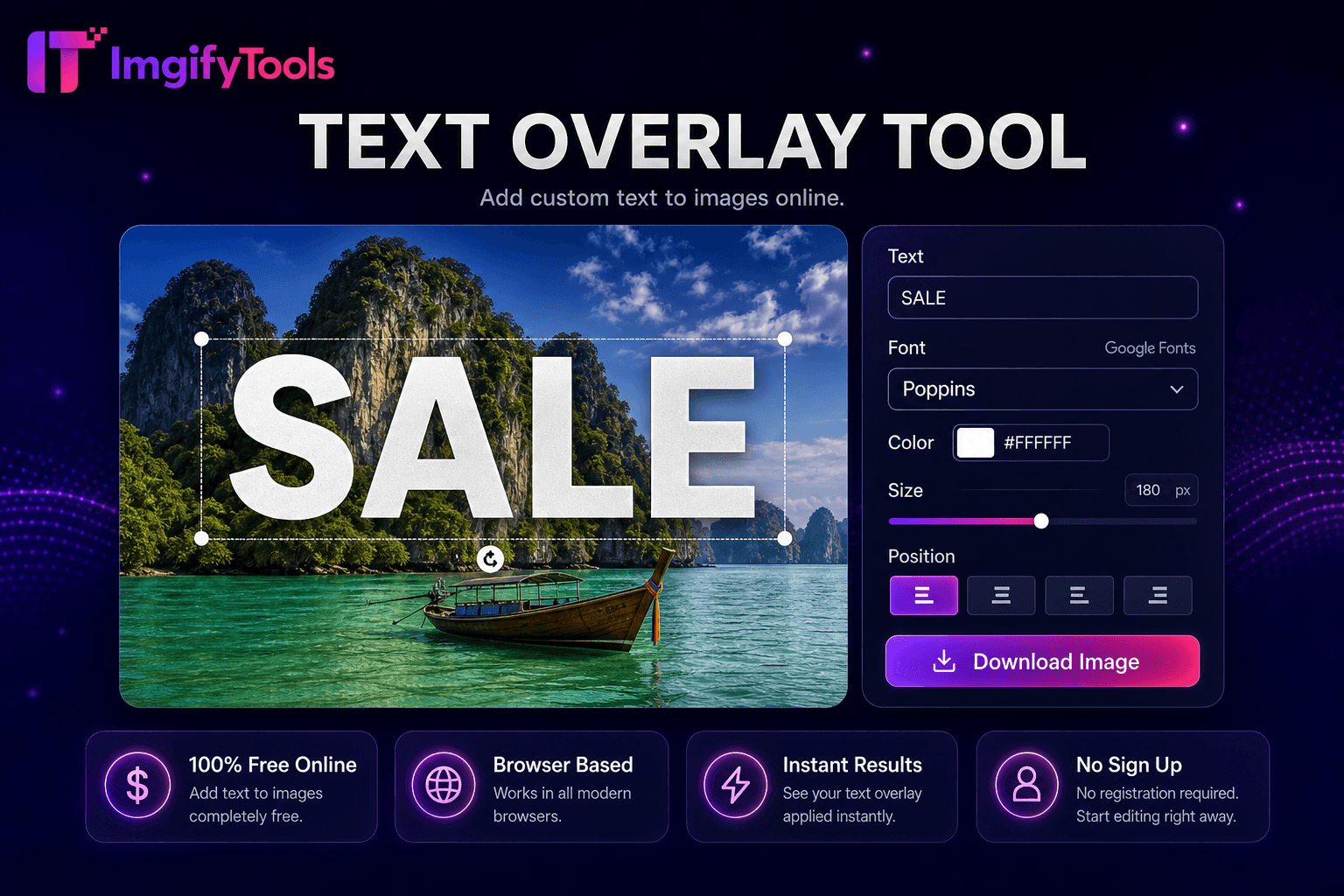
Add custom text to images online.
Launch Tool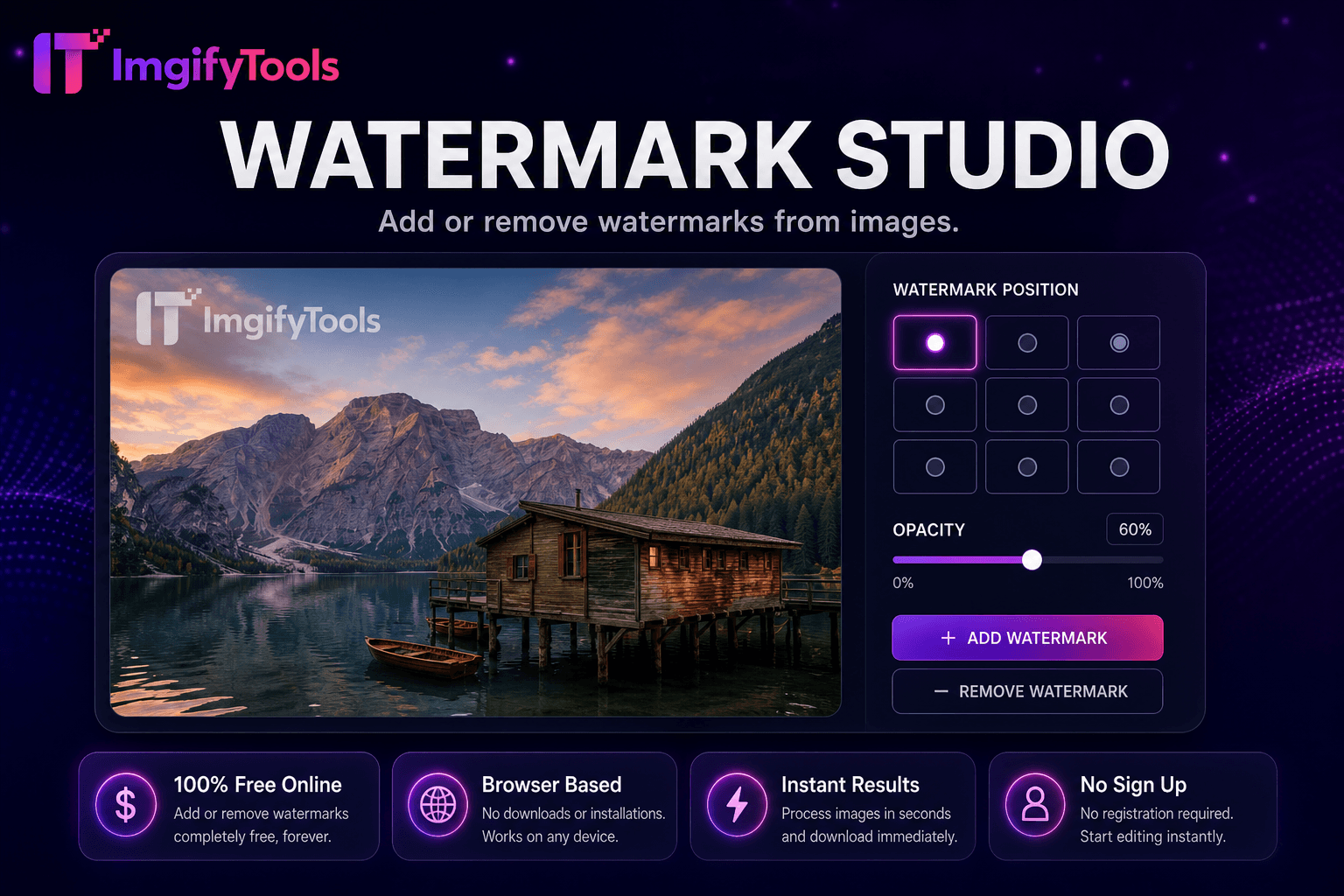
Add or remove watermarks from images.
Launch Tool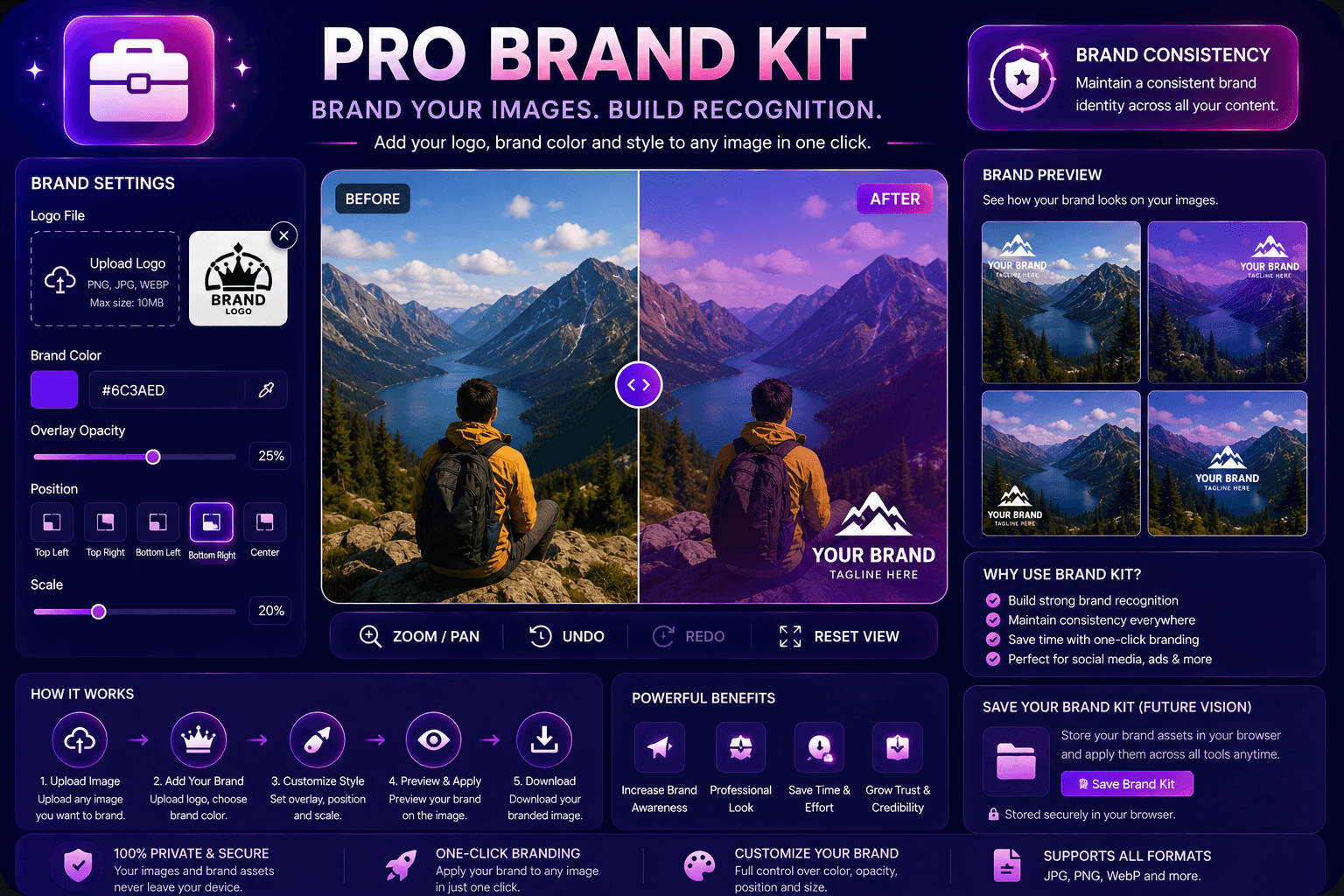
Apply brand colors and logos to images.
Launch Tool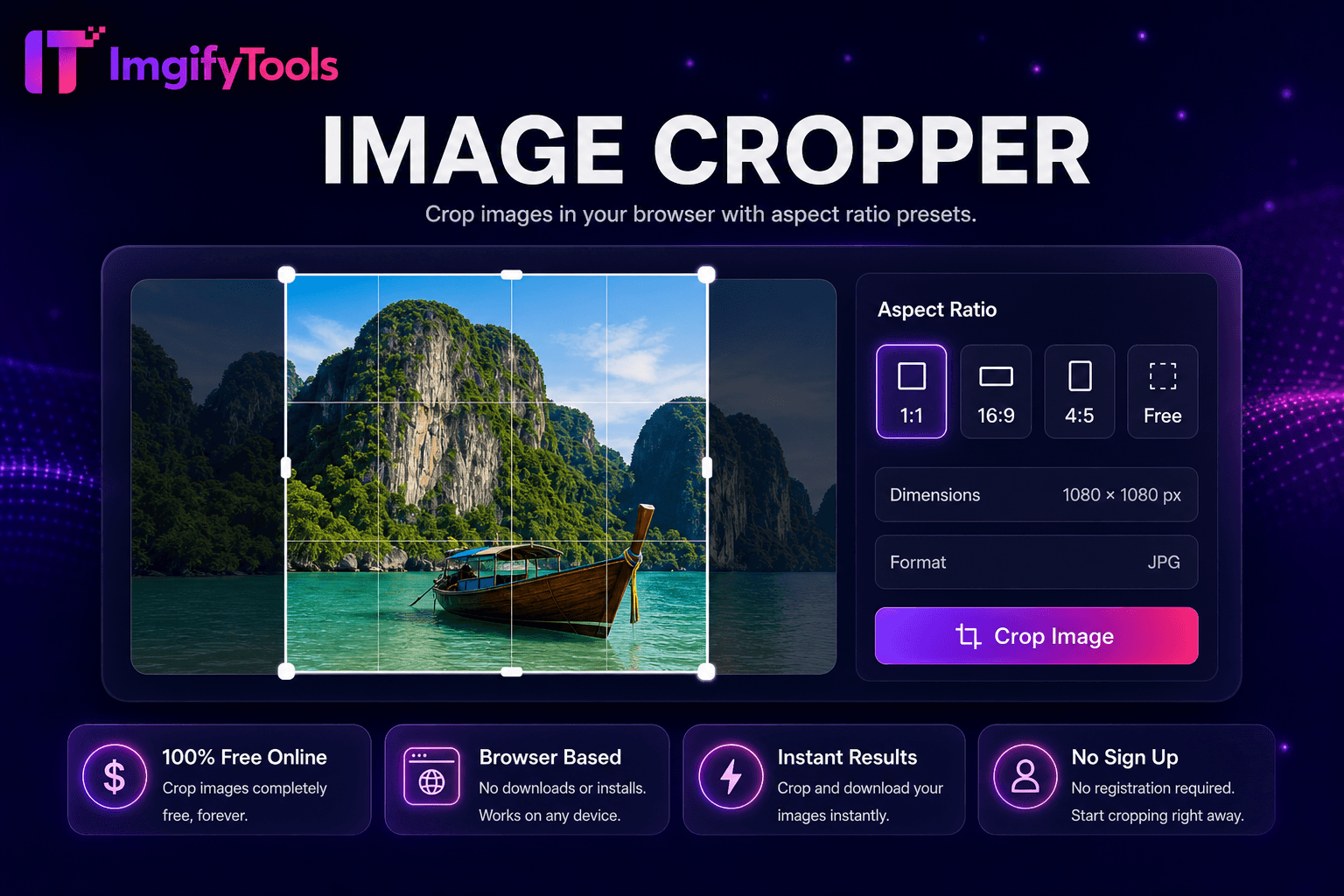
Crop images in your browser with aspect ratio presets.
Launch Tool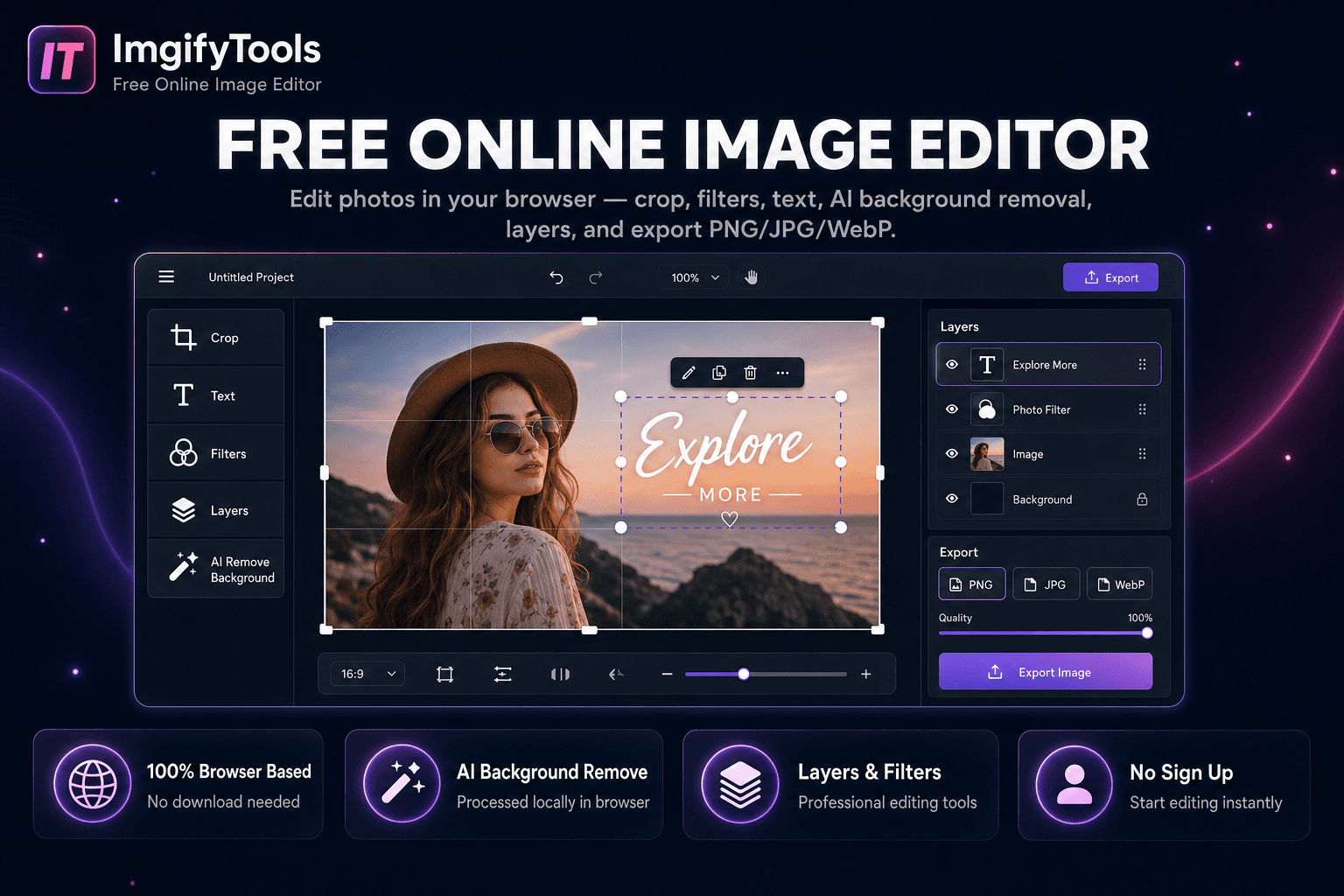
Edit photos in your browser — crop, filters, text, AI background removal, layers, and export PNG/JPG/WebP. No download, no signup.
Launch Tool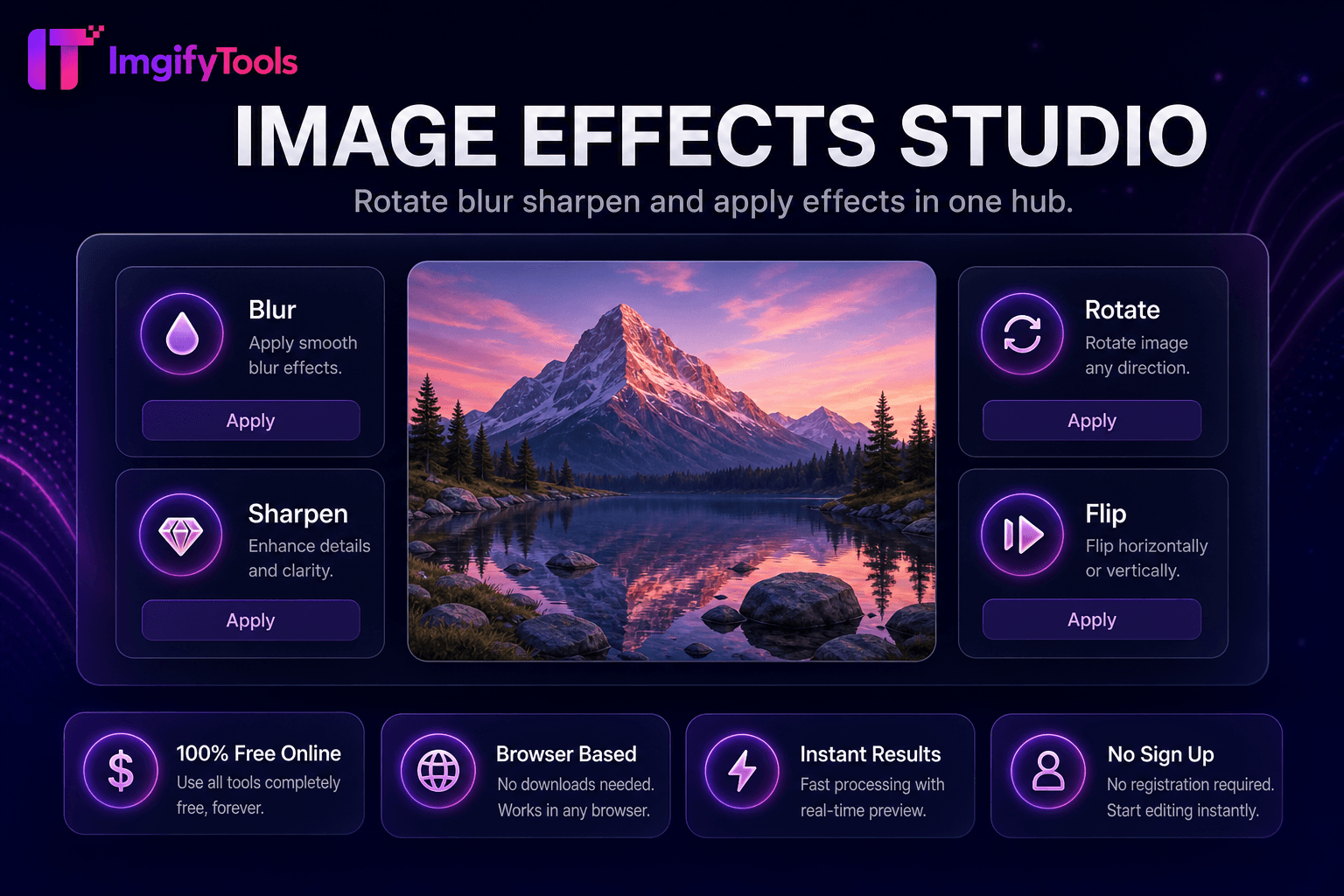
Rotate, blur, sharpen, and apply effects in one hub.
Launch Tool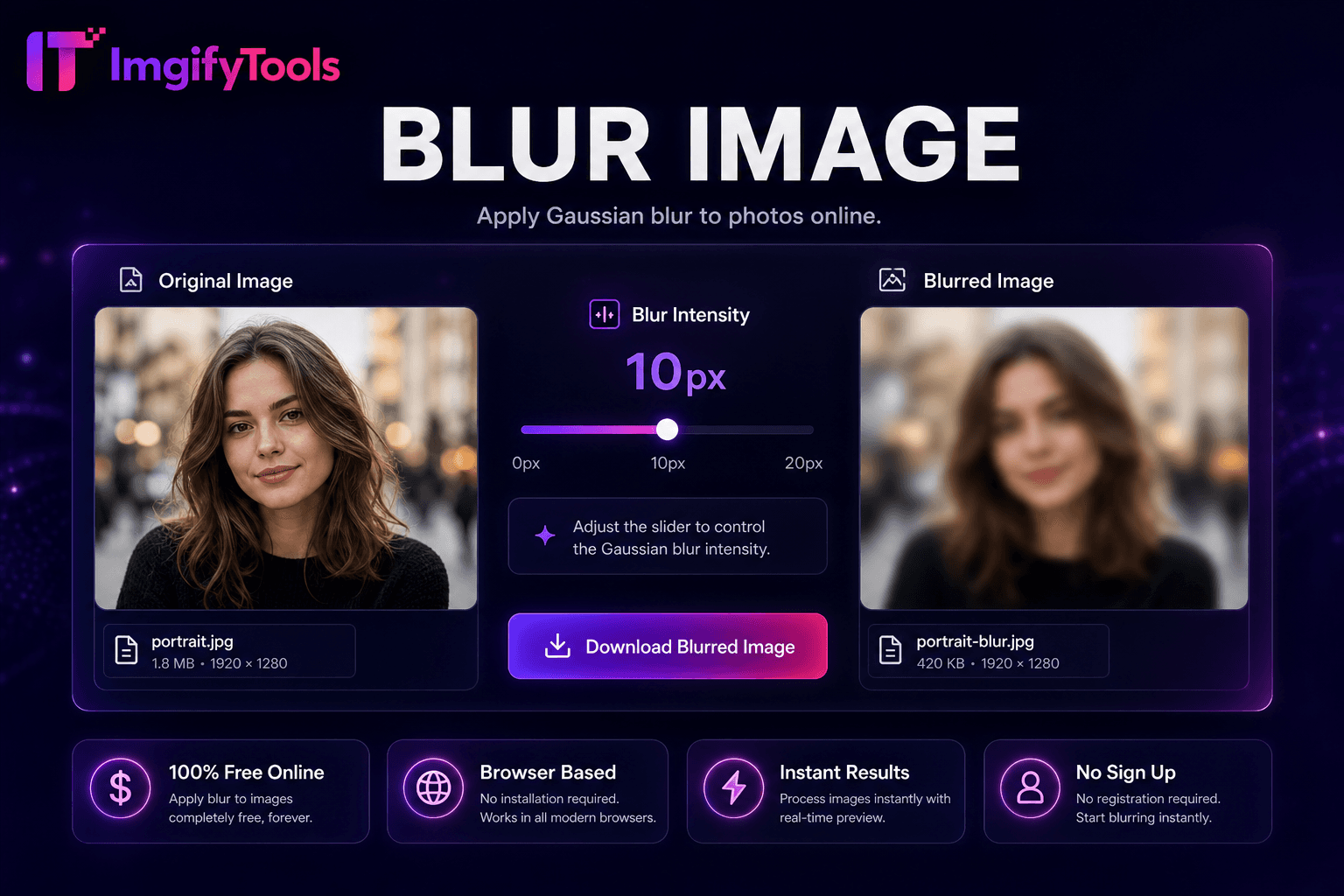
Apply Gaussian blur to photos online.
Launch Tool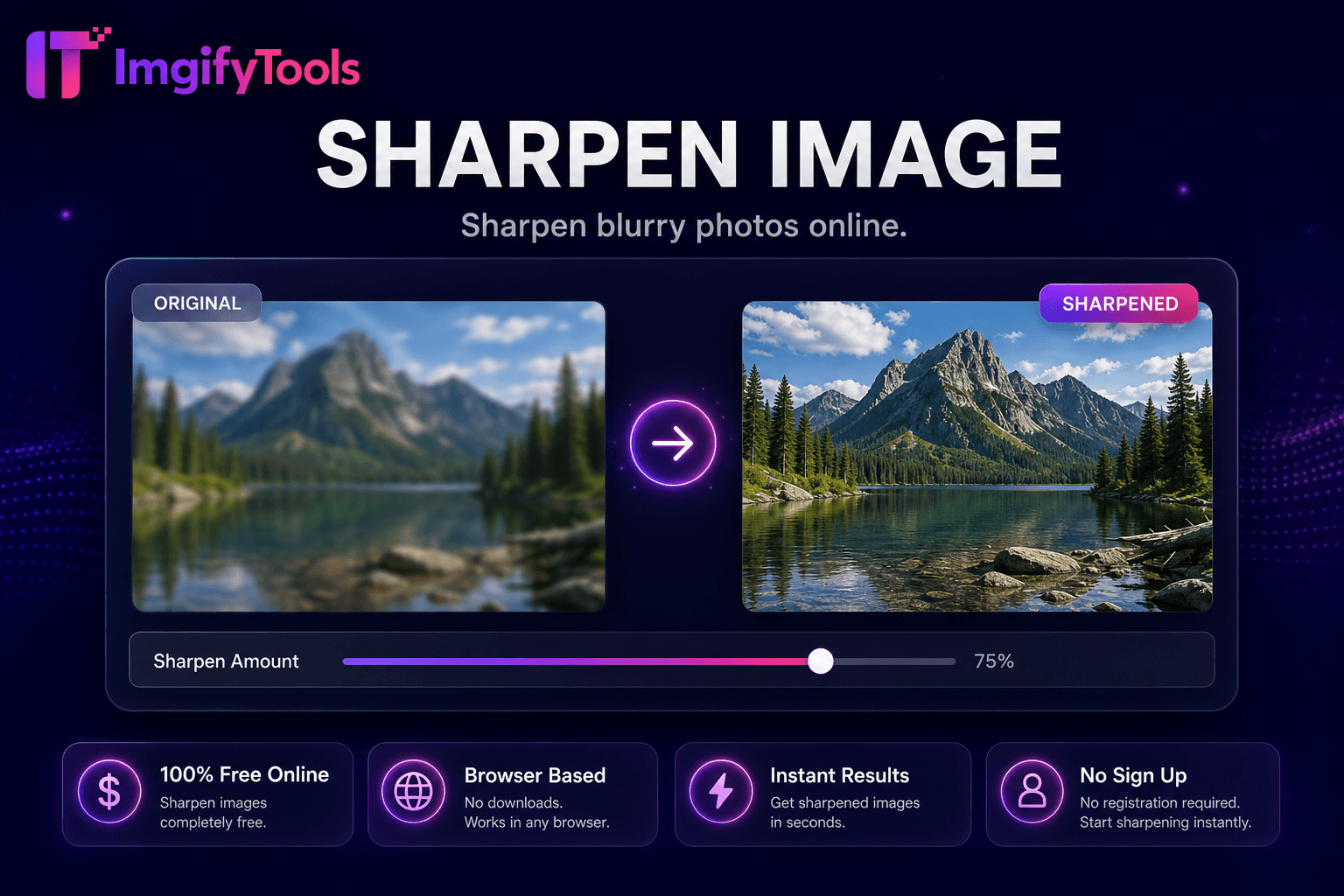
Sharpen blurry photos online.
Launch Tool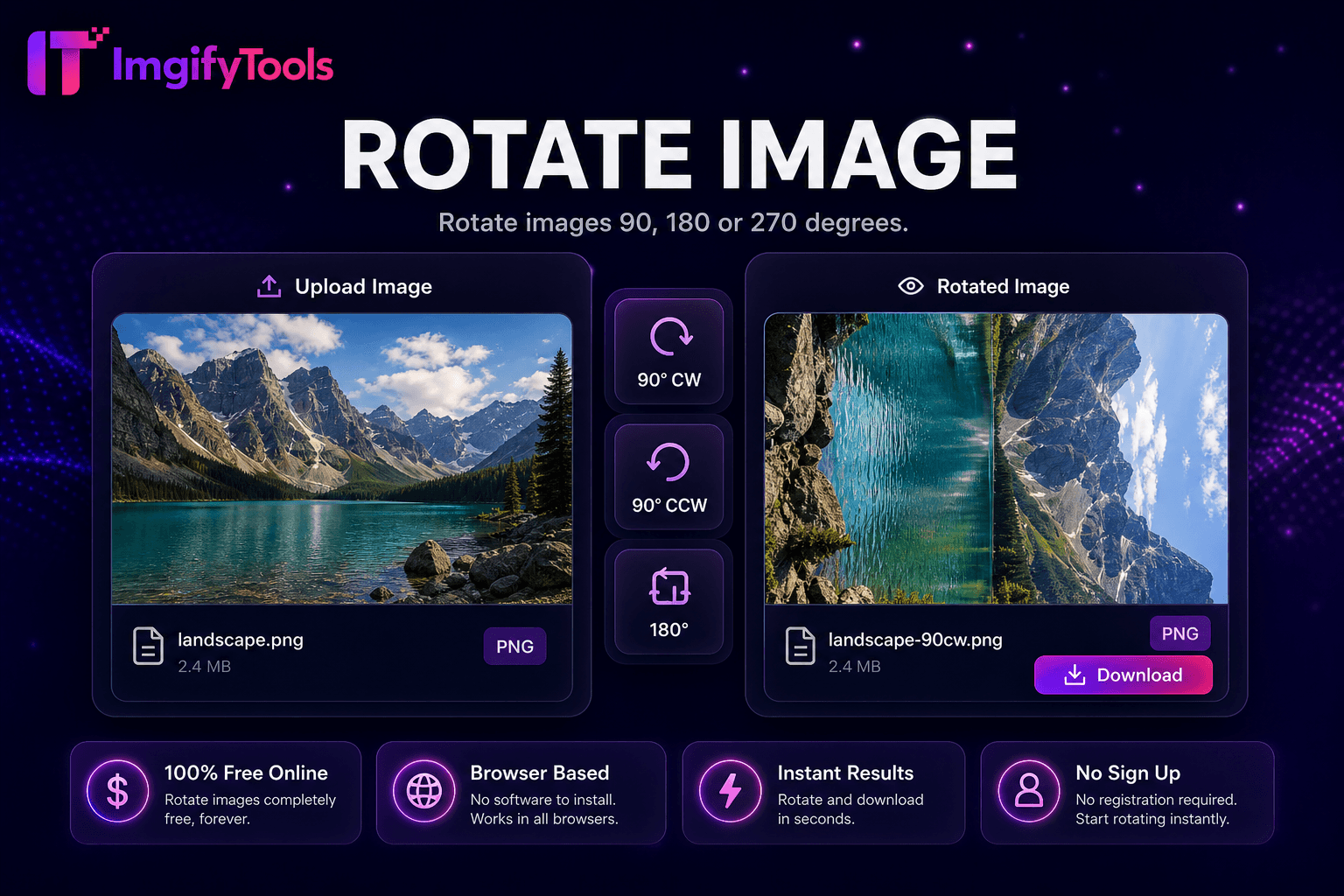
Rotate images 90°, 180°, or 270°.
Launch Tool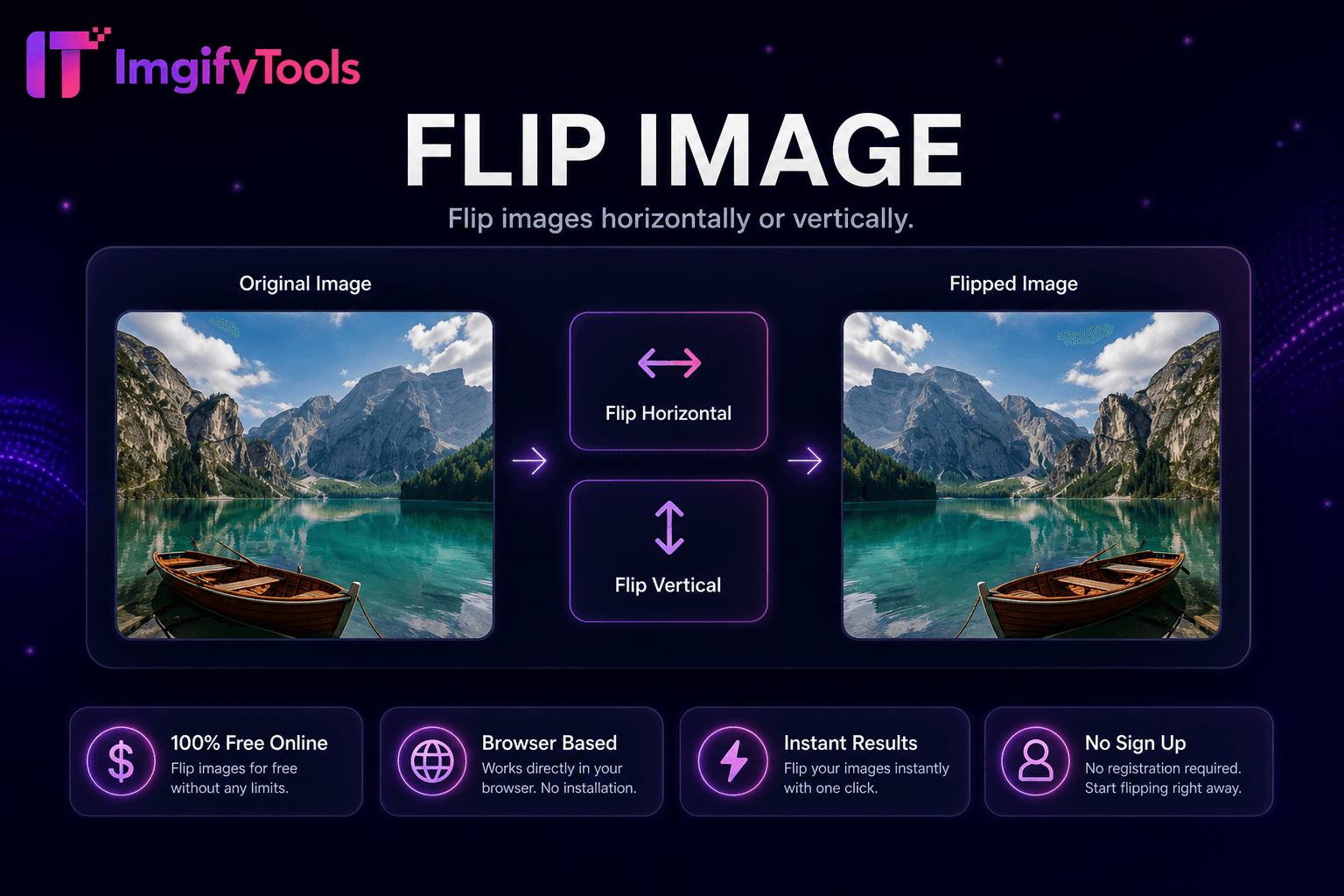
Flip images horizontally or vertically.
Launch Tool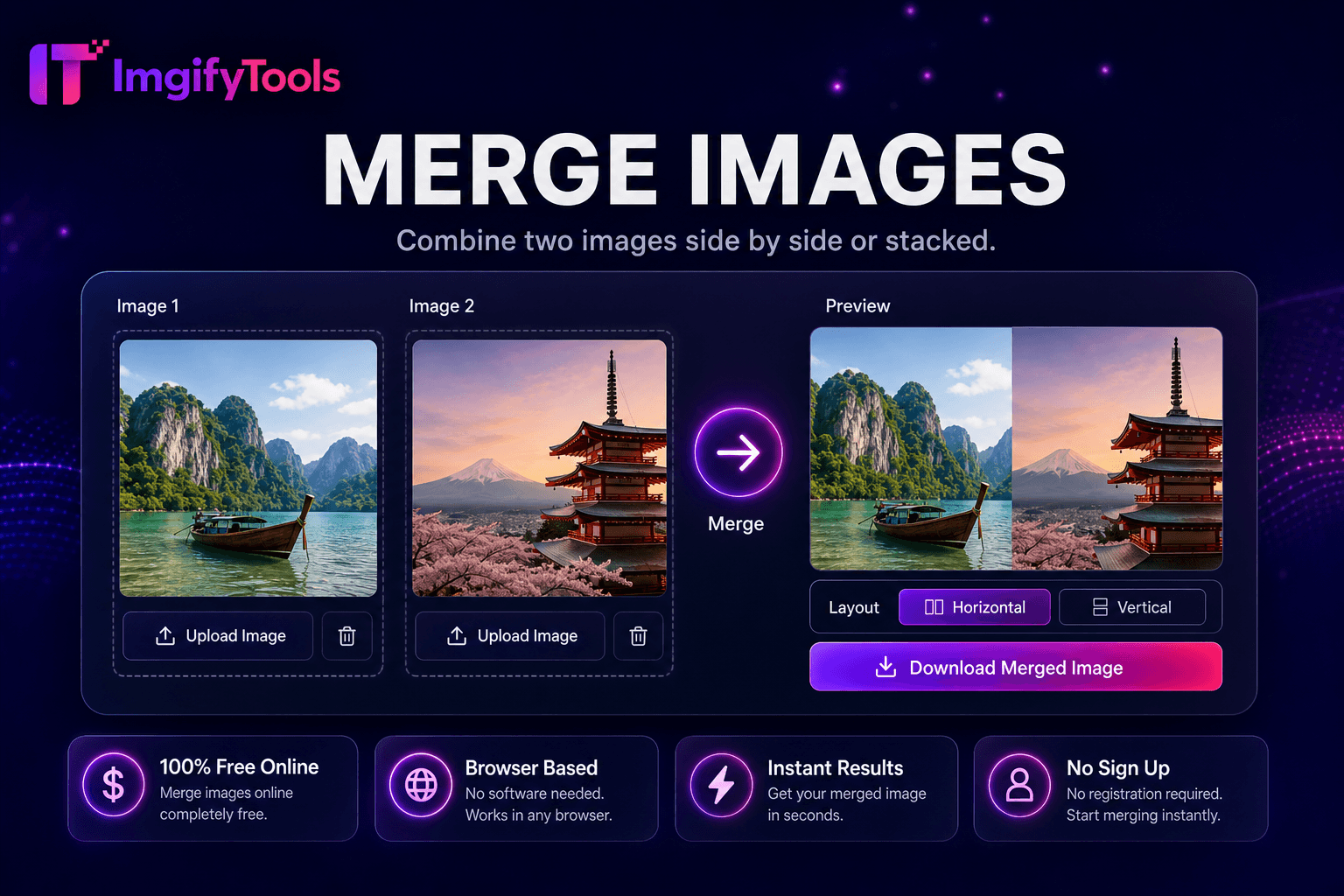
Combine two images side by side or stacked.
Launch Tool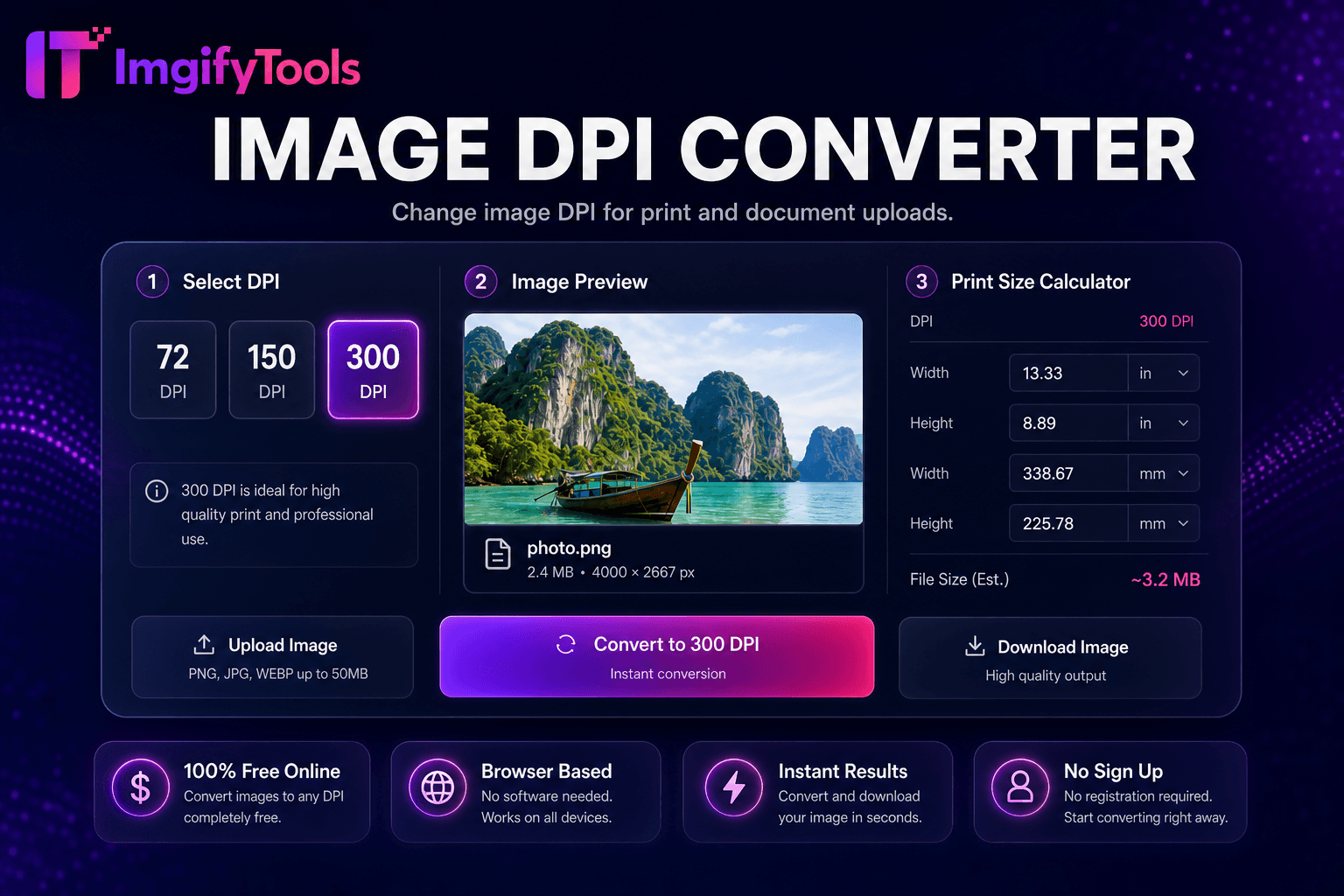
Change image DPI for print and document uploads.
Launch Tool
Compress any photo to an exact file size — 20KB, 50KB, 100KB and more.
Launch Tool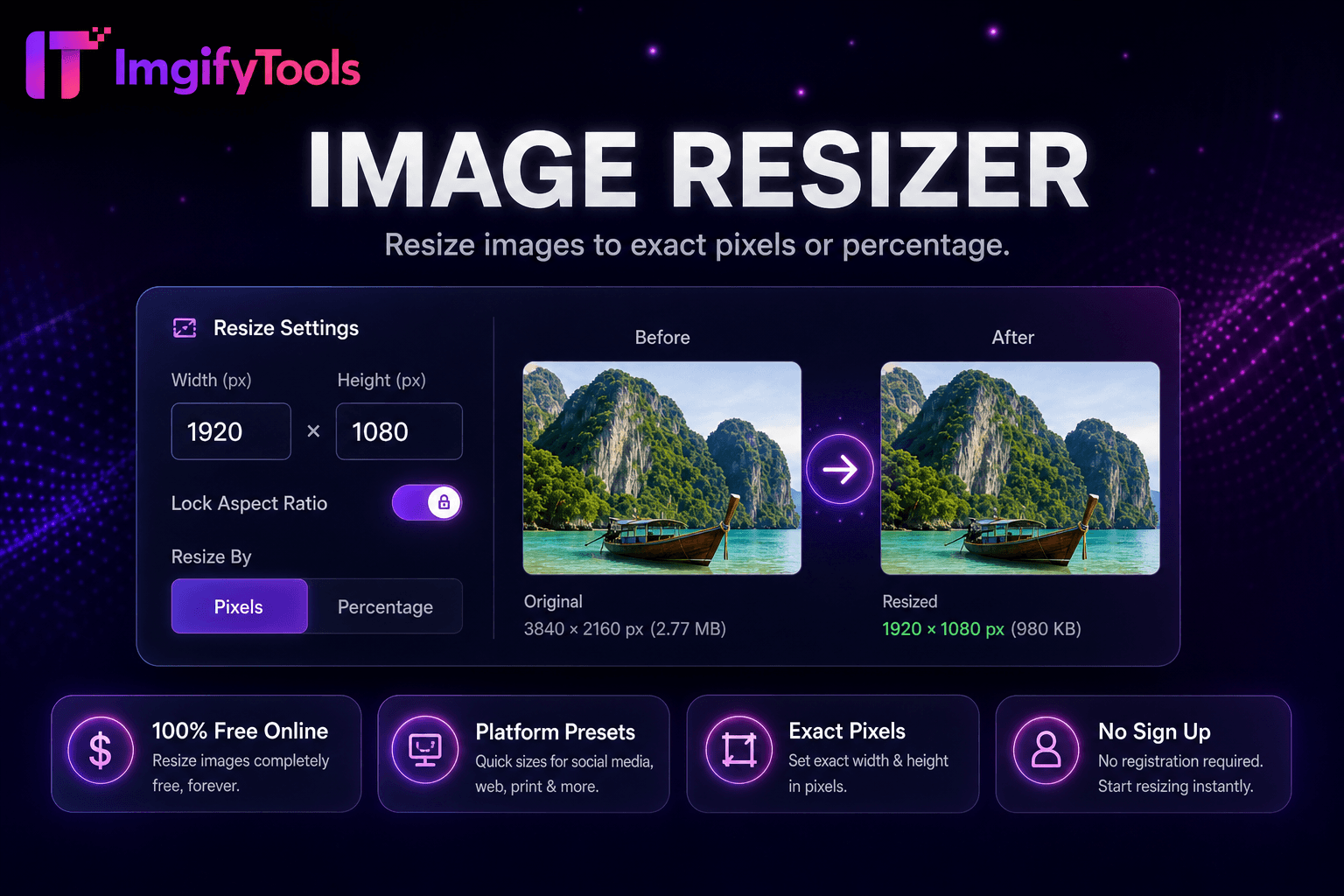
Resize images online free by pixels, percentage, or social media presets.
Launch Tool
Resize images to YouTube thumbnail size 1280x720 and vertical 1080x1920 for Shorts-style covers.
Launch Tool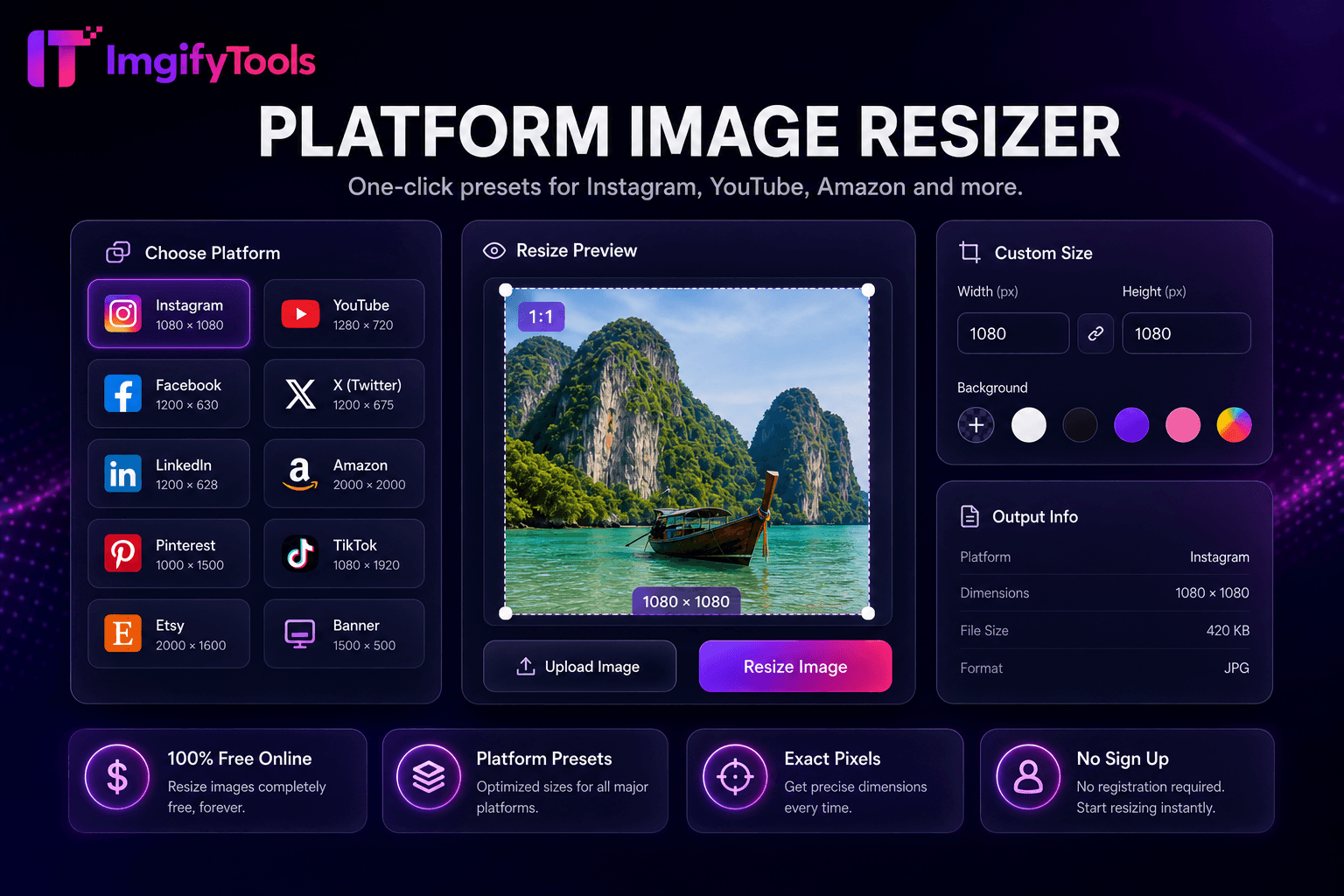
One-click presets for Instagram, YouTube, Amazon, and more.
Launch Tool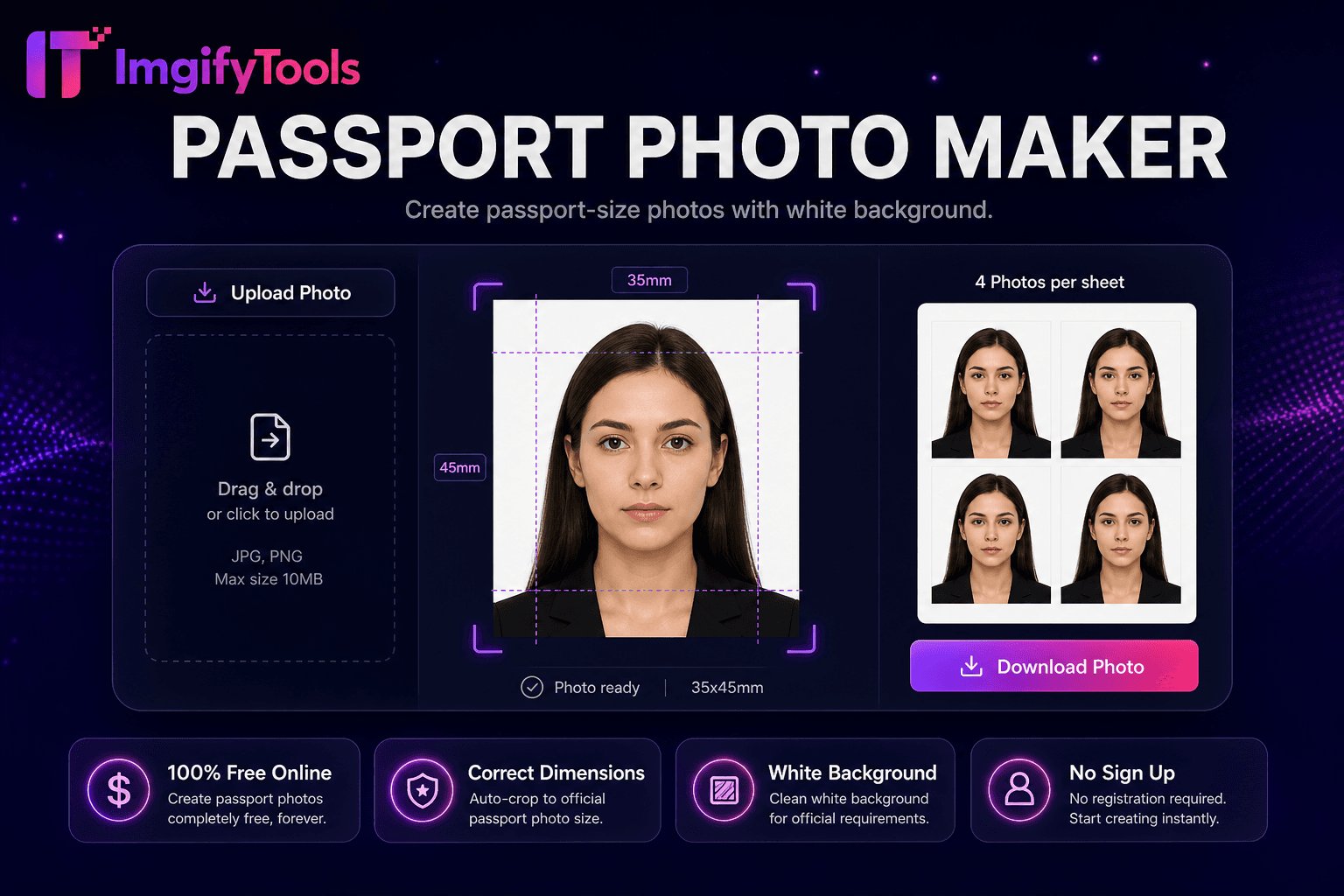
Make a passport or visa photo online with auto crop and white background.
Launch Tool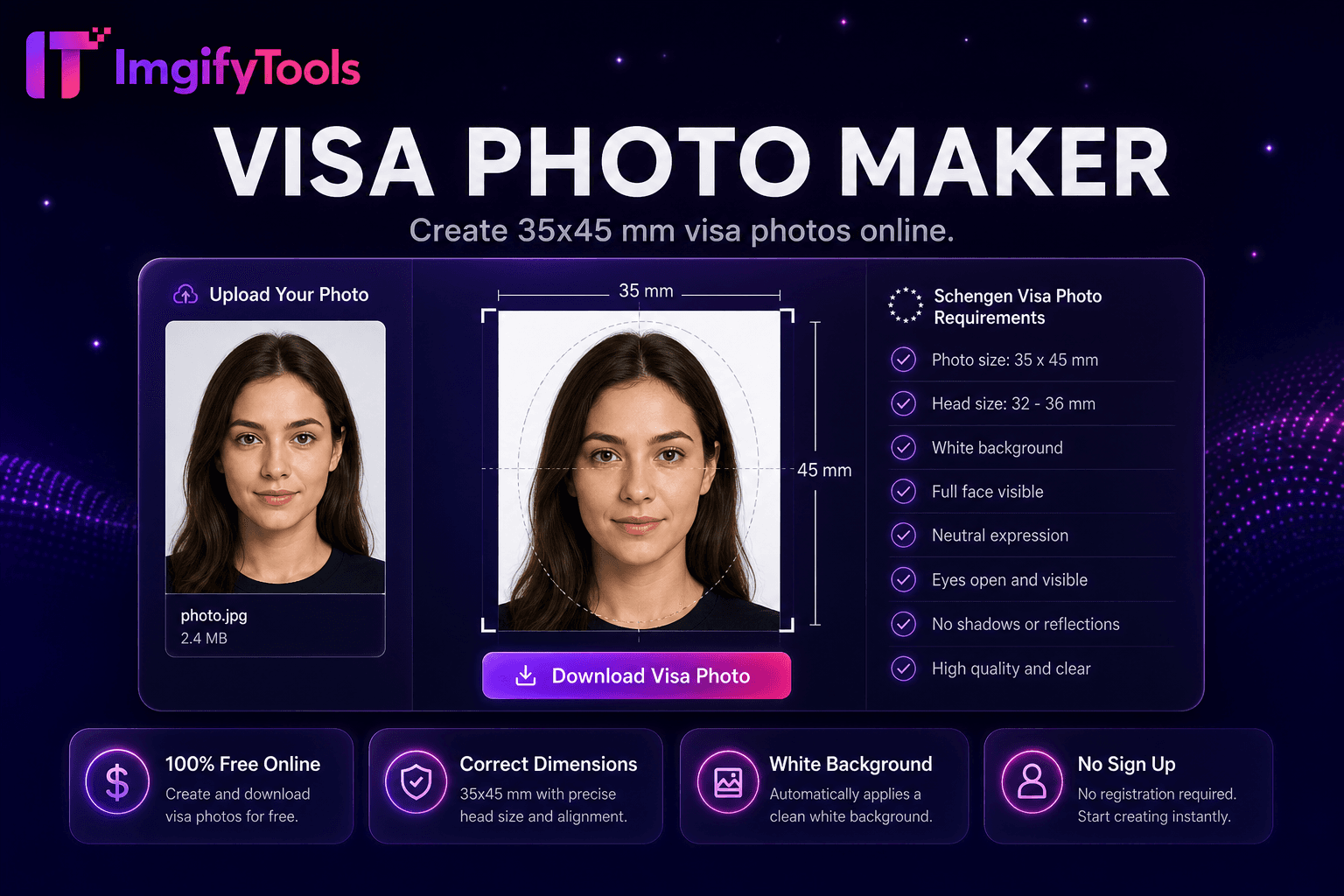
Create common visa application photos (including 35×45 mm) with crop and white background.
Launch Tool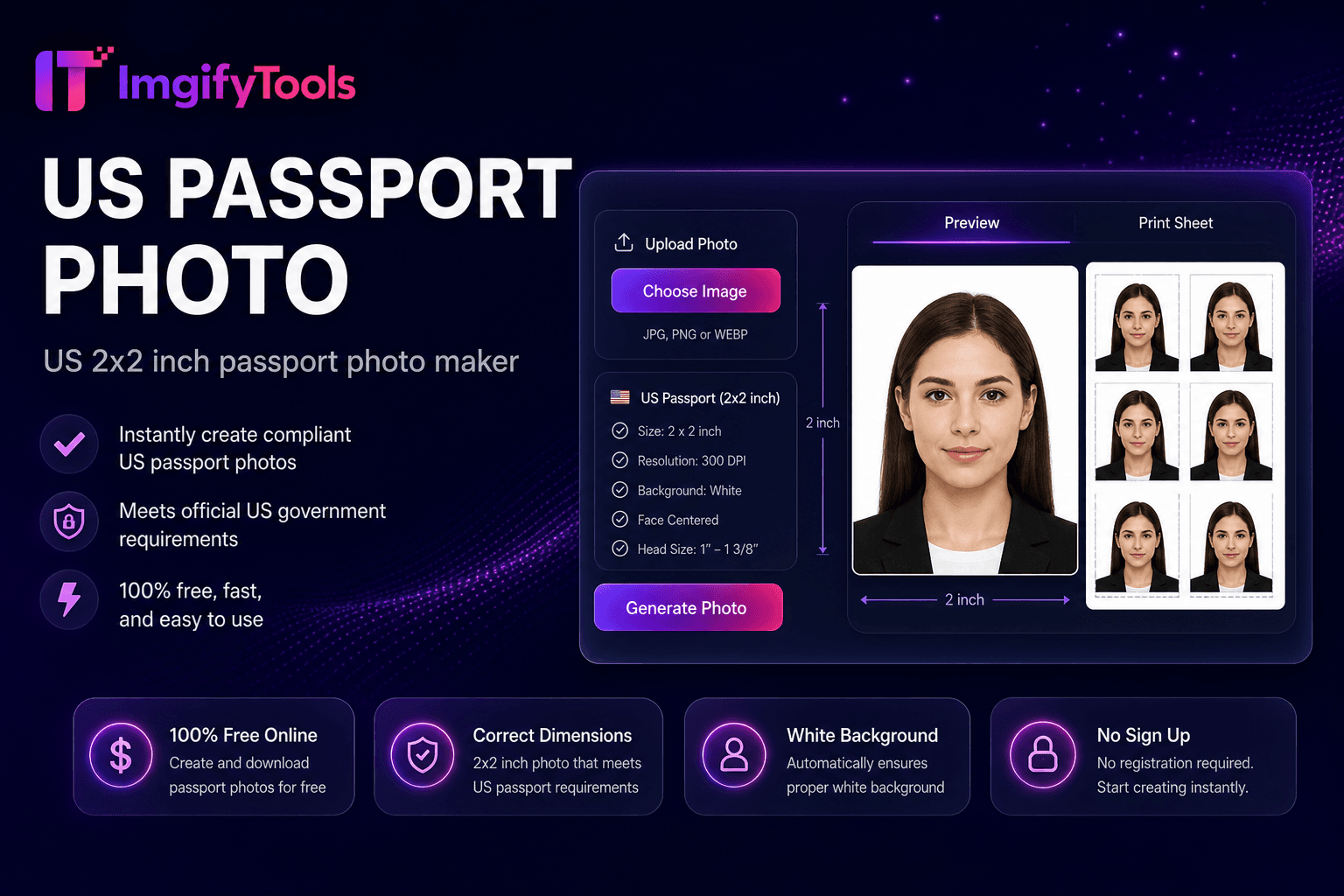
US 2×2 inch passport photo maker.
Launch Tool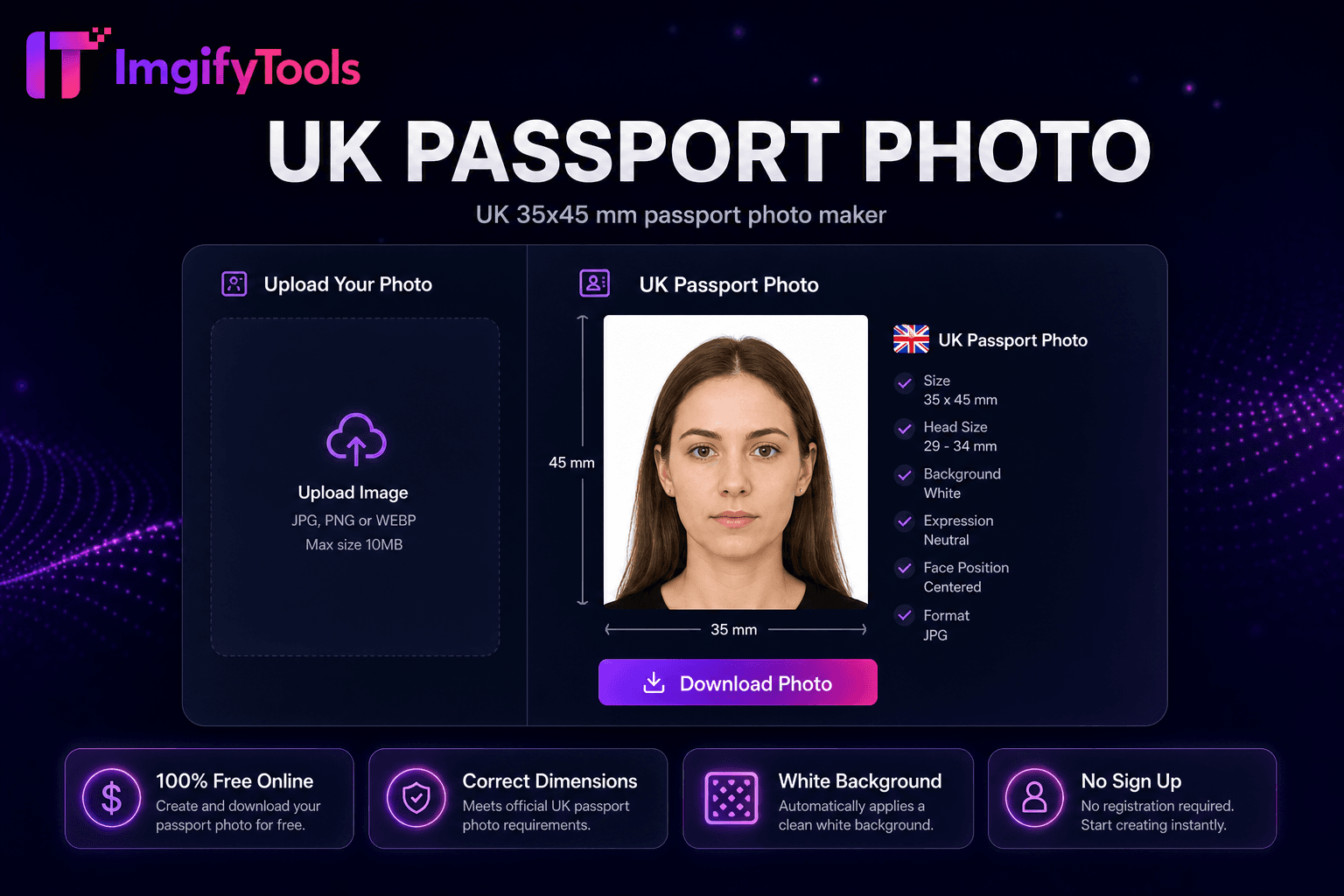
UK 35×45 mm passport photo maker.
Launch Tool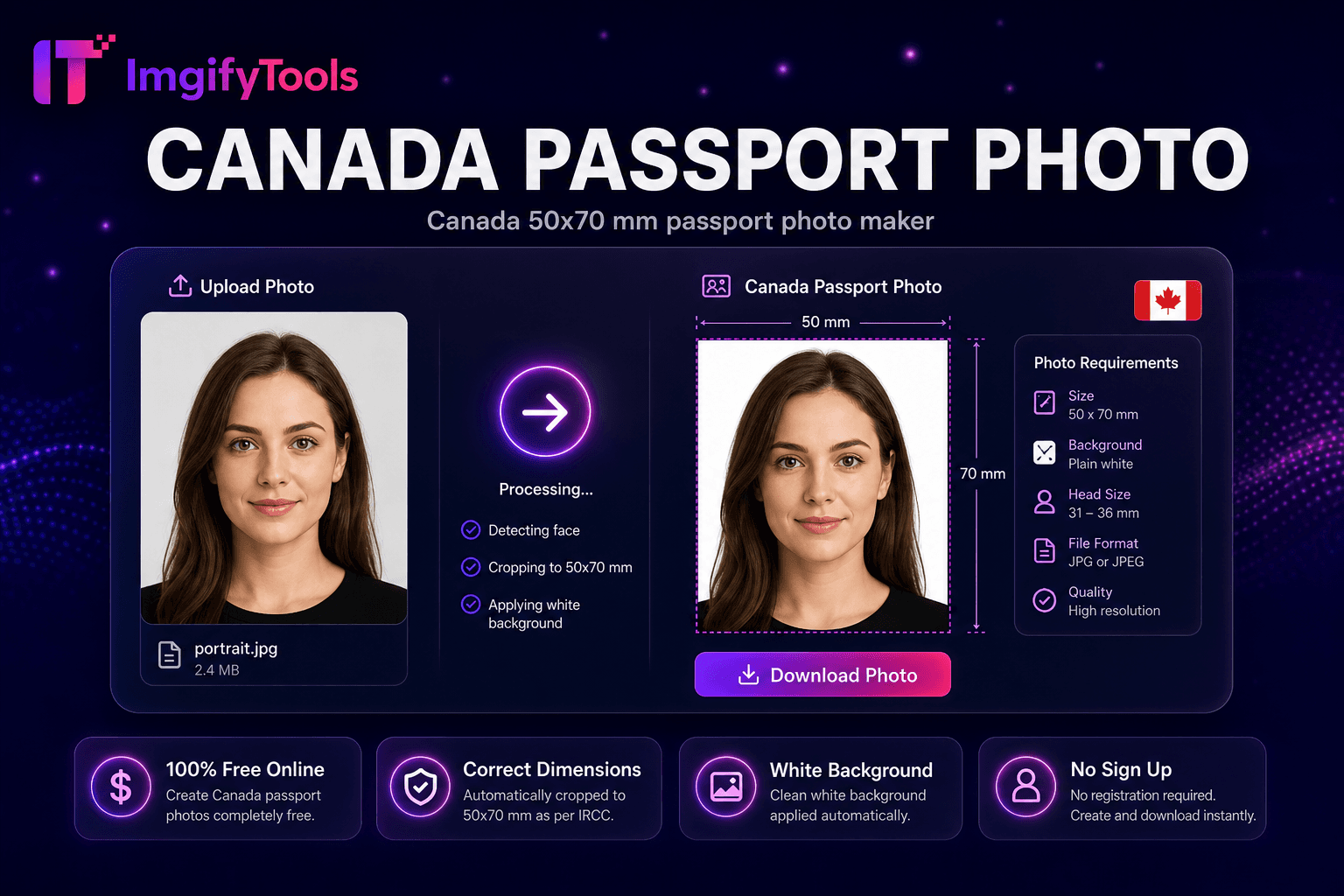
Canada 50×70 mm passport photo maker.
Launch Tool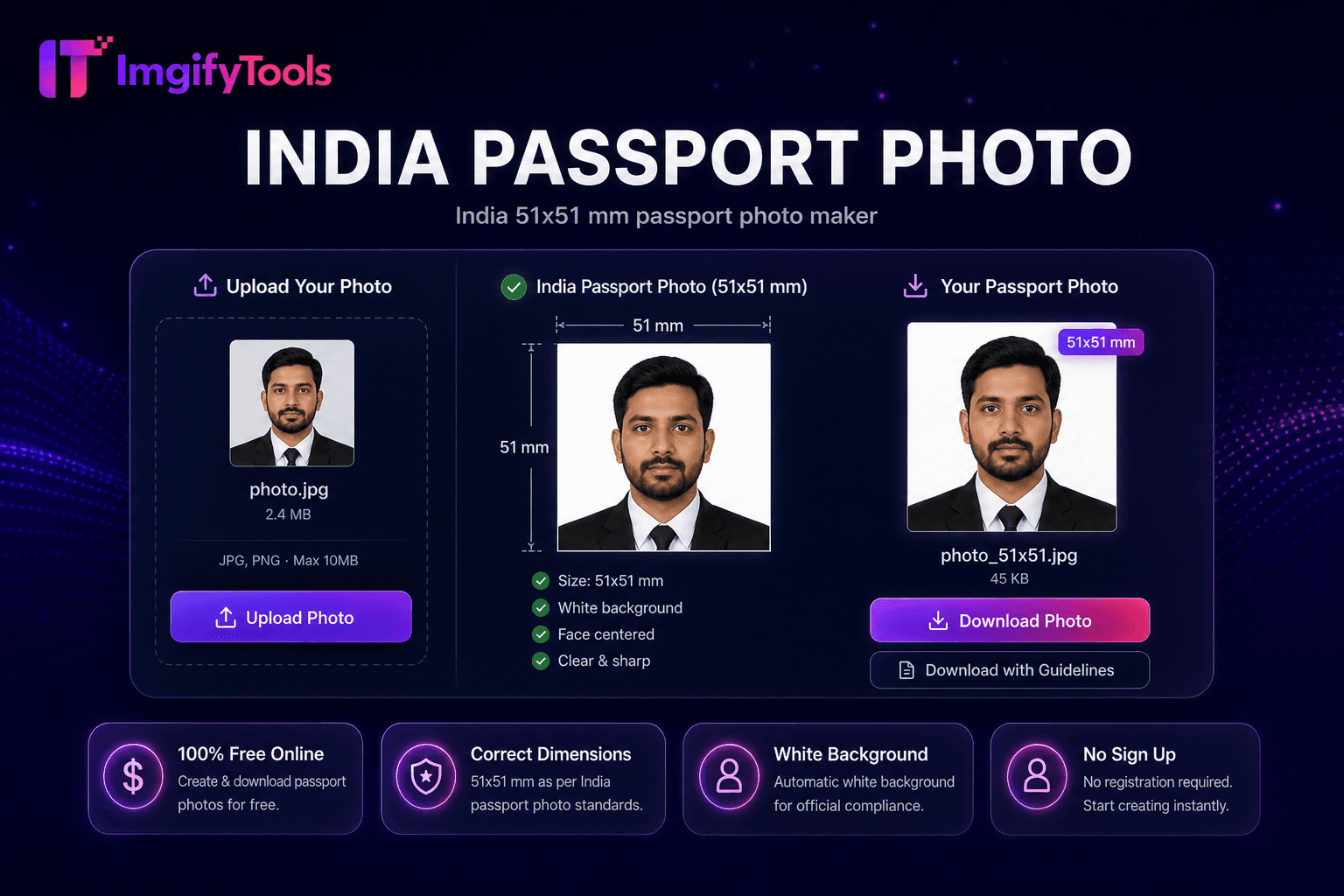
India 51×51 mm passport photo maker.
Launch Tool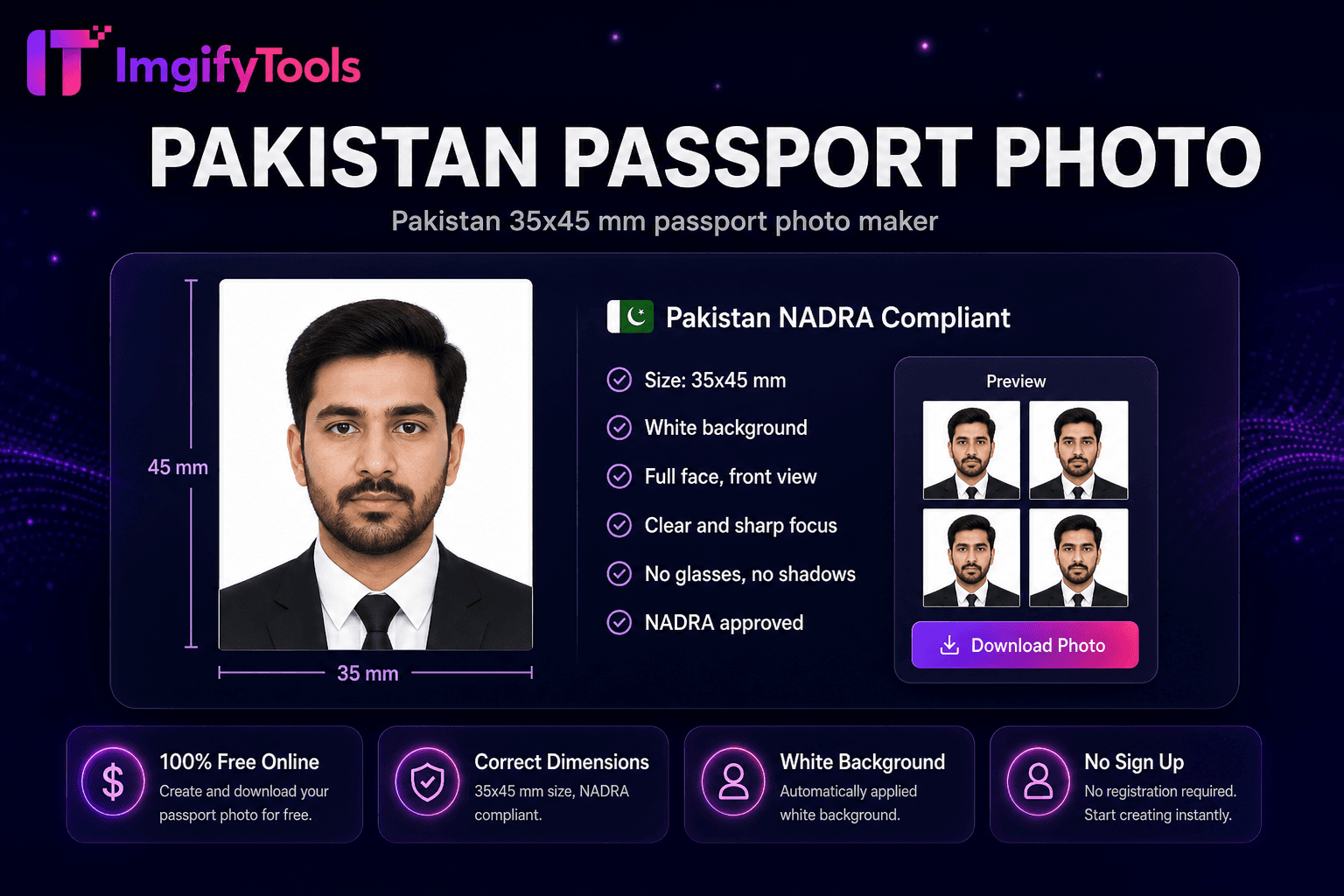
Pakistan 35×45 mm passport photo maker.
Launch ToolA few bounds apply across the catalog.
Most tools accept uploads around 10 MB. Very large originals may need compression first.
Cutouts, upscales, and enhancements depend on the source image. Results are not guaranteed.
The image editor works primarily in your browser. Many AI and convert tools upload a file for temporary server processing.
These tools cover common image jobs. They are not a full professional desktop design suite.
Some tools, such as the image editor, process images in your browser. AI and convert tools upload files to ImgifyTools servers for your session, process them temporarily, and are not kept as a permanent library of uploads by default. Read the privacy policy for details, and see About and Contact for trust information.
We do not claim that every file stays on your device. Processing location depends on the tool you open.
Short answers about finding tools, access, and processing.
Use the search box to match a tool name, or use the category tabs (AI, Convert, Edit, Resize, Photo). You can also share a filtered view with ?q= in the URL.
This page lists the full catalog with search and filters. Category hubs such as AI or Convert focus on one topic with extra guidance for that group.
Core tools are free to use in your browser for standard workflows without creating an account. Individual tools may still have practical limits such as upload size.
It depends on the tool. The image editor primarily processes images in your browser. Many AI and convert tools upload files for temporary server-side processing. We do not build a permanent library of uploads by default.
Standard downloads from core tools do not add a watermark. Watermarking is available as a separate tool if you want to add one.
Review how files are handled, or reach the team if something on a tool page is unclear.