Free Online Image Editor
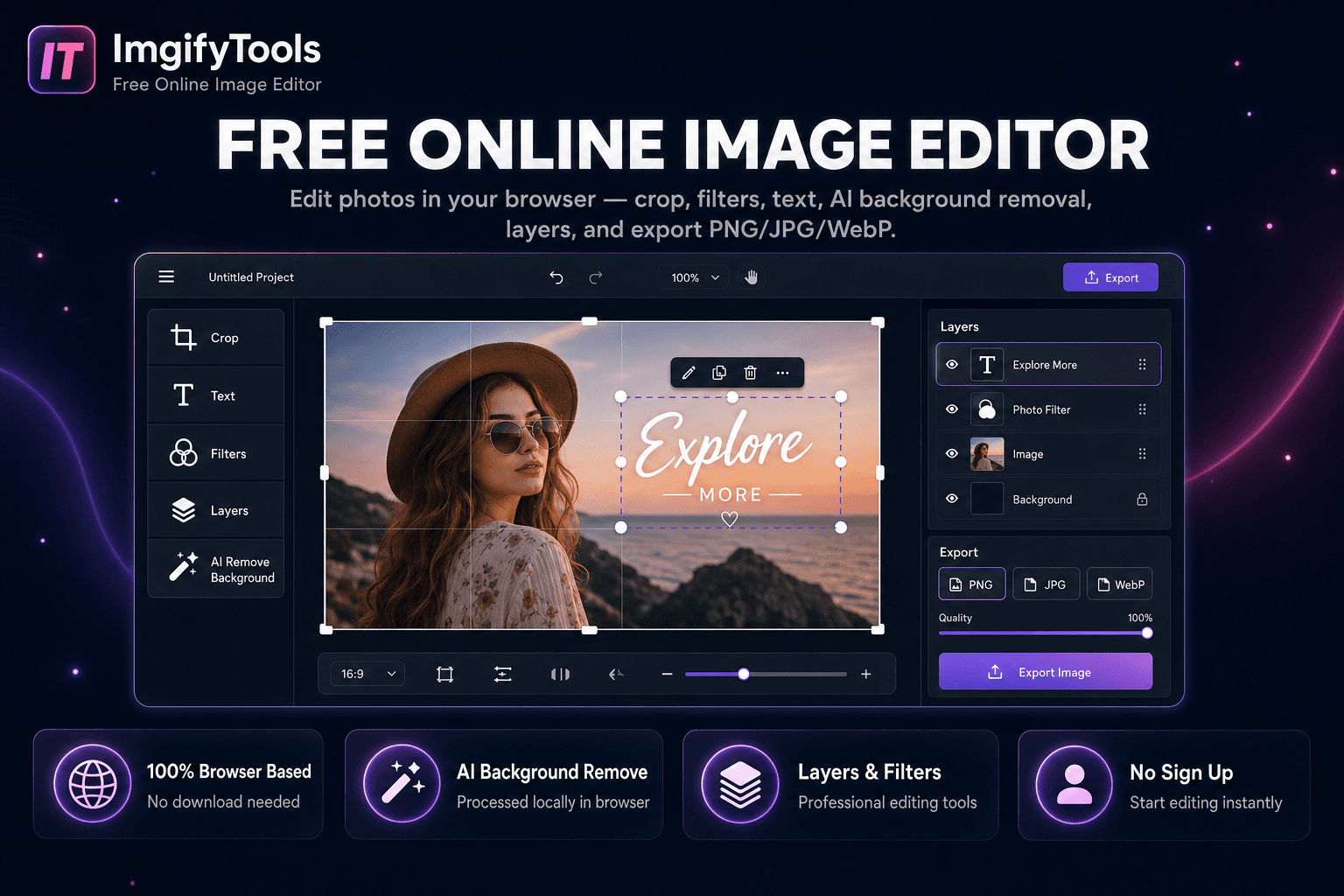
Edit photos in your browser — crop, filters, text, AI background removal, layers, and export PNG/JPG/WebP. No download, no signup.
Launch ToolCompress, crop, watermark, and enhance — all free in your browser.
Compress images, crop photos, add watermarks, merge files, and hit strict KB targets — free for standard web use. ImgifyTools edit suite covers compression, effects, DPI changes, and resize-to-20KB through 200KB utilities for government portals and job applications. Many compress and convert-style edit tools upload files for temporary server-side processing; the image editor works primarily in your browser.
Compression lowers file size while keeping dimensions. Resize changes pixel width and height. Use target KB tools when a form says 'must be under 100KB' regardless of resolution.
Bulk image compressor zips multiple outputs. Single-file tools chain with format conversion when you need WebP after editing.
Processing location depends on the tool: the image editor is primarily browser-side; many compress and related edit tools upload files for temporary server-side processing for your session and are not kept as a permanent upload library by default. See the privacy policy.
Yes — use resize-to-50KB, 100KB, or 200KB tools, or the image compressor with a custom target.

Compress JPG, PNG, and WebP online. Adjust quality and compare before/after sizes.
Launch Tool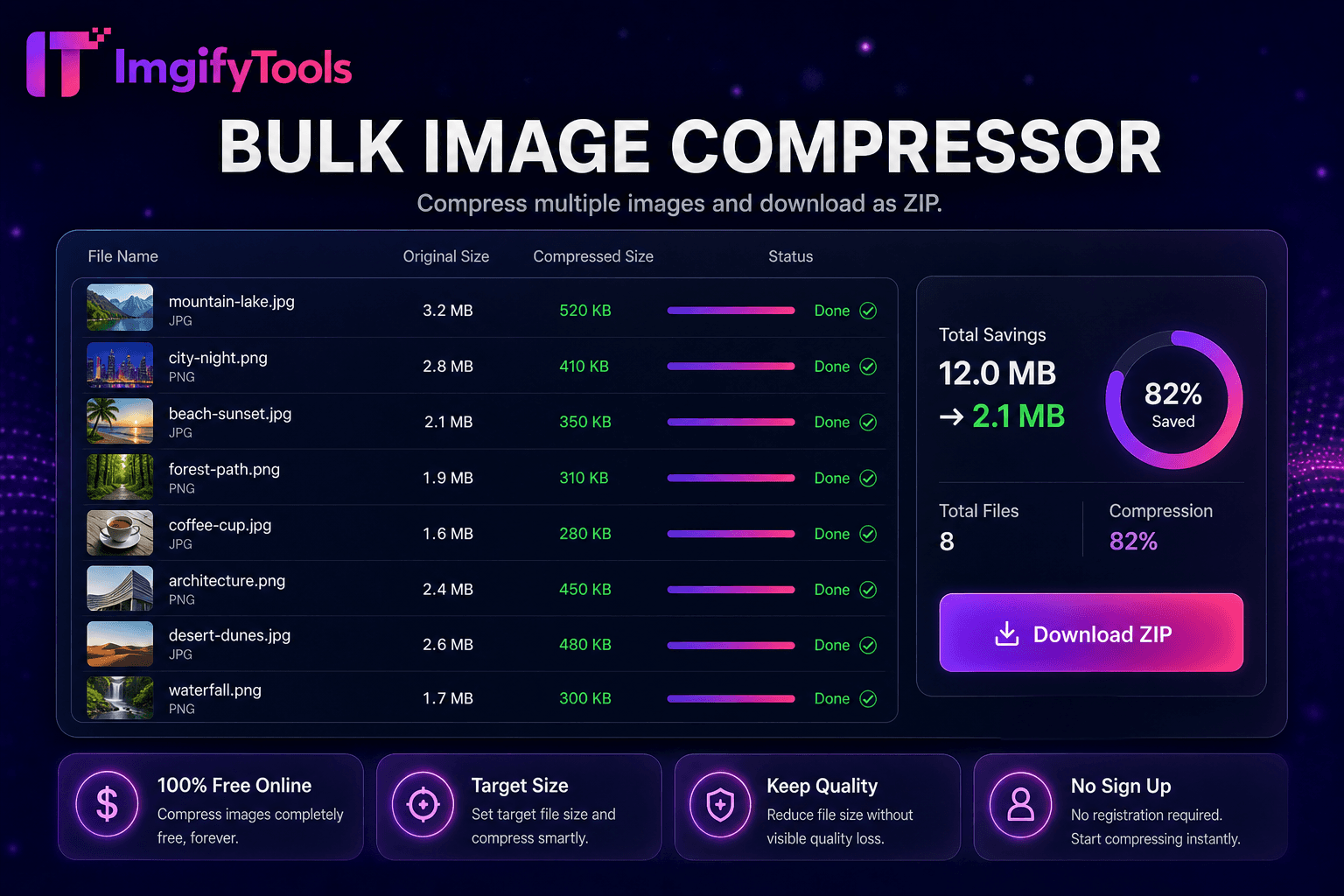
Compress multiple images and download as ZIP.
Launch Tool
Add custom text to images online.
Launch Tool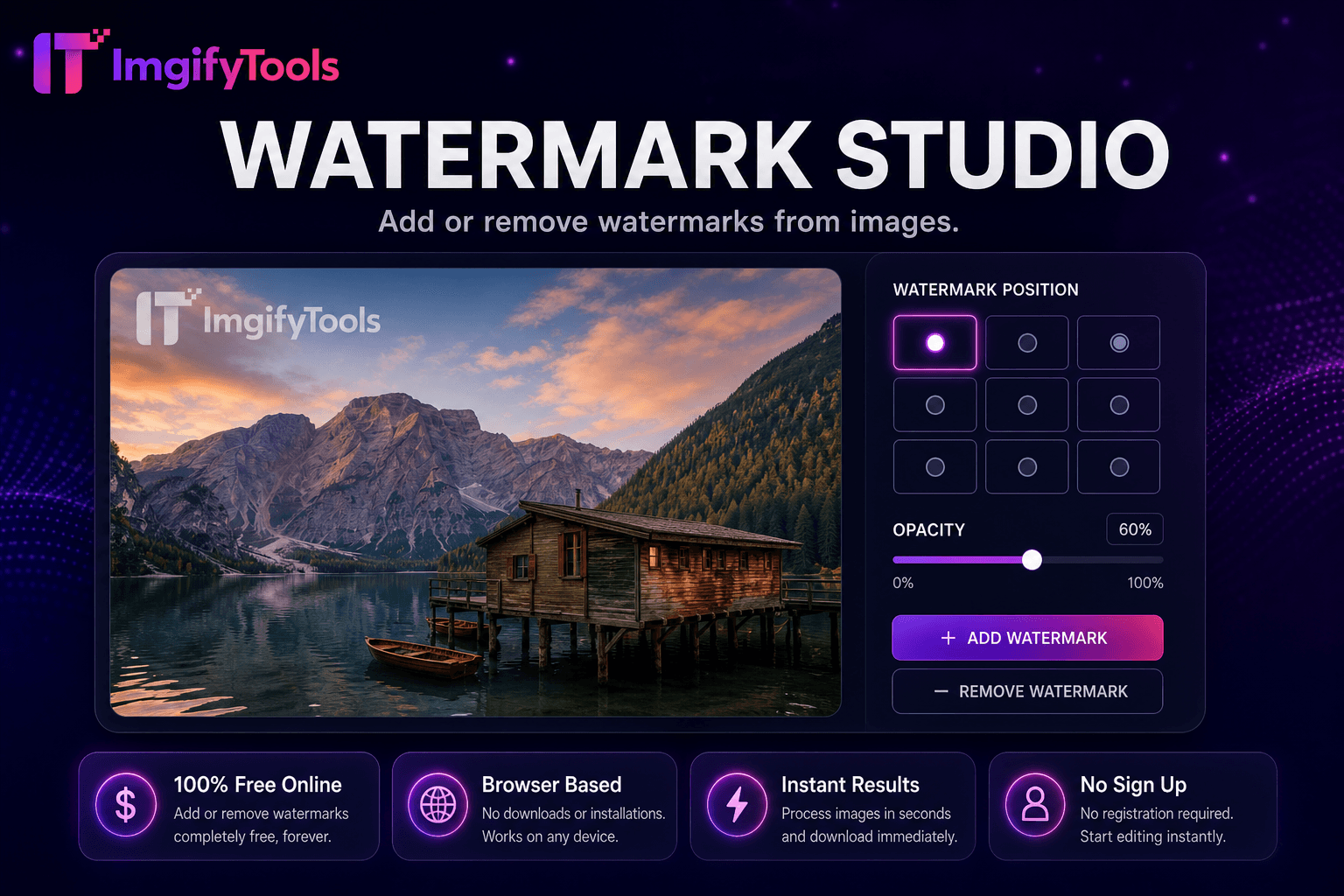
Add or remove watermarks from images.
Launch Tool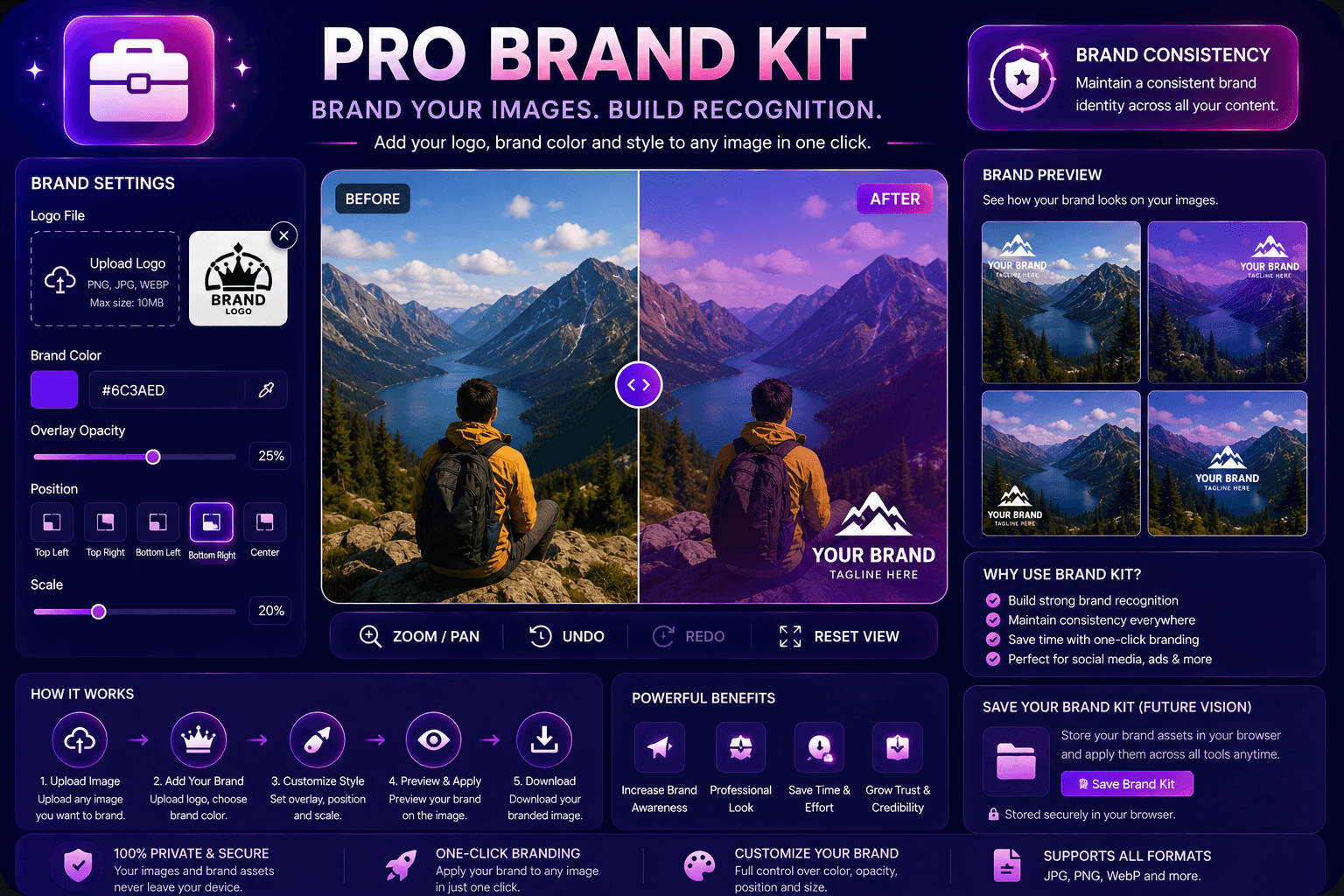
Apply brand colors and logos to images.
Launch Tool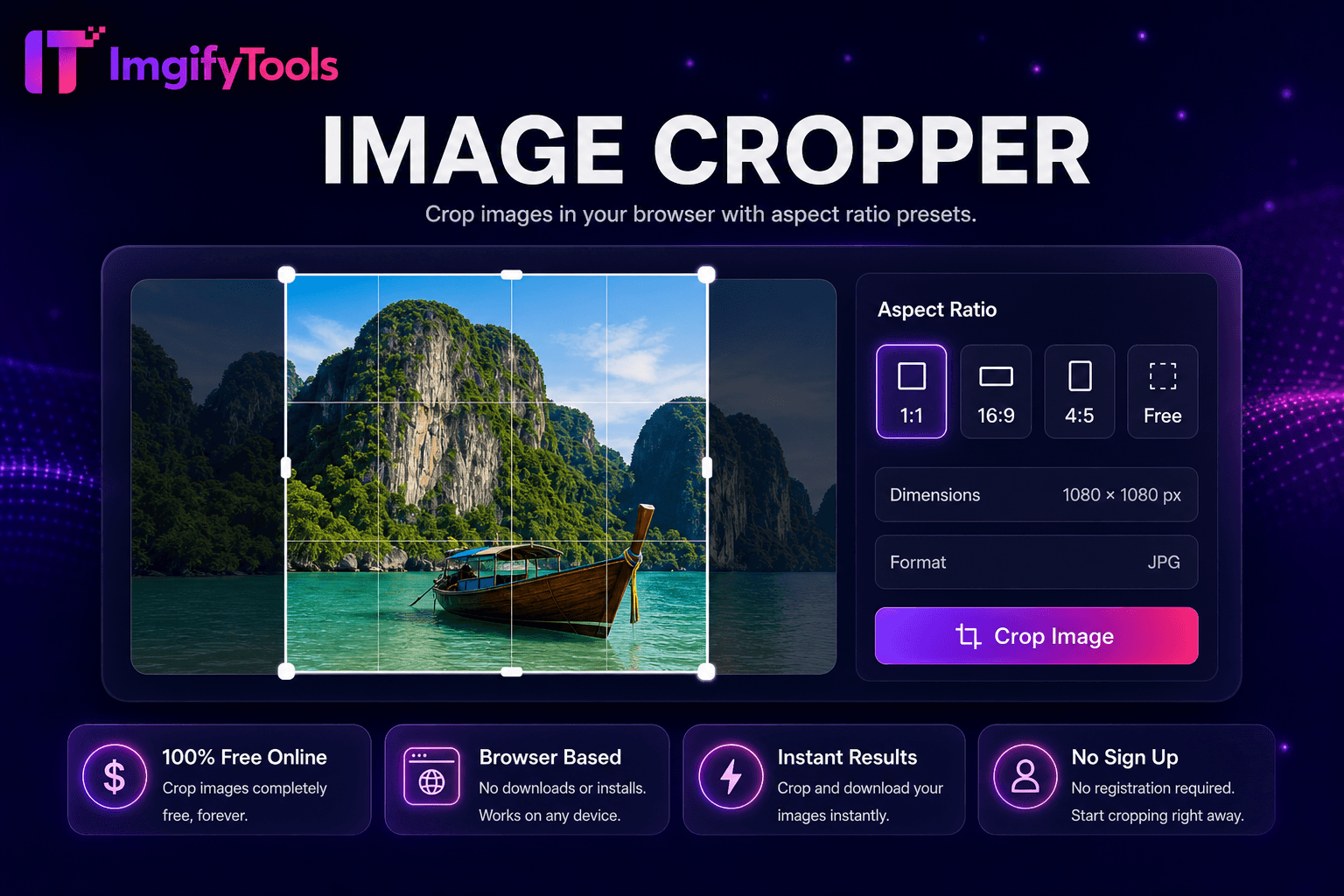
Crop images in your browser with aspect ratio presets.
Launch Tool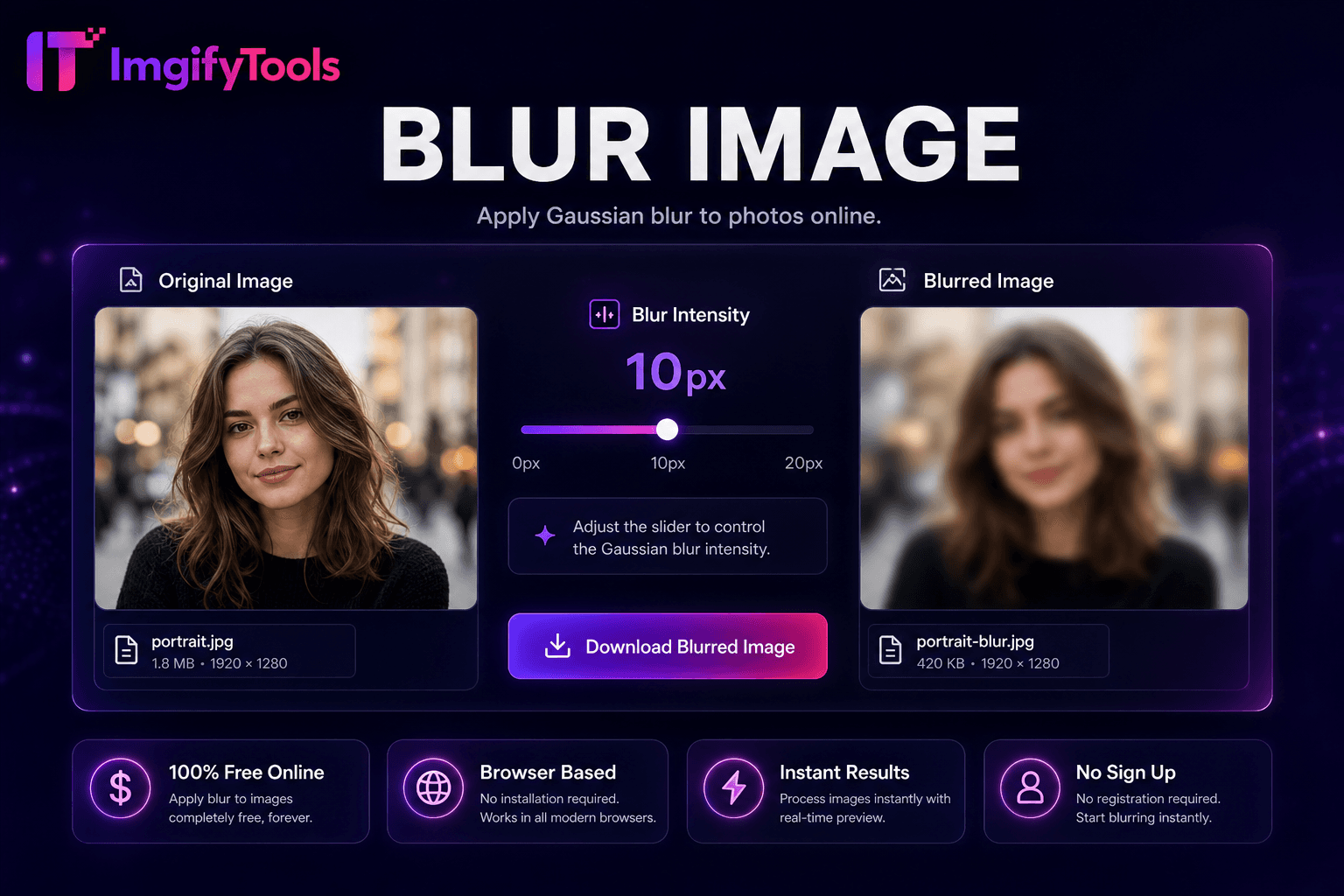
Apply Gaussian blur to photos online.
Launch Tool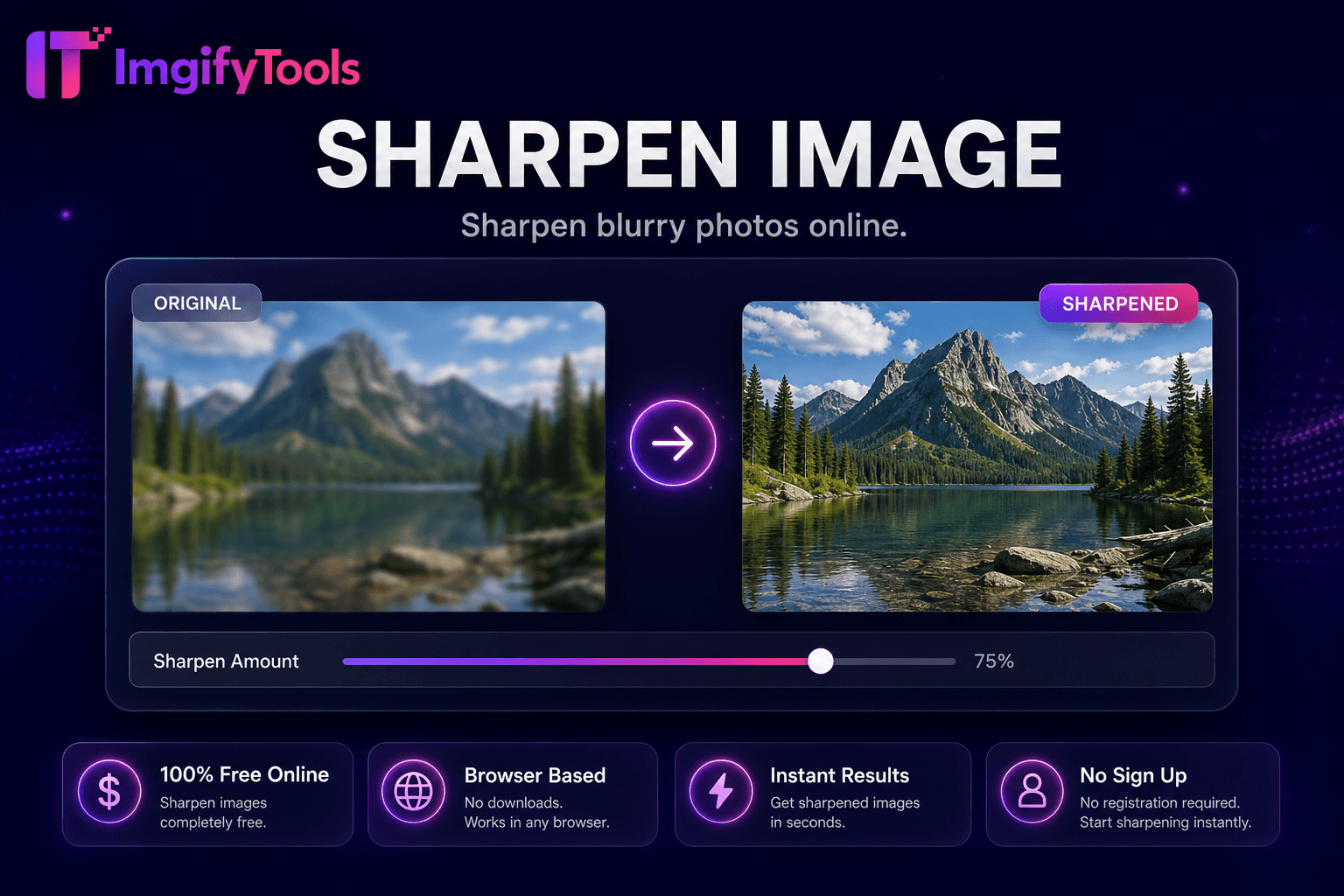
Sharpen blurry photos online.
Launch Tool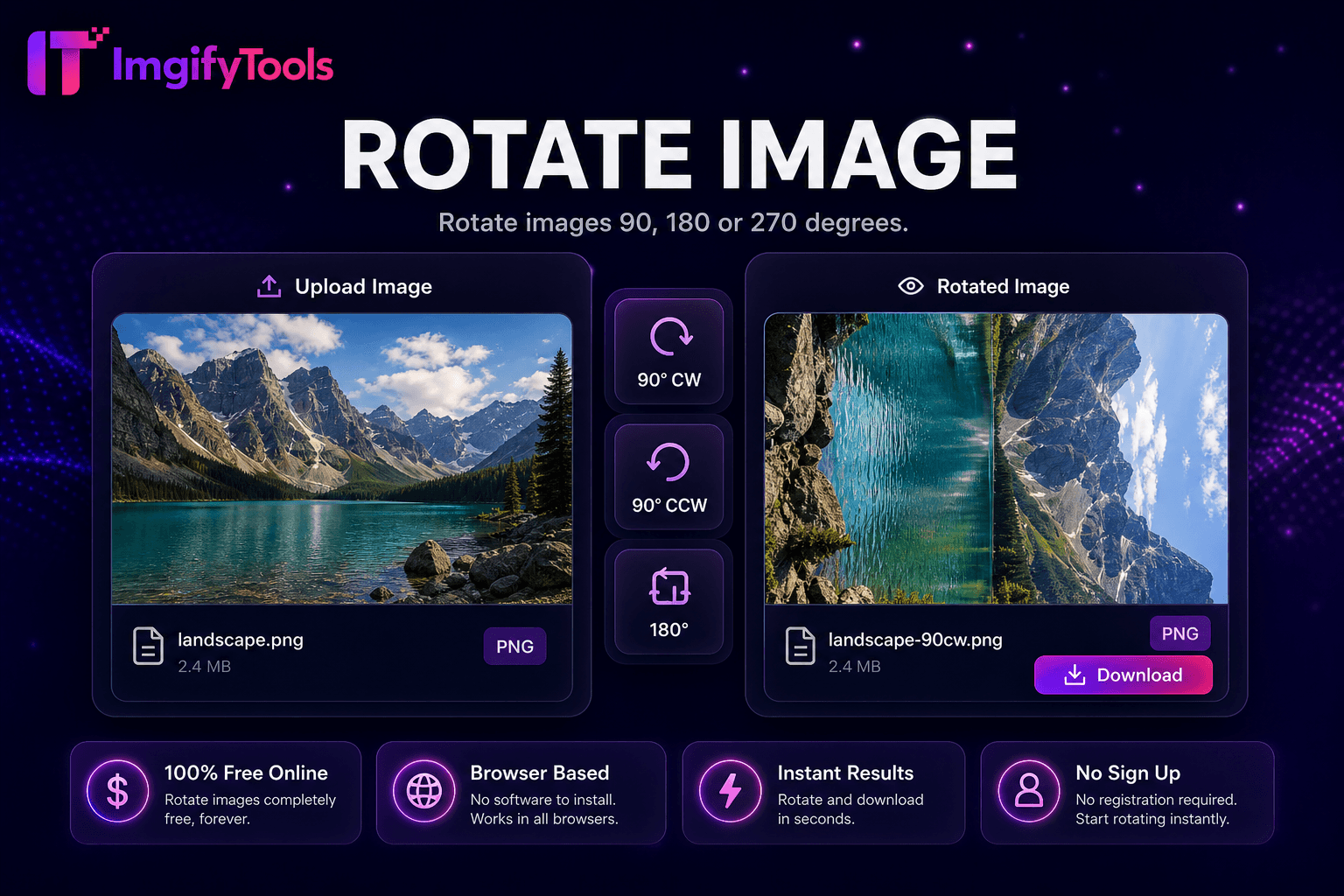
Rotate images 90°, 180°, or 270°.
Launch Tool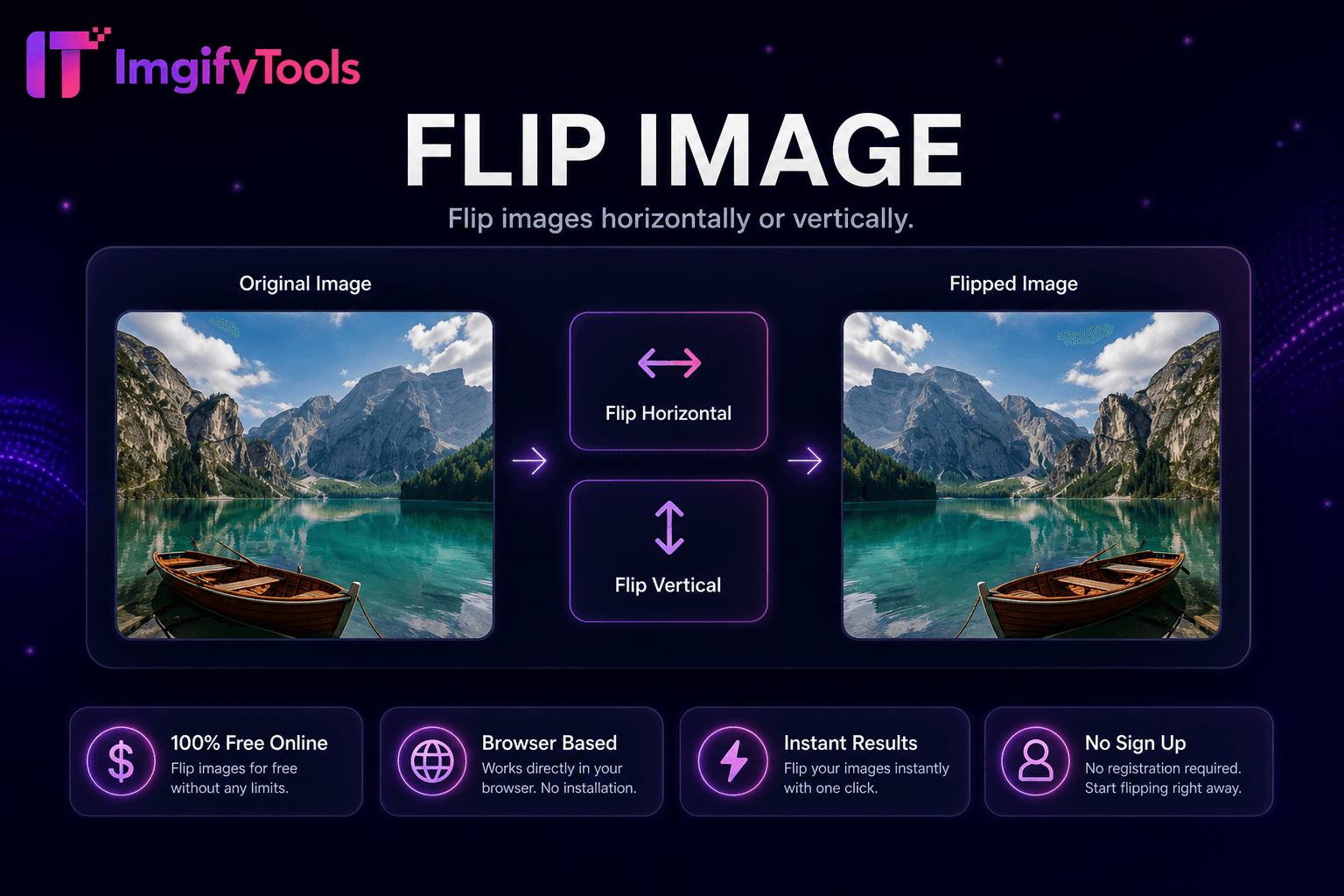
Flip images horizontally or vertically.
Launch Tool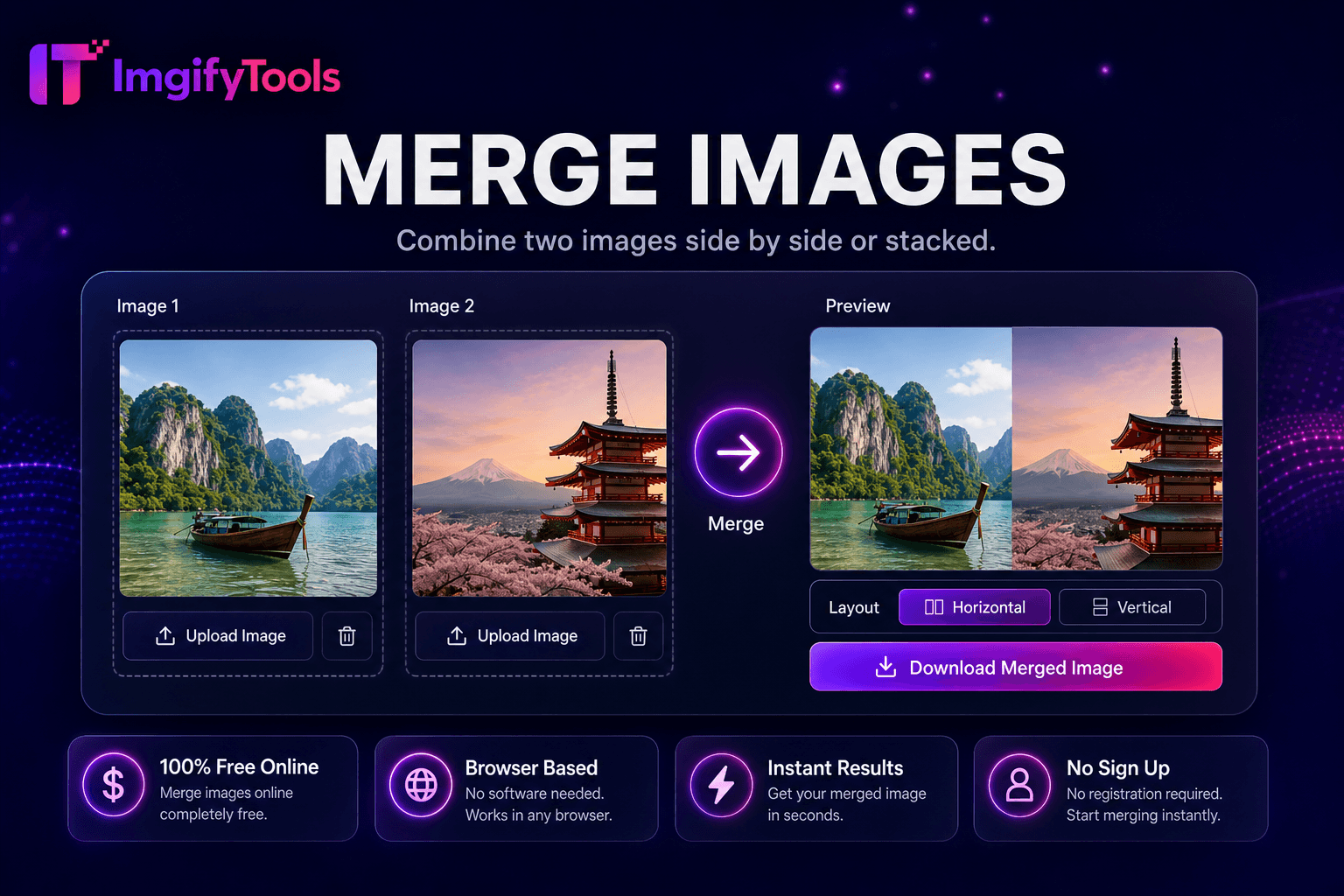
Combine two images side by side or stacked.
Launch Tool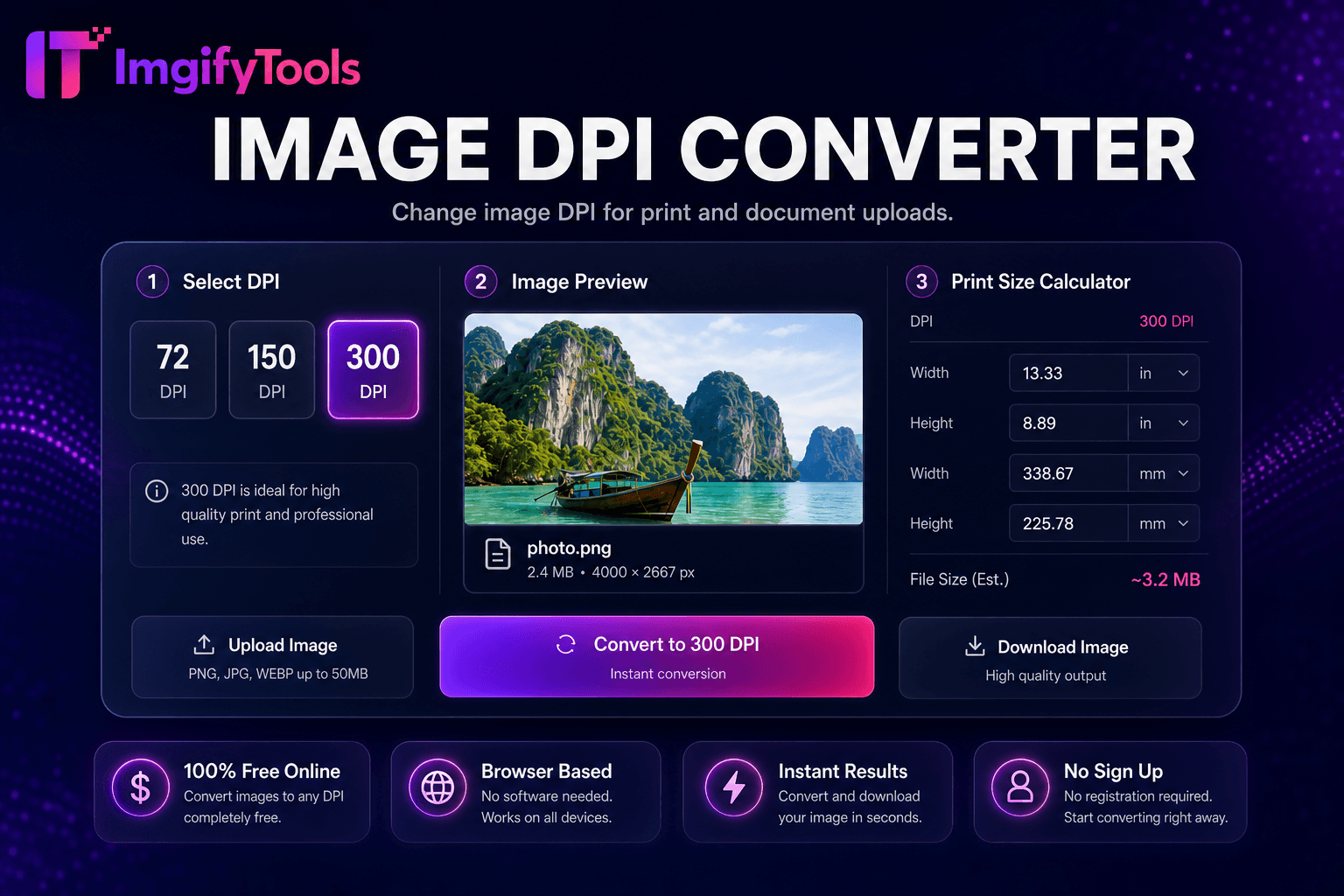
Change image DPI for print and document uploads.
Launch Tool
Compress any photo to an exact file size — 20KB, 50KB, 100KB and more.
Launch Tool