PNG to JPG Converter
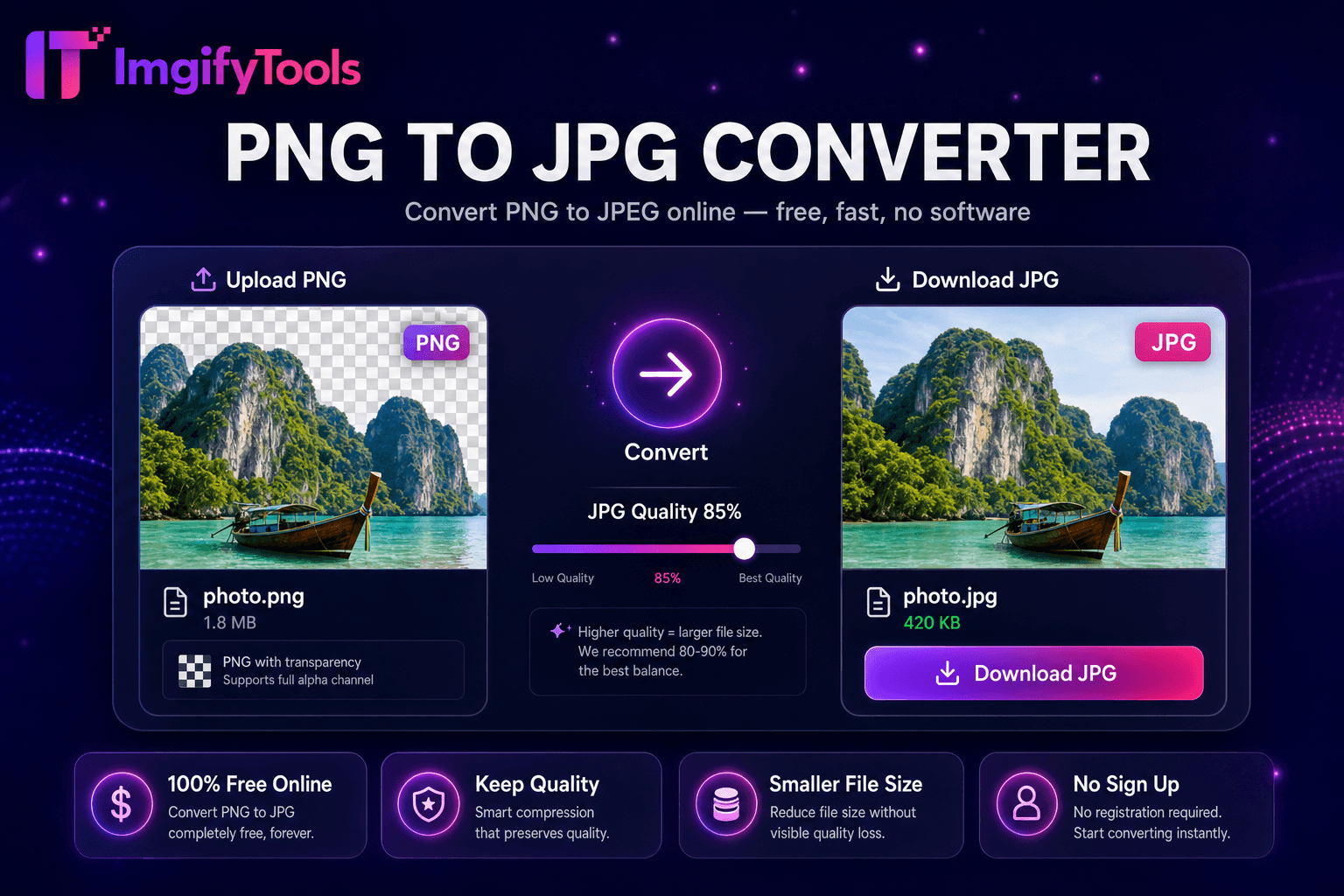
Convert PNG images to JPG online for free.
Launch ToolPNG to JPG, HEIC to JPG, PDF conversion, and every format pair — free online.
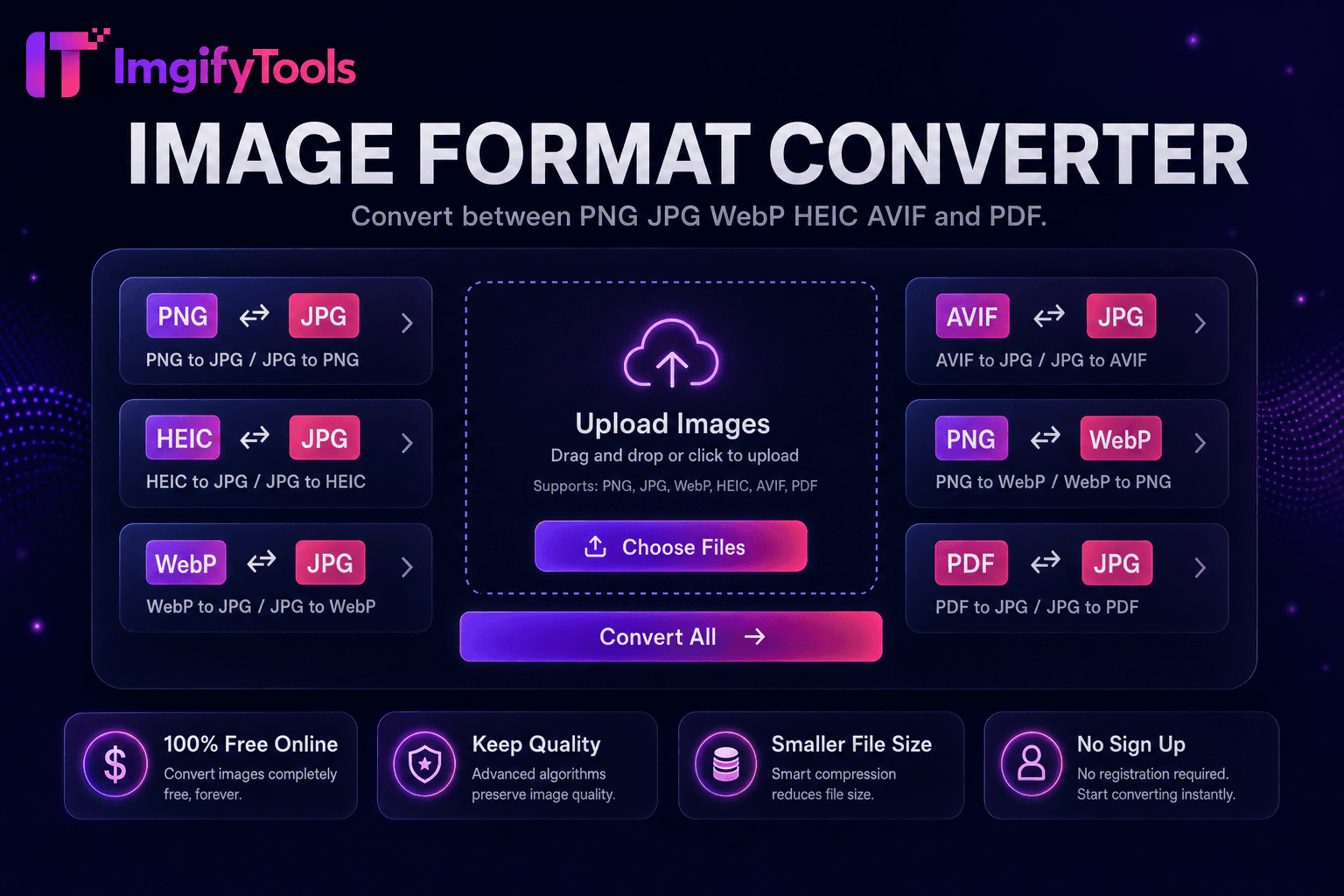
Convert PNG to JPG, HEIC to JPG, WebP, AVIF, and PDF free online. Our format converter hub covers every common pair with quality sliders and transparency guidance. Convert tools upload your file for temporary server-side processing for your session. HEIC conversion opens iPhone photos on Windows; WebP and AVIF exports improve Core Web Vitals.
JPG — best for photos and email. PNG — lossless, supports transparency. WebP — smallest web size. HEIC — iPhone default; convert for universal compatibility. PDF — documents and print; extract pages to JPG when needed.
Use quality 85–92 for JPG exports of product and portrait photos. PNG to JPG removes transparency — flatten on white when required. After conversion, compress if upload portals enforce KB limits.
Format converters upload files to ImgifyTools servers for temporary session processing and are not kept as a permanent library of uploads by default. See the privacy policy for retention details.
Yes. JPG does not support alpha channels; transparent areas become solid white or background color.
Use our HEIC to JPG converter in Chrome or Edge — no Microsoft Store codecs required.
Convert PNG images to JPG online for free.
Launch Tool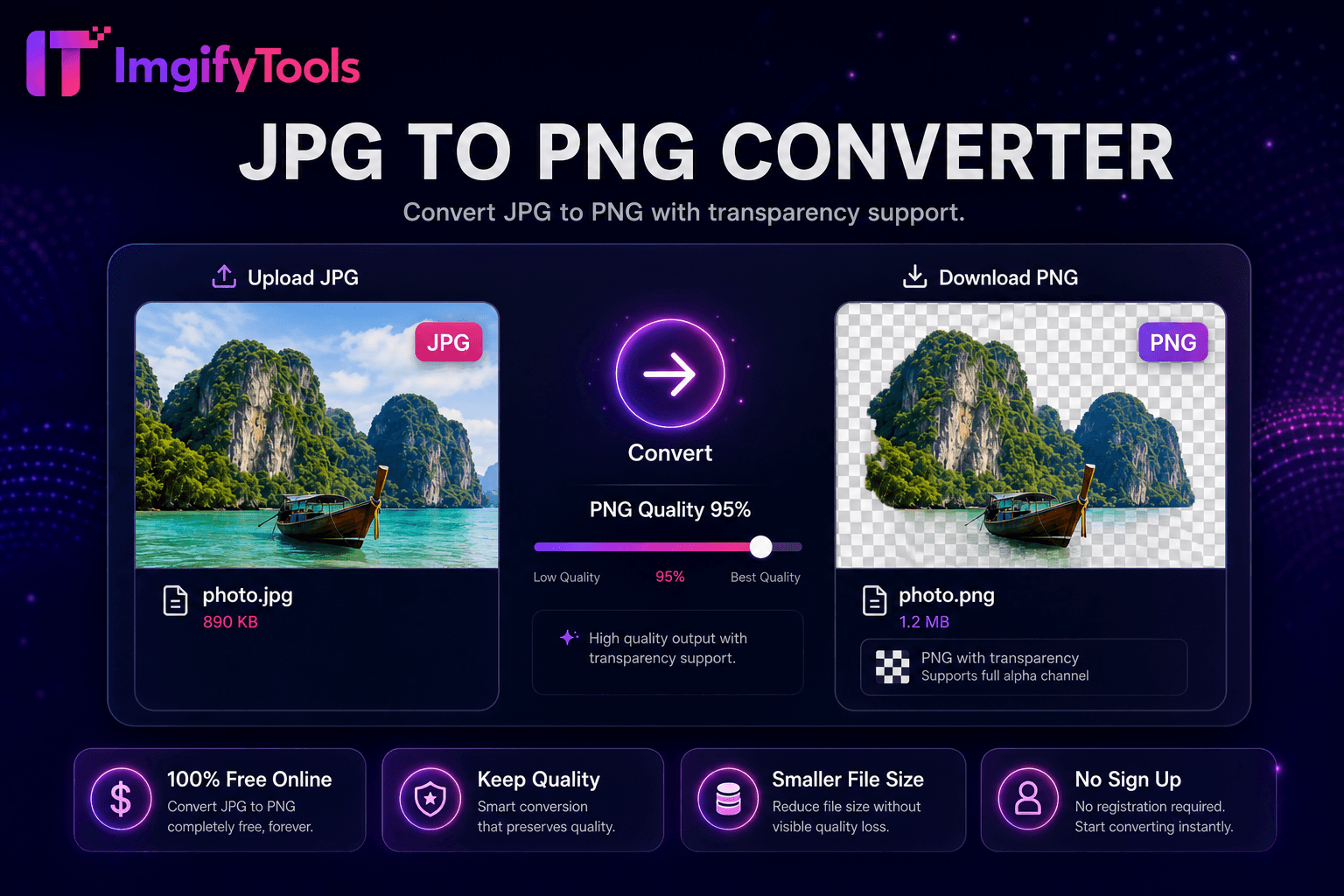
Convert JPG to PNG online free with lossless output and batch conversion.
Launch Tool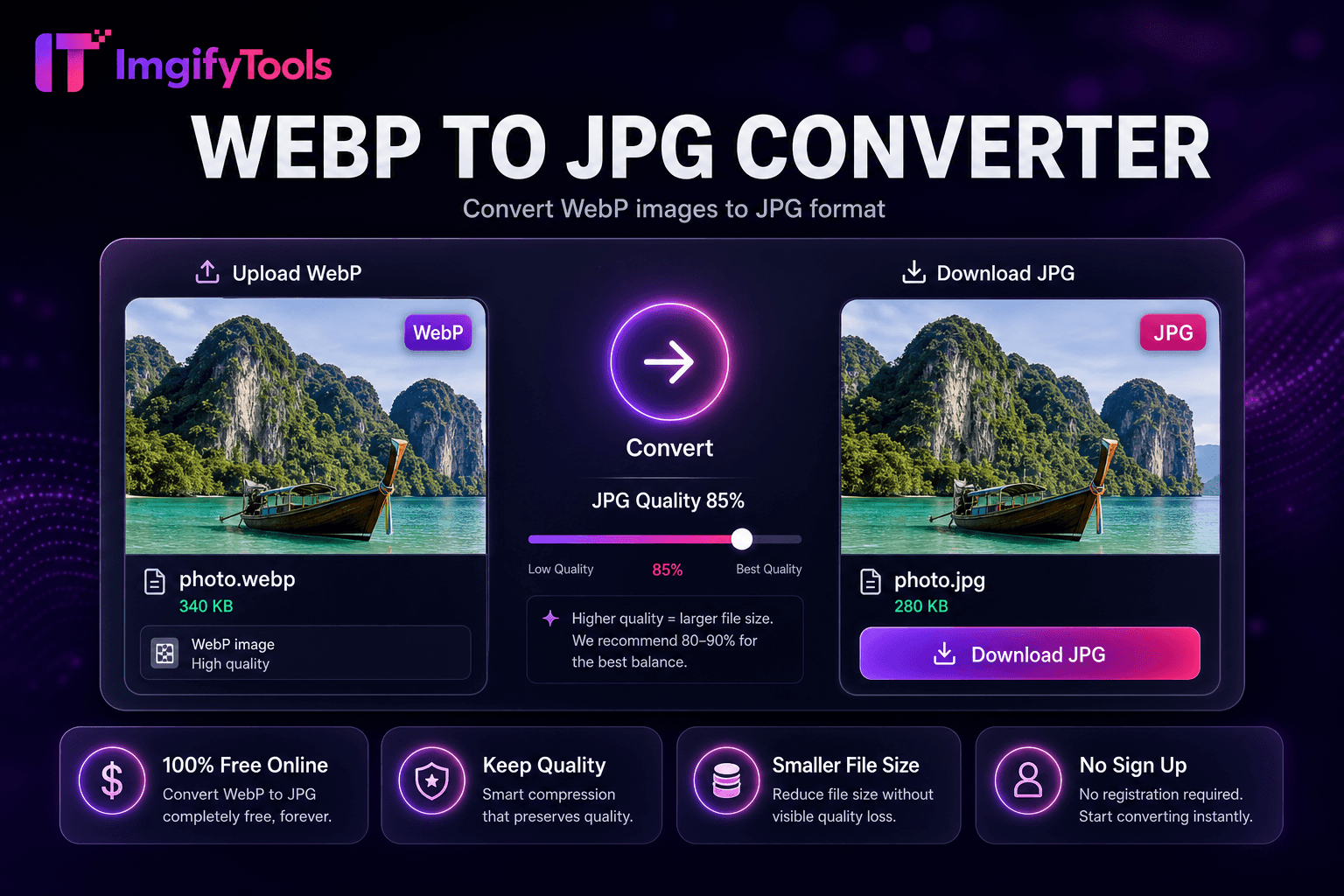
Convert WebP images to JPG format.
Launch Tool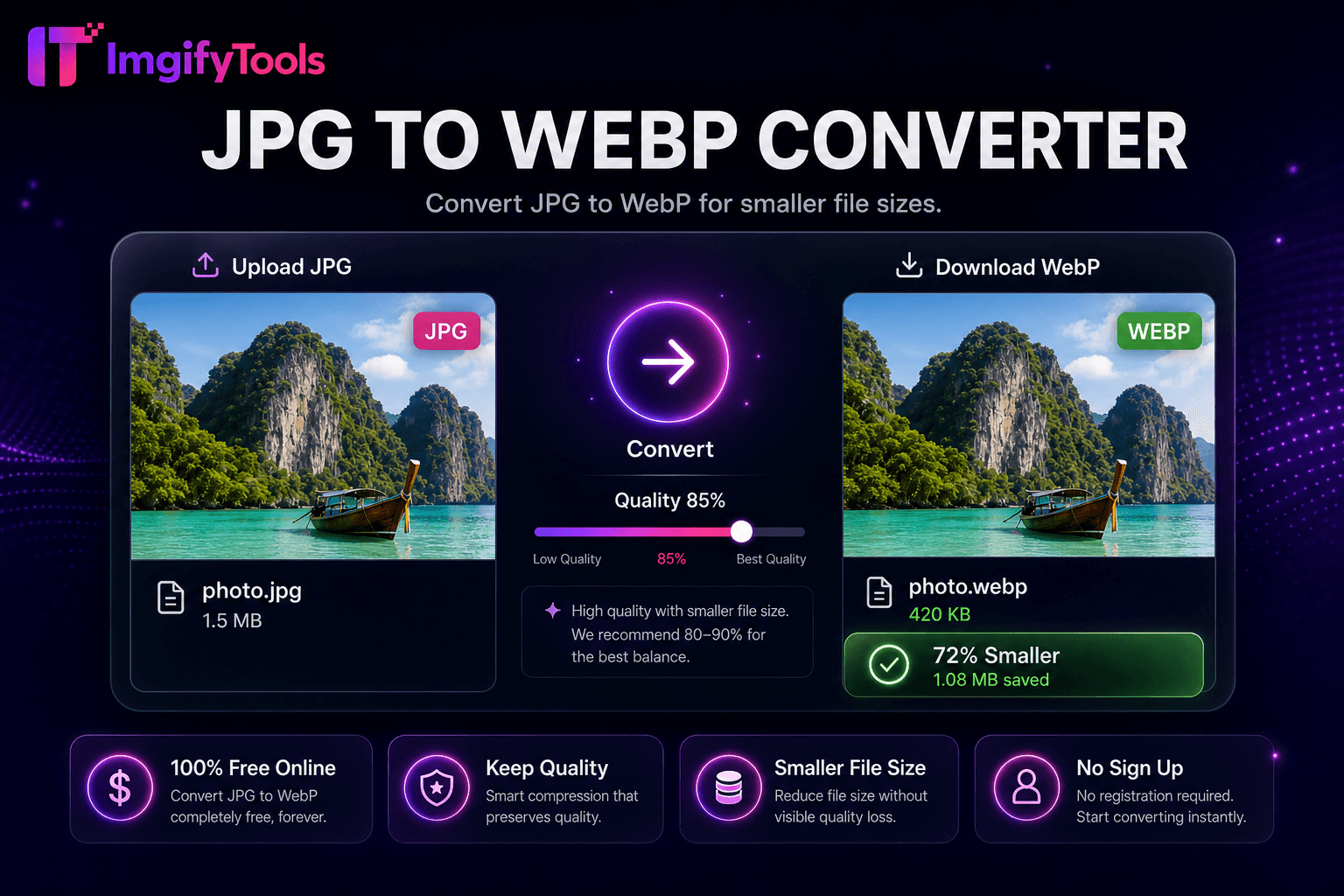
Convert JPG to WebP for smaller file sizes.
Launch Tool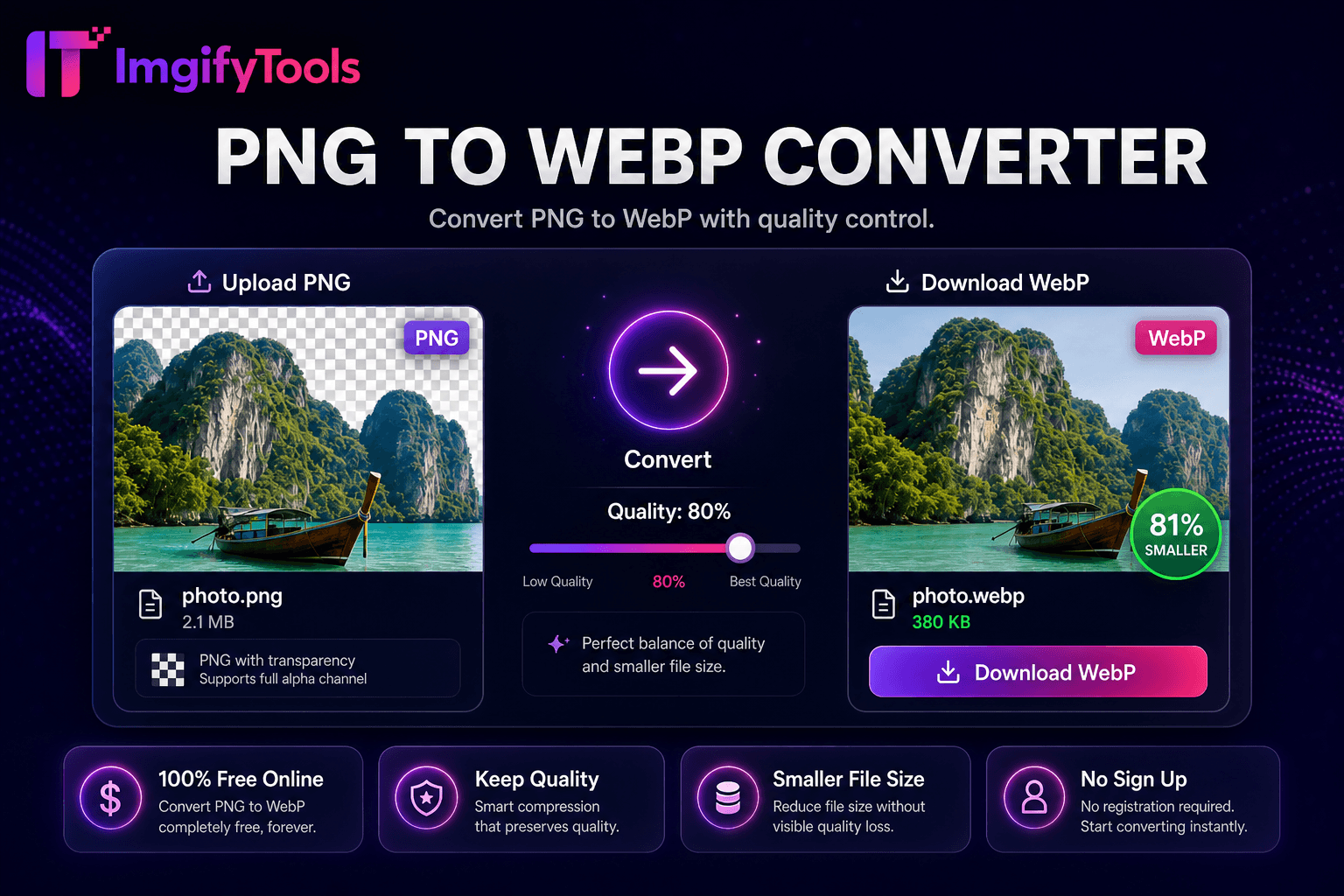
Convert PNG to WebP with quality control.
Launch Tool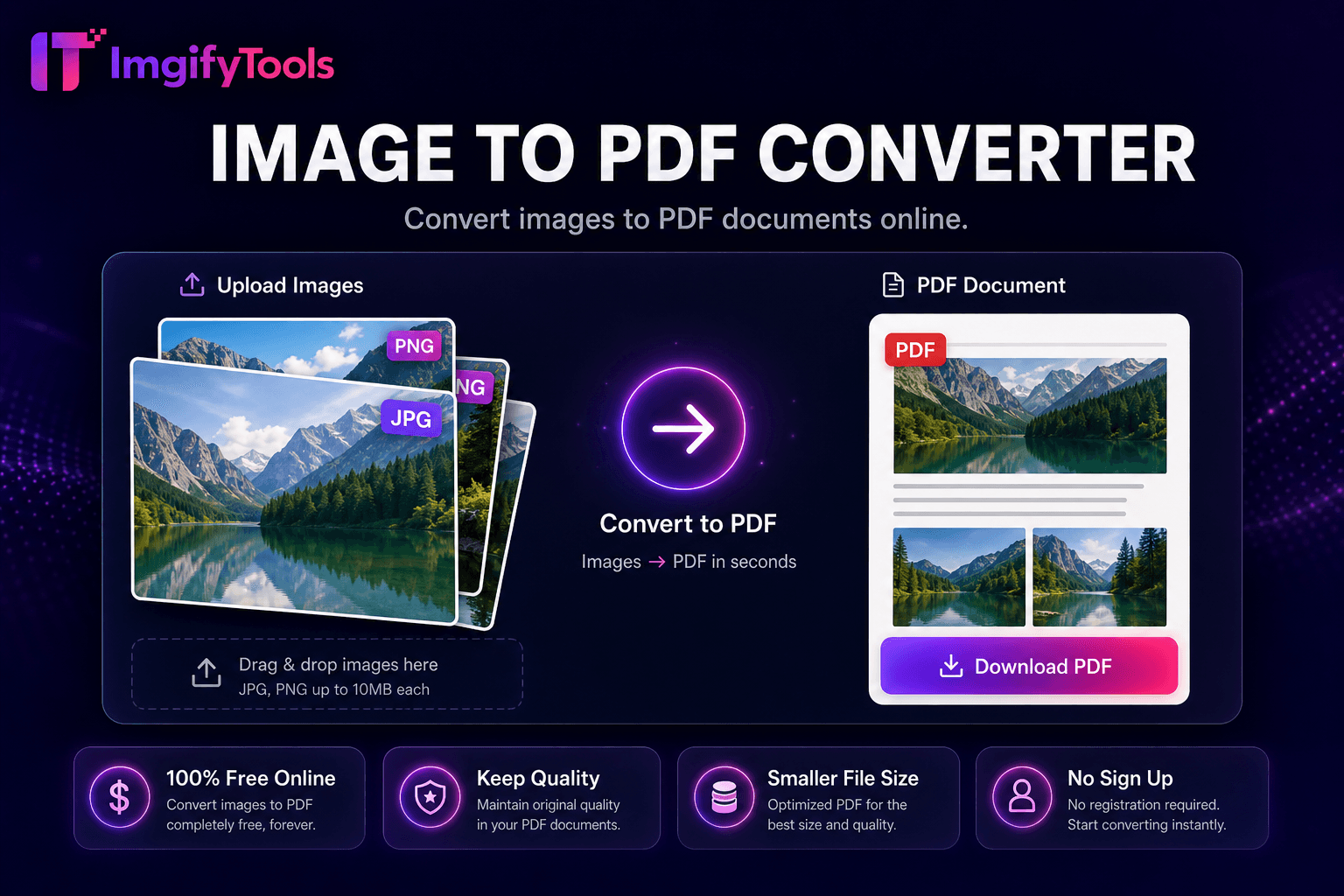
Convert images to PDF documents online.
Launch Tool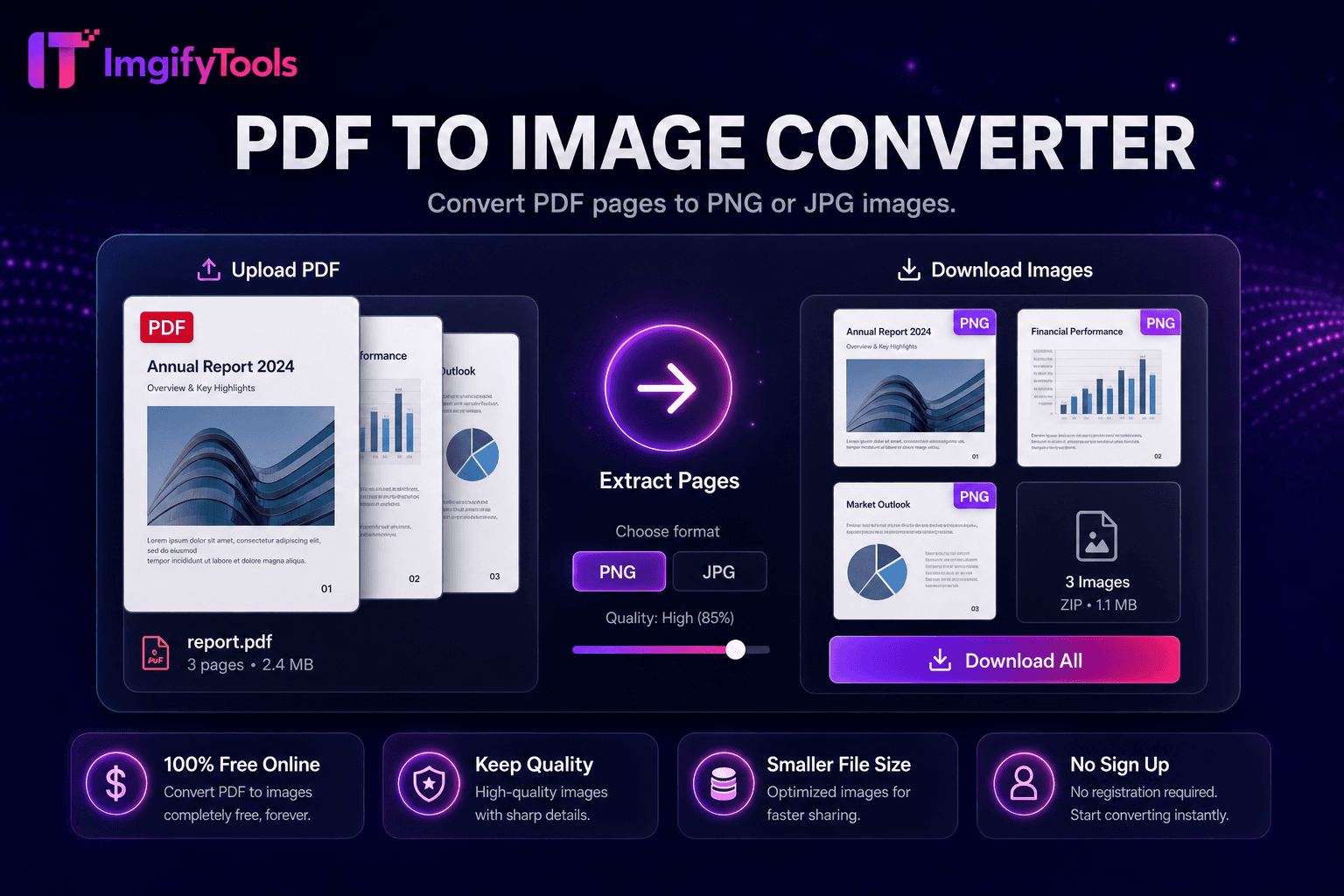
Convert PDF pages to JPG or PNG online free with batch conversion and ZIP download.
Launch Tool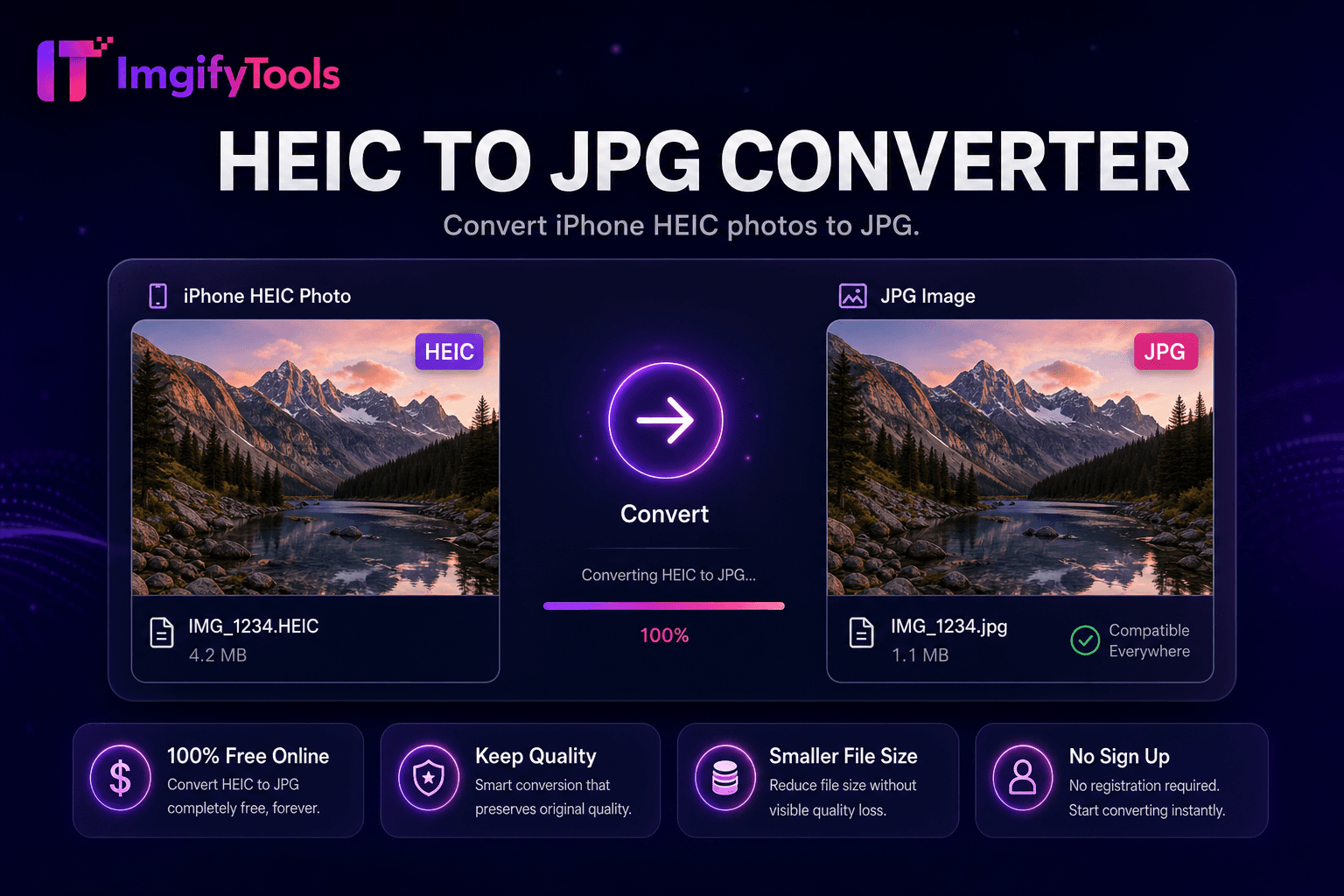
Convert iPhone HEIC photos to JPG.
Launch Tool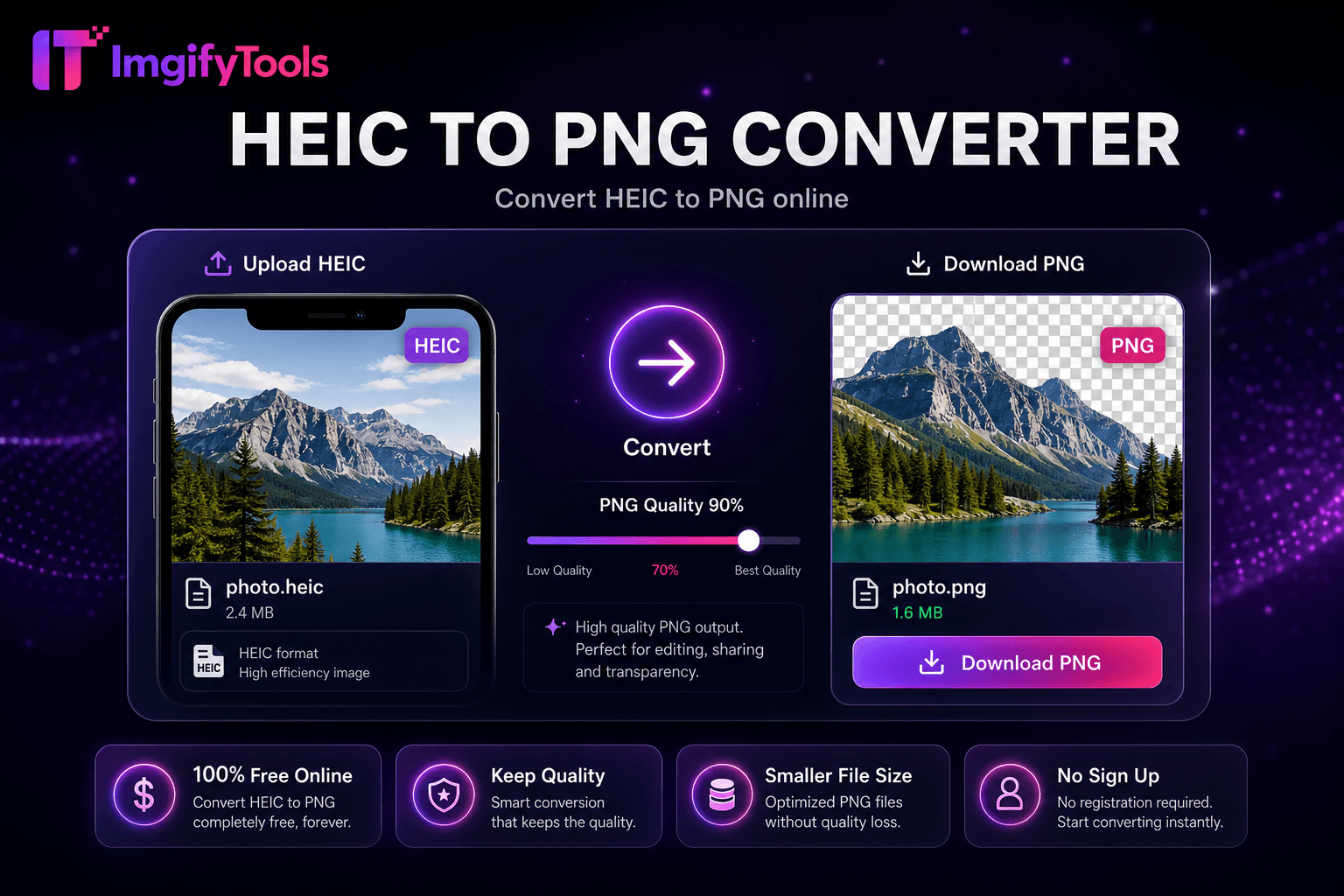
Convert HEIC to PNG online.
Launch Tool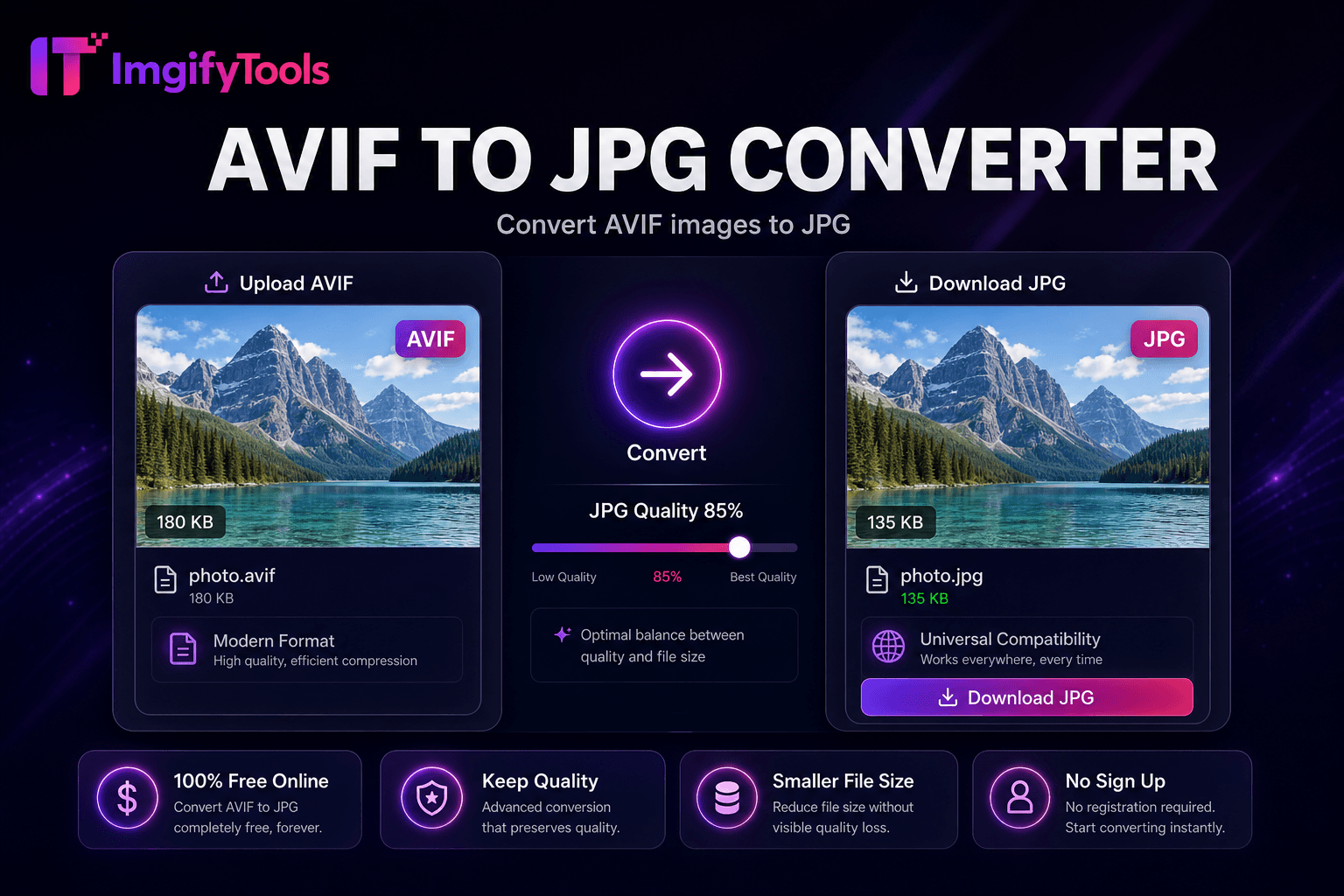
Convert AVIF images to JPG.
Launch Tool