Image Resizer
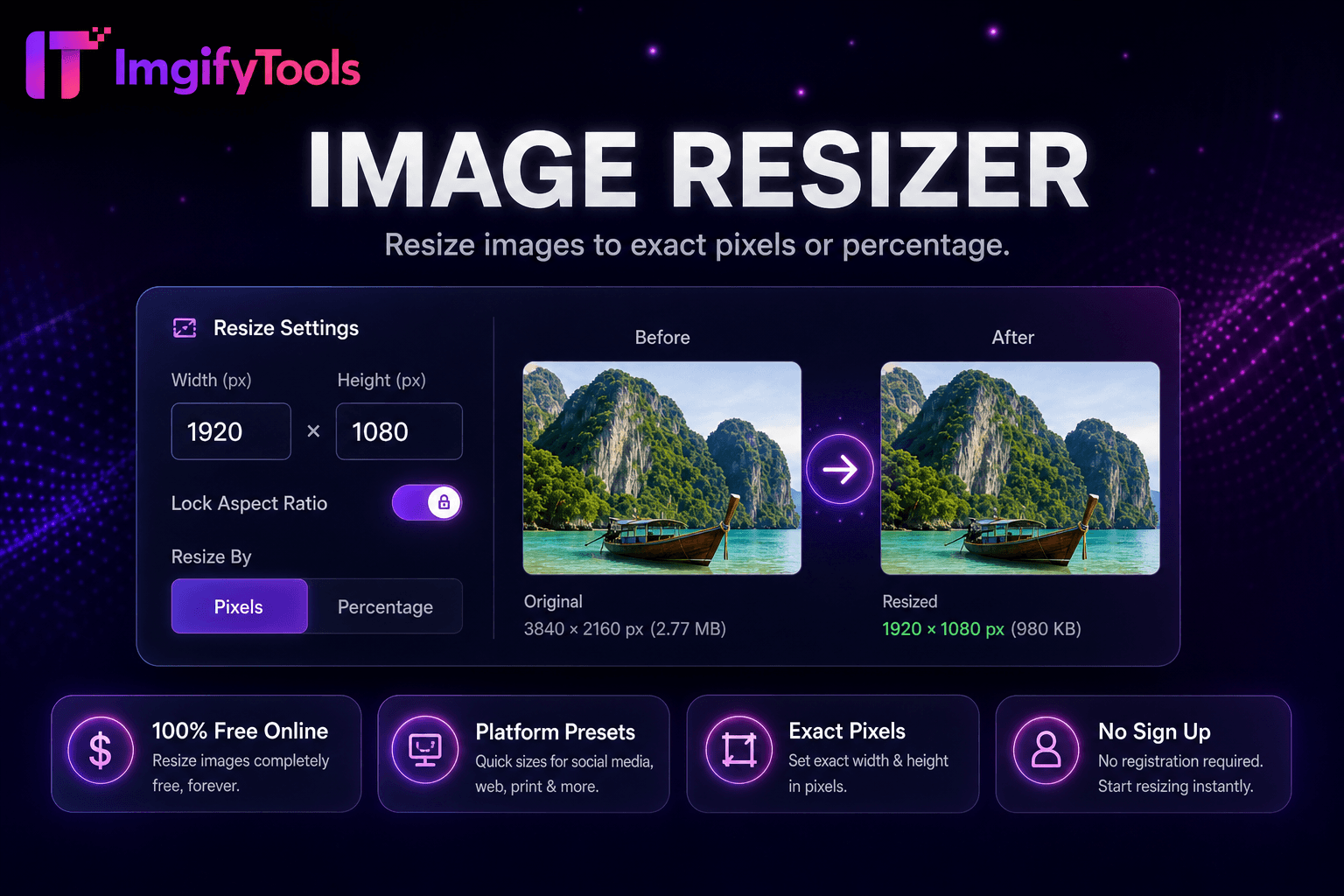
Resize images online free by pixels, percentage, or social media presets.
Launch ToolResize images to YouTube thumbnail size 1280x720 and vertical 1080x1920 for Shorts-style covers. Free for standard use — no signup required.
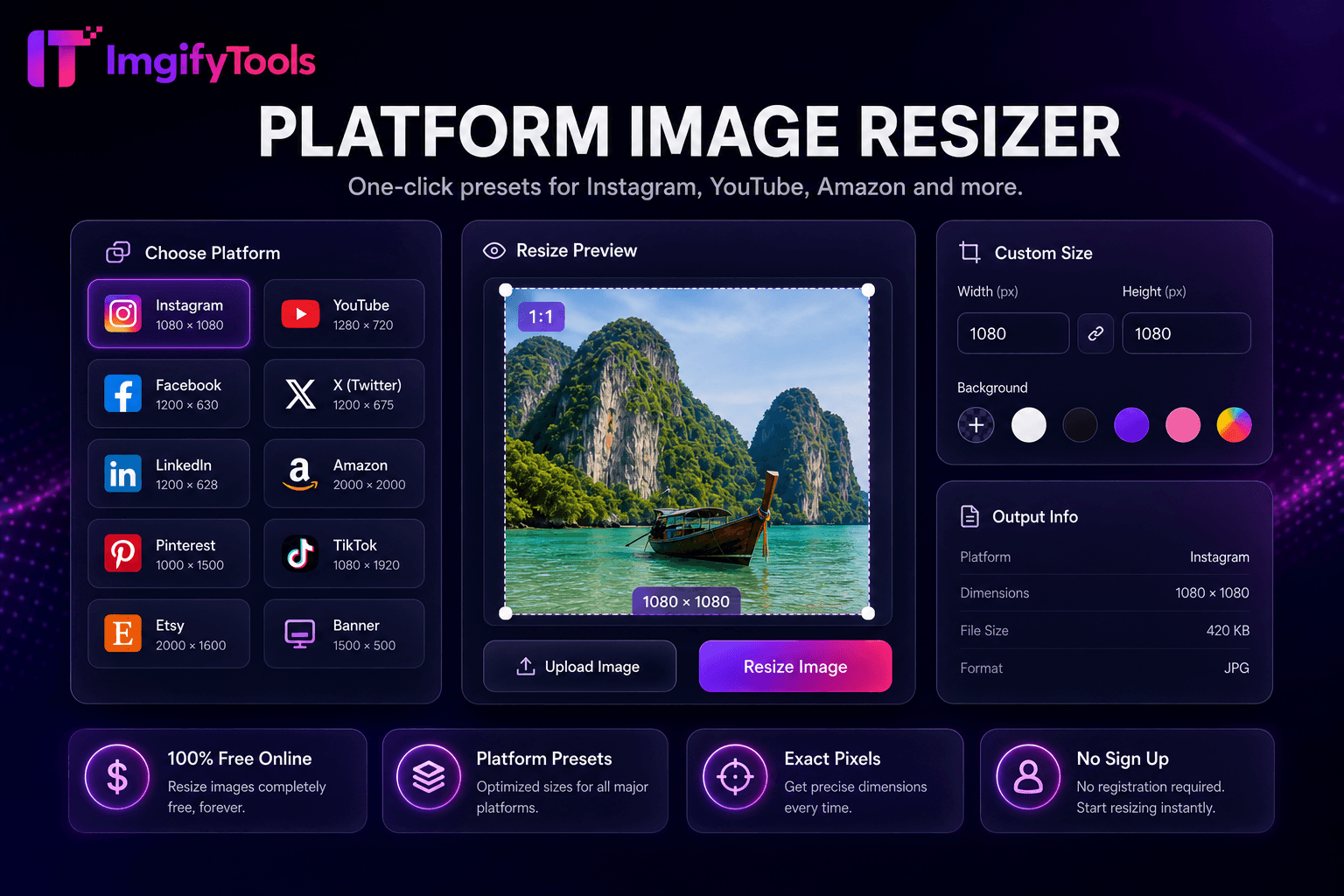
Prepare a clickable YouTube thumbnail without opening a full design suite. This page uses ImgifyTools’ shared Social Media Resizer: upload a photo or graphic, choose the YouTube Thumbnail preset (1280×720, 16:9), or Instagram Story (1080×1920) when you need a vertical cover—the same 1080×1920 size many creators use for Shorts-style frames. Processing runs on ImgifyTools servers for your session (max 10 MB upload), files are not retained permanently, and are not used to train AI models. YouTube commonly recommends 1280×720 for standard thumbnails; recommended sizes and upload limits can change—check current YouTube Help before publishing. If YouTube’s current thumbnail file-size limit is lower than your export, run the image compressor after resize. No watermark and no signup.
Upload your source image in JPG, PNG, or WebP (max 10 MB).
In the Social Media Resizer presets, select YouTube Thumbnail (1280×720) for standard videos.
For vertical Shorts-style covers, select Instagram Story (1080×1920)—there is no separate Shorts button; the dimensions match.
Pick a crop mode (Smart Crop, Center Crop, or Fit), then run Resize for Social.
Preview, download the result (no watermark), and compress further if your file still exceeds YouTube’s current thumbnail size limit.
Unlike many other platforms that compromise on quality or hide results behind paywalls, ImgifyTools offers high-fidelity output with a focus on speed and user privacy. No account creation is required to start transforming your images.
YouTube commonly recommends 1280×720 (16:9) for standard video thumbnails so previews stay sharp across home, search, and mobile. Recommended sizes, formats, and file-size limits can change—verify in official YouTube Help before you publish. This tool outputs the 1280×720 YouTube Thumbnail preset and the 1080×1920 Instagram Story preset. ImgifyTools upload max is 10 MB; if YouTube’s current thumbnail file-size limit is lower, compress after resize.
There is no separate “Shorts” button in the UI. Choose Instagram Story (1080×1920) when you need a vertical frame—the same dimensions many creators use for Shorts covers. Use Smart Crop or Center Crop so faces and text stay in frame, then download and upload in YouTube Studio according to current Shorts thumbnail options.
Keep important text and faces toward the center—edges may crop on TV and some mobile layouts. Prefer bold, high-contrast type readable at small sizes, and limit copy to a few words. Avoid critical detail in the bottom-right where the duration badge often sits. After resizing, preview at phone size before publishing.
See how our free youtube thumbnail resizer compares to Canva on price, limits, and features.
| Feature | ImgifyTools | Canva |
|---|---|---|
| Price | Free YouTube thumbnail resize | Free tier with limits; Pro for premium assets |
| 1280×720 preset | YouTube Thumbnail preset | YouTube thumbnail template available |
| Vertical 1080×1920 | Instagram Story preset (same size for Shorts covers) | Shorts templates in editor |
| Processing | Server session resize (max 10 MB) | Editor / cloud project |
| Watermark | No watermark on output | No watermark on free exports |
| Signup | No account required | Account required for saving projects |
| File size guidance | Check YouTube Help; compressor if over limit | Export size shown in editor |
Related Tools
More tools
Other specialized utilities for your workflow.