Platform Image Resizer

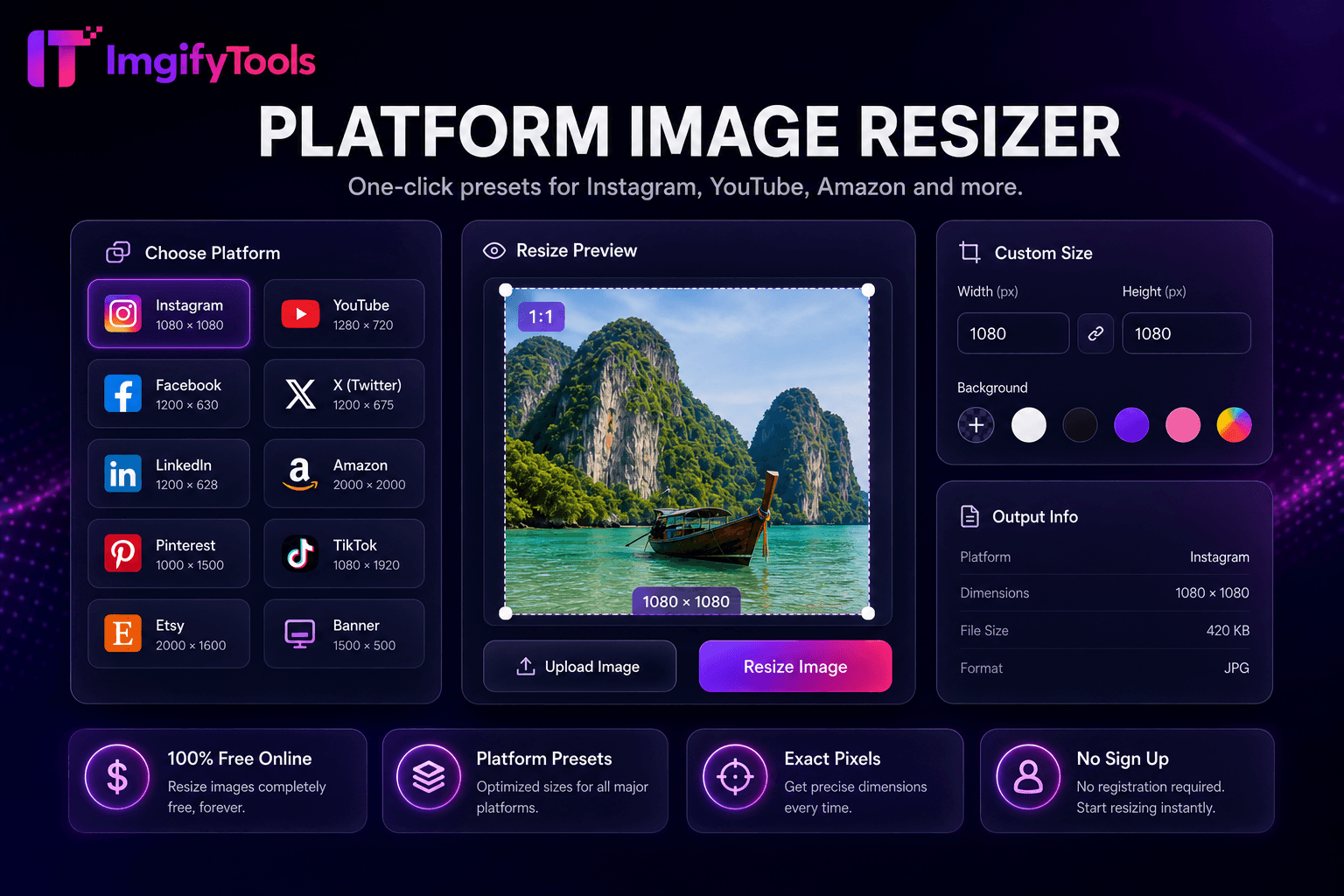
Instagram, YouTube, Facebook, and marketplace sizes — one-click presets.

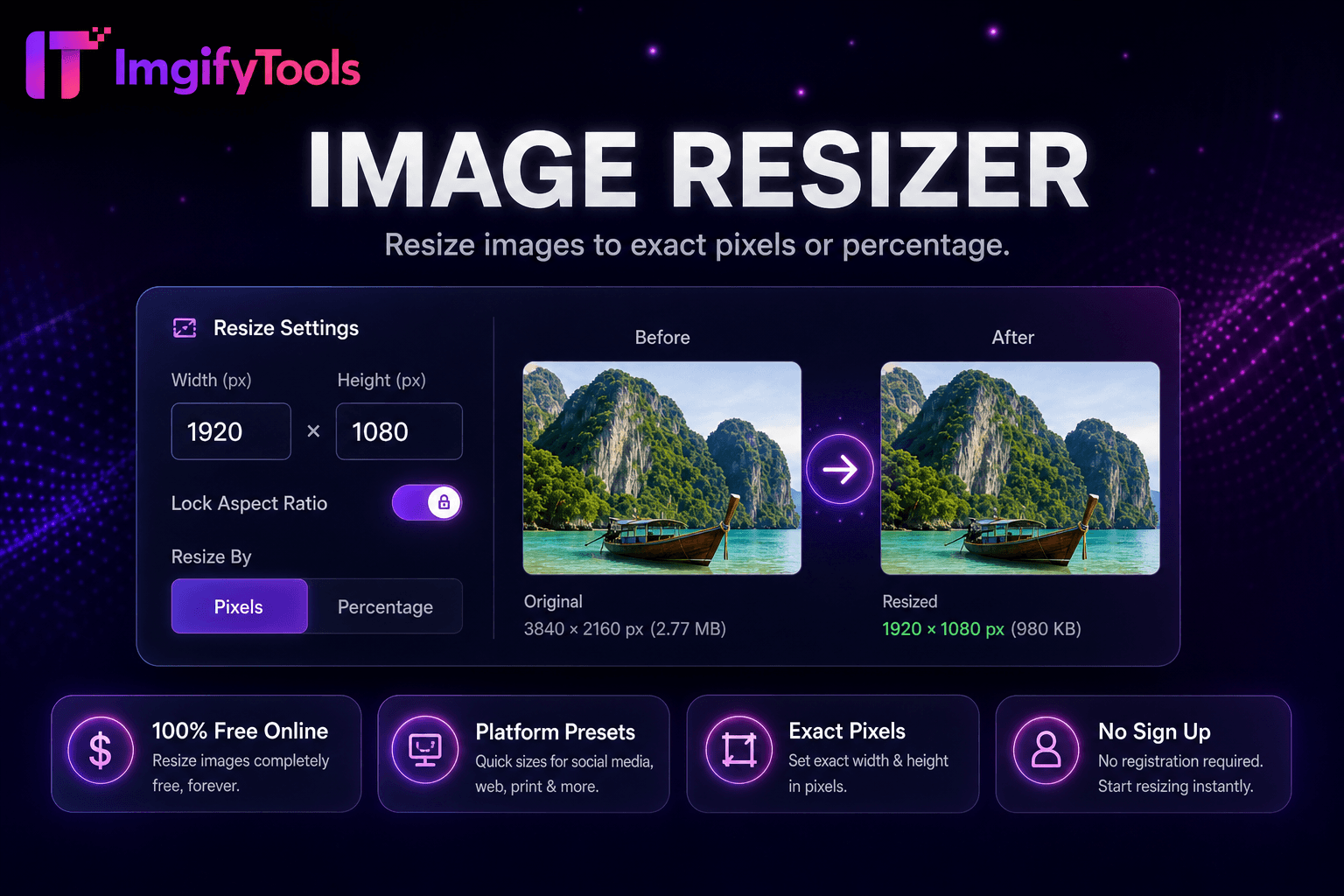
Use the image resizer for custom pixel dimensions or the platform hub for a preset. Resizing changes the pixel grid; it does not guarantee a specific file size, visual crop, or continued compliance with a platform whose recommendations may change.

Dimensions, aspect ratio, and crop

Keep aspect ratio when distortion would be unacceptable. A preset may crop or fit the source to a different shape, so preview faces, text, logos, and safe areas before download.

Verify platform guidance

Preset dimensions are convenient starting points, not a live feed of platform rules. Check current official guidance for important campaigns and compress separately when a destination also enforces a KB limit.

FAQs

Does resizing guarantee a smaller file?

No. Pixel dimensions influence file size, but format, content, and encoder settings also matter.

Featured tools

Platform Image Resizer preview

Platform Image Resizer

One-click presets for Instagram, YouTube, Amazon, and more.

Launch Tool

Popular

Image resizer tool showing pixel and percentage input fields

Image Resizer

Resize images online free by pixels, percentage, or social media presets.

Launch Tool