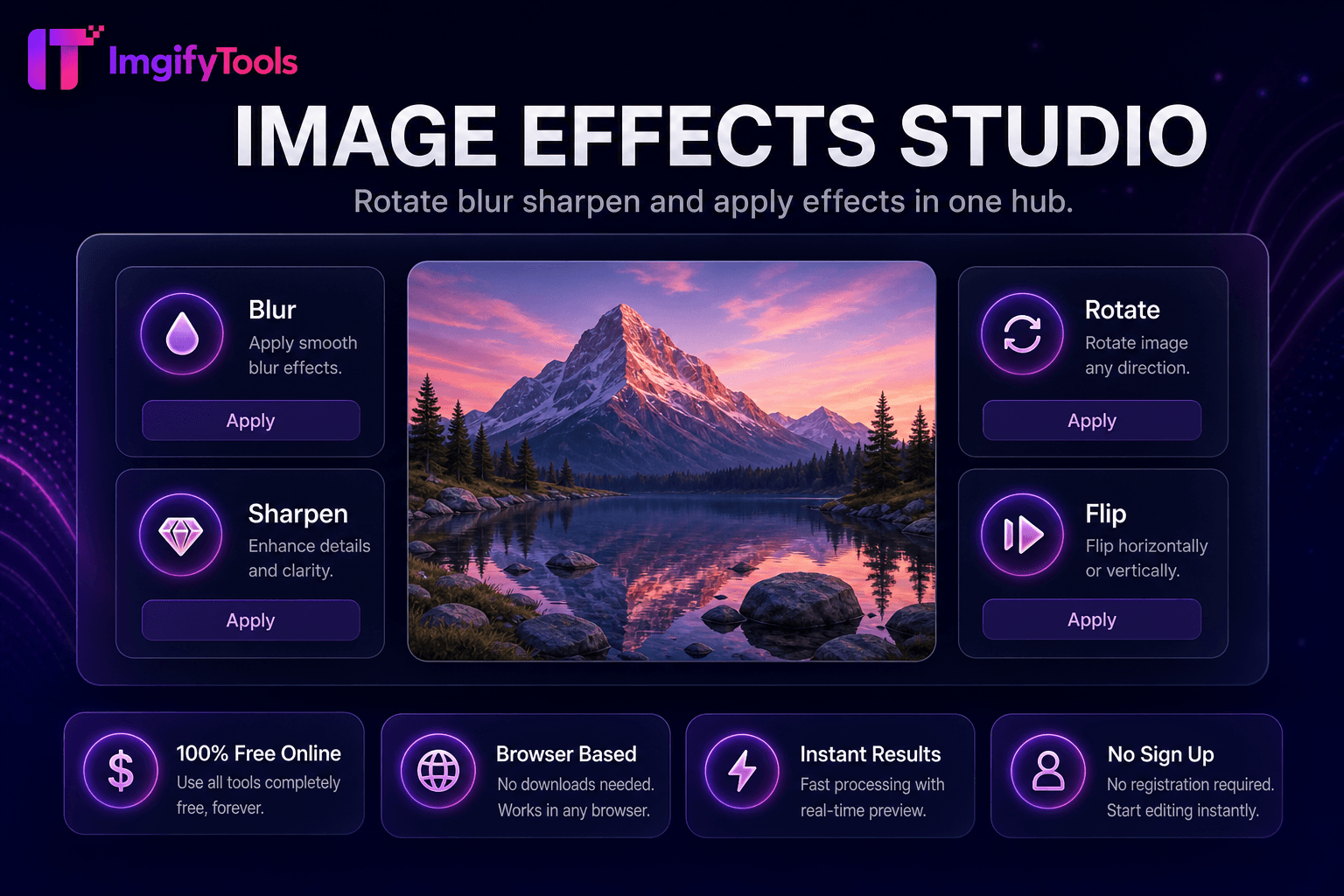
Image Effects Studio
Rotate, blur, sharpen, and apply effects in one hub.
Launch ToolAdd or remove watermarks from images. Free for standard use — no signup required.
ImgifyTools Watermark protects and brands your photography by embedding logos, copyright notices, or repeating text patterns across images before you publish online. Photographers deter casual theft on portfolio sites. Stock contributors mark previews before licensing finals. Influencers maintain consistent @handle visibility when content gets reposted. Agencies apply client logos to proof galleries during review cycles. Configure opacity, scale, corner placement, or tiled patterns so marks remain visible to viewers but do not overpower the artwork. Upload PNG logos with transparency for clean overlays on any background tone. Batch workflows combine with compression for web delivery. Unlike destructive social platform stickers, downloadable watermarked files travel with your work across forums, blogs, and marketplaces. Free, instant, and online—protect years of creative output with a consistent visual signature. Uploads are processed on ImgifyTools servers for your session (max 10 MB), are not retained permanently, and are not used to train AI models.
Upload the photo you want to protect or brand.
Add a PNG logo or type a copyright text watermark.
Choose placement, scale, and opacity on the preview.
Review how the mark appears on light and dark image regions.
Download the watermarked image for publishing or client delivery.
Unlike many other platforms that compromise on quality or hide results behind paywalls, ImgifyTools offers high-fidelity output with a focus on speed and user privacy. No account creation is required to start transforming your images.
Upload your photo and optionally a PNG logo with alpha transparency. Choose placement presets—corners, center, or tiled diagonal repeats—and set opacity from subtle (15–25%) to prominent (60%+). The compositor scales the watermark relative to image dimensions so marks stay proportional on both phone snapshots and high-resolution DSLR exports. Text-based watermarks render from your typed copyright string with selectable size and color. Export produces a new flattened JPG or PNG; originals remain untouched. Tiled patterns deter crop-around theft on wide landscapes. Processing completes in seconds for typical web resolutions.
Portfolio photographers use lower-right corner logos at 20% opacity—visible but not distracting. Proof galleries for wedding clients carry large semi-transparent center marks until final payment. E-commerce brands tile subtle logos on lookbook images shared with retailers. Use PNG logos with transparent backgrounds; white logos fail on light skies without a shadow stroke. Combine with image compressor after watermarking to optimize protected files for CDN delivery. For maximum deterrence, pair visible watermarks with metadata copyright in your CMS.
See how our free watermark studio compares to iloveimg on price, limits, and features.
| Feature | ImgifyTools | iloveimg |
|---|---|---|
| Price | Free watermark tool | Free with ads; premium removes limits |
| Logo watermark | PNG logo with transparency support | Image watermark upload |
| Text watermark | Copyright text with opacity control | Text watermark available |
| Placement options | Corners, center, and tiled patterns | Basic position presets |
| Signup required | No account needed | Optional account for history |
| Privacy | Processed in-session, not stored | Temporary cloud processing |
| Opacity control | Adjustable transparency slider | Limited opacity settings |
Related Tools
Rotate, blur, sharpen, and apply effects in one hub.
Launch Tool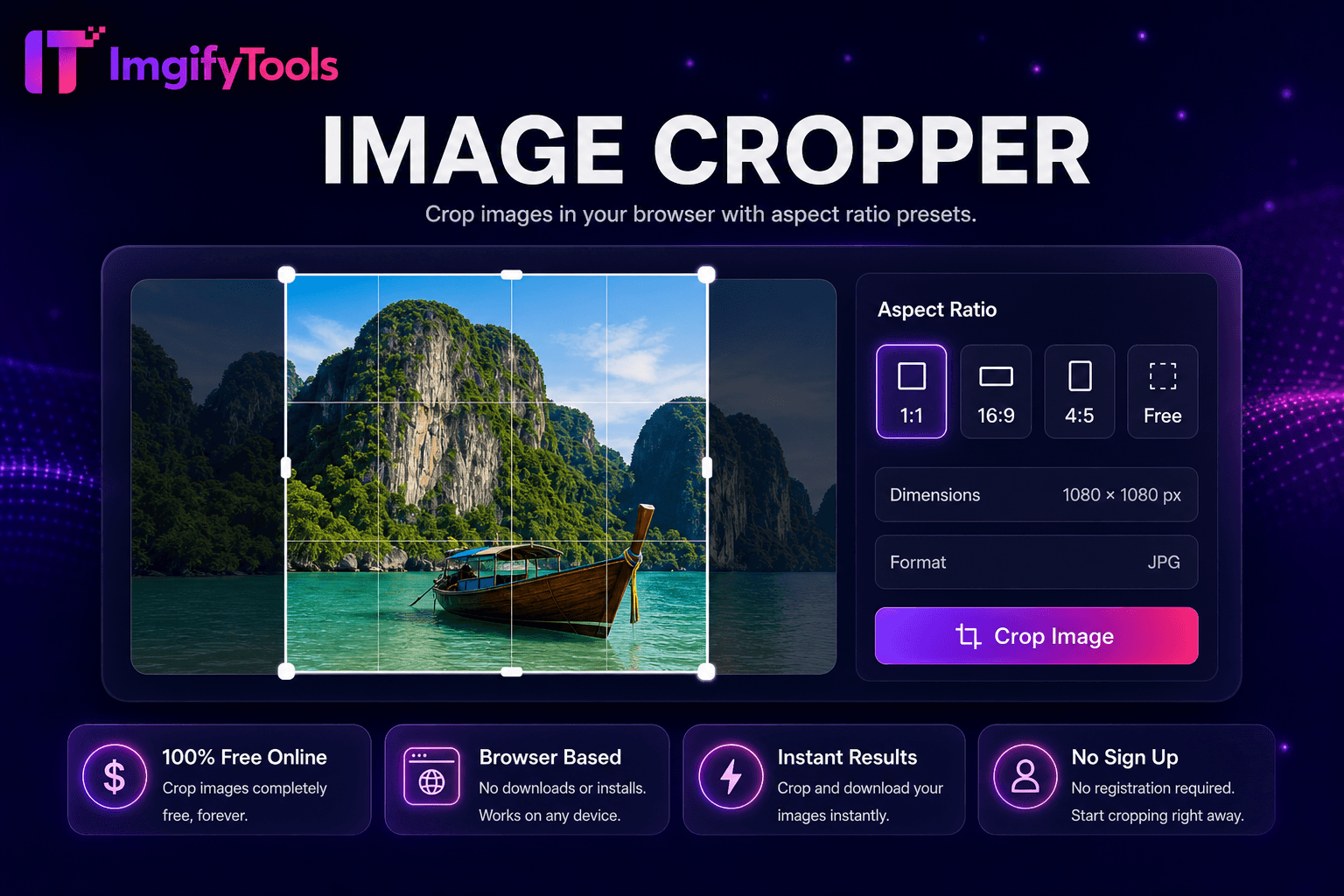
Crop images in your browser with aspect ratio presets.
Launch Tool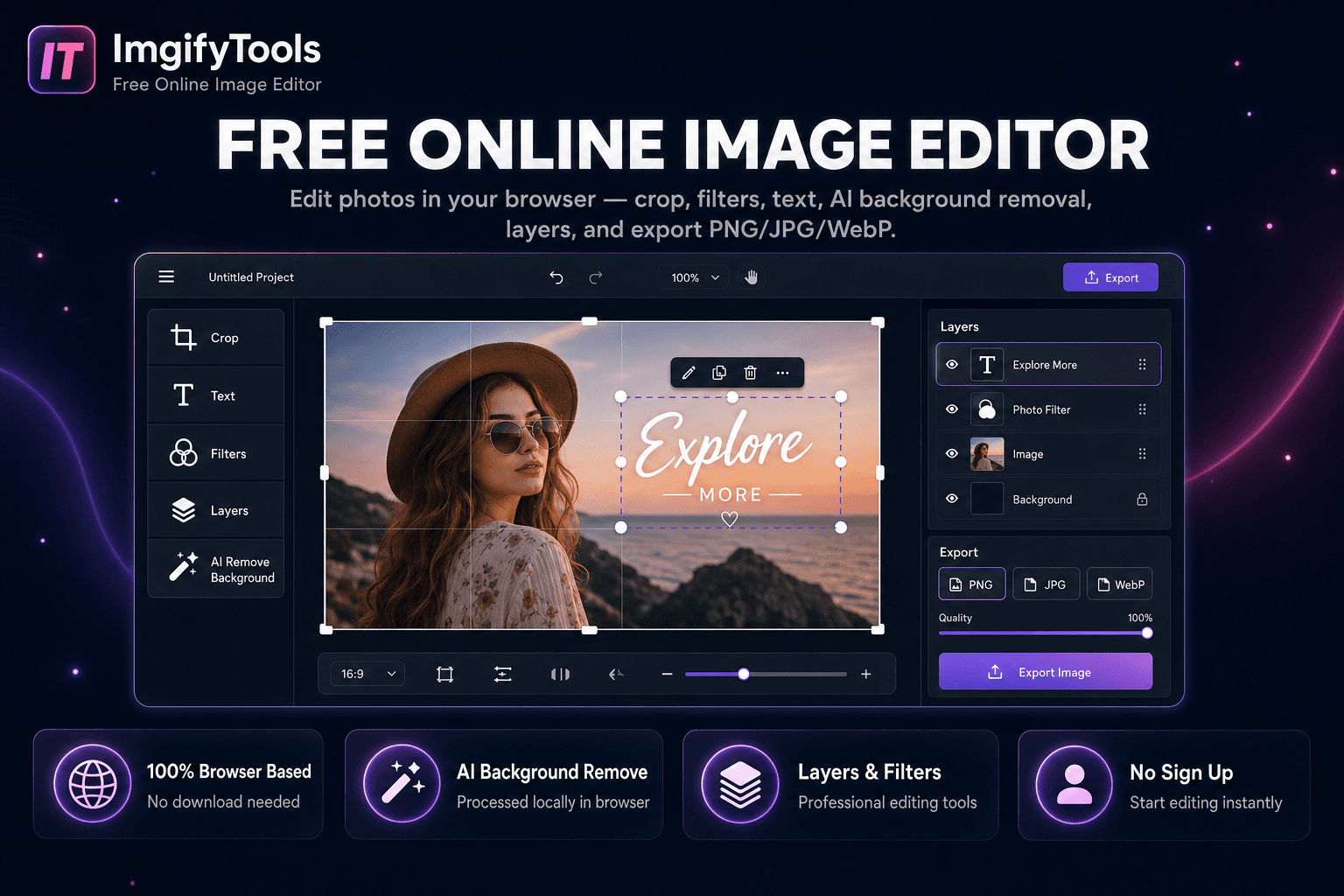
Edit photos in your browser — crop, filters, text, AI background removal, layers, and export PNG/JPG/WebP. No download, no signup.
Launch ToolMore tools
Other specialized utilities for your workflow.
Rotate, blur, sharpen, and apply effects in one hub.
Launch ToolCrop images in your browser with aspect ratio presets.
Launch ToolEdit photos in your browser — crop, filters, text, AI background removal, layers, and export PNG/JPG/WebP. No download, no signup.
Launch Tool