How to Choose AI Image Editing Tools (Practical Criteria)
“Best AI image editor” lists often invent rankings. This guide does the opposite: it explains how to evaluate tools for real jobs (listings, social, documents), then maps those jobs to ImgifyTools capabilities. No fabricated scorecards or fake user counts.
Evaluation criteria that actually matter
| Criterion | What to check |
|---|---|
| Output quality | Inspect edges, faces, and textures at 100% zoom |
| Task fit | Does it solve your job (cutout, upscale, crop) or force a detour? |
| Export formats | PNG with alpha, JPG, WebP as required by your destination |
| Limits | Upload size caps, supported formats, mobile usability |
| Privacy | Whether processing is in-browser or temporary server upload |
| Friction | Signup walls, watermarks, surprise paywalls for the basic export |
A practical stack for most creators
Most weekly visual work needs:
- Background Remover
- Image Upscaler
- Face Enhancer when portraits matter
- Image Resizer + Image Compressor for publishing
That is a workflow, not a ranked leaderboard.
Category notes (honest)
Background removal
Useful for product cutouts and profile swaps. Check hair/edge quality and whether you need a transparent PNG. Tool: Background Remover. Related: AI vs manual removal.
Upscaling
Helps when a photo is slightly soft for a marketplace hero image. It cannot invent true optical detail from a tiny blurry source. Tool: Image Upscaler. Guide: Increase resolution online.
Face enhancement
Can improve clarity for portraits; overuse looks artificial. Tool: Face Enhancer.
Format convert + compress
Often more important than “AI” for portal uploads. See format converter guide and exact KB targets.
Full editors
If you need layers, masks, and precise retouching, a full editor (including desktop or advanced web editors) may still be required. ImgifyTools’ image editor focuses on common browser edits; AI tools cover specific automated jobs.
Privacy (accurate)
Many AI and convert tools upload files to ImgifyTools servers for temporary session processing. The image editor primarily processes in your browser. See the Privacy Policy.
Limitations
- Results vary by source photo quality.
- No tool guarantees marketplace or passport acceptance.
- This page is not a paid review roundup and does not claim independent lab benchmarks.
FAQs
Is ImgifyTools the best AI editor overall?
“Best overall” depends on your task. Use the criteria table above against the tools you need.
Do I need AI for every edit?
No. Cropping, format conversion, and compression often matter more than generative effects.
Can I use these tools free?
Core ImgifyTools flows are free in the browser for standard use; individual tools may still have upload size limits.
Related tools
You may also like
How to Choose a Free Background Remover (2026 Evaluation Criteria)
Soft-recommendation guide: evaluate free background removers on edges, limits, privacy, exports, and workflow fit—without a fake ranked “best of” list.
Read next →
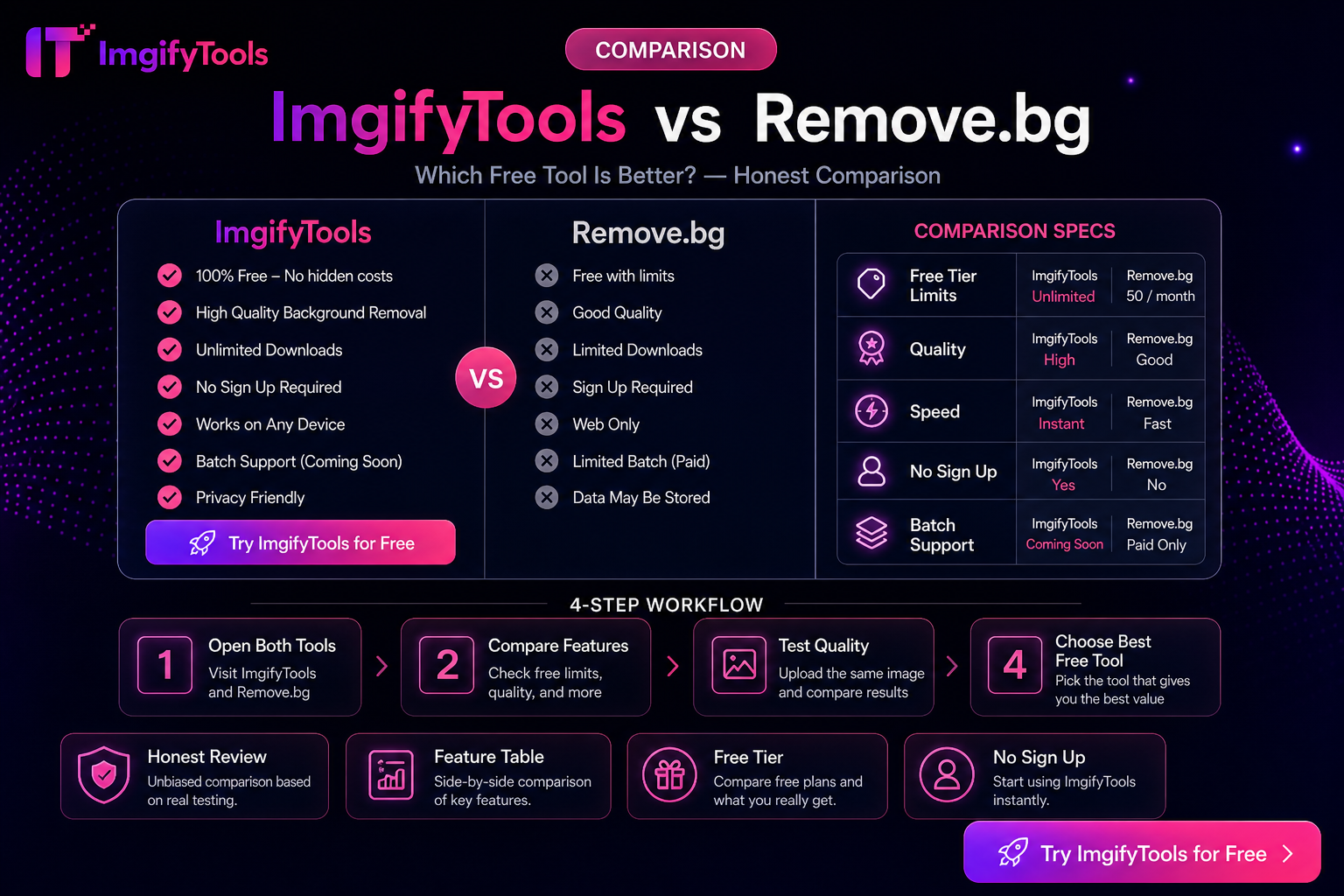
ImgifyTools vs Remove.bg — Honest Differences (Not a Fake Scorecard)
Compare ImgifyTools and Remove.bg for background removal: free access, APIs, suite extras, and privacy—without fabricated benchmarks or “winner” percentages.
Read next →
Best Free HEIC Converters in 2026: How to Compare Options
Compare free HEIC-to-JPG options for Windows and the web using privacy, compatibility, color, and workflow criteria before choosing a converter.
Read next →