Resize Image to 20KB
Compress any photo to an exact file size — 20KB, 50KB, 100KB and more.
Launch ToolCompress JPG, PNG, and WebP online. Adjust quality and compare before/after sizes. Free for standard use — no signup required.
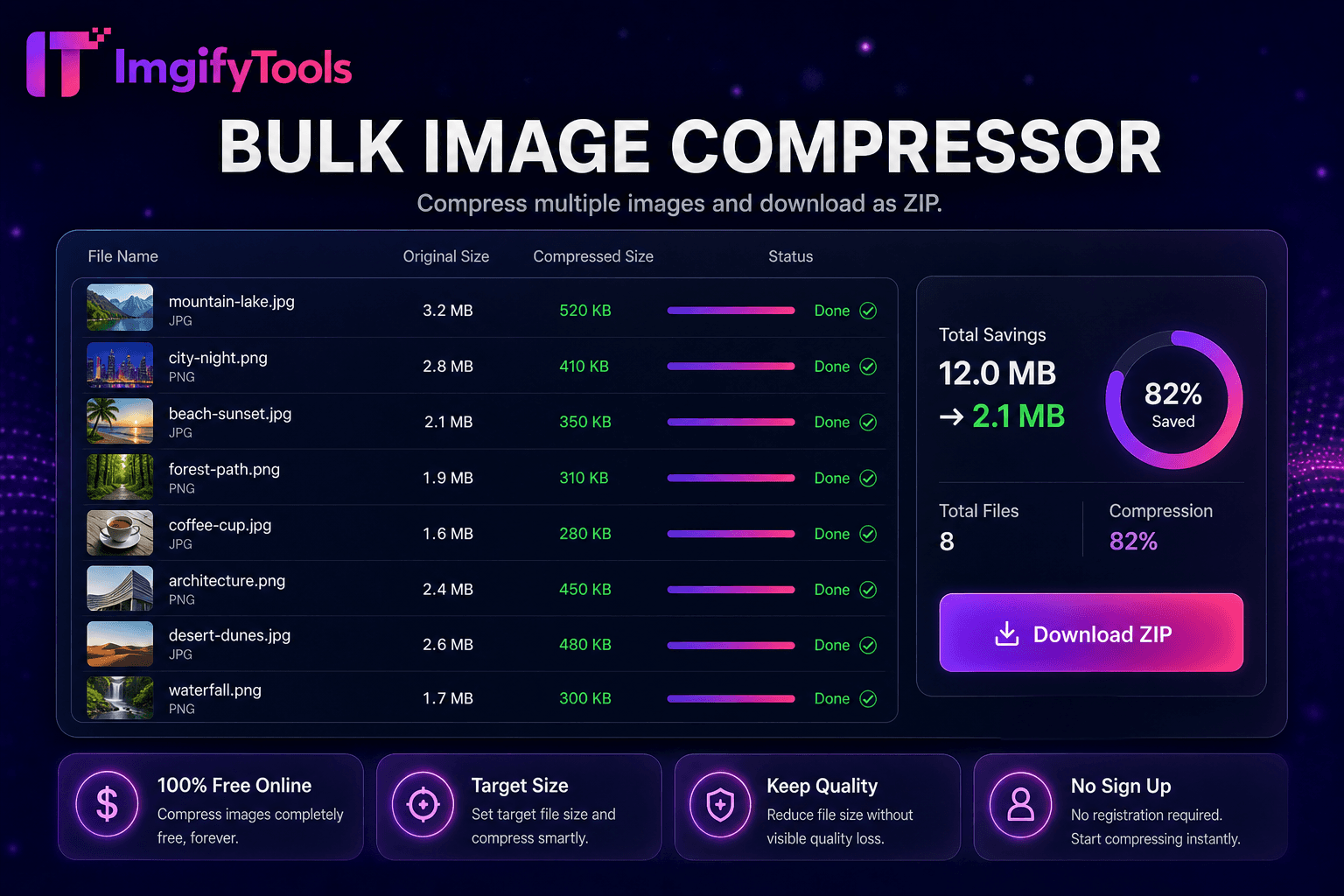
Compress JPG, PNG, and WebP online—adjust quality, compare before and after sizes, and download smaller files without an account. ImgifyTools Image Compressor reduces file size while keeping photos visually sharp for faster websites, email attachments, and app uploads that enforce megabyte limits. Use the quality slider, or choose an optional target file-size preset (about 20, 30, 50, 100, or 200 KB) when a form or portal requires a specific byte budget. Bloggers shrink hero images before CMS upload; developers hit performance budgets; sellers compress listing galleries for marketplace caps. Typical uploads are accepted up to 20 MB for compression. Files are processed on ImgifyTools servers for your session, are not retained permanently, and are not used for AI training. For folders of assets, switch to the bulk image compressor.
Upload one or more images in JPG, PNG, or WebP format (up to 20 MB each).
Adjust the quality slider, or pick an optional target-KB preset (20 / 30 / 50 / 100 / 200).
Process the image and review the compressed preview.
Compare file size reduction against the original byte count.
Download the optimized file ready for web, email, or portal upload.
Unlike many other platforms that compromise on quality or hide results behind paywalls, ImgifyTools offers high-fidelity output with a focus on speed and user privacy. No account creation is required to start transforming your images.
Compression begins by decoding your uploaded JPG, PNG, or WebP into a working bitmap. For JPEG output, the encoder applies chroma subsampling and quality tables tuned to preserve edges in high-contrast regions while allowing more aggressive quantization in smooth skies and skin areas. PNG optimization reindexes palettes, strips unnecessary metadata, and applies lossless filters where beneficial. You set a target quality percentage or accept smart defaults; the tool re-encodes and reports original versus compressed byte counts so you can iterate. EXIF orientation tags normalize correctly so photos do not appear rotated after compression. Output downloads immediately as a new file; your original upload is never overwritten. Server-side encoding uses industry-standard libraries tuned for web delivery.
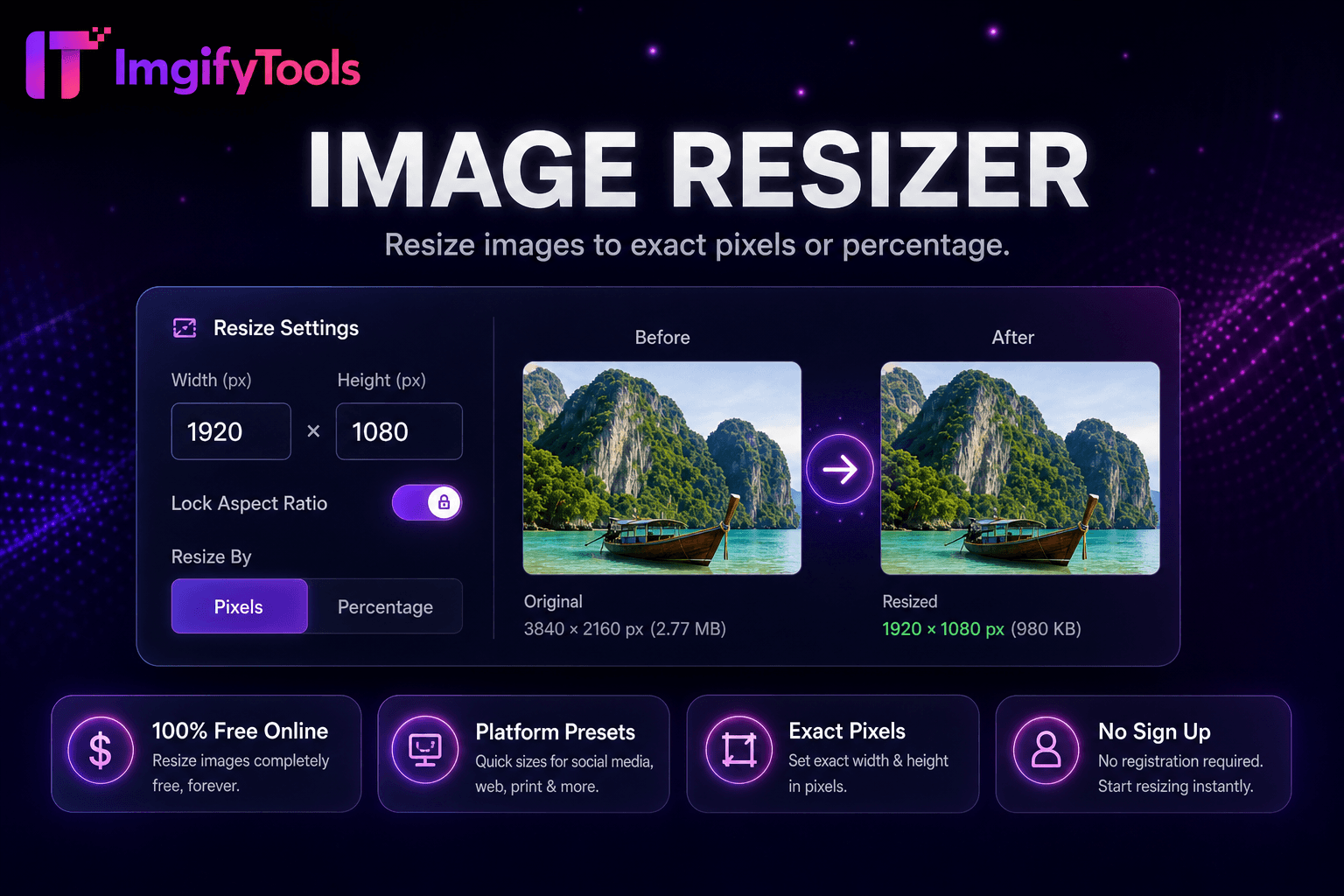
Compress before uploading to Shopify, WooCommerce, or Amazon to meet platform file guidelines and improve storefront speed. Email newsletters stay under provider size limits when hero images pass through the compressor at 75–85 quality. Mobile app developers reduce CDN bandwidth costs on image-heavy feeds. For screenshots with text, prefer PNG or higher JPEG quality to avoid fuzzy type. Photographers deliver client web galleries at web-optimized sizes while archiving originals separately. Pair with image resizer when you need both dimension and byte reduction. Run bulk compression when migrating media libraries after a site redesign.
See how our free image compressor compares to TinyPNG on price, limits, and features.
| Feature | ImgifyTools | TinyPNG |
|---|---|---|
| Price | Free with quality controls | Free: 20 images/month; Pro plans available |
| Compression method | Smart quality + size targeting | Lossy PNG/JPG optimization |
| Format support | JPG, PNG, WebP | PNG and JPG primarily |
| Bulk compression | Dedicated bulk tool available | Up to 20 free per batch |
| Quality control | Adjustable quality slider | Automatic optimization |
| API access | Web-based, no API key | Developer API on paid tier |
| Download | Download after temporary server processing | Instant download |
Related Tools
More tools
Other specialized utilities for your workflow.