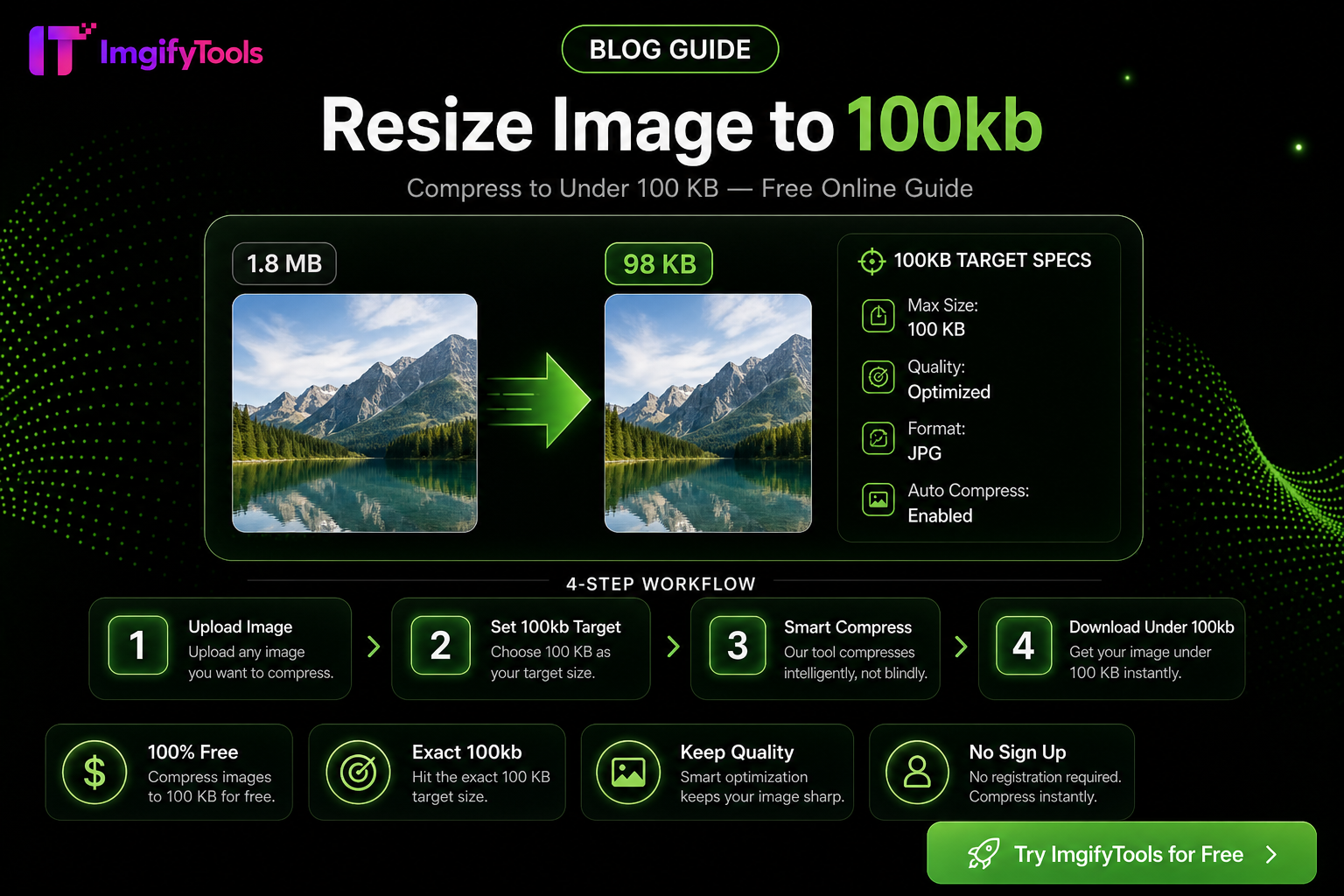
How To Resize Any Image To An Exact File Size
Government portals, visa forms, and marketplace uploads often reject files that are only a few kilobytes over the limit. Instead of five thin guides, this pillar covers how to hit an exact file size—from 20KB job-portal caps to 200KB listing images—using ImgifyTools free browser tools.
Primary tools: Image Compressor and Image Resizer. Related reading: Compress to 20KB without ruining quality.
Why exact KB limits exist
Upload systems cap bytes to protect bandwidth and storage. Pixel dimensions alone are not enough—a 1200×1200 PNG can still be 800KB. Compression quality, format (JPG vs WebP vs PNG), and canvas size all change the final byte count.
Universal workflow
- Start from the highest-quality original you have (avoid recompressing an already tiny JPG).
- If dimensions are far larger than needed, resize to the portal’s pixel requirements first.
- Open Image Compressor, upload, and lower quality until the download is under your target.
- Verify file size in your OS before submitting.
- If detail collapses too far, try WebP (when the portal accepts it) or a slightly larger dimension with stronger compression.
Size targets
20KB
Common for older government and exam portals. Expect heavy JPG compression or aggressive downscaling. Prefer portraits or simple graphics; detailed landscapes will look soft.
30KB
Slightly more headroom than 20KB. Still prioritize face/product clarity over background detail.
50KB
A frequent form and HR upload limit. Square headshots and product cutouts usually survive well.
100KB
Typical for many e-commerce secondary images and blog thumbnails. You can keep more texture here.
200KB
Comfortable for many social and CMS uploads. Use when portals allow larger hero assets but still block multi-megabyte phone photos.
Common pitfalls
- Re-uploading a previously compressed file repeatedly (generation loss).
- Keeping PNG for photos when JPG/WebP would hit the cap with better quality.
- Ignoring portal pixel minimums while chasing KB only.
FAQs
Can I hit an exact byte count? Aim under the limit with a small buffer (e.g. 95KB for a 100KB cap)—exact equality is rarely required.
Is this free? Yes—standard ImgifyTools compression and resize flows do not require signup or add watermarks.
What if quality looks bad at 20KB? Reduce dimensions first, then compress; or ask whether the portal accepts a higher limit for PDF submission.
Related tools
You may also like
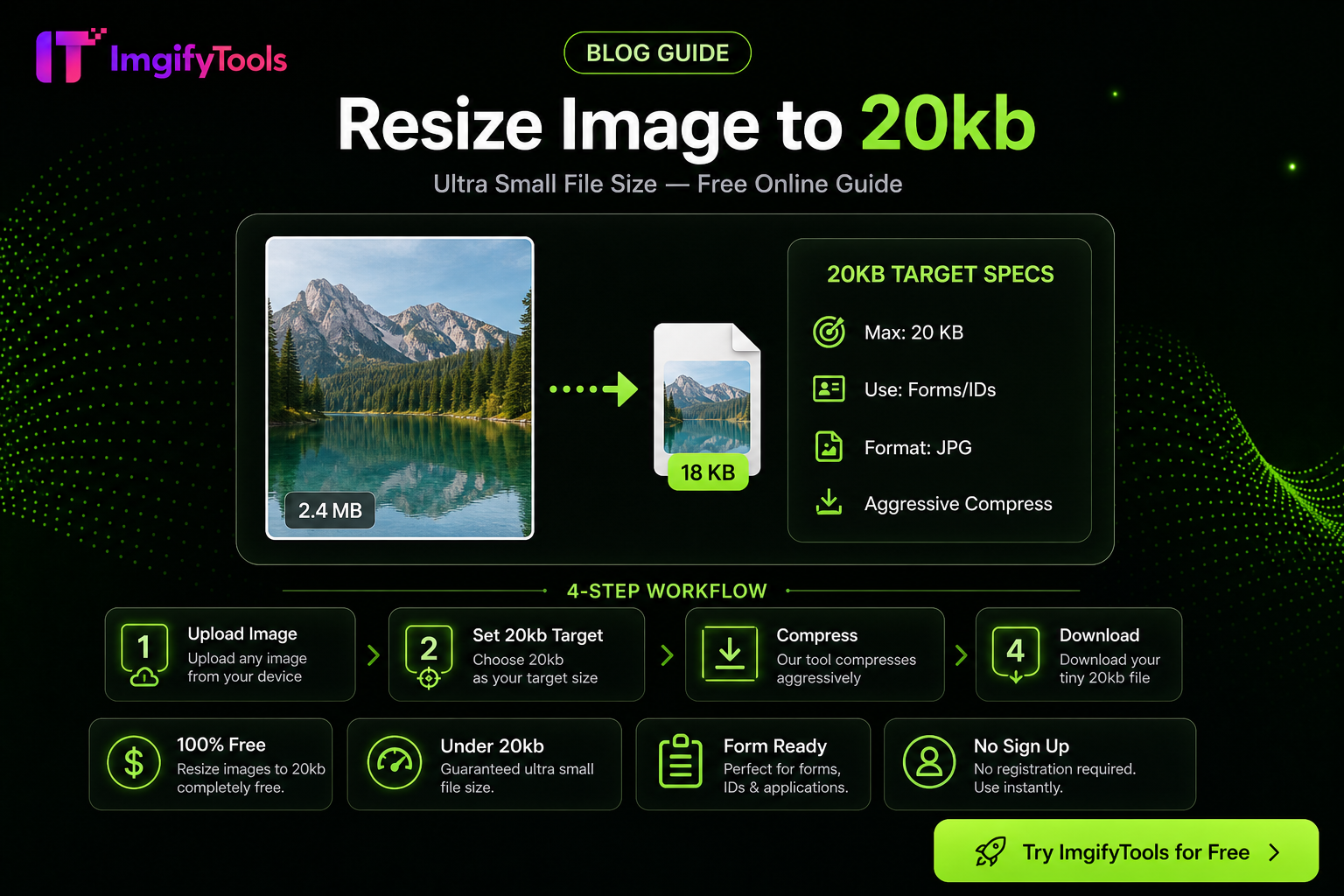
How to Compress an Image to 20KB Without Ruining Quality
Hit a 20KB upload limit with less mush: resize first, pick JPG/WebP wisely, then use target-KB compression—practical steps for portals and forms.
Read next →
eBay Photo Requirements — Size, Background, and File Tips
eBay listing photo expectations for sellers—background, clarity, and a free ImgifyTools workflow to prep gallery images that load fast.
Read next →

Free Online Image Editor — Complete Guide
Free Online Image Editor — Complete Guide: practical steps, common pitfalls, and when to use ImgifyTools free browser tools—no signup, no watermark.
Read next →