eBay Photo Requirements — Size, Background, and File Tips
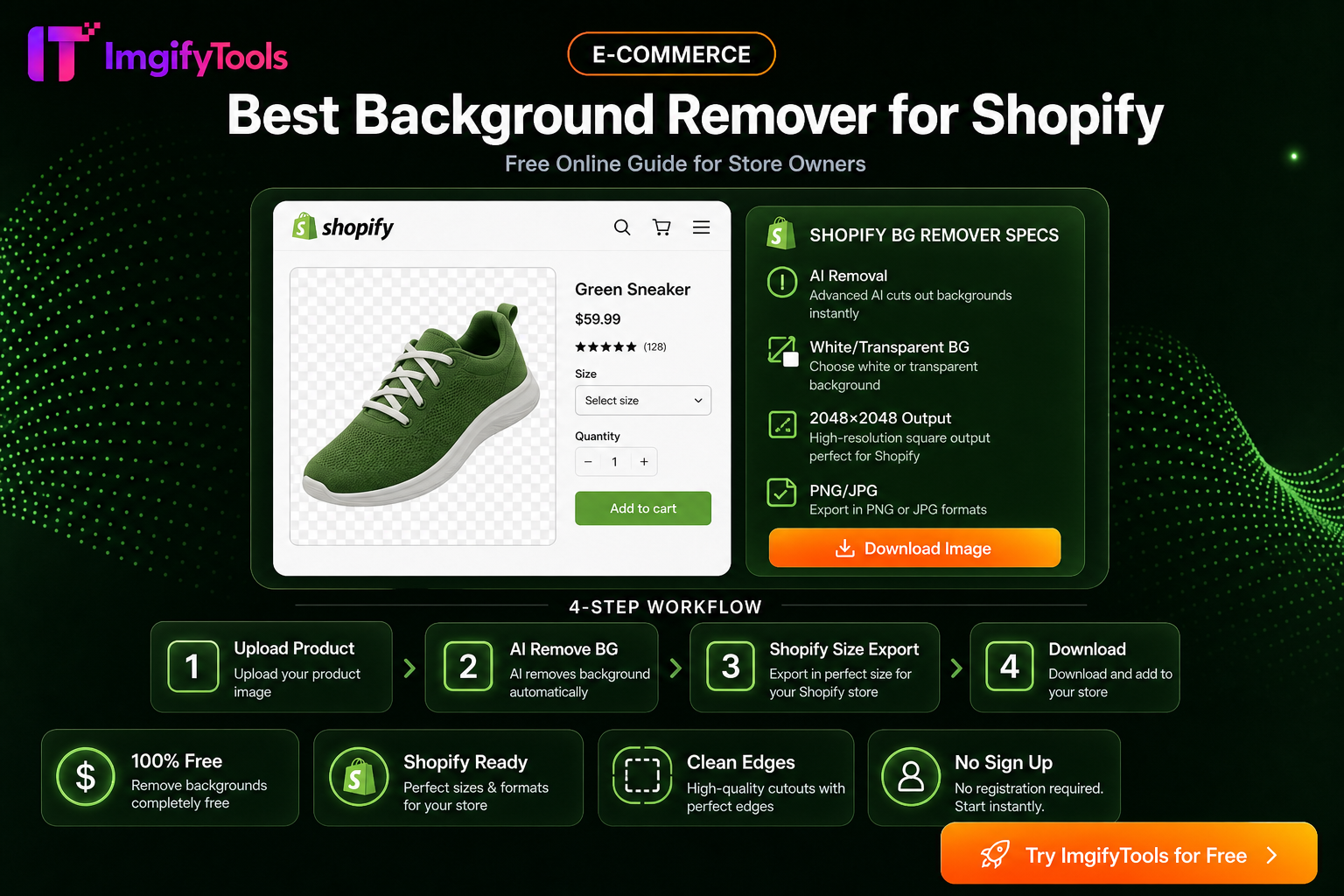
Clear photos sell. eBay expects accurate product imagery—ideally on a clean background with readable detail on mobile. Prep assets with ImgifyTools Background Remover, Image Compressor, and Platform Image Resizer. Related: Best background remover for Shopify.
Seller checklist
- True-to-life colors; no misleading filters
- Fill the frame with the product
- Extra angles for wear, ports, and defects
- Reasonable file weight so mobile buyers are not stuck loading
Workflow
- Shoot or source the cleanest original.
- Remove cluttered backgrounds when the category expects a studio look.
- Resize for consistent gallery dimensions.
- Compress without destroying text on labels.
Build a complete gallery, not one hero image
Buyers need enough views to judge condition, scale, and included parts. Use a clean primary image, then add front, back, side, label, connector, and wear-detail photos where they answer likely questions. For used goods, accurate defects are part of the product information; do not use blur or aggressive retouching to hide scratches, dents, or missing accessories.
eBay requirements can vary by category and can change over time. Treat the marketplace upload screen and current seller guidance as the final authority for file limits, minimum dimensions, and prohibited overlays. A good working target is a sharp image with the product filling most of the frame, enough margin to avoid accidental cropping, and a file size that loads comfortably on a phone.
Consistent preparation workflow
Start by selecting one master image and decide whether the gallery needs a neutral background or a true-to-life room scene. Use the background remover only when it improves clarity; a forced white background can be misleading for furniture, apparel, or items whose condition is best shown in context. Then use the platform image resizer to create matching dimensions and the image compressor to reduce unnecessary bytes.
Name exported files by SKU and view, for example ABC123-front.jpg and ABC123-label.jpg. Open a few final files on a phone before uploading the whole batch. Check that small text remains readable, colors still resemble the physical item, and no transparent PNG has been flattened against an unintended color.
FAQ
Should eBay photos always have a white background?
No. A neutral background can make a product easy to inspect, but the best choice depends on the category and the information buyers need. Follow current eBay and category instructions.
Is compression safe for listing photos?
Light compression is usually useful for faster loading. Stop when text, fabric texture, or small defects begin to look smeared, and always keep the original master.
Can I use the same image set on every marketplace?
You can reuse a prepared master set, but check each marketplace's current dimensions, file-size limits, and overlay rules before uploading.
You may also like
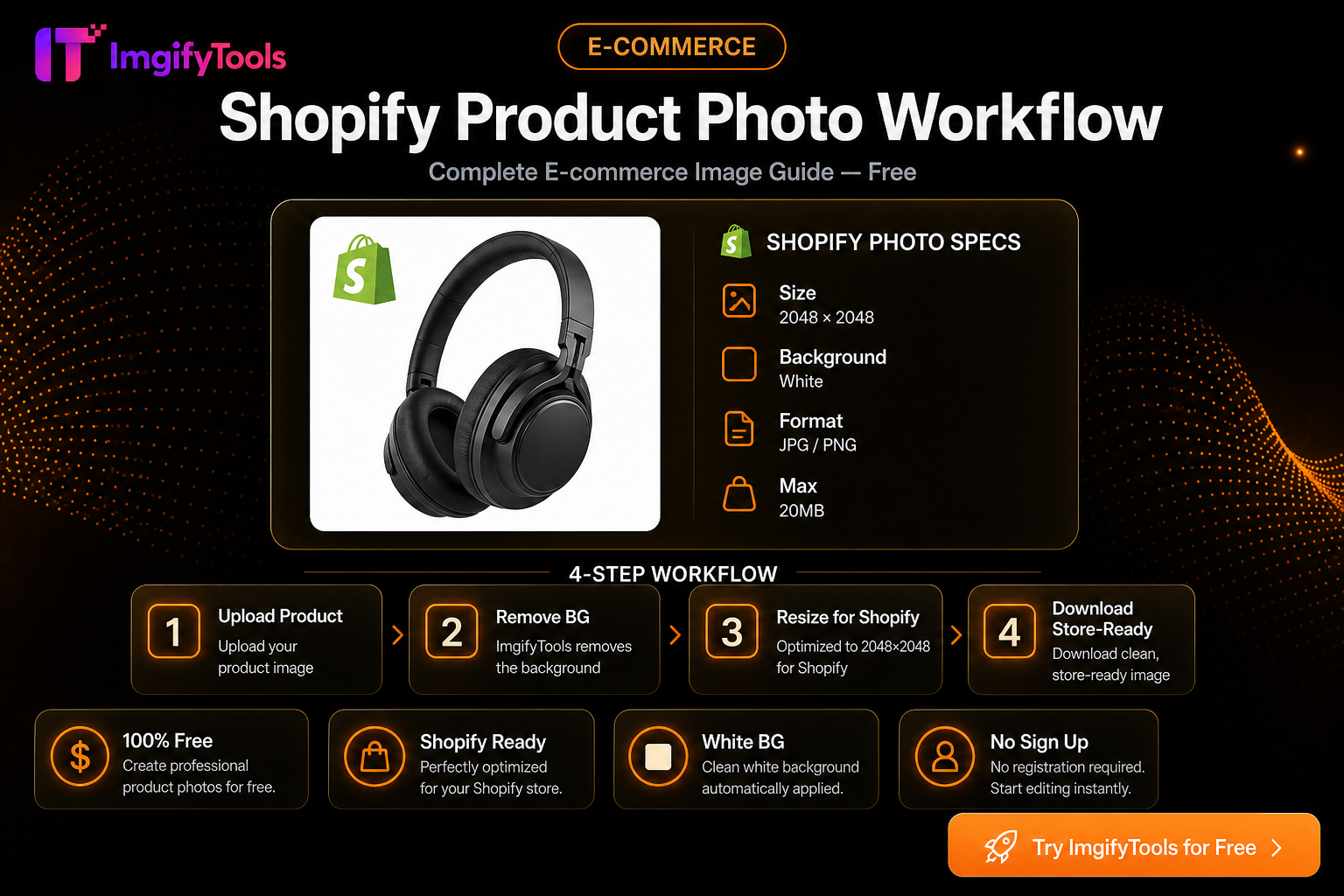
Shopify Product Photo Workflow (Free)
Prep Shopify listing images: consistent squares, clean backgrounds, and storefront-friendly file sizes with free ImgifyTools—no monthly photo app.
Read next →
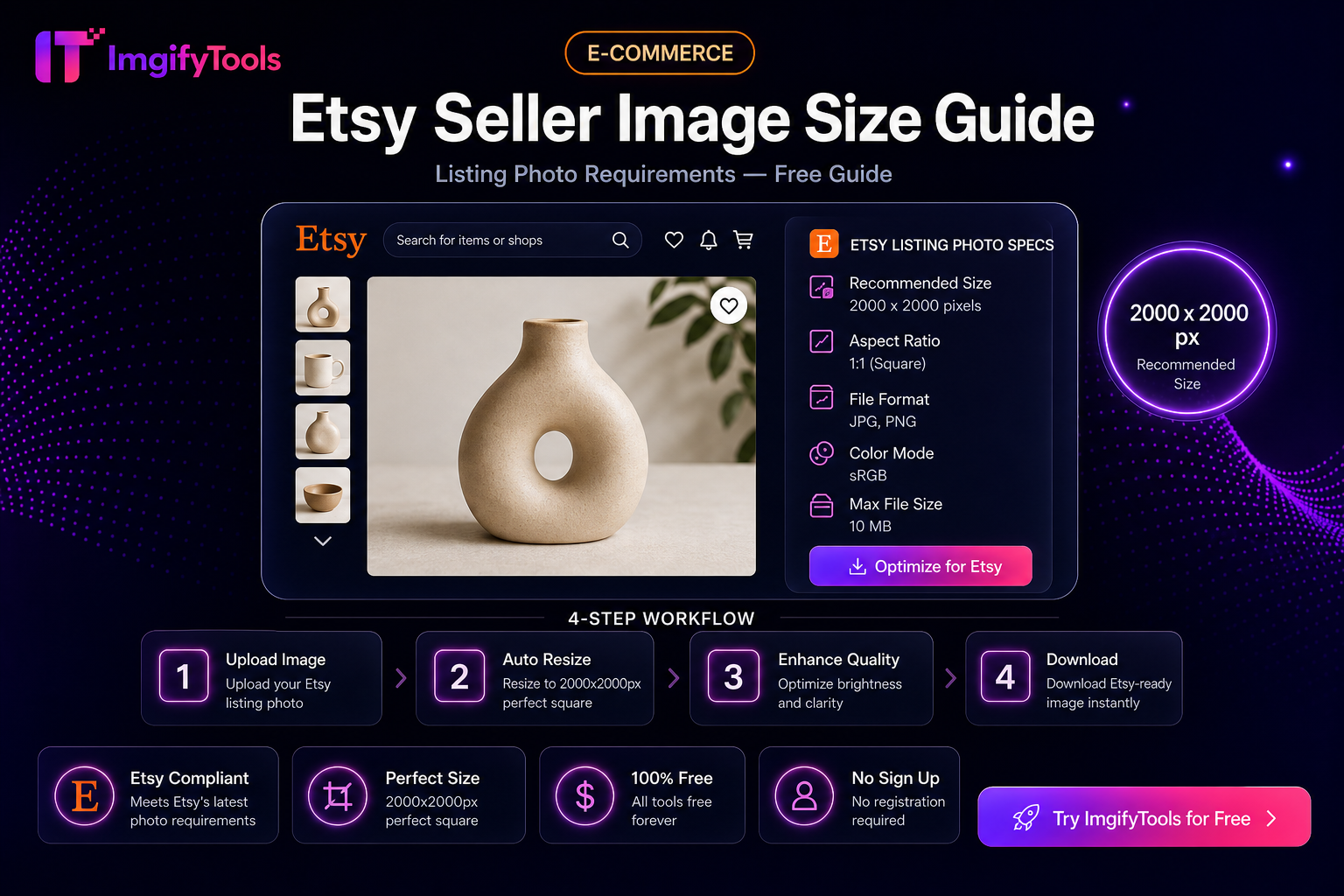
Etsy Seller Image Size Guide (Practical Listing Prep)
Prep Etsy listing photos: square crops, clean backgrounds, and sensible file sizes with free ImgifyTools—plus limits and privacy notes.
Read next →
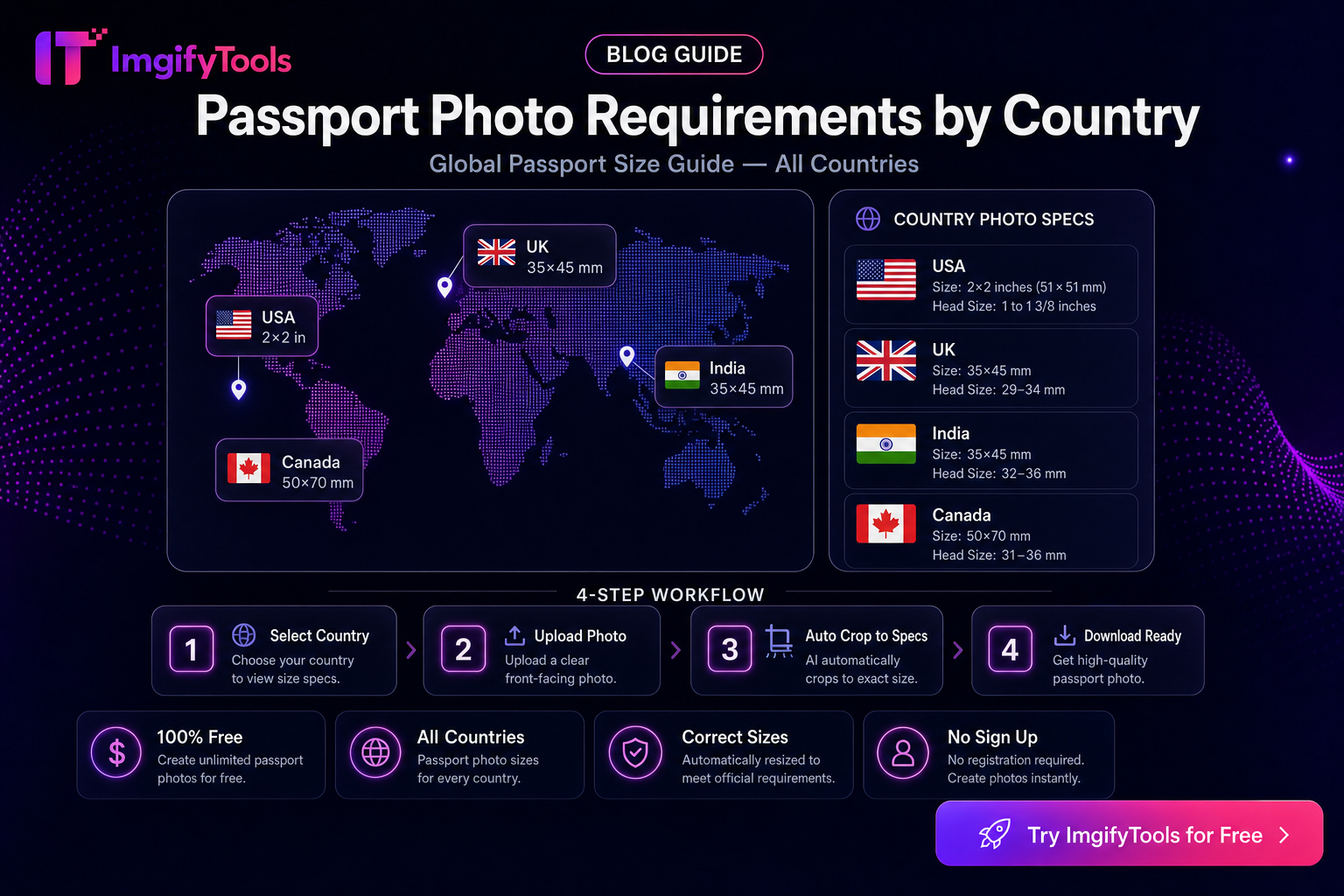
Passport Photo Requirements by Country — How to Check Official Rules
How to verify passport and visa photo size, background, and file rules by country. Hub for ImgifyTools passport tools—not legal advice; always confirm official sources.
Read next →