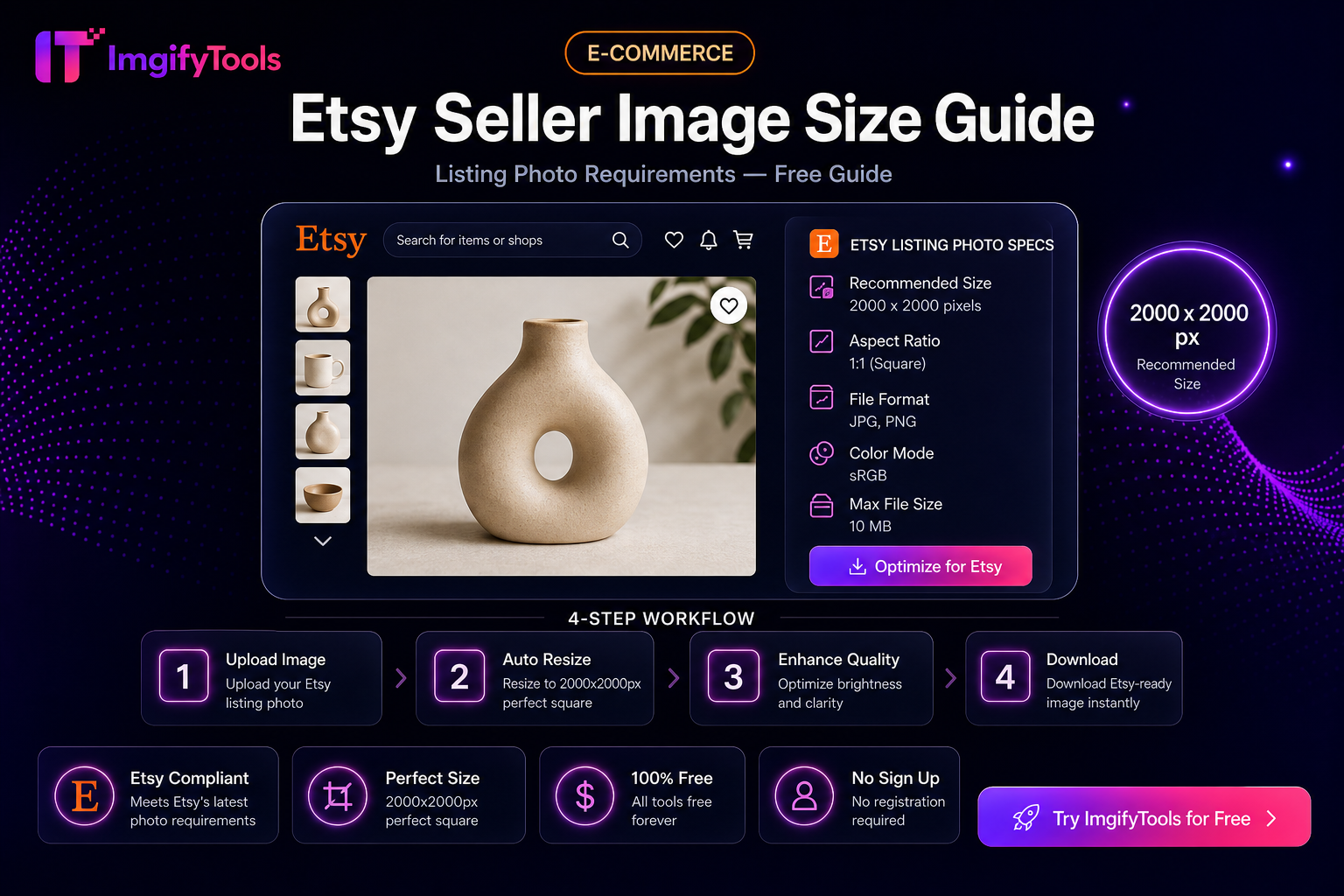
Etsy Seller Image Size Guide (Practical Listing Prep)
Etsy shoppers decide in a grid. Uneven crops, busy backgrounds, and multi‑megabyte originals slow your shop and make a catalog look unfinished. This guide is a practical prep checklist before you upload in Shop Manager—not a promise that one pixel size ranks you higher.
Tools: Etsy image resizer use-case (if available in your build), Platform Image Resizer, Background Remover, Image Compressor.
Working targets (verify in Etsy’s help)
Etsy’s help documentation changes. As a common working pattern many sellers use:
| Item | Practical approach |
|---|---|
| Primary listing image | Square crop so grid thumbnails look consistent |
| Detail shots | Same aspect family as your primary when possible |
| File weight | Compress after framing so mobile buyers load faster |
| Background | Clean / neutral for product clarity |
Always confirm current photo requirements in Etsy’s official seller help before a large catalog update.
Step-by-step
- Pick the clearest original (not a screenshot of a screenshot).
- Remove distracting background when it helps the product read in a small grid (Background Remover).
- Crop/resize to a consistent square with Platform Image Resizer or Image Resizer.
- Compress with Image Compressor if the file is still heavy.
- Upload and preview the listing on a phone-width screen.
Privacy
AI and convert/compress tools that upload send files to ImgifyTools servers for temporary session processing. See the Privacy Policy.
Limitations
- Theme apps and Etsy policy can add rules beyond this checklist.
- AI cutouts are not perfect on lace, fringe, or transparent packaging—review edges.
- This is not SEO ranking advice for Etsy search.
FAQs
Do I need 2000px images?
Many sellers use large enough masters for zoom; confirm Etsy’s current guidance and your theme’s display size.
Should I watermark every photo?
Only if brand protection matters more than mobile clarity—watermarks can distract in the grid.
You may also like
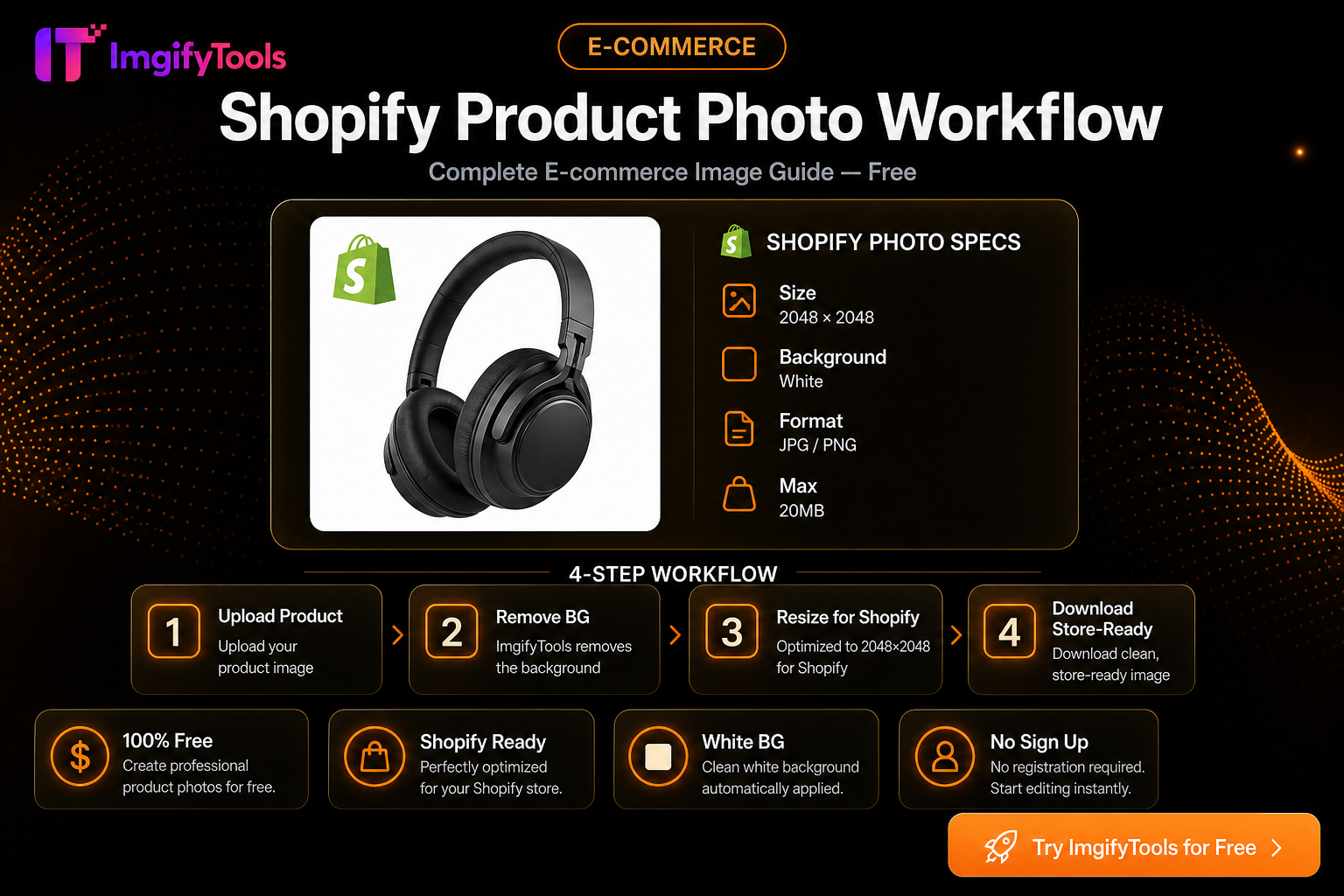
Shopify Product Photo Workflow (Free)
Prep Shopify listing images: consistent squares, clean backgrounds, and storefront-friendly file sizes with free ImgifyTools—no monthly photo app.
Read next →
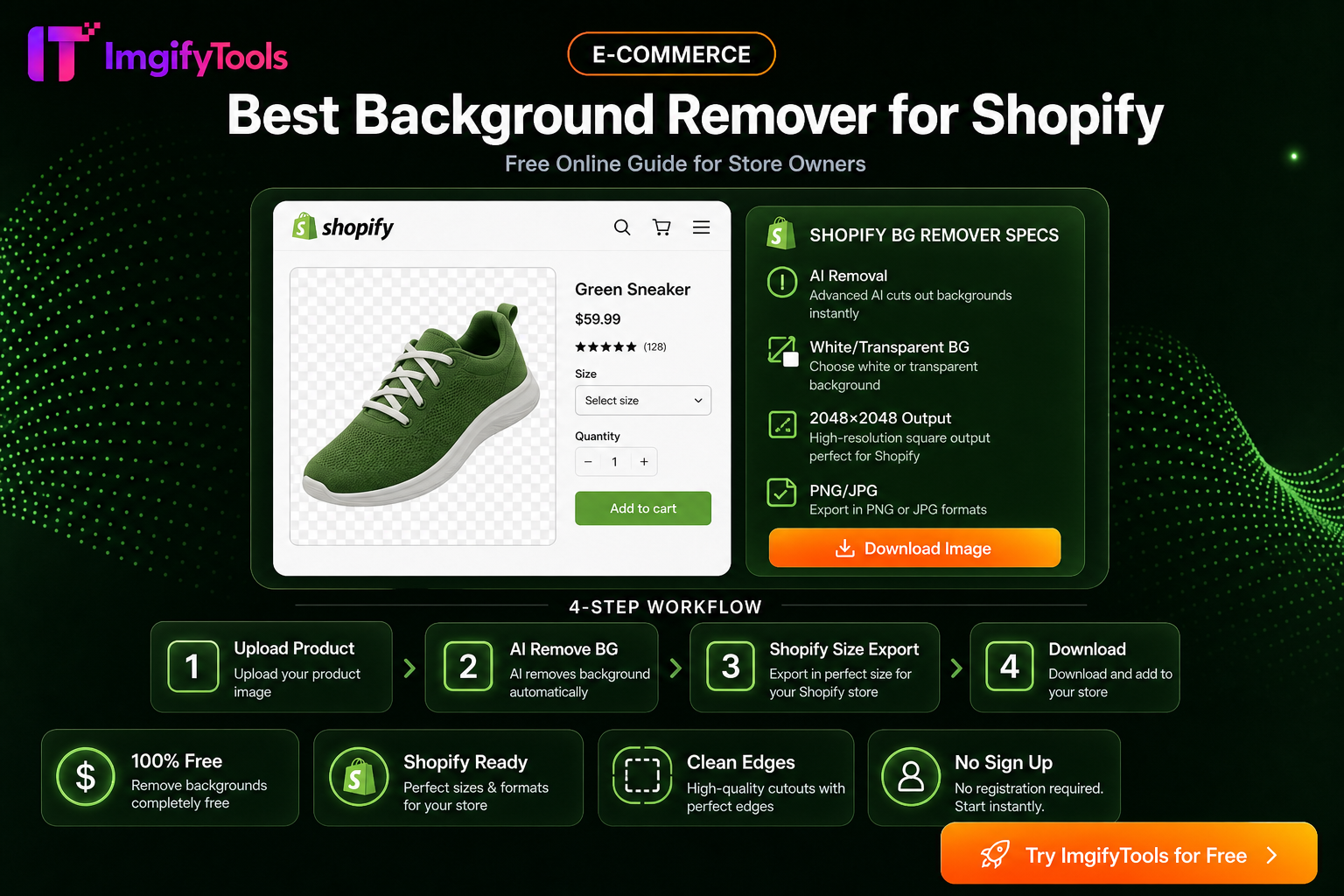
eBay Photo Requirements — Size, Background, and File Tips
eBay listing photo expectations for sellers—background, clarity, and a free ImgifyTools workflow to prep gallery images that load fast.
Read next →
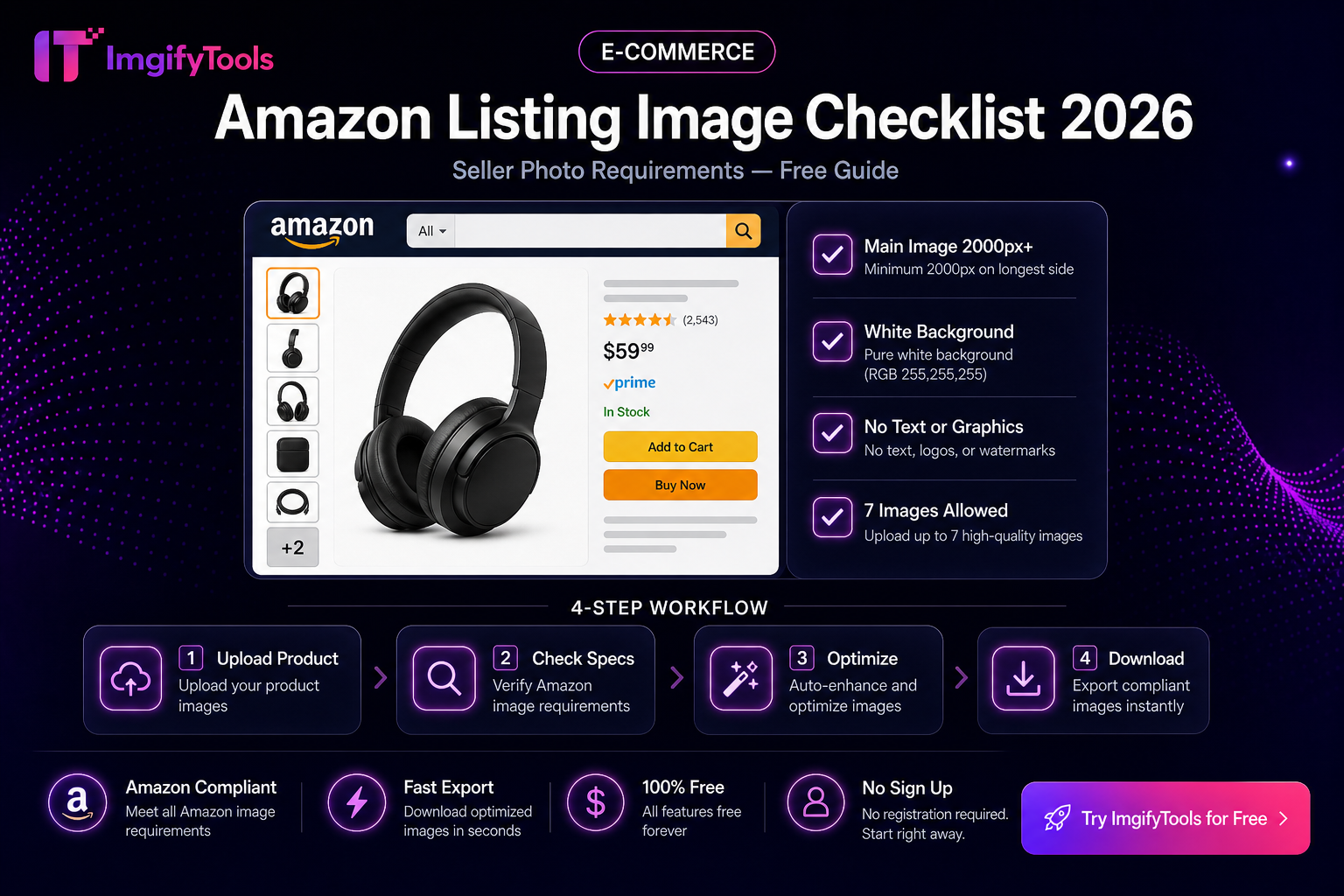
Amazon Listing Image Checklist
Practical Amazon main and secondary image checklist—white background, fill, pixels, and a free ImgifyTools prep flow. Verify rules in Seller Central.
Read next →