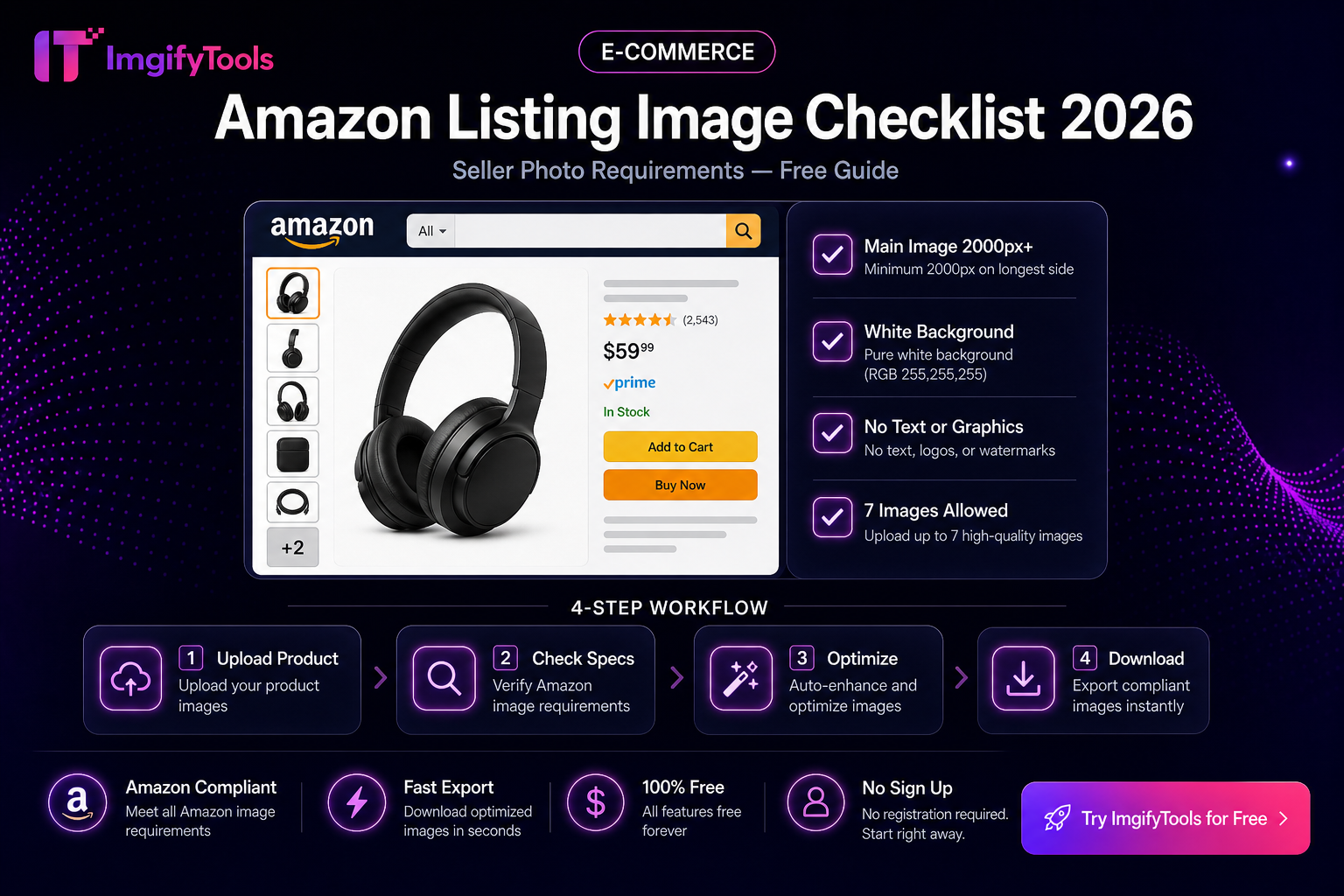
Amazon Listing Image Checklist
Amazon’s MAIN image is the thumbnail shoppers see in search. It is held to stricter rules than lifestyle shots in later gallery slots. This checklist helps you prep files with ImgifyTools before upload. It is not an official Amazon policy page and does not invent “2026 algorithm” claims—re-verify dimensions and category exceptions in Seller Central for your marketplace and product type.
Prep paths: Amazon main image requirements, Background Remover, Platform Image Resizer, Image Compressor. Related: Amazon product image background requirements.
MAIN image checklist (slot 1)
Use this as a pre-flight list. Category style guides (apparel, shoes, jewelry) can add exceptions—follow Seller Central when they conflict.
| Check | Pass when |
|---|---|
| Real product photo | Actual item for sale—not a logo tile or unrelated graphic |
| Pure white background | Aim for white that reads as studio white (RGB 255,255,255 is the usual standard) |
| Product fill | Product occupies most of the frame (commonly cited ≥85%) |
| No extras on MAIN | No text overlays, badges, watermarks, borders, or unrelated props |
| Pixels for zoom | Longest side often needs ≥1000 px for zoom; many sellers target 1600–2000+ |
| Format | JPG preferred for photos; other allowed types per Amazon’s current list |
| File weight | Under Amazon’s upload cap (commonly discussed around 10 MB)—compress if needed |
| Color mode | sRGB for predictable on-screen color |
Square canvases (for example 2000×2000) are a practical default for many categories.
Secondary images (slots after MAIN)
Secondary slots are where you show scale, lifestyle, details, and infographics if your category allows them. Do not put promotional text on MAIN and hope it “moves” later—start MAIN clean.
Example set for a kitchen gadget: (1) white-background hero, (2) in-hand scale, (3) control panel detail, (4) in-context countertop, (5) what’s-in-box flat lay.
Prep workflow with ImgifyTools
- Select the sharpest master of the real product.
- Remove cluttered backgrounds with Background Remover or the Amazon main image intent path when you need a cutout for a white studio plate.
- Place on pure white — Confirm corners look white, not gray paper. Off-white walls often fail automated checks.
- Resize with Platform Image Resizer toward a large square (e.g. 2000×2000) without stretching.
- Compress lightly with Image Compressor if the file is huge—keep zoom detail.
- Upload in Seller Central and watch for image quality or suppression warnings.
Example: supplier photo on gray seamless
Gray seamless looks “studio” to the eye but is not pure white. Remove background, composite on #FFFFFF, refill the frame so the product is large, export JPG, upload as MAIN.
What this checklist does not claim
- No guaranteed ranking, conversion lift, or “2026 SEO” scores from following these steps.
- No substitute for Amazon Brand Registry, category, or country-specific rules.
- No promise that every AI cutout passes review—mesh, clear plastics, and white-on-white products are hard.
Limitations
- Hair, smoke, transparent bottles, and chrome reflections often need better photography, not another compression pass.
- ImgifyTools tools have upload size limits (commonly ~10 MB).
- Convert/AI/compress tools upload files for temporary server processing; they are not Amazon’s CDN.
Privacy
AI and compress/convert tools upload files to ImgifyTools servers for temporary session processing and are not kept as a permanent upload library by default. The image editor works primarily in your browser. Privacy Policy.
Troubleshooting
| Flag / symptom | Likely cause | Fix |
|---|---|---|
| MAIN suppressed / warning | Off-white bg, text, props | Pure white; remove overlays |
| No zoom | Too few pixels | Export ≥1000 px longest side (prefer more) |
| Soft detail | Over-compression or tiny source | Larger master; gentler compress |
| HEIC rejection | iPhone original | HEIC to JPG |
FAQs
Must secondary images also be white background?
Usually no. MAIN is the strict white-background slot for many categories. Secondaries can show lifestyle when allowed.
Is 2000×2000 mandatory?
Not always stated as a single magic number. It is a practical high-quality square target many sellers use. Follow Seller Central minimums for zoom and your category guide.
Can I use AI-generated product images as MAIN?
Amazon expects accurate photos of the product you ship. Misleading imagery risks policy problems—do not invent products.
Are ImgifyTools prep steps free?
Core tools are free to use in the browser without an account, within product limits.
Related
You may also like
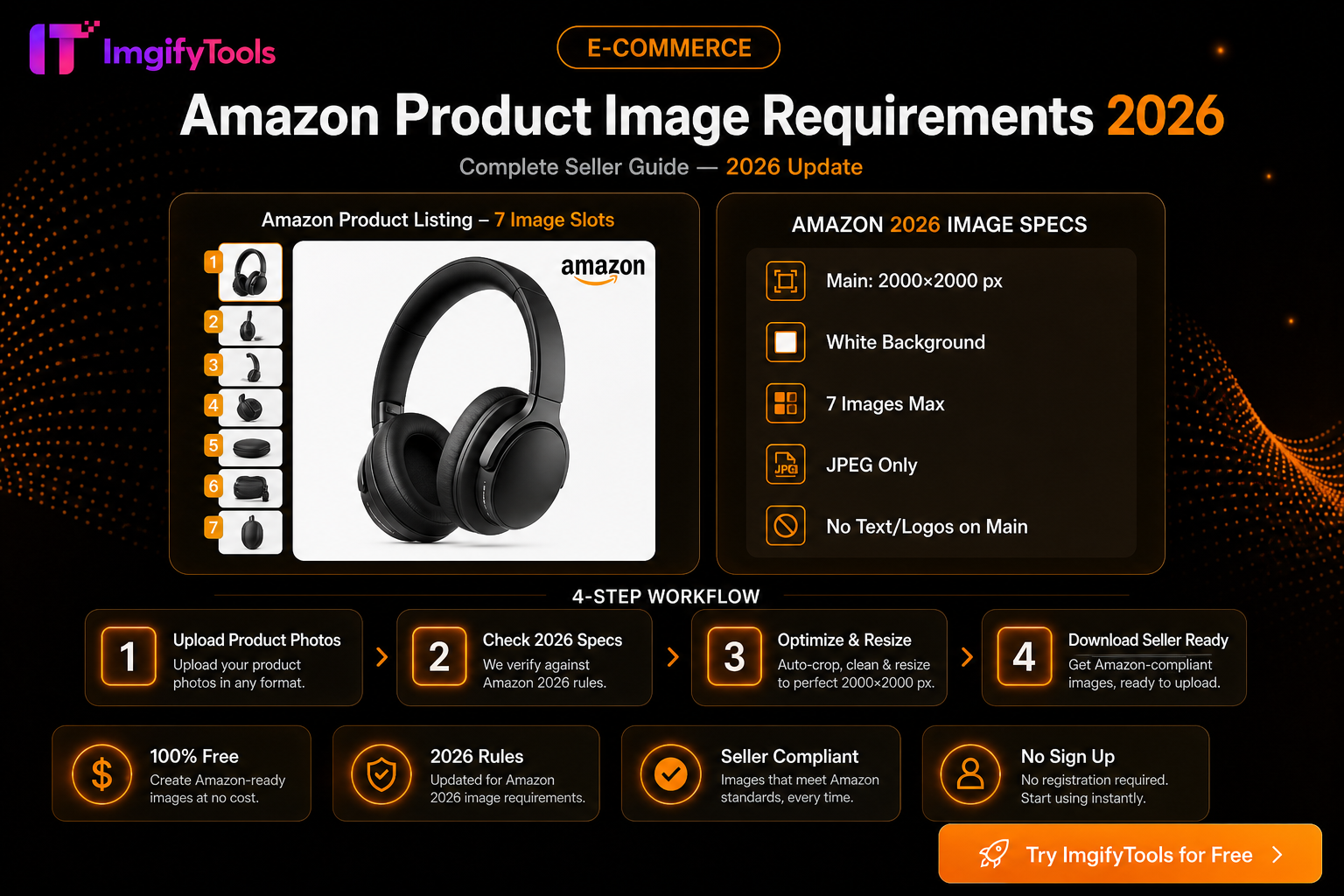
Amazon Product Image Requirements 2026 — Complete Seller Guide
Amazon main image rules for 2026: white background, 2000×2000 size, file limits, and free tools to optimize product photos for Seller Central.
Read next →
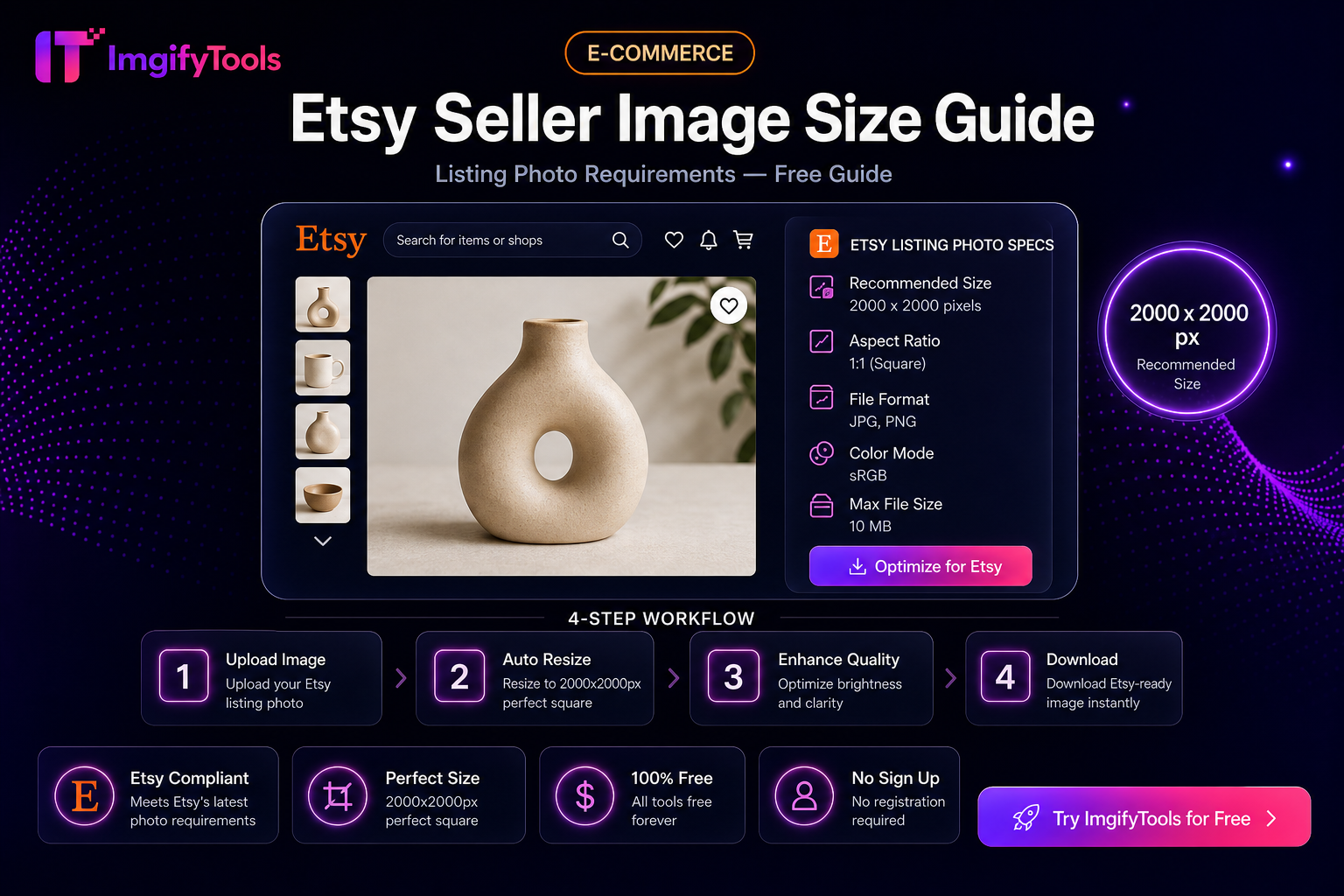
Etsy Seller Image Size Guide (Practical Listing Prep)
Prep Etsy listing photos: square crops, clean backgrounds, and sensible file sizes with free ImgifyTools—plus limits and privacy notes.
Read next →
eBay Photo Requirements — Size, Background, and File Tips
eBay listing photo expectations for sellers—background, clarity, and a free ImgifyTools workflow to prep gallery images that load fast.
Read next →