Amazon Product Image Background Requirements
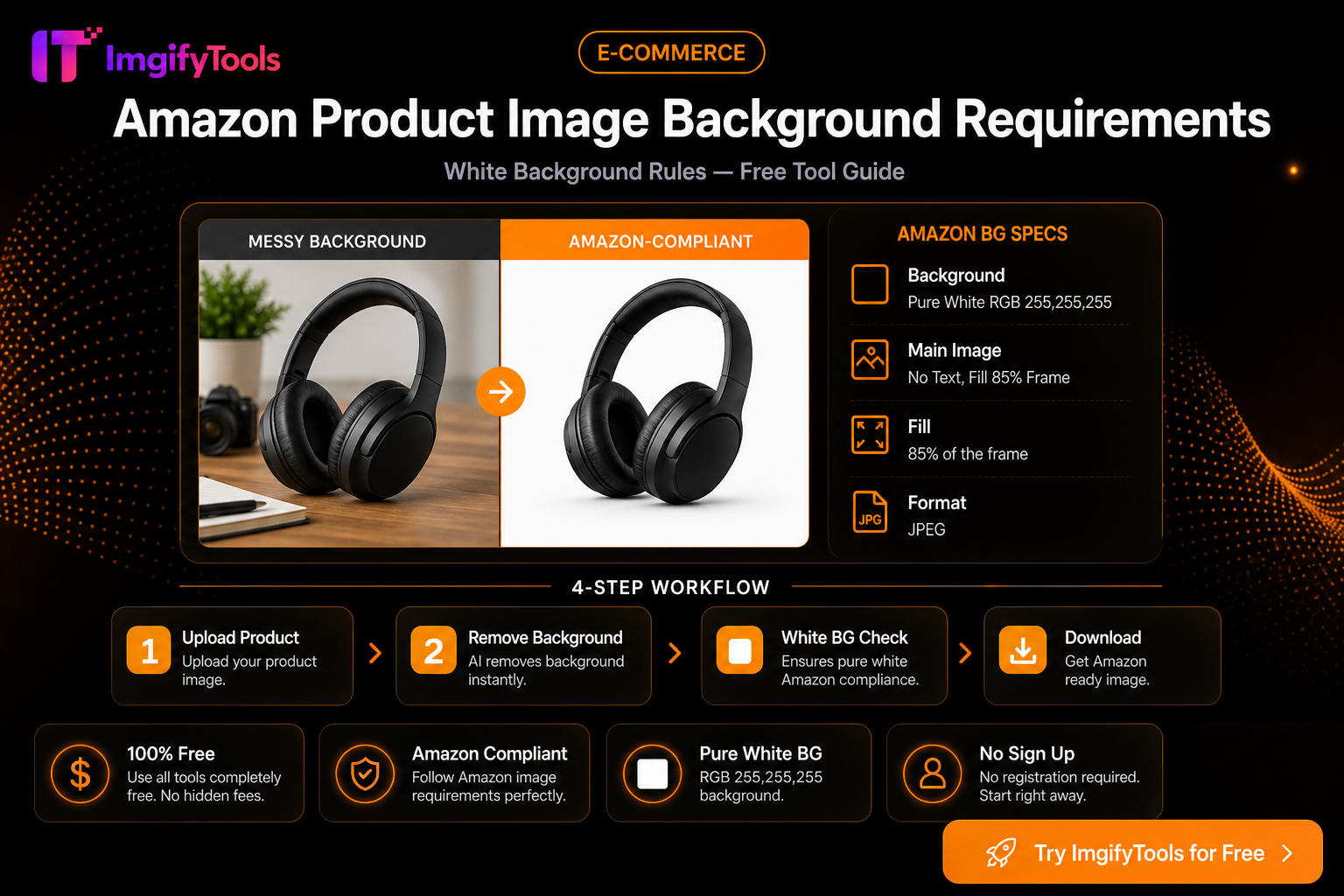
Amazon listing images must follow strict rules — especially the main image on pure white (RGB 255, 255, 255).
Fast compliance workflow
- Use our Amazon image background remover
- Download the isolated product PNG
- Composite on pure white if needed via background changer
- Verify dimensions and file size before upload
Common rejection reasons
- Colored or gradient backgrounds on main image
- Props or text in the main image frame
- Low resolution or blurry product
Main image versus secondary images
The main image has the strictest presentation requirement because it appears in search results and is used to identify the product quickly. A pure white background is not the same as a pale gray studio background: after compositing, sample the corners of the exported file and confirm they are actually white. Keep the product large enough to read, but do not crop off handles, packaging, or other parts that are included in the listing title.
Secondary images can explain the product with lifestyle scenes, detail crops, packaging views, and simple infographics when the category rules allow them. Treat those images as a set. Use the same camera angle, color treatment, and margin system so the gallery feels intentional instead of mixing supplier photos with unrelated stock imagery.
A practical quality-control pass
Before uploading, open the final JPG or PNG outside the editor and check four things: the background at the corners, the product edges at 100% zoom, the longest-side pixel dimensions, and the final file size. A white background does not repair a soft source photo, and compression cannot recover text that was already blurred. Keep an untouched master so you can revise the listing later without repeatedly recompressing the same file.
ImgifyTools helps prepare the asset, but Amazon can change category-specific rules, image validation, or zoom requirements. Re-check Seller Central and the current category guidance before publishing a large batch. If a marketplace rejects an image, compare the exact error with the source file rather than assuming the background remover caused it.
FAQ
Does every Amazon image need a white background?
Usually the main image has the strictest white-background requirement. Secondary images may have different presentation rules depending on the category, so confirm the current Seller Central guidance for the listing.
Can a background remover fix a low-quality product photo?
No. It can isolate the subject, but it cannot recreate focus, readable label text, or missing product detail. Start with the sharpest original and inspect the cutout before export.
Should I export PNG or JPG?
Use the format accepted by the destination and the job. PNG is useful while you are compositing transparency; JPG is often convenient for a finished white-background listing image when file size matters.
Related resources
You may also like
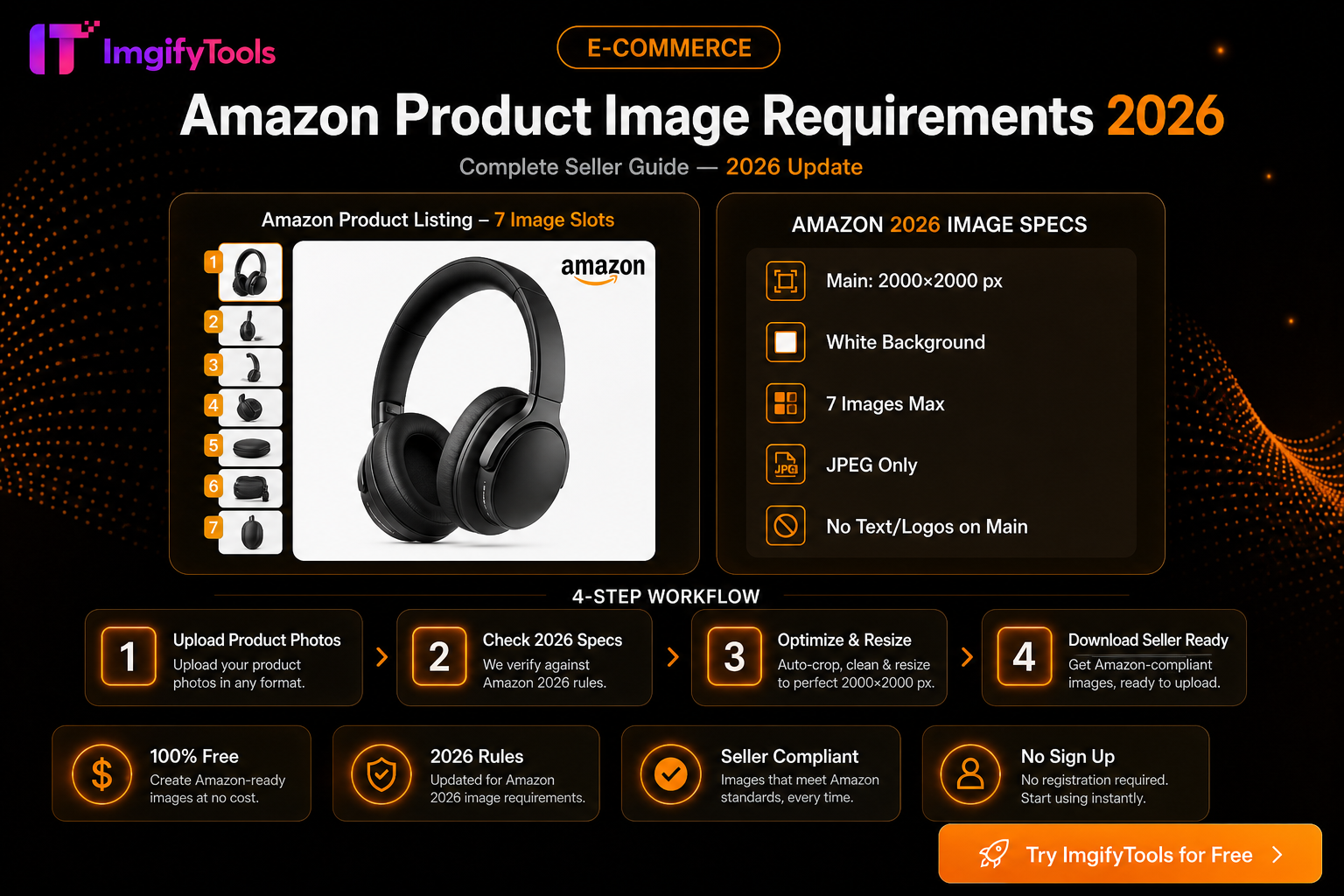
Amazon Product Image Requirements 2026 — Complete Seller Guide
Amazon main image rules for 2026: white background, 2000×2000 size, file limits, and free tools to optimize product photos for Seller Central.
Read next →
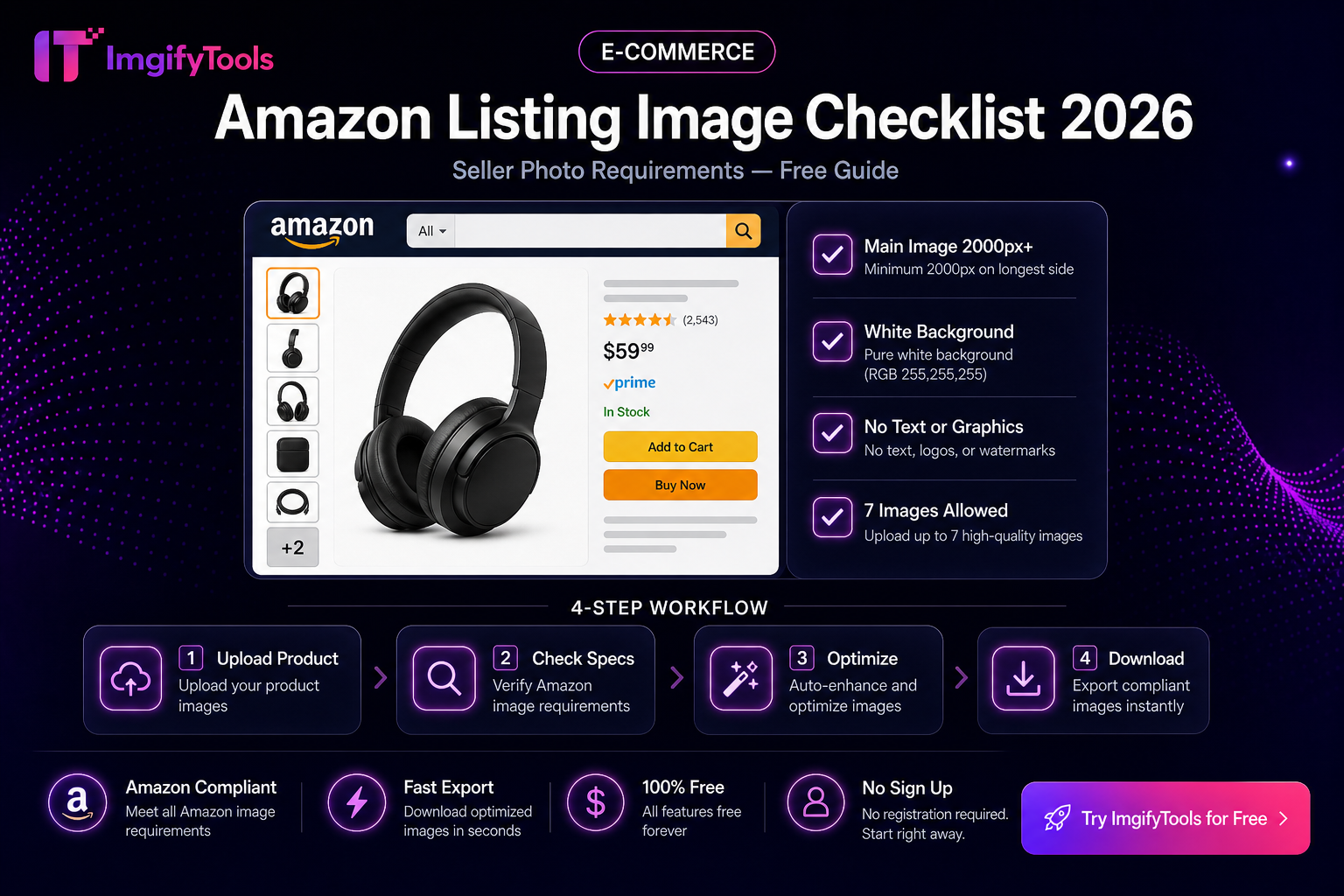
Amazon Listing Image Checklist
Practical Amazon main and secondary image checklist—white background, fill, pixels, and a free ImgifyTools prep flow. Verify rules in Seller Central.
Read next →
eBay Photo Requirements — Size, Background, and File Tips
eBay listing photo expectations for sellers—background, clarity, and a free ImgifyTools workflow to prep gallery images that load fast.
Read next →