Image Compressor
Compress JPG, PNG, and WebP online. Adjust quality and compare before/after sizes.
Launch ToolOne-click presets for Instagram, YouTube, Amazon, and more. Free for standard use — no signup required.
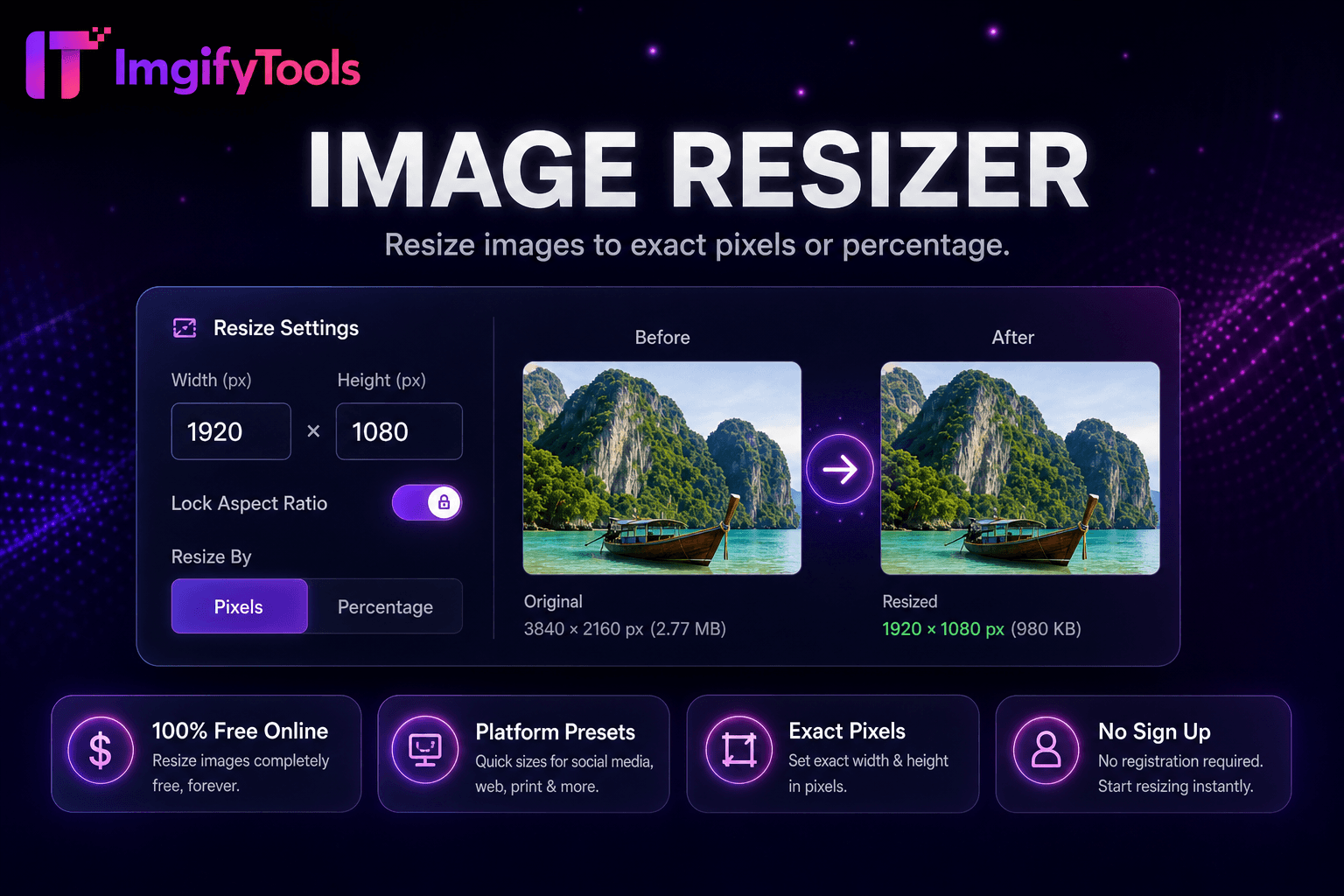
ImgifyTools Platform Image Resizer centralizes dimension presets for Instagram, Facebook, LinkedIn, YouTube, TikTok, Pinterest, X, Etsy, and Amazon listing sizes—one entry point instead of memorizing pixel charts. Social managers prepare channel variants from a master photo; marketplace sellers export listing sizes that reduce auto-crop surprises. After resizing, use the Image Compressor (including target-KB presets) when a platform enforces a file-size cap. Uploads are processed on ImgifyTools servers for your session (max 10 MB) and are not retained permanently.
Choose target platform and placement preset from hub.
Upload master photo at highest available resolution.
Select crop fit mode and adjust focal point.
Generate sized output and verify safe zones.
Download platform-ready file for direct upload.
Unlike many other platforms that compromise on quality or hide results behind paywalls, ImgifyTools offers high-fidelity output with a focus on speed and user privacy. No account creation is required to start transforming your images.
Select platform and placement type—feed, story, cover, thumbnail, listing—from preset matrix loading width, height, and aspect ratio. Upload source; resizer crops or pads per fit mode. Safe zone overlays on YouTube banners and profile circles preview critical logo placement. Output names may include platform slug for organizer folders. Batch mode queues multiple presets against one master upload generating sized variants ZIP. Quality and format options mirror general resizer capabilities.
From one horizontal photoshoot, export LinkedIn article 1200×627, Instagram square 1080×1080, and Pinterest pin 1000×1500 in single session. Amazon main images often need 2000px longest edge—verify category-specific rules. Keep 15% margin on story text overlays using safe zone guides. After hub resize, run image compressor if platform enforces file size caps.
See how our free platform image resizer compares to iloveimg on price, limits, and features.
| Feature | ImgifyTools | iloveimg |
|---|---|---|
| Price | Free resizing | Free with ads; premium available |
| Preset sizes | Social and platform presets built-in | Common size presets |
| Custom dimensions | Exact pixel width and height | Custom width/height |
| Aspect ratio lock | Maintain proportions option | Lock aspect ratio |
| Batch resize | Platform and bulk tools | Batch on premium |
| Output quality | Quality slider available | Standard compression |
| Format output | JPG, PNG, WebP | Multiple formats |
Related Tools
Compress JPG, PNG, and WebP online. Adjust quality and compare before/after sizes.
Launch Tool
Remove backgrounds from images automatically with AI.
Launch Tool
Resize images to YouTube thumbnail size 1280x720 and vertical 1080x1920 for Shorts-style covers.
Launch ToolMore tools
Other specialized utilities for your workflow.