Image Format Converter
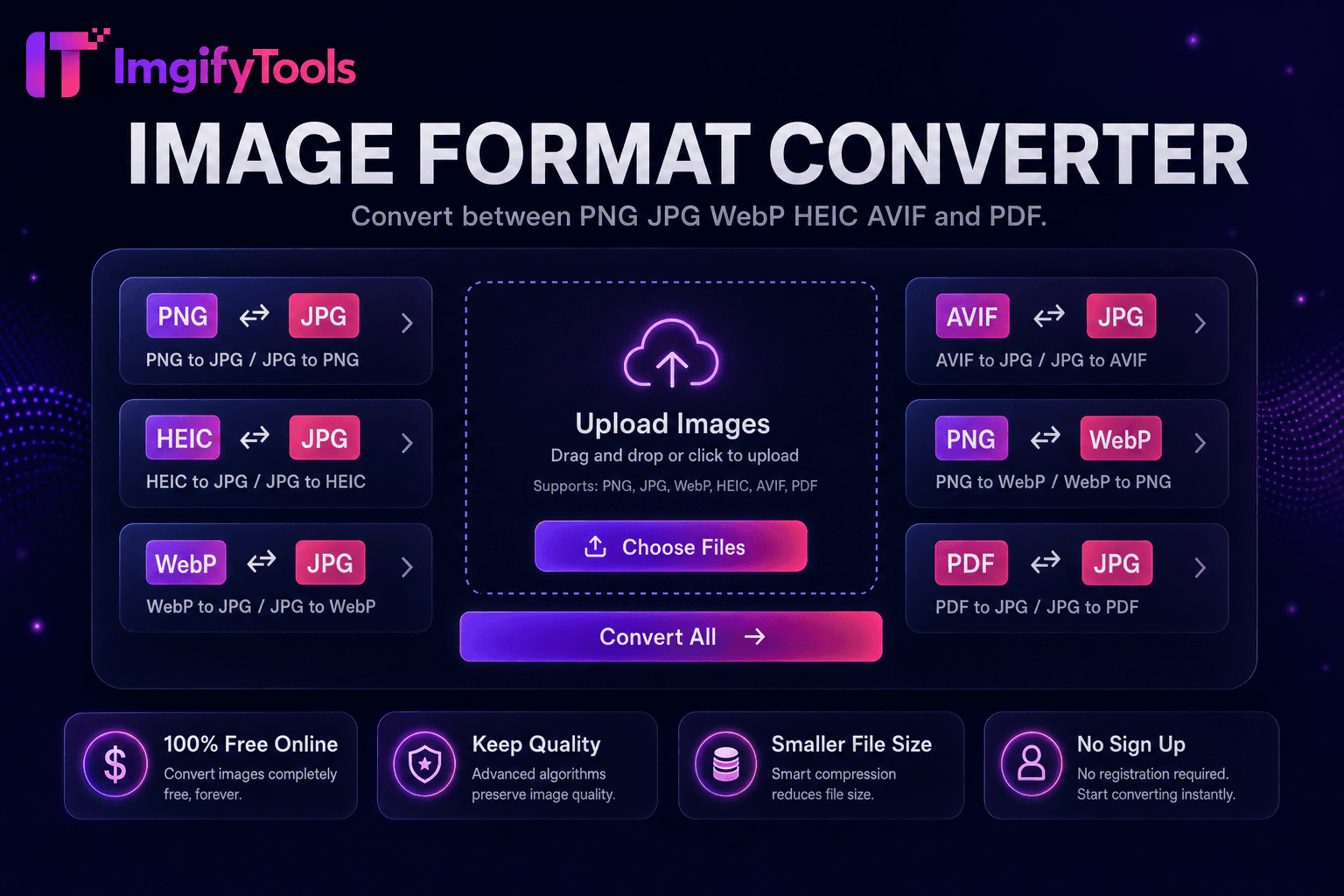
Convert between PNG, JPG, WebP, HEIC, AVIF, and PDF.
Launch ToolConvert iPhone HEIC photos to JPG. Free for standard use — no signup required.
ImgifyTools HEIC to JPG Converter opens iPhone and iPad photos saved as HEIC and exports widely compatible JPEG files for Windows PCs, Android sharing, email, and websites that reject HEIC. The converter decodes HEIC stills and re-encodes JPG at adjustable quality with orientation handling suitable for cross-platform display. Uploads are processed on ImgifyTools servers for your session (max 10 MB), are not retained permanently, and are not used for training. Keep HEIC originals in iCloud or Photos; use JPG when a recipient or CMS cannot open HEIC.
Upload HEIC files from iPhone, iPad, or Mac exports.
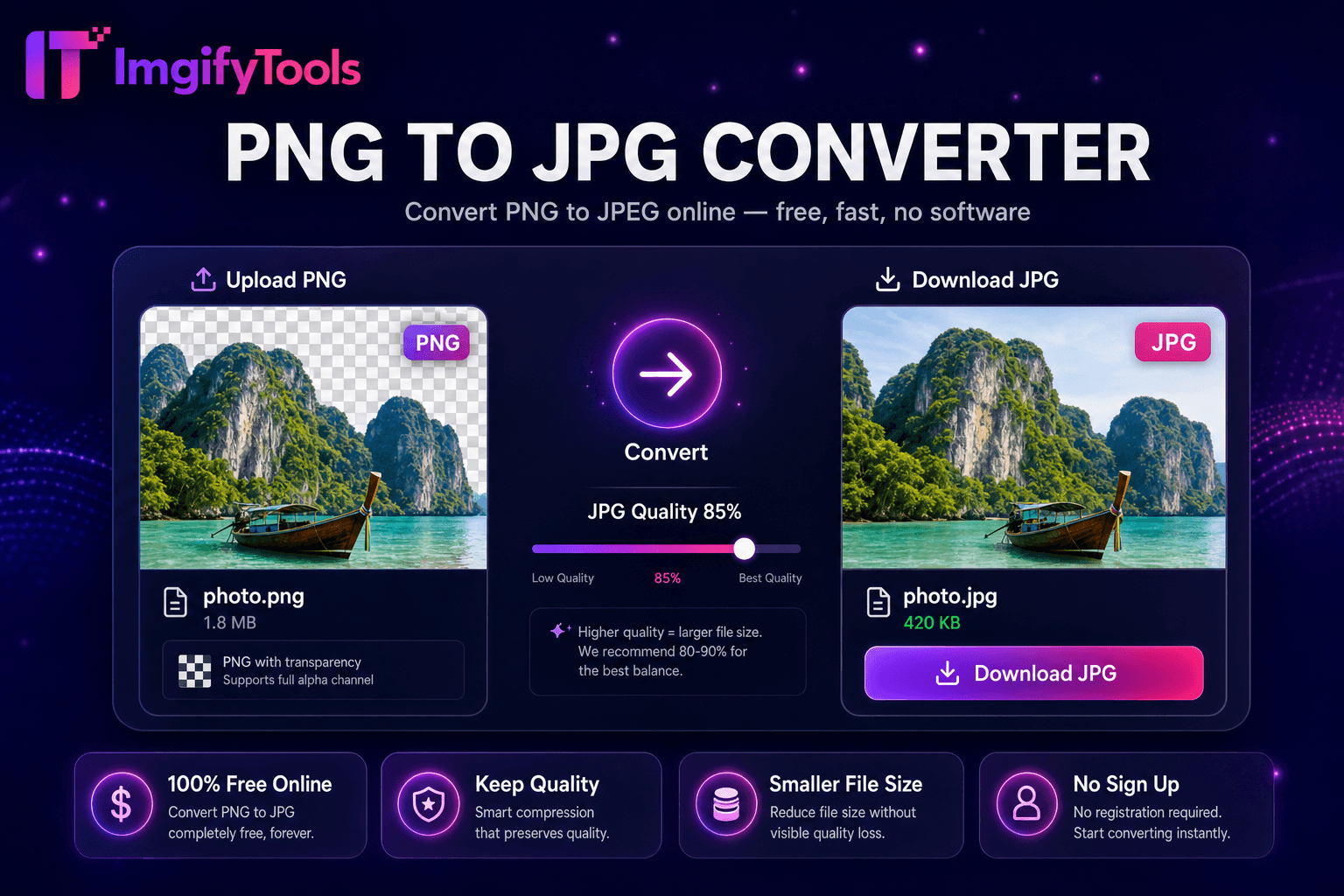
Select JPEG quality level for output.
Convert HEIC to JPG with one click.
Verify orientation and colors in preview.
Download JPG files for sharing, upload, or editing.
Unlike many other platforms that compromise on quality or hide results behind paywalls, ImgifyTools offers high-fidelity output with a focus on speed and user privacy. No account creation is required to start transforming your images.
HEIC decoder leverages HEVC still image bitstreams embedded in .heic containers, expanding to full-resolution RGB bitmaps. JPEG encoder writes standard .jpg with configurable quality quantization. EXIF orientation tags from iPhone captures map correctly so portraits appear upright after conversion. Color profiles translate to sRGB for predictable rendering on non-Apple displays. Multi-image HEIC sequences may export primary still only depending on implementation. Server-side decoding handles 12MP–48MP iPhone photos efficiently.
Windows users receiving AirDrop alternatives via cloud links convert HEIC before editing in Paint or legacy apps. Real estate agents upload JPG listing photos converted from agent iPhone shoots. WordPress authors convert HEIC before media library import on hosts without HEIC plugins. Set quality 90 when archiving precious photos; 85 suffices for social sharing. Pair with image compressor after conversion for web galleries. Keep HEIC originals on iCloud; deploy JPG derivatives outward.
See how our free heic to jpg converter compares to iLoveIMG on price, limits, and features.
| Feature | ImgifyTools | iLoveIMG |
|---|---|---|
| Price | Free conversions within upload limits | Free with ads; premium removes limits |
| Format coverage | PNG, JPG, WebP, HEIC, AVIF, PDF | Wide format support |
| Batch convert | Hub supports multiple tools | Batch on premium |
| Quality settings | Preserve or optimize quality | Standard quality presets |
| Privacy | No permanent storage | Temporary cloud processing |
| Speed | Fast server-side conversion | Fast cloud processing |
| Extra tools | Full suite on one platform | Separate tool pages |
More tools
Other specialized utilities for your workflow.