
AI Background Remover
Remove backgrounds from images automatically with AI.
Launch ToolBackground remover, upscaler, face enhancer, and AI editing — professional results, zero cost.
ImgifyTools AI image tools are free for standard web use — no signup, no watermarks on standard downloads. Remove backgrounds, upscale resolution, enhance faces, colorize old photos, and prepare product cutouts for e-commerce. AI tools upload your file to ImgifyTools servers for temporary session processing (typical ~10MB upload limit). Each tool uses modern segmentation and enhancement models tuned for real-world photos: flyaway hair, product edges, and portrait skin tones.
AI background removal and upscaling save hours on straightforward product shots, headshots, and social graphics. Manual touch-up still wins on low-contrast edges or motion blur. Start with AI, inspect at 100% zoom, then fix only problem zones.
1) Remove background → 2) Place on white or transparent PNG → 3) Resize for platform → 4) Compress for web. Chain our background remover with the platform resizer and image compressor in one session.
AI tools on this hub upload files for temporary server-side processing for your session and are not kept as a permanent library of uploads by default. The image editor works primarily in your browser. See the privacy policy for retention details.
Yes. Core AI tools are free for standard web use — background removal, upscaling, face enhancement, and more — subject to published upload size limits.
No account is required for typical web use. Upload, process, and download.
No. AI tools upload files to ImgifyTools servers for temporary session processing. They are not kept as a permanent upload library by default. See the privacy policy for details.
Remove backgrounds from images automatically with AI.
Launch Tool
Upscale and enhance image quality up to 4x using AI.
Launch Tool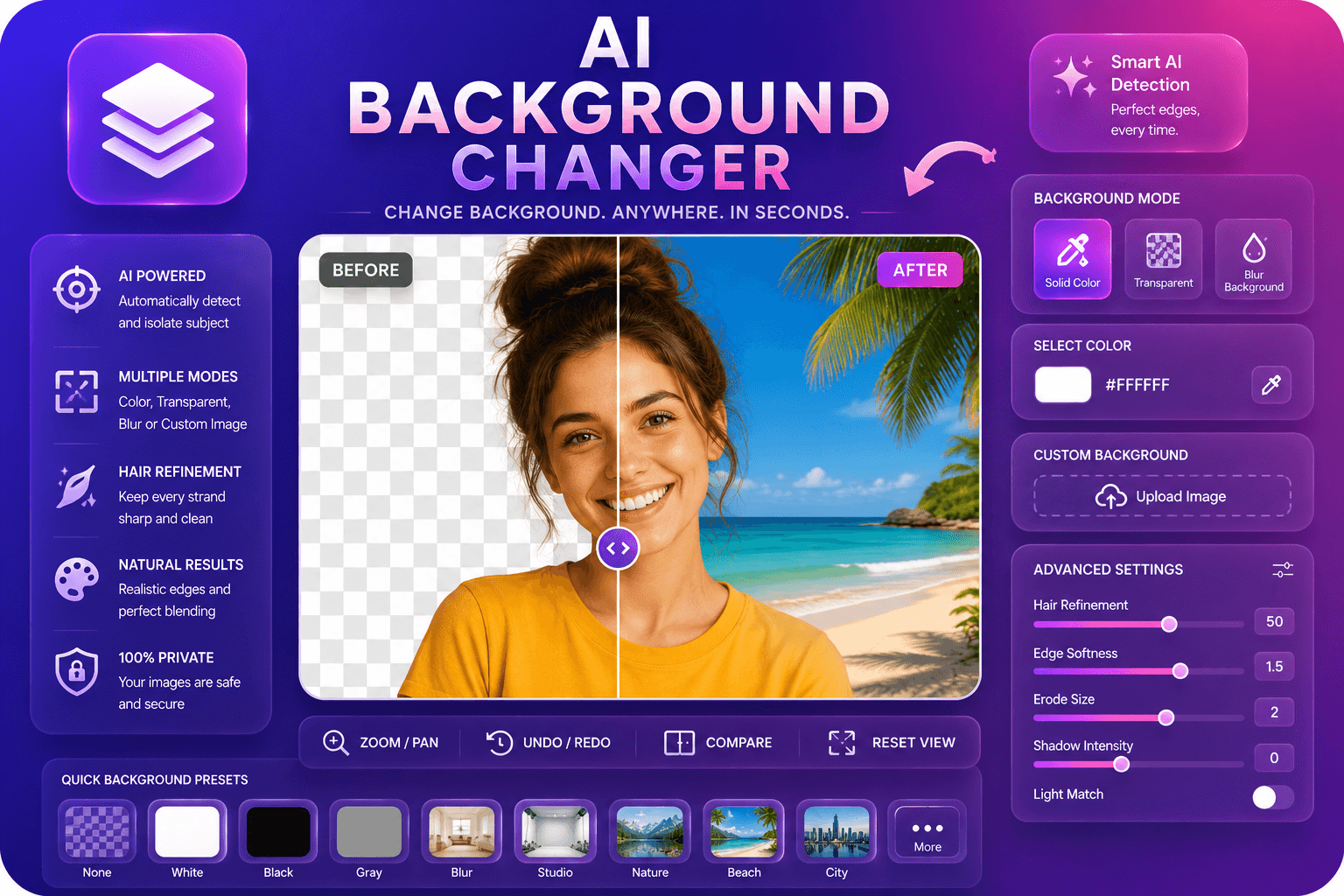
Replace image backgrounds with colors, blur, or custom images.
Launch Tool
Enhance facial features in photos using AI.
Launch ToolRemove backgrounds from images automatically with AI.
Launch ToolUpscale and enhance image quality up to 4x using AI.
Launch ToolEnhance facial features in photos using AI.
Launch ToolReplace image backgrounds with colors, blur, or custom images.
Launch Tool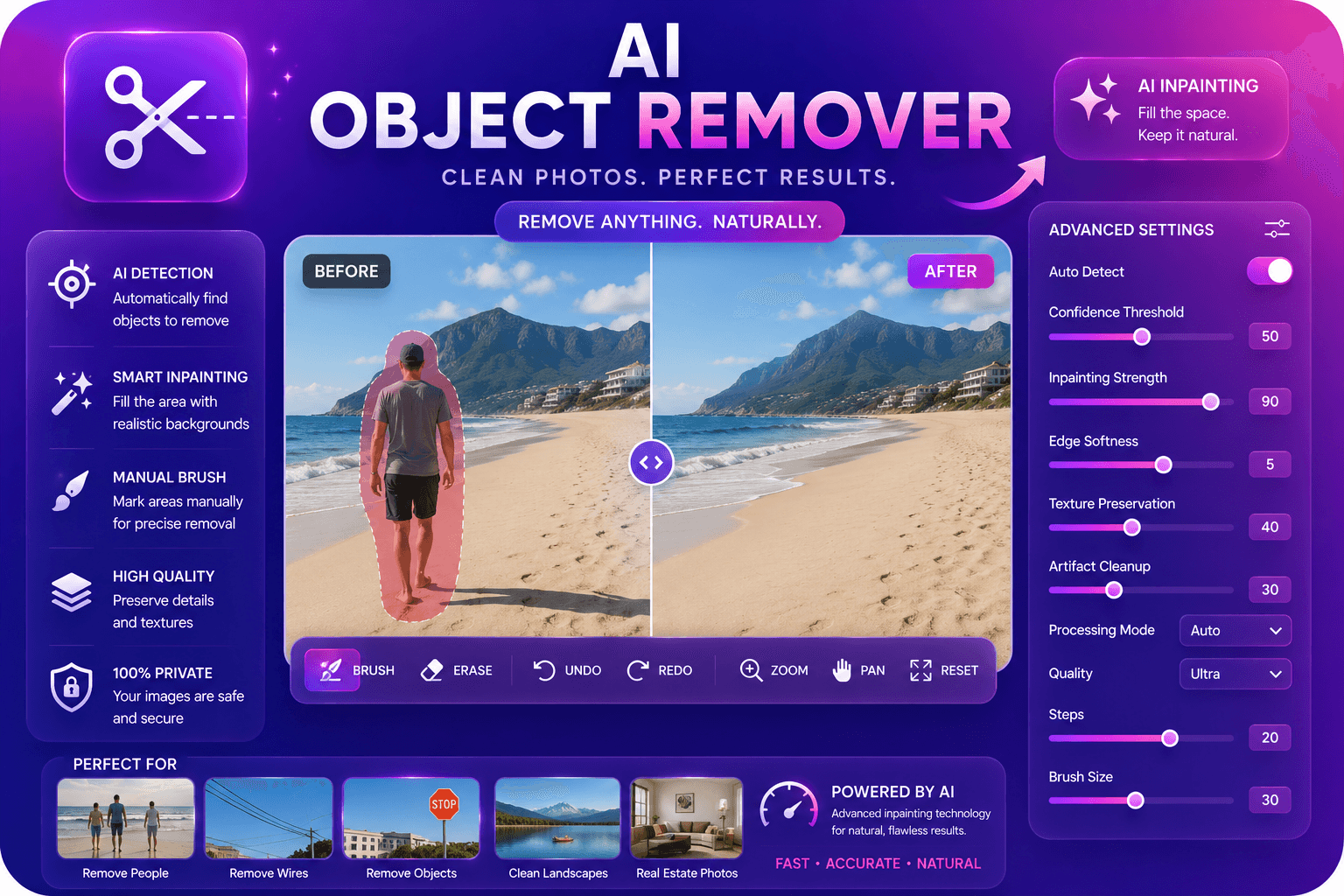
Remove unwanted objects from photos with AI inpainting.
Launch Tool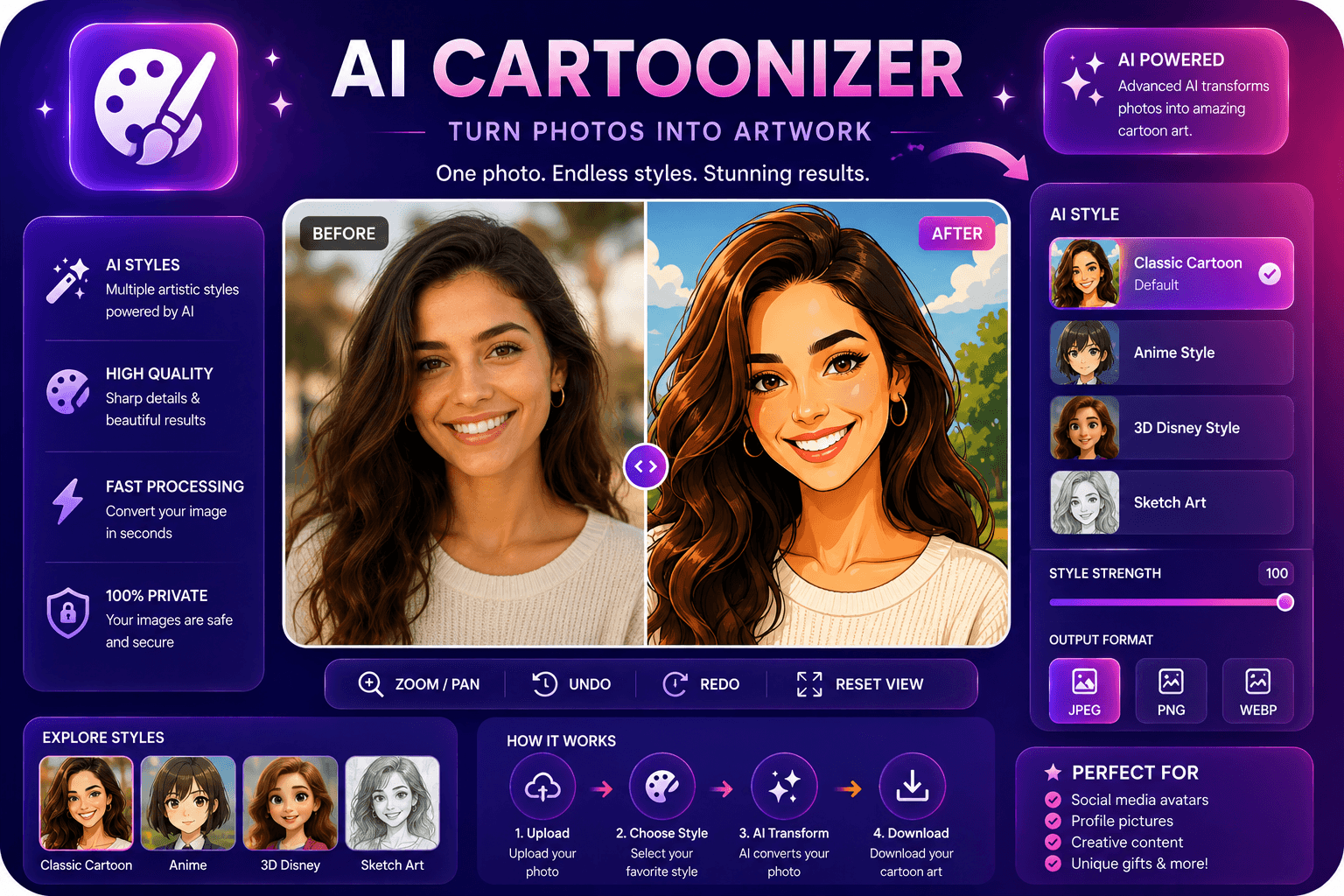
Convert photos to cartoon, anime, or sketch styles.
Launch Tool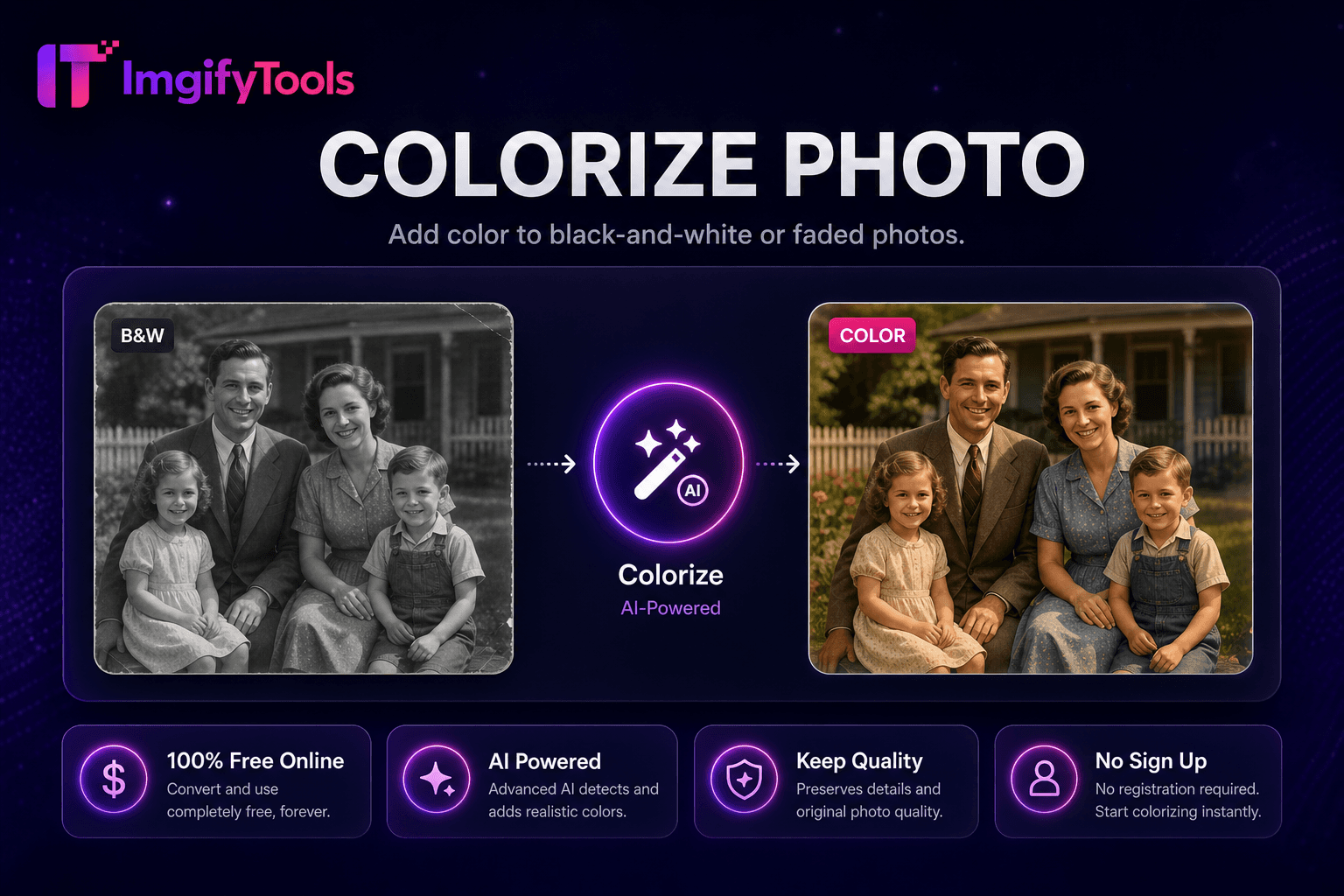
Add color to black-and-white or faded photos.
Launch Tool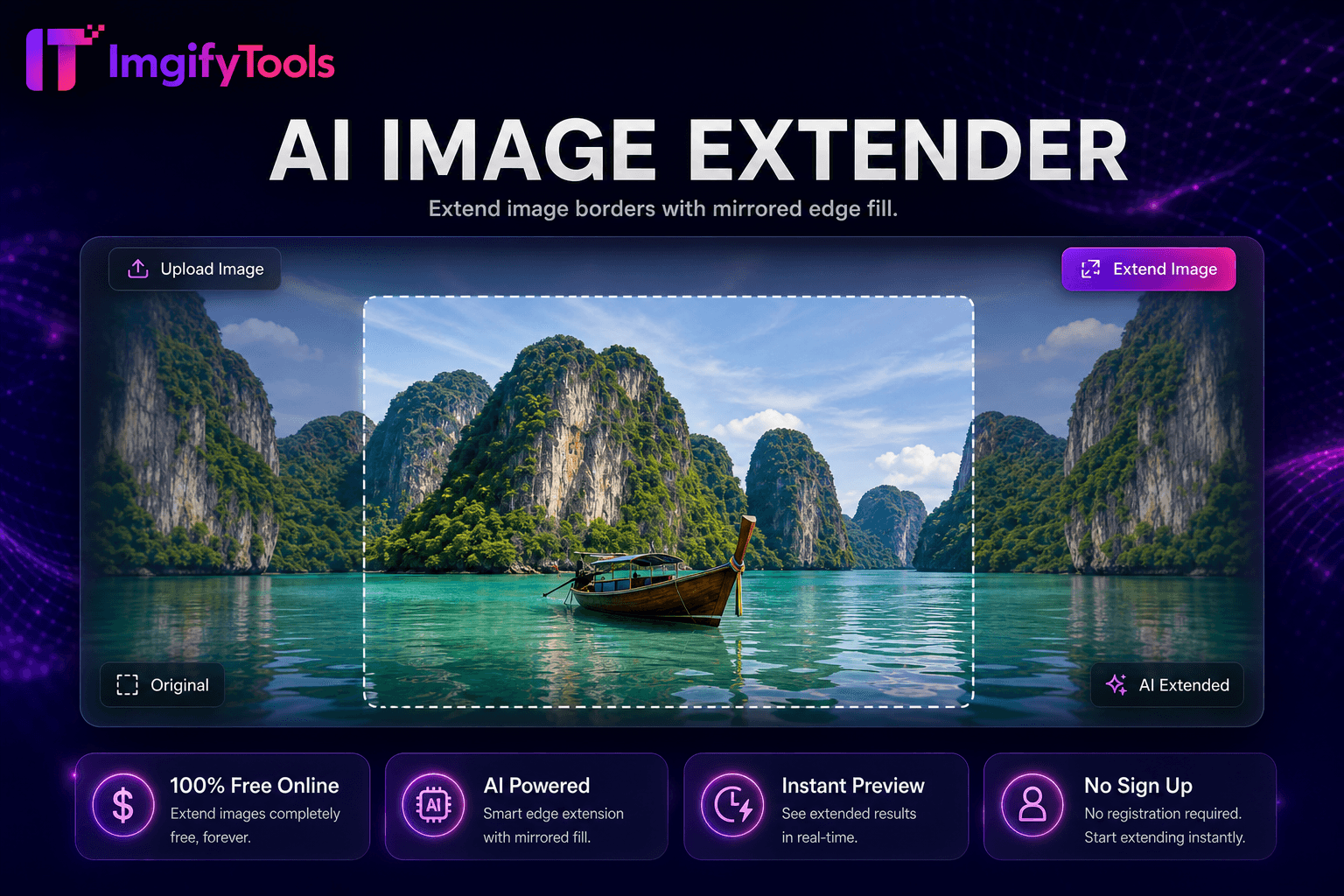
Uncrop and expand images with mirrored edge fill for extra canvas space.
Launch Tool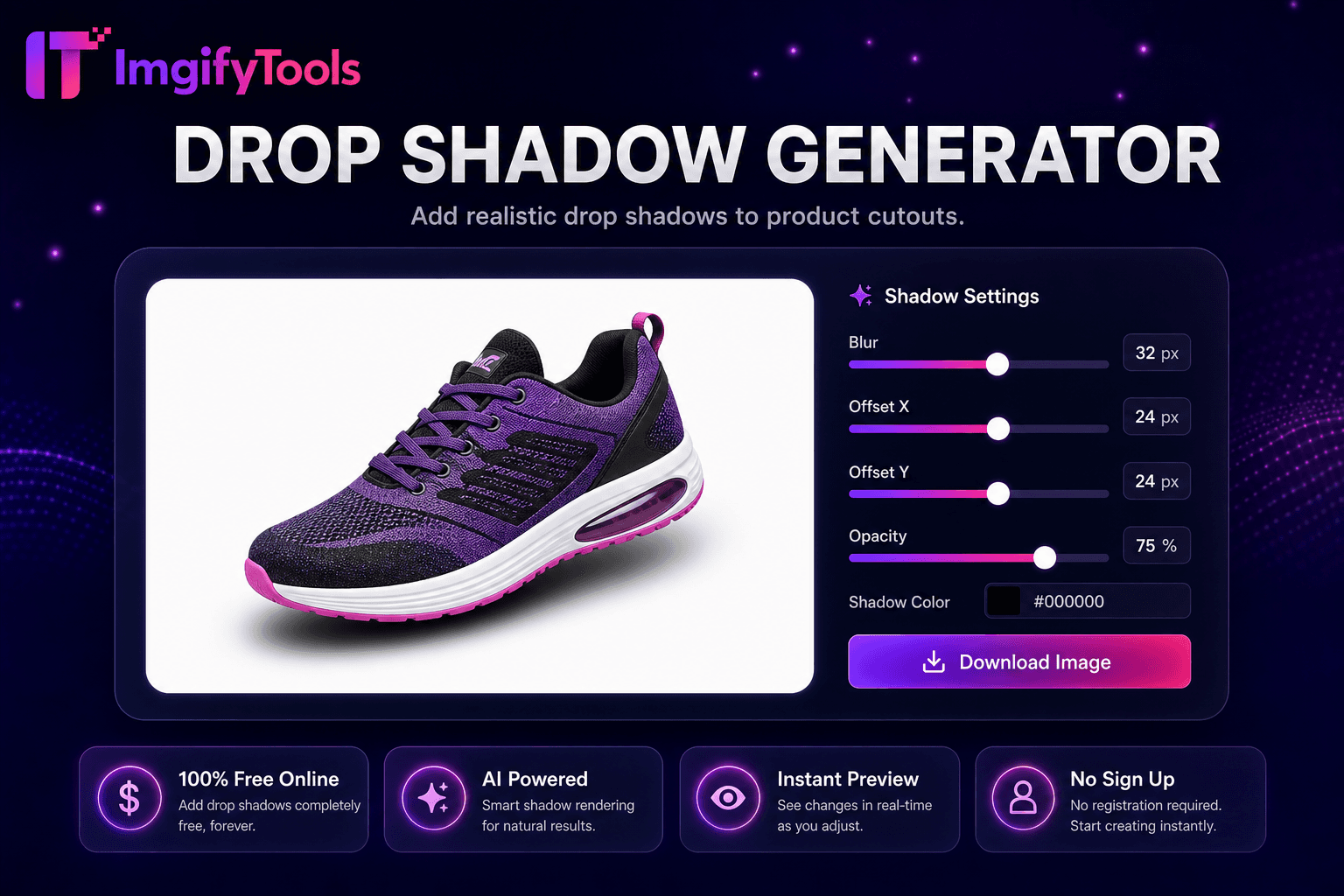
Add realistic drop shadows to product cutouts.
Launch Tool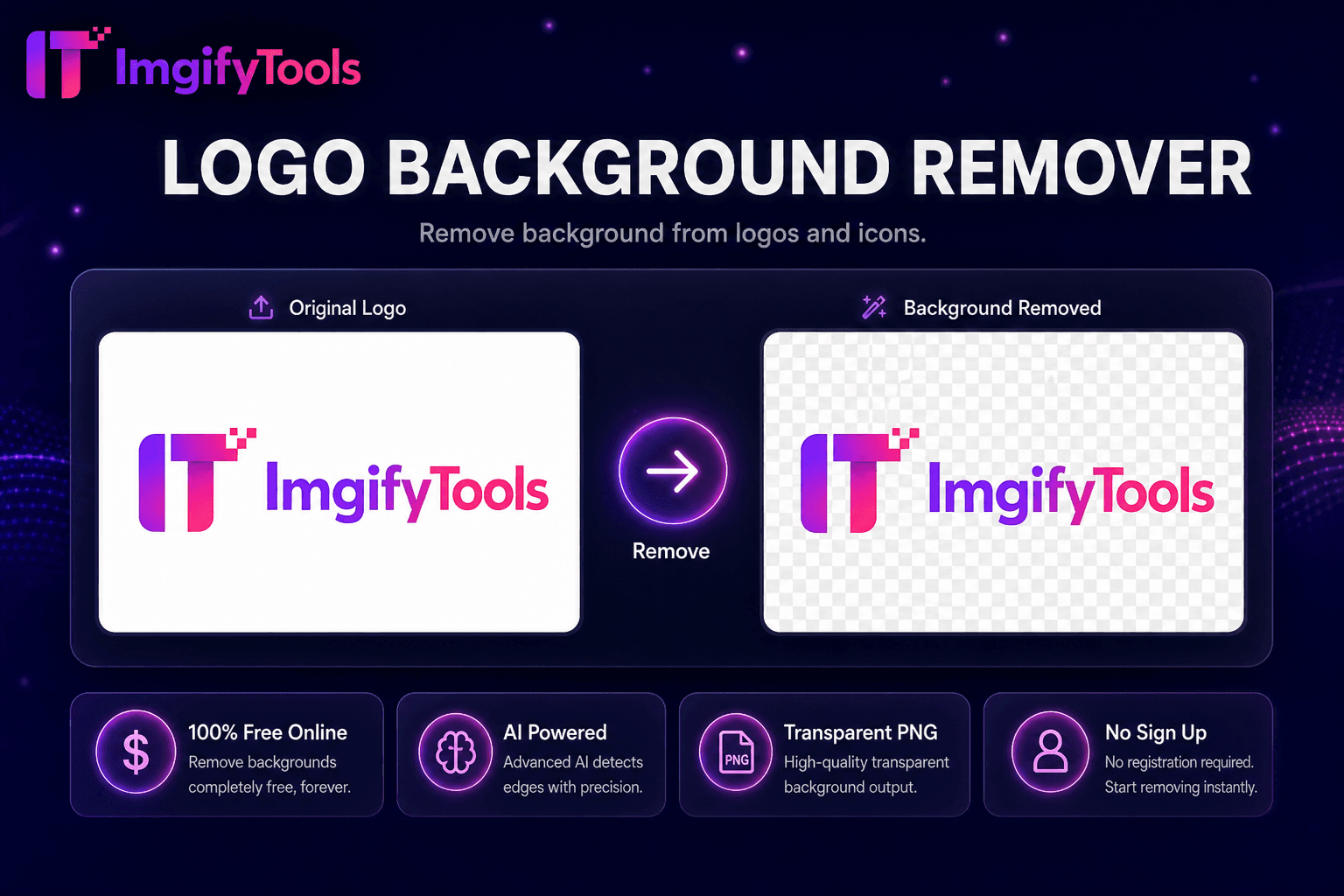
Remove background from logos and icons.
Launch Tool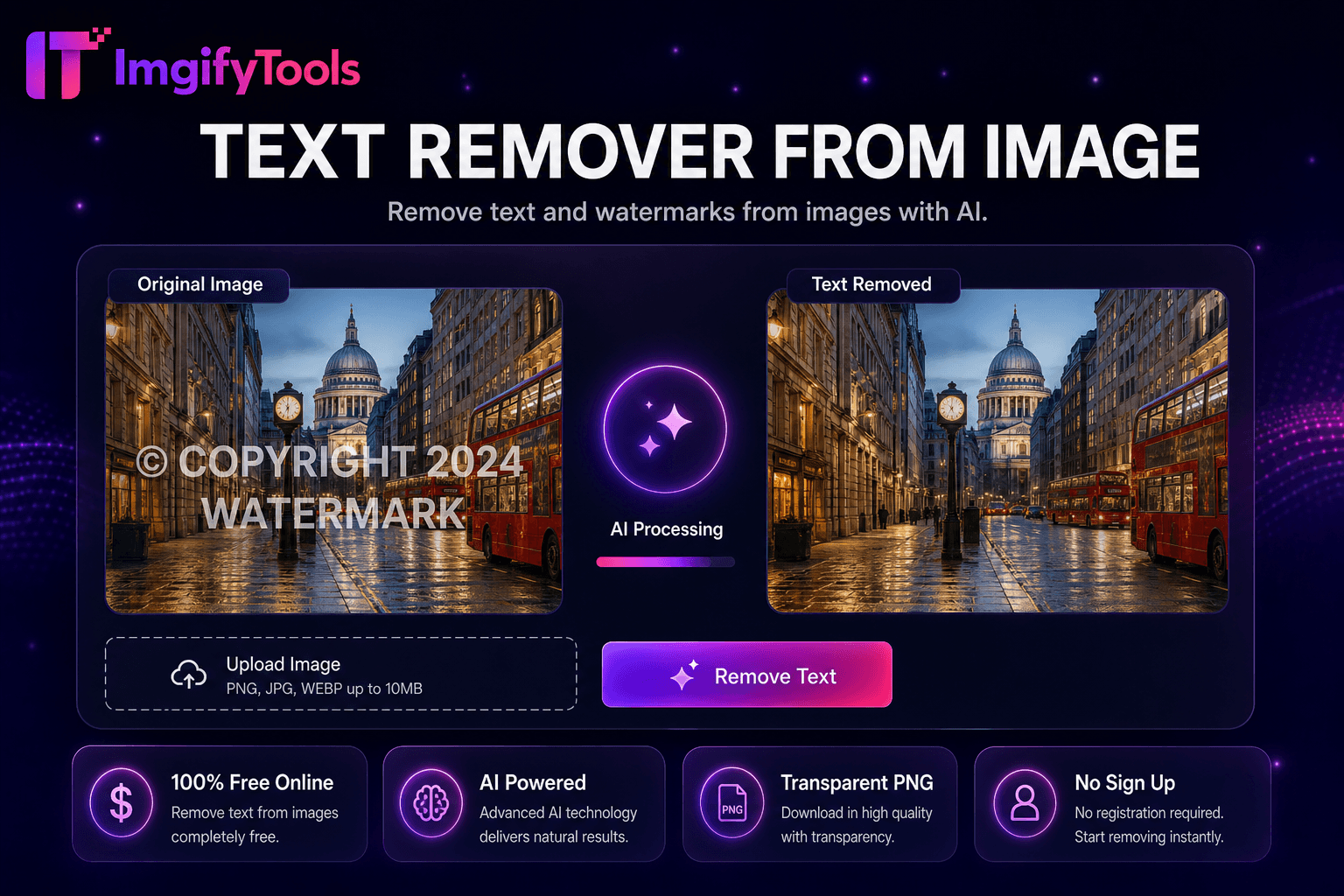
Remove text and watermarks from images with AI.
Launch Tool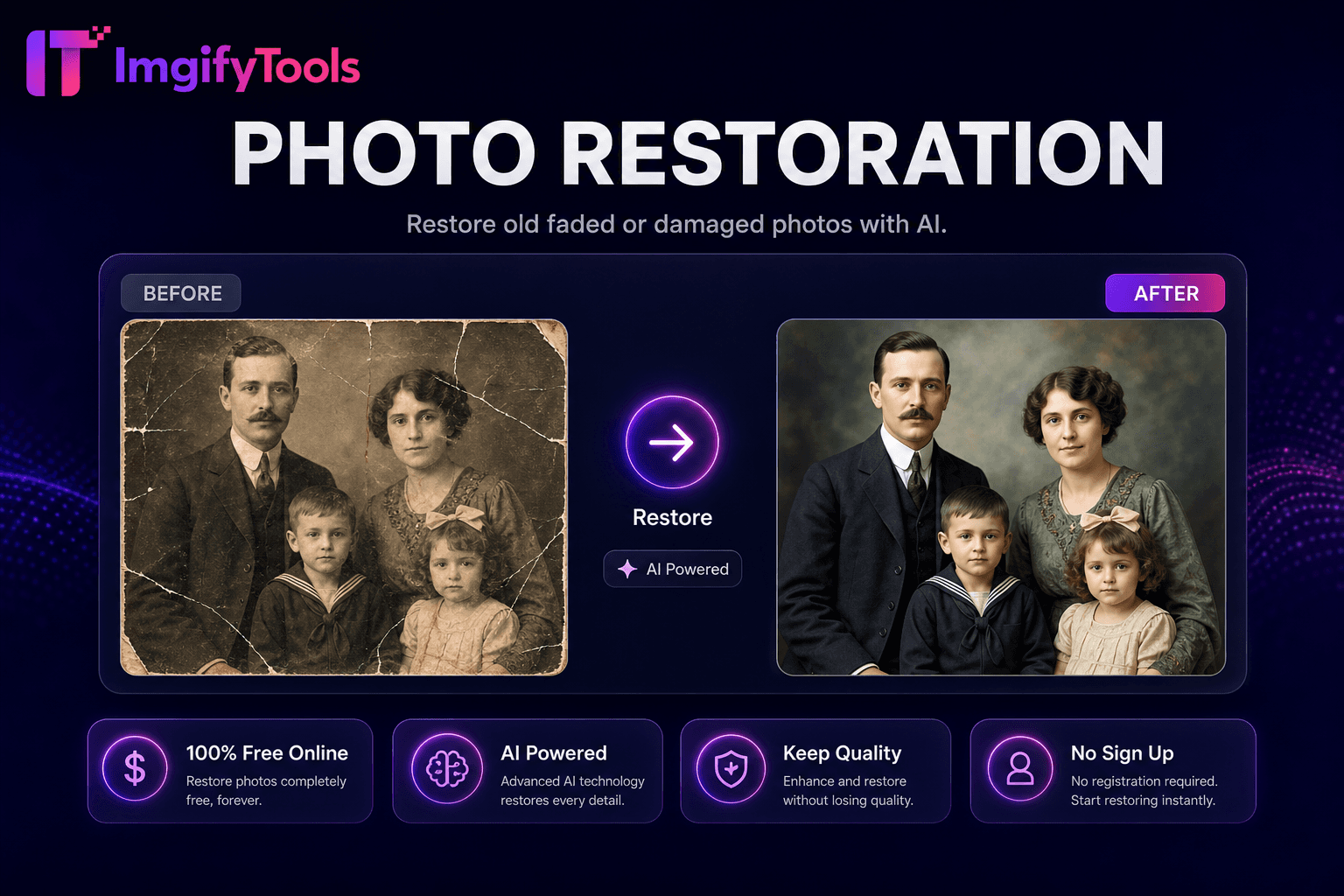
Restore old, faded, or damaged photos with AI.
Launch Tool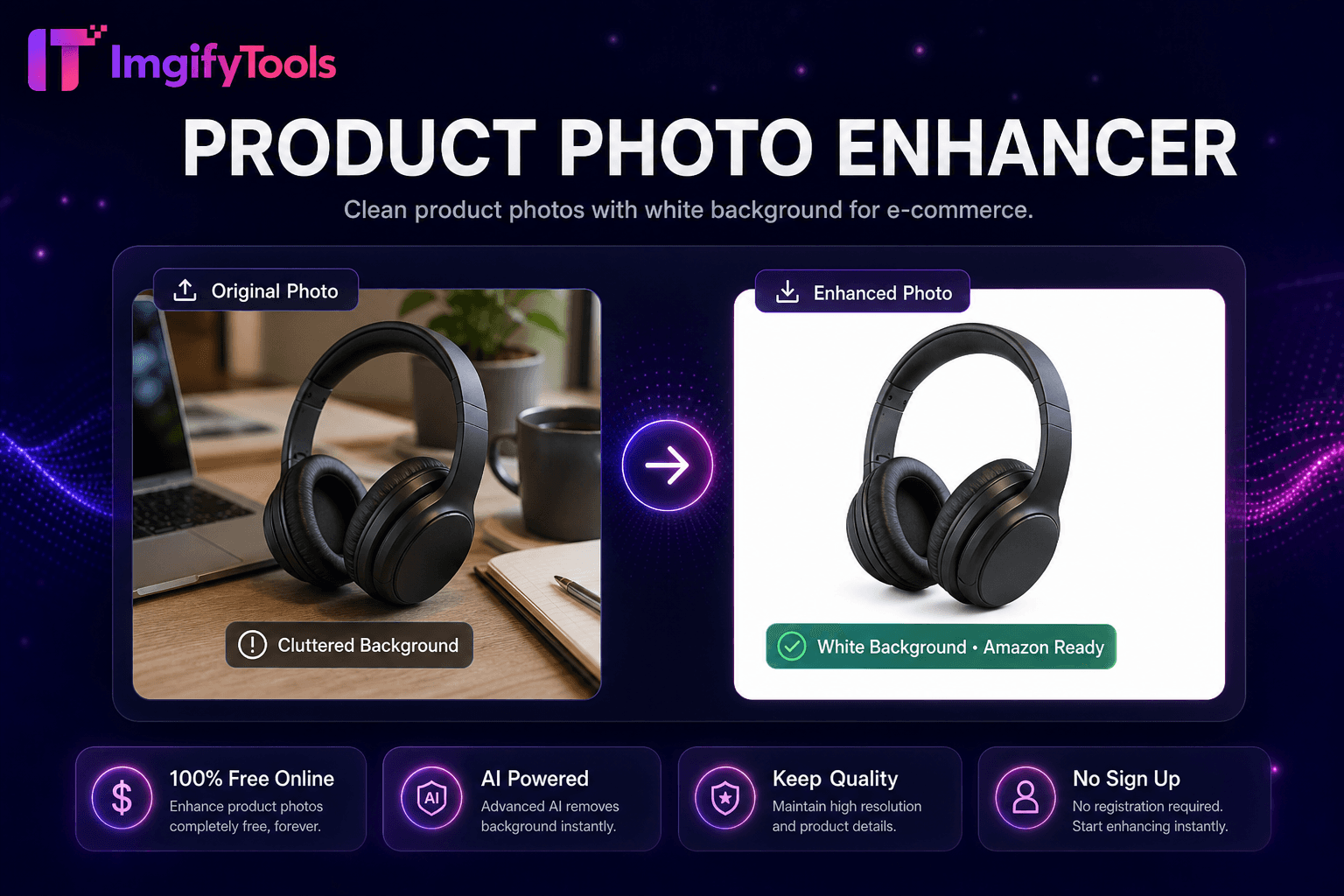
Clean product photos with white background for e-commerce.
Launch Tool