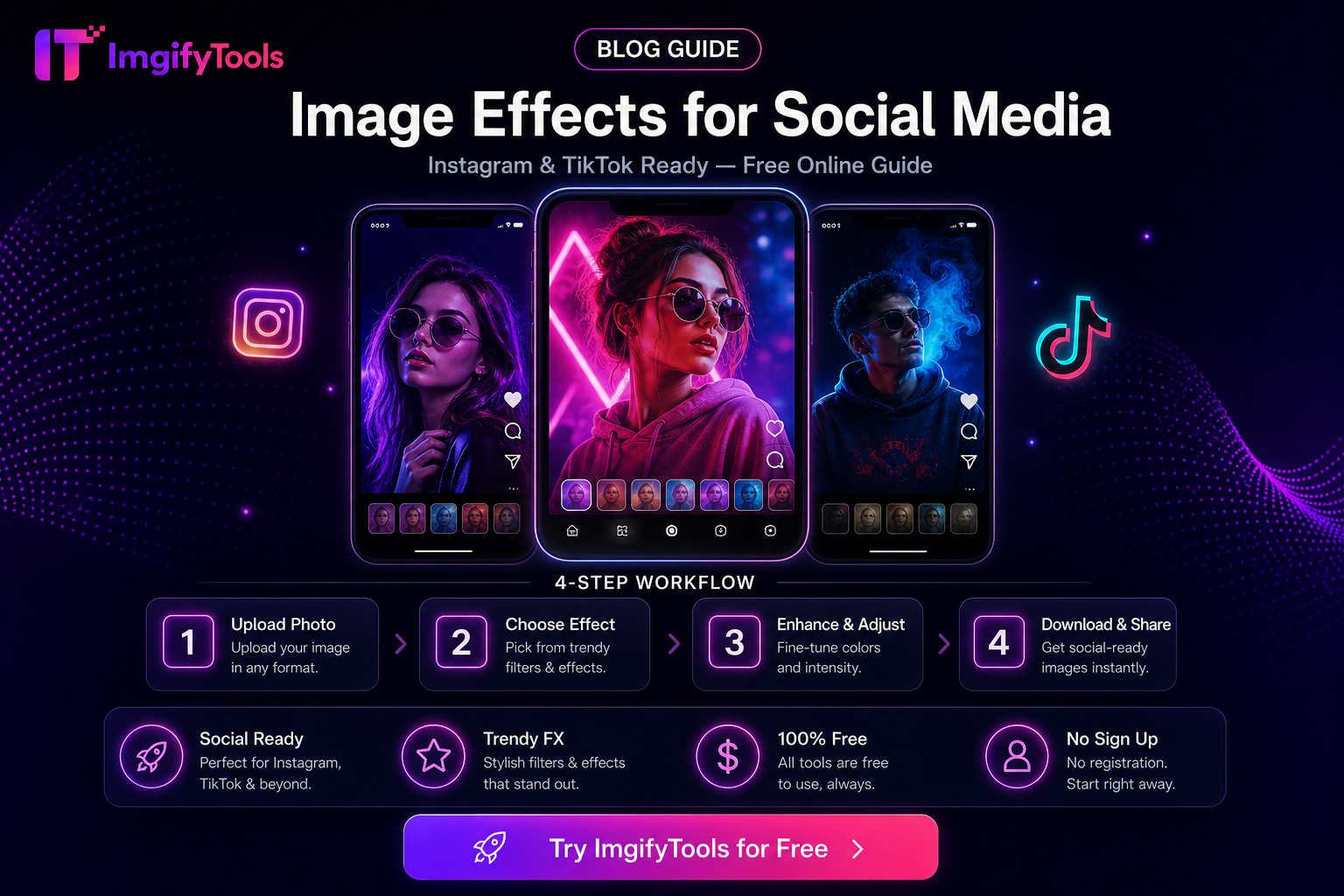
Image Effects for Social Media (Practical Uses)
Effects should support the post, not hide a weak photo. This guide covers when blur, sharpen, text, and light stylizing help on Instagram, LinkedIn, or Stories—and when plain crops win.
Tools: Image Effects, Blur, Sharpen, Text overlay, Social media resizer.
High-value uses
| Goal | Effect | Tip |
|---|---|---|
| Soften busy background | Blur | Keep the subject sharp |
| Recover slight softness | Sharpen | Easy to overdo—check at 100% |
| Add a short caption on-image | Text overlay | Keep contrast high for mobile |
| Match brand colors | Light adjustments / effects | Stay consistent across the grid |
Workflow
- Resize to the platform frame first (Social media resizer).
- Apply the smallest effect that solves the problem.
- Export and preview on a phone.
Privacy
Edit tools that upload process files on ImgifyTools servers for the session; the main image editor primarily runs in the browser. Privacy Policy.
Limitations
- Heavy stylizing can look dated quickly.
- Platform compression may mute subtle effects.
FAQs
Should every post use effects?
No. Clear subject and correct crop usually matter more.
Choose the effect by communication goal
Use blur when you need to reduce a distracting background, protect a visible personal detail, or create separation behind a caption. Keep the subject sharp and check that the blur does not accidentally hide information viewers need. Use sharpen only for mild softness caused by resizing or export; sharpening cannot repair motion blur and can make skin, text, and compression noise look harsh.
Text overlays should be treated as part of the design, not an afterthought. Use a short phrase, strong contrast, and enough padding from the edge that platform UI will not cover it. Test the graphic at the small size shown in a feed. If the message requires a paragraph, move the explanation into the post caption instead of shrinking the type until it becomes unreadable.
A platform-safe workflow
Start with the destination ratio and safe area. Resize or crop the source first, apply the smallest effect that solves the problem, add text or branding, and export a copy. Reopen the downloaded file and check it on a phone with brightness reduced. This catches effects that looked subtle on a large monitor but become muddy after platform recompression.
Keep the original image and an editable working copy. Save a final derivative for each destination rather than uploading one oversized master everywhere. JPG is usually practical for photographs; PNG is useful for sharp graphics or transparency. WebP can be efficient for websites, but social platforms may re-encode it, so verify accepted formats before choosing it as the delivery file.
Accessibility and trust
Do not use blur, overlays, or color effects to obscure a defect, disclosure, or safety detail. Maintain readable contrast and avoid flashing or excessively intense effects. If an image contains important information, repeat it in accessible text or the caption. Effects should make the subject easier to understand, not create a misleading impression.
Is sharpen good for every blurry photo?
No. It can improve mild softness, but focus and motion blur cannot be fully recovered. Compare before and after at 100% and stop when edges begin to look crunchy.
Should I apply effects before resizing?
Usually resize or crop for the destination first, then apply the effect at the final working dimensions. This makes the preview closer to what followers will actually see.
Related tools
You may also like

Free Online Image Editor — Complete Guide
Free Online Image Editor — Complete Guide: practical steps, common pitfalls, and when to use ImgifyTools free browser tools—no signup, no watermark.
Read next →
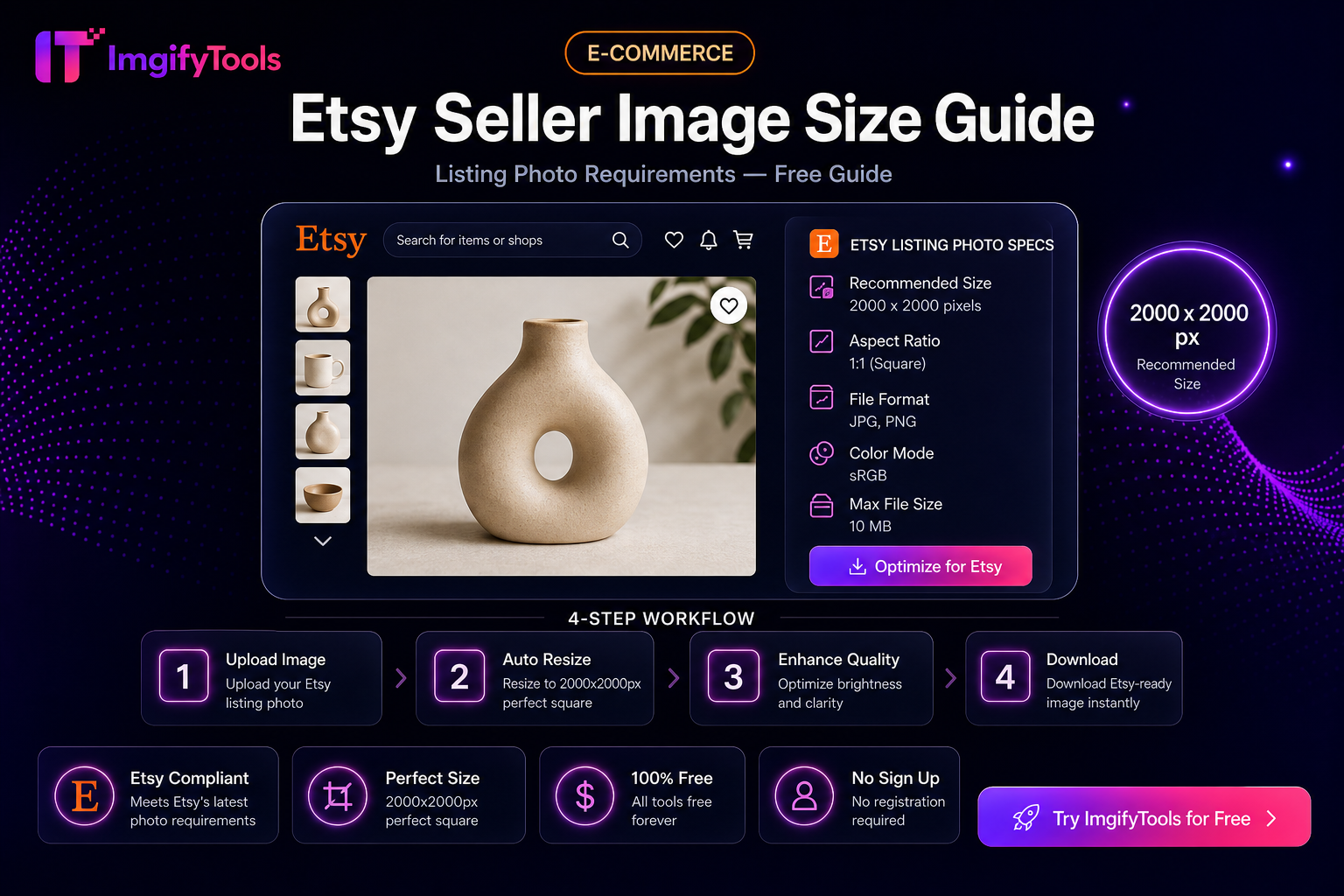
Etsy Seller Image Size Guide (Practical Listing Prep)
Prep Etsy listing photos: square crops, clean backgrounds, and sensible file sizes with free ImgifyTools—plus limits and privacy notes.
Read next →
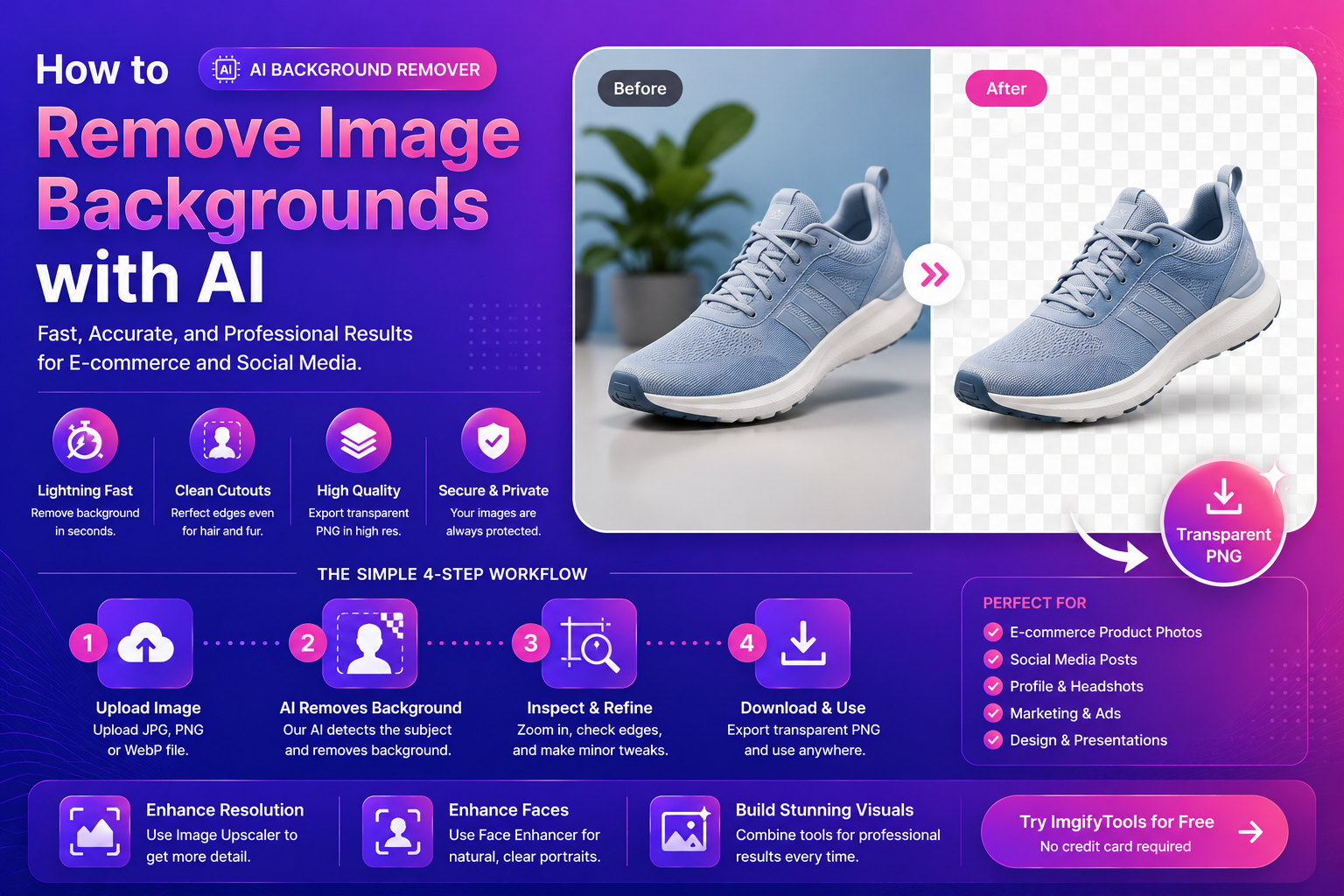
How To Remove Image Backgrounds With AI (Fast, Clean Results)
Learn how AI background removal works, when to use it, and how to get pro cutouts for e‑commerce and social—plus tools to upscale and enhance portraits.
Read next →