ImgifyTools vs Remove.bg — Honest Differences (Not a Fake Scorecard)
Compare ImgifyTools and Remove.bg for background removal: free access, APIs, suite extras, and privacy—without fabricated benchmarks or “winner” percentages.
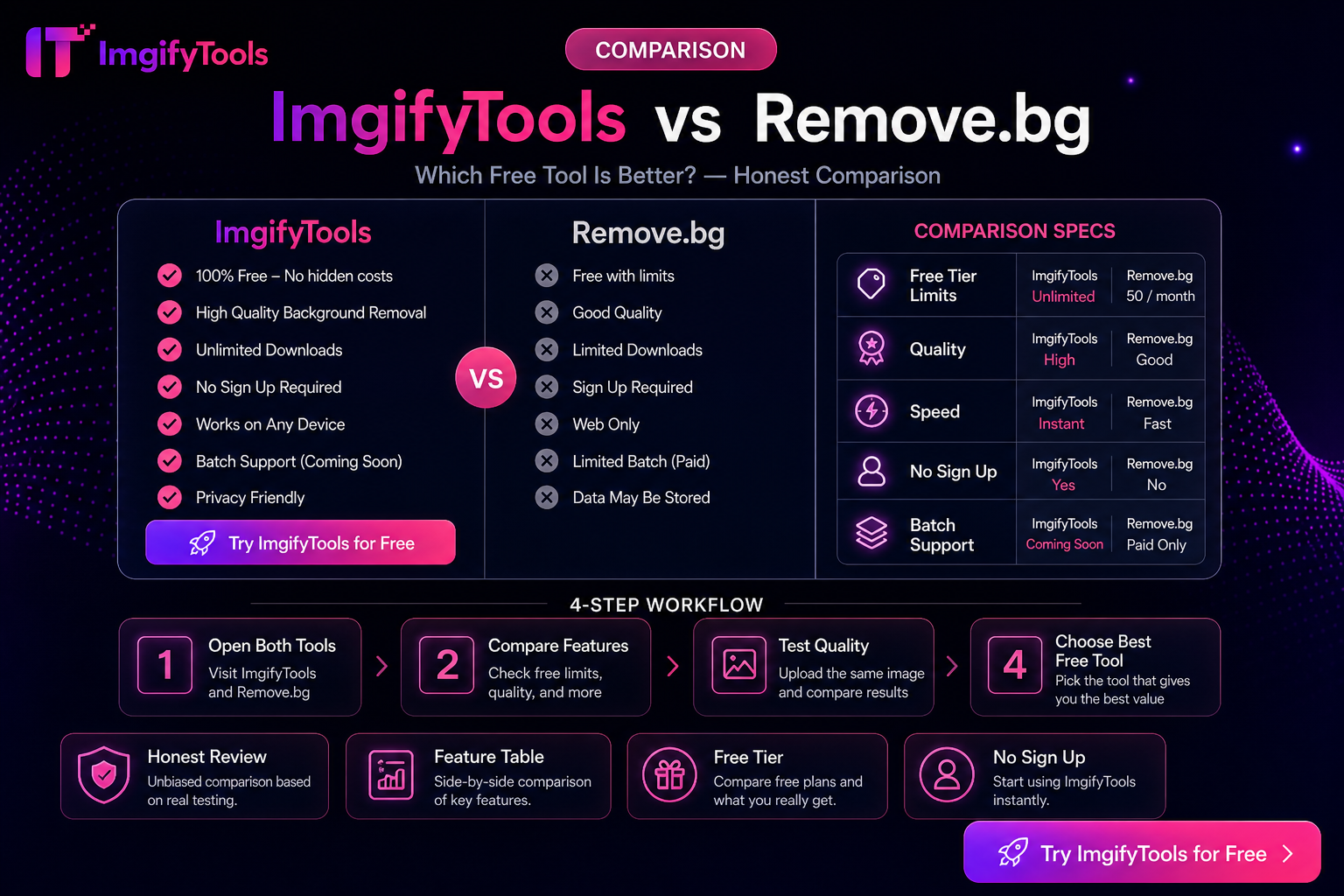
ImgifyTools vs Remove.bg — Honest Differences (Not a Fake Scorecard)
Both products aim at the same job: separate a subject from its background. Remove.bg popularized one-click cutouts and a mature API ecosystem. ImgifyTools offers a free browser AI background remover inside a broader image suite. This post explains how they differ in practice—not a lab ranking with invented scores.
For a structured side-by-side page, see Remove.bg alternative comparison.
How to read this comparison
- Feature rows below are qualitative and can change when either product updates pricing or limits.
- We have not published a dated pixel-level head-to-head benchmark here. Judge cutout quality on your photos.
- Competitor free-credit and API rules should be confirmed on Remove.bg before you budget.
Differentiation that actually matters
| Topic | ImgifyTools | Remove.bg (typical positioning) |
|---|---|---|
| Primary fit | Free browser cutouts plus compress/resize/convert nearby | Dedicated removal product with deep API/plugin ecosystem |
| Account | Optional for typical browser use | Account commonly tied to credits and history |
| Free access model | Designed for ongoing free web use within published limits | Free tier often limited; full-res exports may consume credits |
| Upload limits | About 10MB per image on standard AI uploads (confirm on tool page) | Plan- and API-dependent |
| Beyond removal | Compression, KB targets, format conversion, other AI/edit tools on one site | Focused on background removal and related Remove.bg ecosystem features |
| Enterprise automation | Browser/human-in-the-loop first | Stronger fit when you already need APIs, plugins, and contracts |
When ImgifyTools is the better fit
- You need occasional or weekly cutouts without buying credits per download
- You also need to hit marketplace KB/pixel caps in the same session (compressor, platform resizer)
- You prefer starting without creating an account for a single PNG export
- You are preparing product or social assets and will eyeball each mask yourself
Try: AI Background Remover · Remove Product Background
When Remove.bg is the better fit
- You already run (or must build) API pipelines, Photoshop plugins, or volume contracts
- Your team standardized on Remove.bg’s tooling and support channels
- You need vendor features that only exist in their paid/API tiers (verify current docs)
Privacy (ImgifyTools)
AI background removal uploads images to ImgifyTools servers for temporary session processing. Files are not treated as a permanent public gallery by default. The in-browser image editor primarily processes on your device. Read Privacy Policy. Review Remove.bg’s own privacy terms separately before uploading sensitive assets to either service.
What we will not claim
- No “ImgifyTools beats Remove.bg by X% on edges” statements without a published methodology and date
- No fake user counts, awards, or guaranteed marketplace acceptance
- No claim that free always equals unlimited at every resolution forever—limits are disclosed on tool pages and can change
Practical test (use your images)
- Pick one portrait with flyaway hair and one product with hard edges.
- Run both tools (within each free/plan limit).
- Compare at 100% zoom for halos, missing straps, and logo clarity.
- Export and compress as your channel requires.
Related reading
You may also like
How to Choose AI Image Editing Tools (Practical Criteria)
Criteria for choosing AI image tools—background removal, upscaling, face enhancement, and export fit—without fake rankings. Includes ImgifyTools options.
Read next →
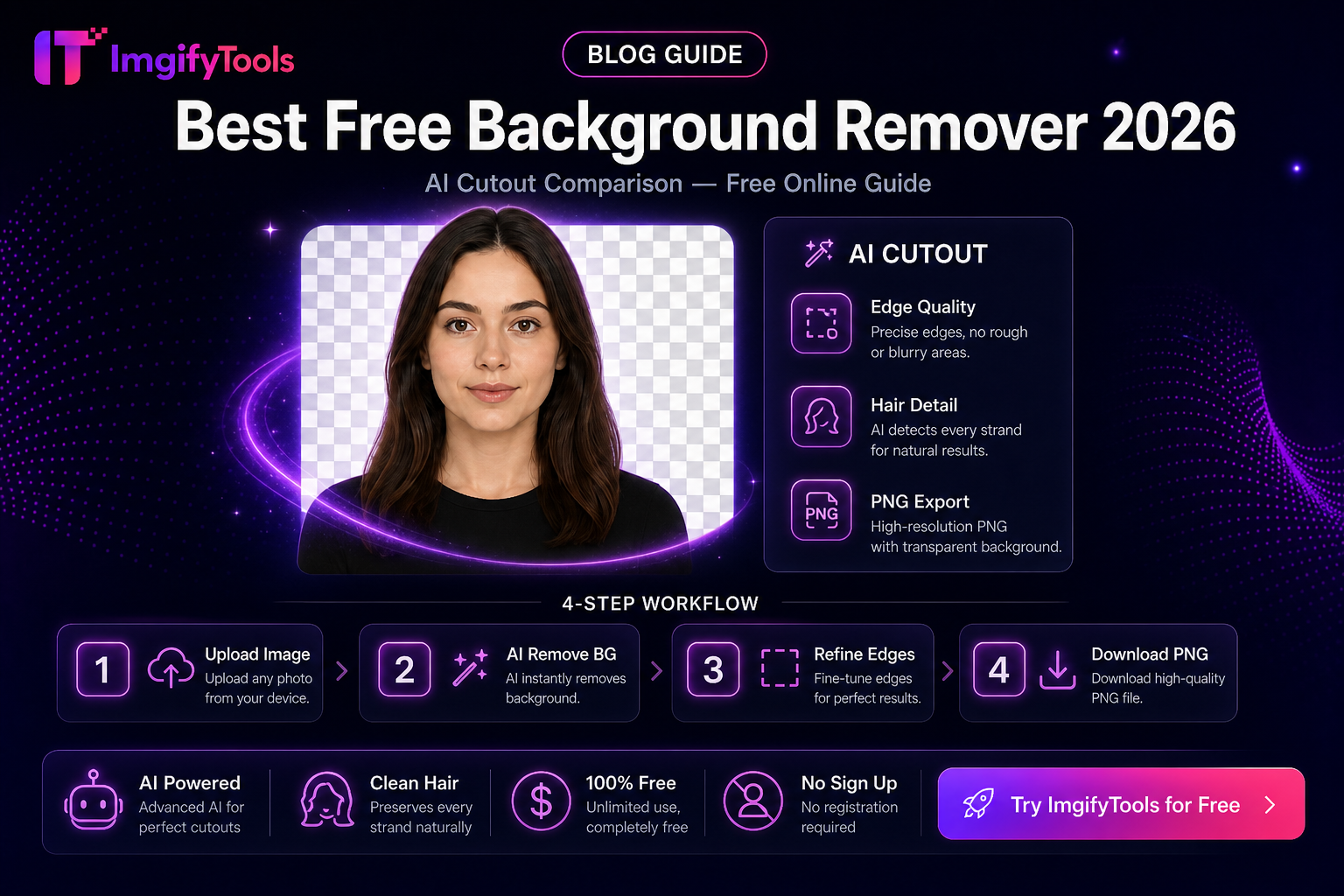
How to Choose a Free Background Remover (2026 Evaluation Criteria)
Soft-recommendation guide: evaluate free background removers on edges, limits, privacy, exports, and workflow fit—without a fake ranked “best of” list.
Read next →
ImgifyTools vs Photopea — Browser Image Suite vs Full Editor
Photopea is a PSD-capable browser editor; ImgifyTools is a free tool suite for cutouts, compress, convert, and quick edits. Choose by job scope—not hype.
Read next →