ImgifyTools vs Photopea — Browser Image Suite vs Full Editor
Photopea and ImgifyTools both run in a browser tab. They solve different scopes. Treating them as interchangeable “free Photoshop clones” creates the wrong expectations.
Scope difference (the useful mental model)
| Photopea | ImgifyTools | |
|---|---|---|
| Core idea | Full-featured image editor (layers, PSD-oriented workflow) | Suite of single-purpose tools + a simpler image editor |
| Strength | Composites, text layouts, blend modes, opening layered PSD-like work | One-click AI cutouts, KB targets, format conversion, passport/visa framing helpers |
| Learning curve | Closer to desktop editors | Tool-per-job; less layer management |
| Typical session | Build or deeply retouch a design | Process a file to a destination rule and download |
Neither “wins” universally. Match the tool to the job.
When Photopea is the better fit
- Multi-layer posters, thumbnails with complex text, or mockups
- You need blend modes, precise masks, or PSD compatibility
- Daily design work that feels like Photoshop-in-a-tab
- You already know editor UI patterns and want maximum control
When ImgifyTools is the better fit
- Background removal without building a layer stack: AI Background Remover
- Hitting portal KB or pixel caps: Image Compressor, exact size guide
- Fast format fixes (HEIC, WebP, PNG/JPG): format converter
- Passport / visa oriented crops: Passport Photo Maker
- Light local canvas edits: Image Editor
How teams often combine both
A common honest workflow:
- Cut out or convert in ImgifyTools (fast processing path).
- Open the PNG in Photopea when you need typography, multi-layer layout, or fine brush work.
- Export final assets and compress again if a CMS has a size ceiling.
That pairing respects each product’s scope instead of forcing one app to do everything poorly.
Privacy notes (ImgifyTools)
AI and convert/edit tool routes upload files to ImgifyTools servers for temporary session processing. The image editor primarily processes in the browser on your device. See Privacy Policy. Review Photopea’s own terms for how it handles documents you open there.
What this comparison does not claim
- No fabricated “ImgifyTools is X% faster than Photopea” benchmarks
- No claim that ImgifyTools replaces layered design work
- No claim that Photopea is a full AI cutout pipeline (use each for what it is good at)
Related reading
You may also like
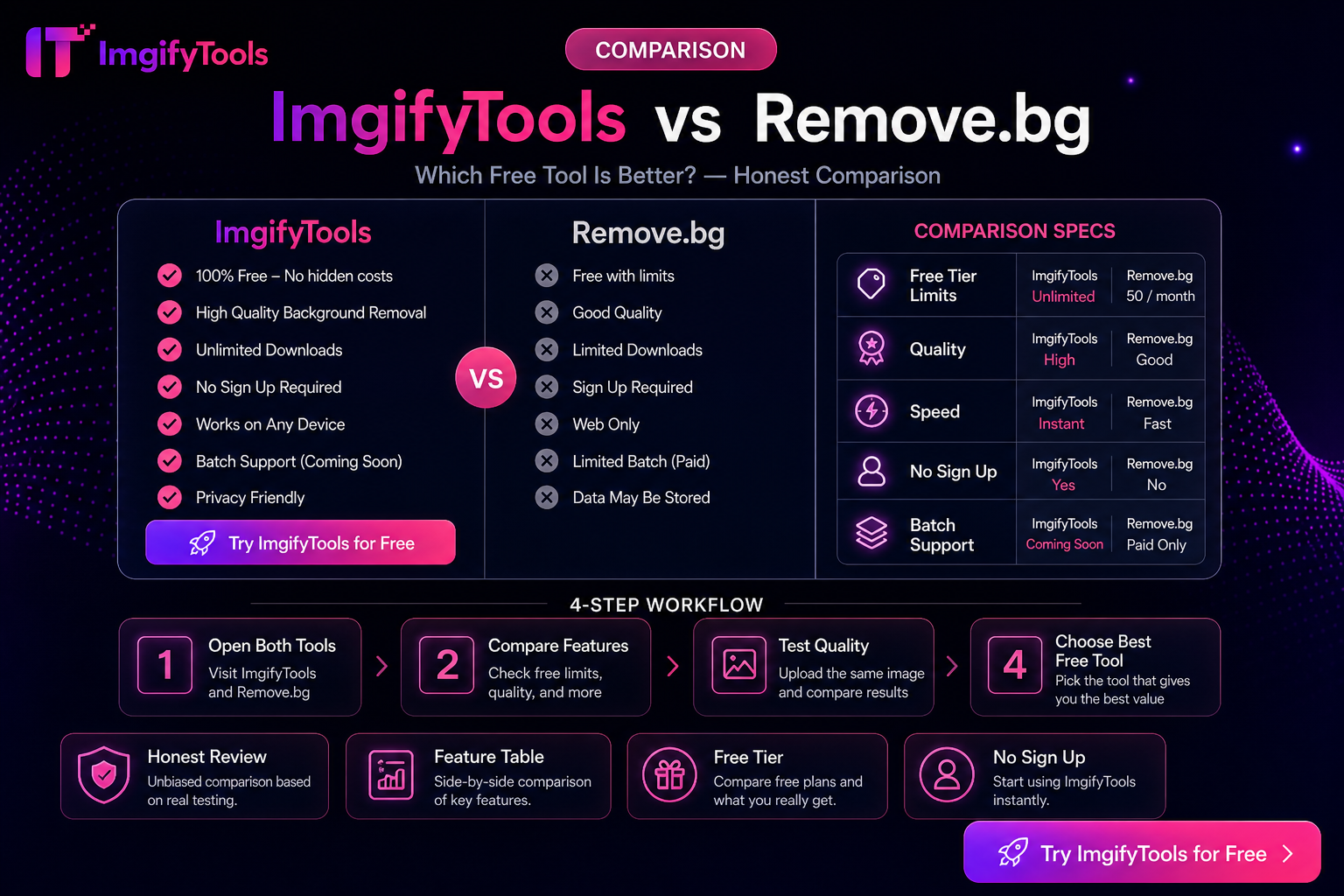
ImgifyTools vs Remove.bg — Honest Differences (Not a Fake Scorecard)
Compare ImgifyTools and Remove.bg for background removal: free access, APIs, suite extras, and privacy—without fabricated benchmarks or “winner” percentages.
Read next →
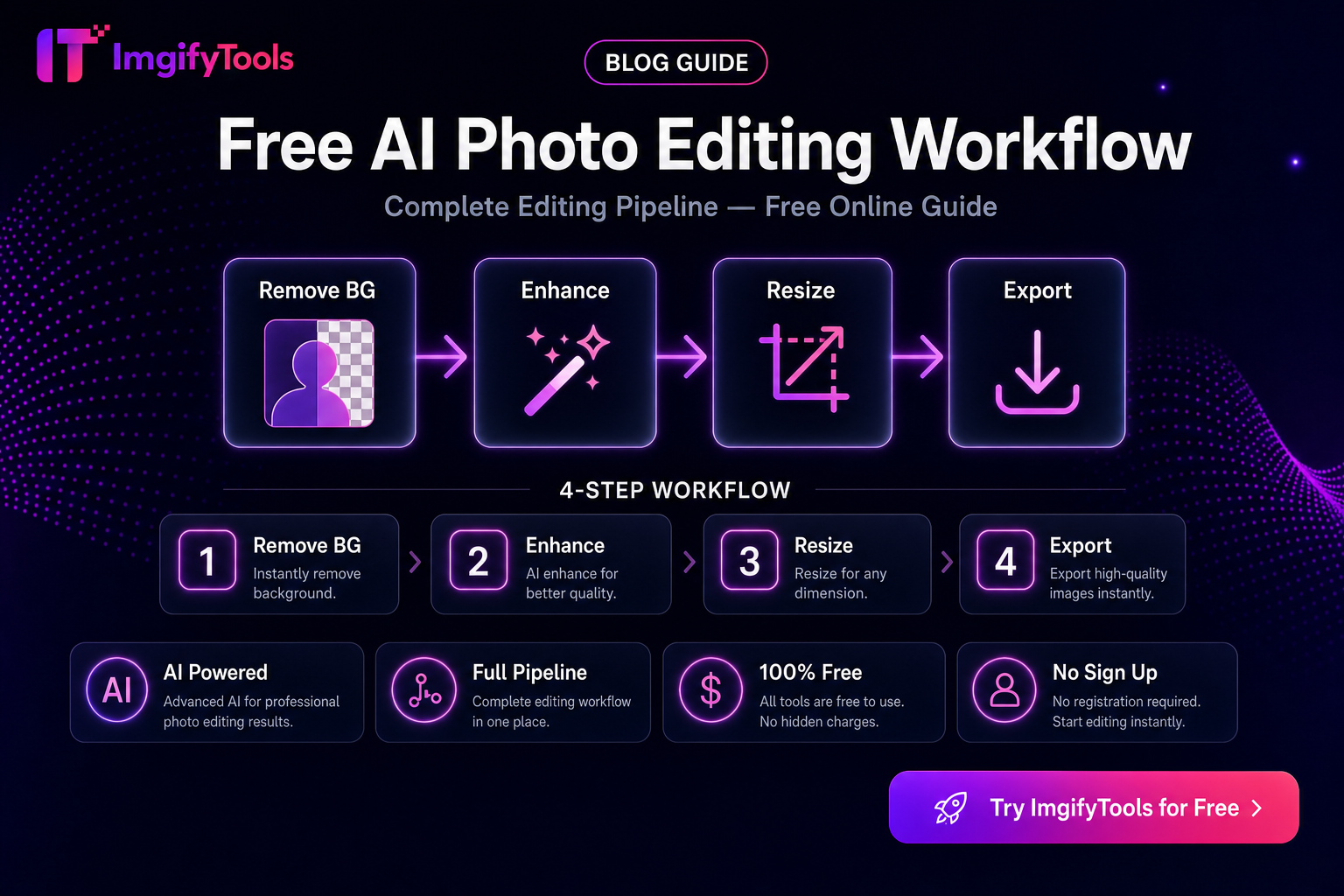
Free Photo Editing Workflow — Which Steps Are AI vs Browser Edit
Build a practical free workflow: AI cutouts and enhancement where they help, browser edits for crop/compress/effects—with honest privacy notes for each path.
Read next →
How to Choose AI Image Editing Tools (Practical Criteria)
Criteria for choosing AI image tools—background removal, upscaling, face enhancement, and export fit—without fake rankings. Includes ImgifyTools options.
Read next →