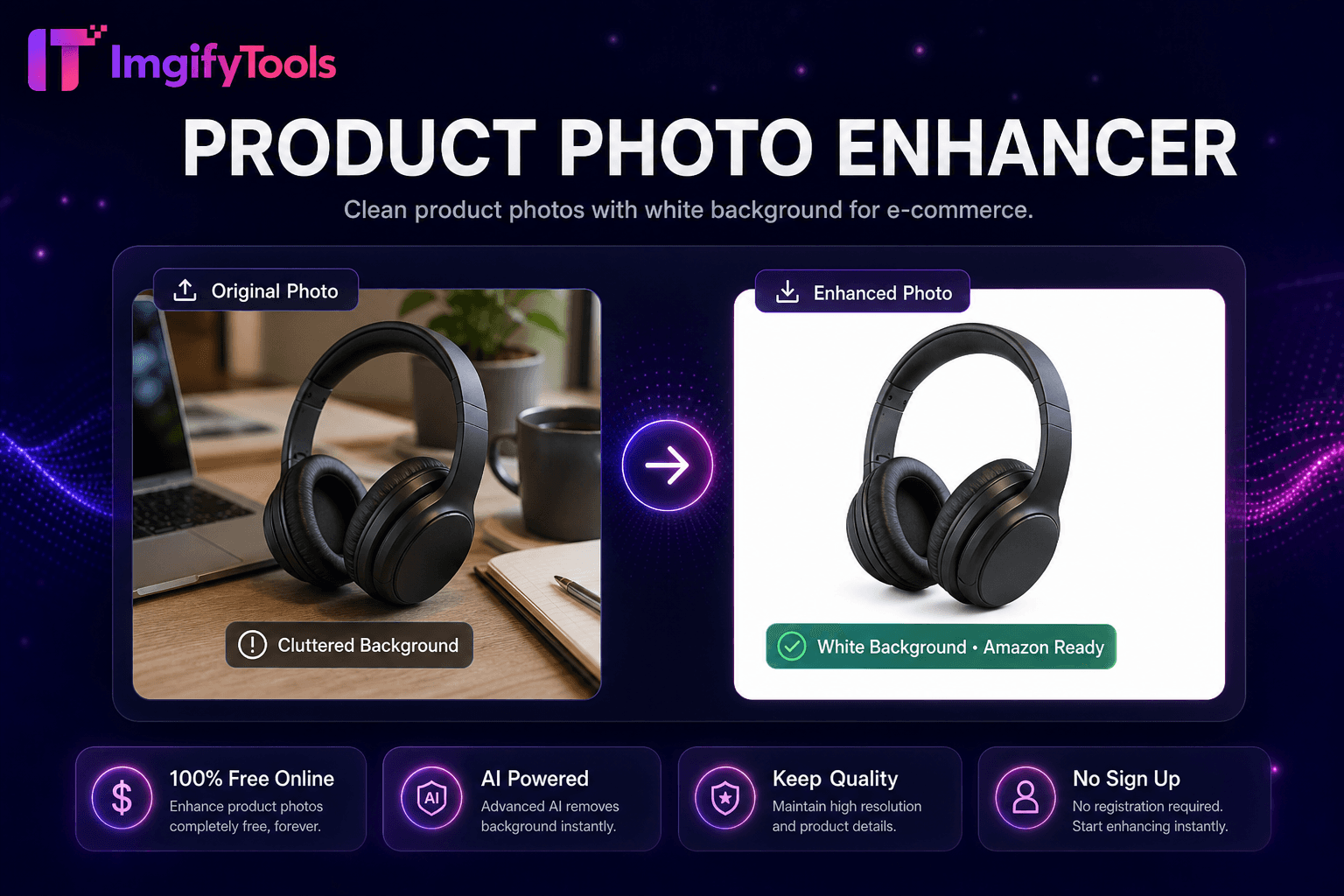
Product Photo Enhancer
Fotografías limpias de productos con fondo blanco para comercio electrónico.
Herramienta de lanzamientoElimina el fondo de logotipos e íconos. Rápido, seguro y completamente gratis — no requiere registro.
ImgifyTools Logo Background Remover optimiza los recortes de IA para logotipos planos, íconos, insignias y marcas denominativas, preservando bordes nítidos similares a vectores y regiones de colores sólidos que los eliminadores de fondos de fotografías generales a veces difuminan incorrectamente. Las empresas emergentes extraen logotipos de capturas de pantalla para presentaciones. Los desarrolladores web aíslan las fuentes de favicon de las exportaciones de PDF de la marca. Los diseñadores de mercancías preparan logotipos PNG listos para imprimir sin halos en camisetas oscuras. El modelo detecta formas gráficas de alto contraste, rellenos de color uniformes y esquinas nítidas típicas de los activos de la marca en lugar de detalles fotográficos del cabello. La transparencia PNG de salida cae limpiamente en Figma, presentaciones de diapositivas y firmas de correo electrónico. Alternativa gratuita al rastreo manual con herramienta de lápiz para logotipos simples. Combínelo con un generador de sombras con moderación: los logotipos planos rara vez necesitan sombras paralelas.
Cargue la imagen del logotipo, incluso desde una captura de pantalla o un escaneo.
La IA detecta regiones gráficas planas y elimina el fondo.
Vista previa de PNG transparente para obtener bordes nítidos.
Elija salida de fondo blanco transparente o JPG.
Descargue el logotipo listo para web, impresión o merchandising.
A diferencia de muchas otras plataformas que comprometen la calidad u ocultan los resultados detrás de muros de pago, ImgifyTools ofrece resultados de alta fidelidad centrándose en la velocidad y la privacidad del usuario. No es necesario crear una cuenta para comenzar a transformar sus imágenes.
La segmentación adaptada a los recursos de diseño gráfico prioriza los bordes duros y la homogeneidad de color plano sobre las transiciones suaves fotográficas. Los bordes suavizados del logotipo de las exportaciones de trama conservan la suavidad de los subpíxeles sin afectar los trazos de los glifos. Los logotipos multicolores conservan cada región de color de la marca por separado en alfa mate. Los logotipos de captura de pantalla de baja resolución pueden mostrar irregularidades; cargue PNG exportado en SVG con una resolución de 2x cuando sea posible. Output PNG-24 with alpha; Fondo blanco JPG opcional para sistemas heredados.
Extraiga el logotipo de la foto de la tarjeta de presentación para contactos digitales. Elimine la transparencia falsa tipo tablero de ajedrez de las descargas de imágenes de Google antes de reutilizarlas: verifique la licencia. Exporte la variante del logotipo blanco colocándola en la vista previa oscura antes de descargarla para las presentaciones de diapositivas en modo nocturno. Evite el eliminador de fondos de fotografías en los logotipos cuando esta herramienta dedicada esté disponible: el resultado son esquinas más nítidas. Logotipo PNG exclusivo de baja resolución antes de eliminarlo si los bordes están pixelados.
toolPage.comparisonSubtitle
| Función | ⟦0 | remove.bg |
|---|---|---|
| Precio | Gratis, no se requieren créditos | Nivel gratuito limitado; planes pagos desde $0.20/imagen |
| Es necesario registrarse | No se necesita cuenta | Cuenta requerida para API; la web tiene límites |
| Formatos de salida | PNG con transparencia, opción JPG | Formatos PNG, JPG y API |
| Procesamiento por lotes | Imagen única, resultados instantáneos | Disponible al por mayor en planes pagos |
| Detalle de pelo y borde. | Detección de bordes optimizada por IA | Calidad de vanguardia líder en la industria |
| Privacidad | Procesado en sesión, no almacenado | Las imágenes pueden conservarse según la política. |
| Límites de resolución | Se admiten cargas de alta resolución | Resolución de límites de niveles gratuitos |
Herramientas relacionadas
Fotografías limpias de productos con fondo blanco para comercio electrónico.
Herramienta de lanzamiento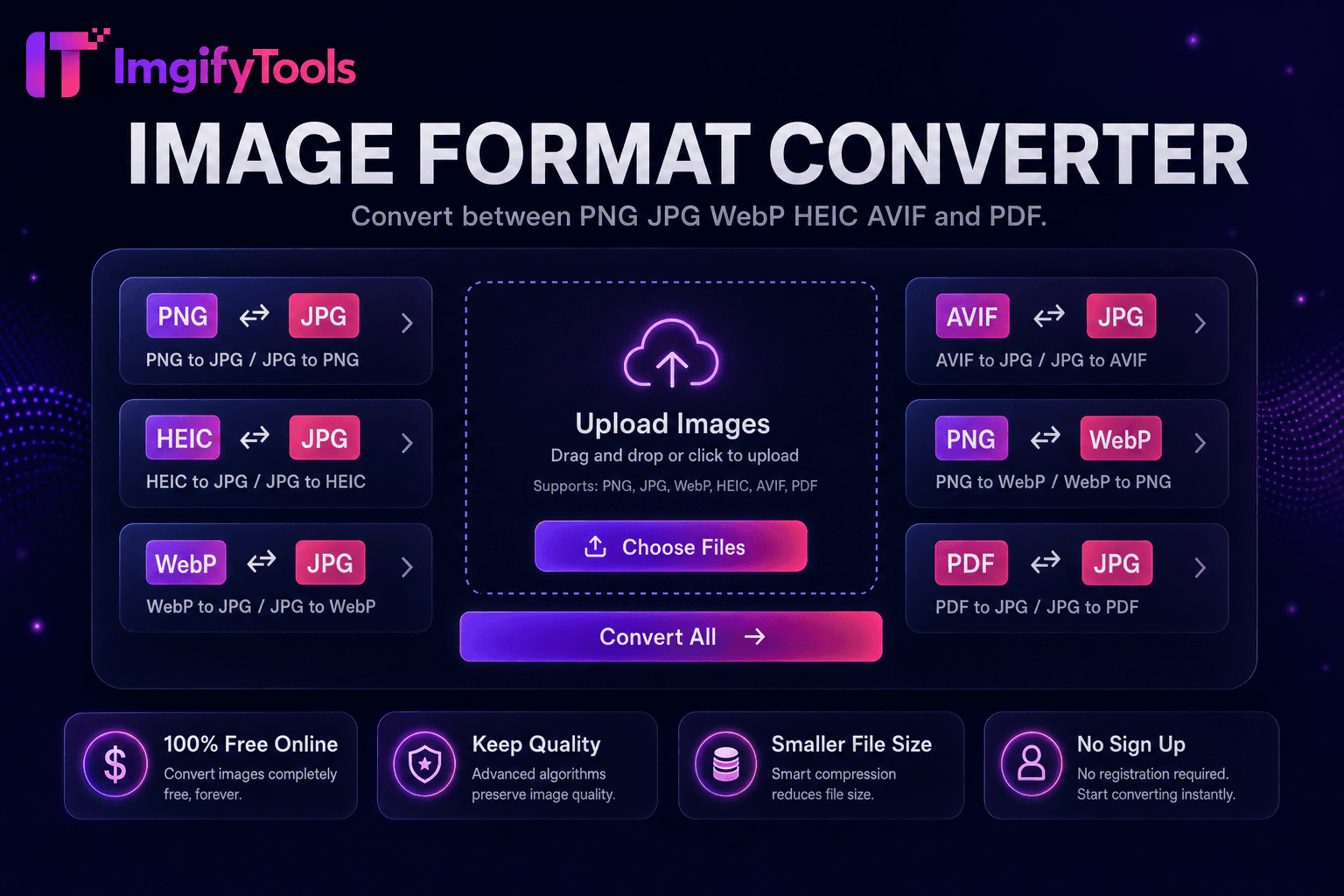
Convierta entre PNG, JPG, WebP, HEIC, AVIF y PDF.
Herramienta de lanzamiento
Comprime JPG, PNG y WebP sin pérdida visible de calidad.
Herramienta de lanzamientoMás herramientas
Otras utilidades especializadas para su flujo de trabajo.

Elimina fondos de imágenes automáticamente con IA.
Herramienta de lanzamiento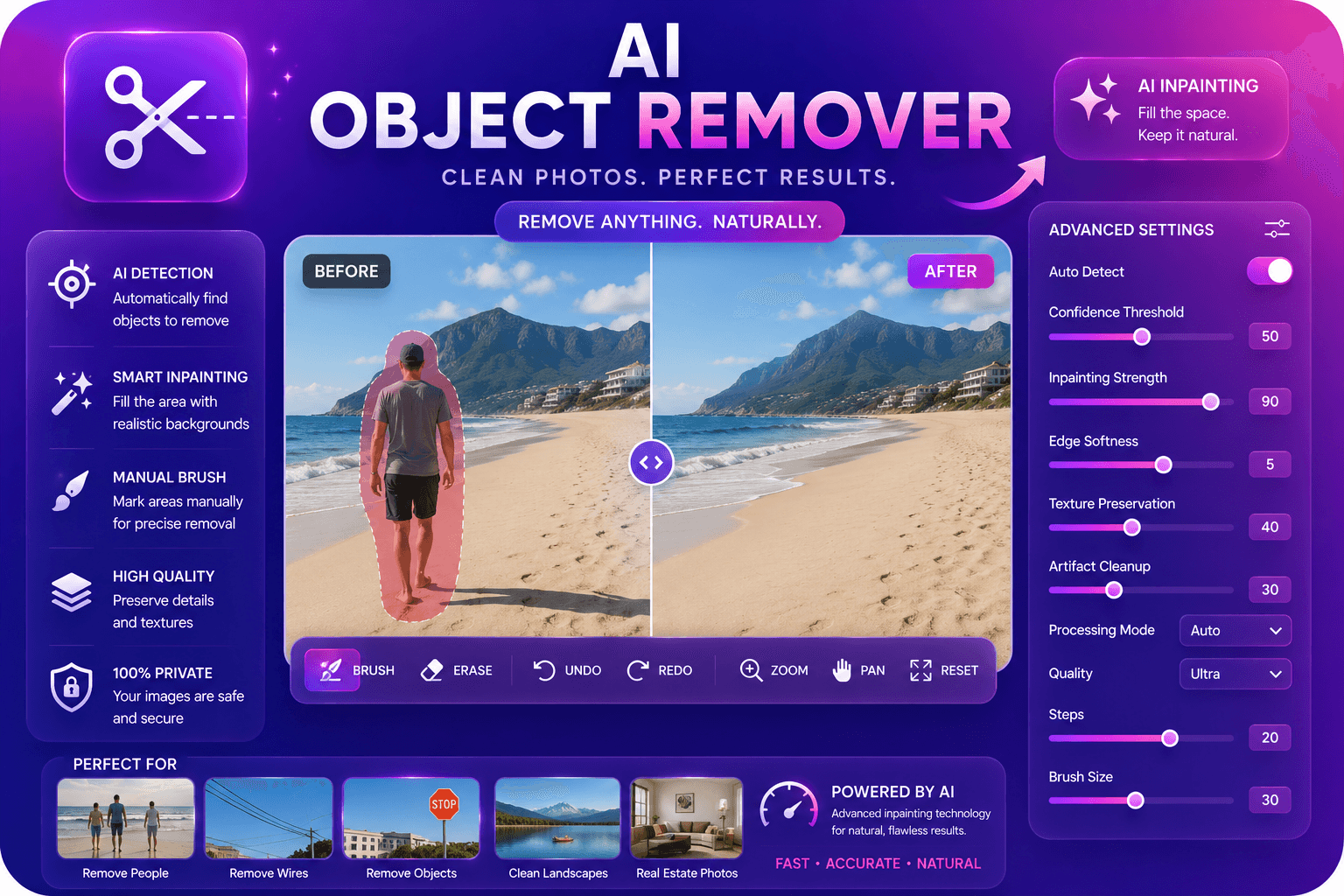
Elimine objetos no deseados de las fotografías con IA en pintura.
Herramienta de lanzamiento
Mejore y mejore la calidad de la imagen hasta 4 veces mediante IA.
Herramienta de lanzamiento