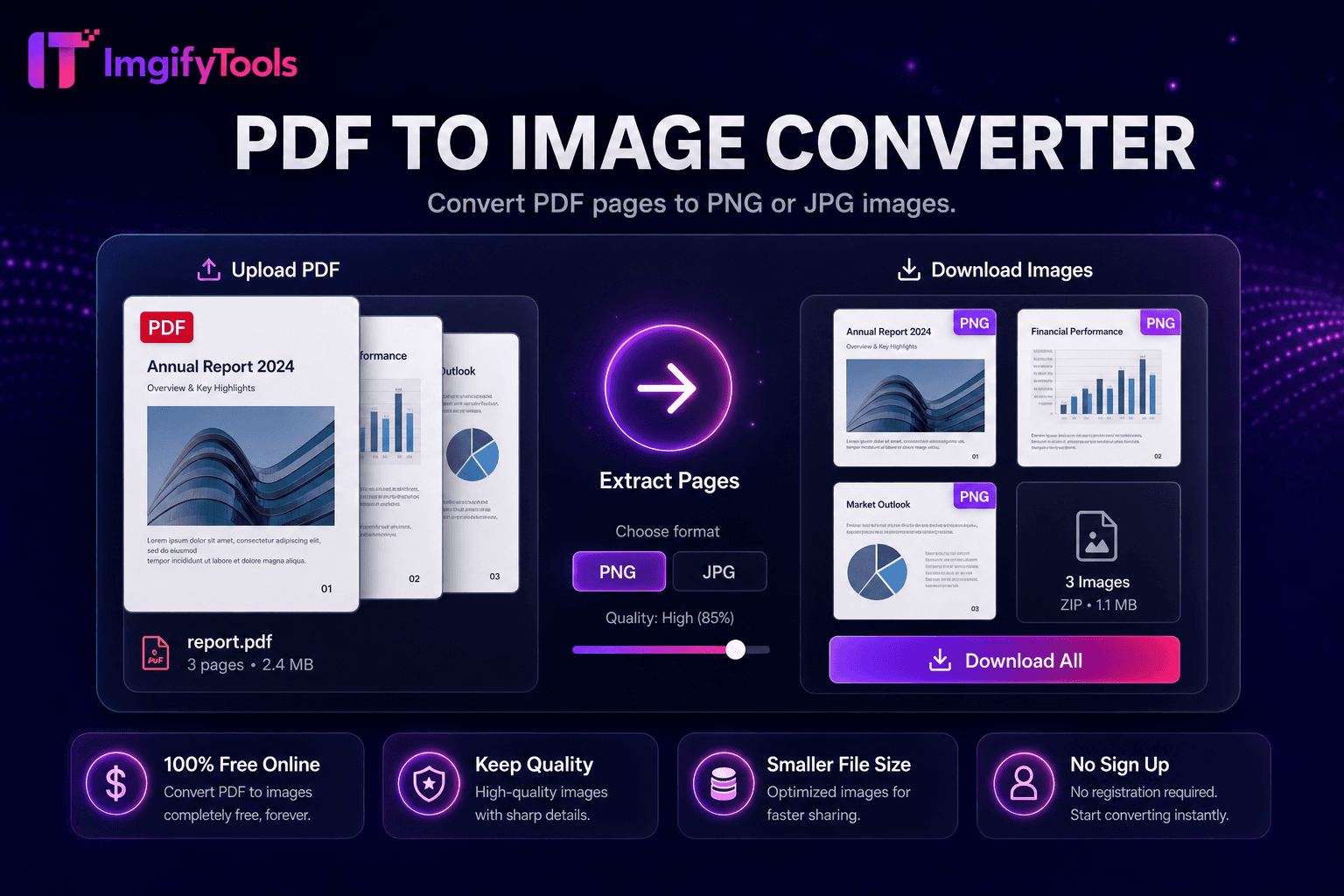
PDF to Image Converter
Convierta páginas PDF a imágenes PNG o JPG.
Herramienta de lanzamientoConvierta imágenes a documentos PDF en línea. Rápido, seguro y completamente gratis — no requiere registro.
ImgifyTools Image to PDF Converter reúne archivos JPG, PNG y WebP en documentos PDF pulidos: escaneos de una sola página, portafolios de varias imágenes, archivos adjuntos de facturas y hojas de fotografías listas para imprimir. Los profesionales envían por correo electrónico pruebas en PDF en lugar de archivos adjuntos de imágenes sueltas que se reordenan de forma impredecible en las bandejas de entrada de los clientes. Los estudiantes envían escaneos de tareas como un PDF por portal universitario. Los reclamantes de seguros agrupan fotografías de daños en una sola carga. Los propietarios recopilan imágenes de las condiciones de la mudanza para los registros de arrendamiento. Organice el orden de las páginas, elija la orientación del tamaño del papel y establezca los márgenes antes de exportar. El conversor rasteriza las imágenes con la resolución de origen, a menos que aparezcan opciones de reducción de resolución para límites de tamaño de correo electrónico. No se requiere suscripción a Acrobat para tareas básicas de ensamblaje. Gratis, basado en navegador y complementario a nuestra herramienta de conversión de PDF a imagen para flujos de trabajo de ida y vuelta al extraer páginas a JPG.
Cargue una o varias imágenes JPG, PNG o WebP.
Organice el orden de las páginas y seleccione el tamaño del papel si existen opciones.
Genera el documento PDF a partir de tus imágenes.
Vista previa del recuento de páginas y tamaño estimado del archivo.
Descargue el PDF para enviarlo por correo electrónico, imprimirlo o cargarlo en el portal.
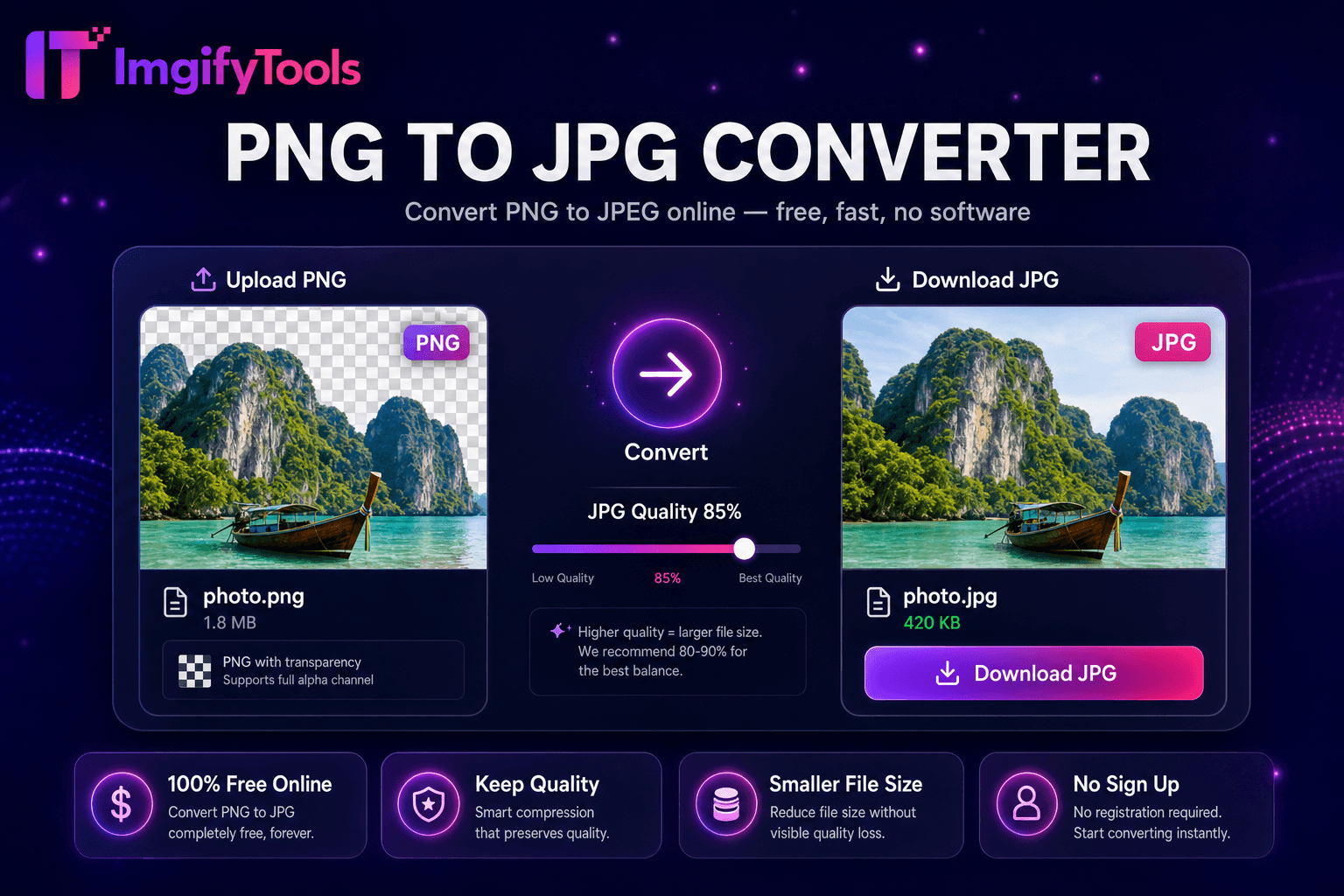
A diferencia de muchas otras plataformas que comprometen la calidad u ocultan los resultados detrás de muros de pago, ImgifyTools ofrece resultados de alta fidelidad centrándose en la velocidad y la privacidad del usuario. No es necesario crear una cuenta para comenzar a transformar sus imágenes.
Sube una o varias imágenes; la tubería incrusta cada uno como una página PDF con el tamaño de la imagen o el formato de papel seleccionado (A4, Carta). JPEG y PNG decodifican en mapas de bits incrustados en secuencias de PDF XObject con compresión opcional para reducir el tamaño de bytes del PDF. El orden de las páginas sigue la secuencia de carga a menos que existan controles de reordenamiento. Los archivos PDF con varias imágenes son adecuados para hojas de contactos fotográficas y paquetes de documentación. Descargas de salida como PDF estándar legible en Vista previa, Adobe Reader y visores de PDF del navegador. El procesamiento se realiza en el lado del servidor para una codificación confiable de fotografías grandes de varios megapíxeles.
Combine fotografías de recibos en un PDF para informes de gastos. Fusione maquetas de diseño para paquetes de aprobación de clientes. Crea portafolios de fotografías para propuestas de fotografía freelance. Establezca la orientación por lote: las fotografías verticales del teléfono en páginas verticales tipo Carta reducen los márgenes incómodos. Comprima las imágenes antes del ensamblaje del PDF si los proveedores de correo electrónico imponen límites de 25 MB. Para diseños de impresión de pasaportes, utilice herramientas de pasaportes dedicadas que organicen cuadrículas de 2x2 en hojas de 4x6 en lugar de imágenes genéricas a PDF cuando el cumplimiento sea importante.
toolPage.comparisonSubtitle
| Función | ⟦0 | iLoveIMG |
|---|---|---|
| Precio | Conversiones gratuitas e ilimitadas | Gratis con anuncios; prima elimina límites |
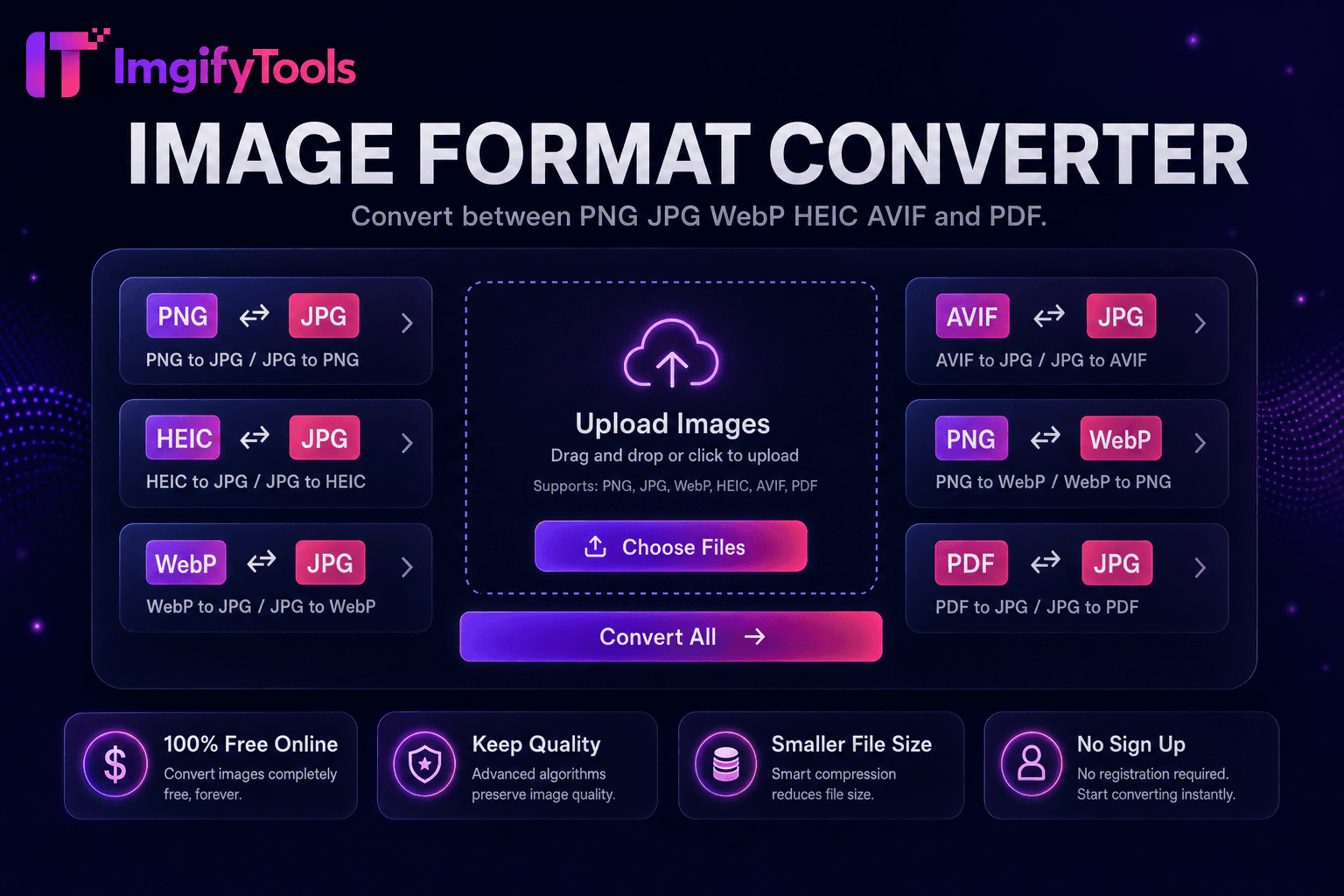
| Cobertura de formato | PNG, JPG, WebP, ⟦0, AVIF, PDF | Soporte de gran formato |
| conversión por lotes | Hub admite múltiples herramientas | Lote en prima |
| Configuraciones de calidad | Preservar u optimizar la calidad | Ajustes preestablecidos de calidad estándar |
| Privacidad | Sin almacenamiento permanente | Procesamiento temporal en la nube |
| Velocidad | Conversión rápida del lado del servidor | Procesamiento rápido en la nube |
| herramientas adicionales | Suite completa en una plataforma | Páginas de herramientas separadas |
Herramientas relacionadas
Más herramientas
Otras utilidades especializadas para su flujo de trabajo.