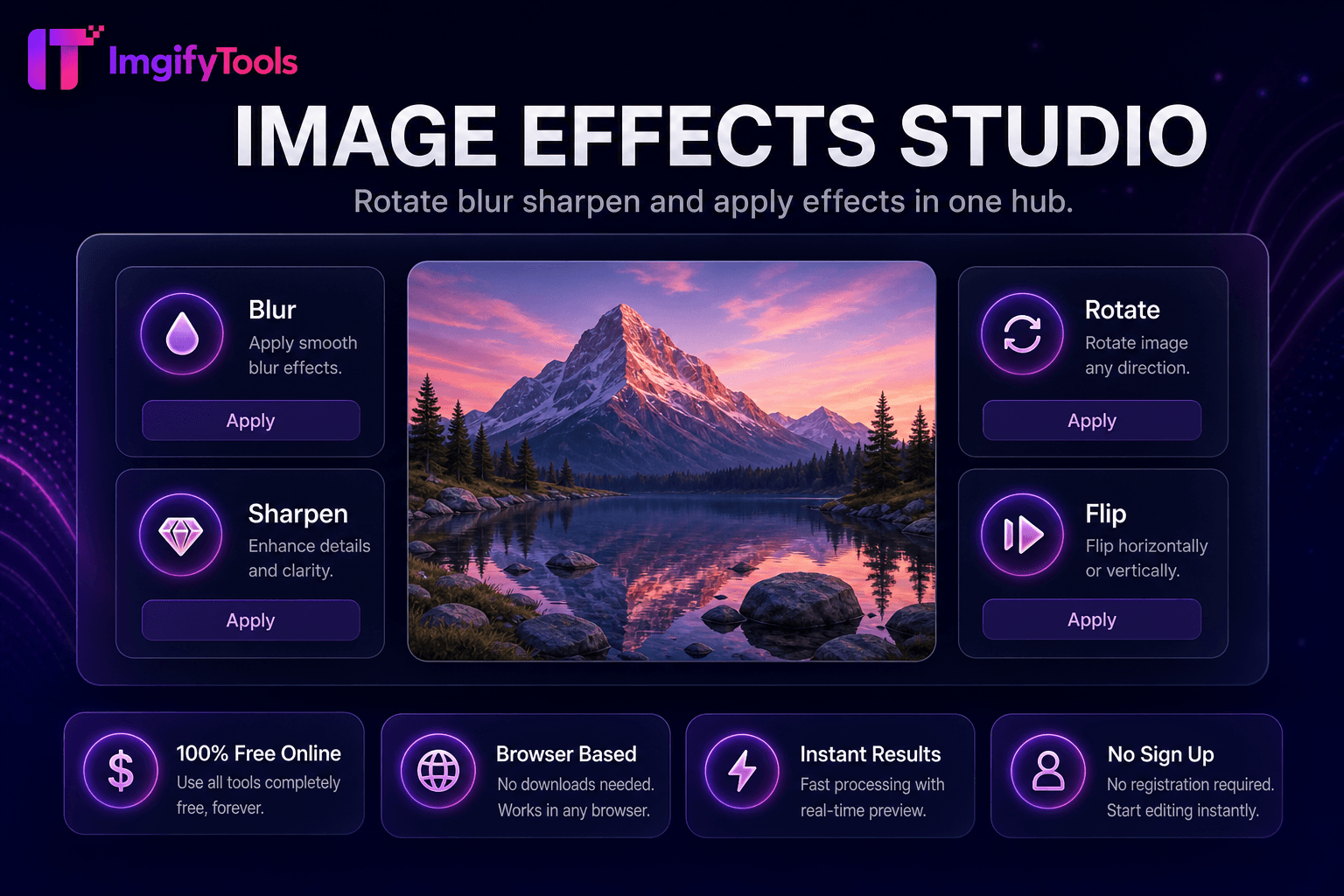
Image Effects Studio
Gire, desenfoque, enfoque y aplique efectos en un solo centro.
Herramienta de lanzamientoAgregue texto personalizado a imágenes en línea. Rápido, seguro y completamente gratis — no requiere registro.
ImgifyTools Text Overlay agrega tipografía personalizable directamente a las imágenes (citas, insignias de venta, fechas de eventos, marcas de agua y etiquetas de llamado a la acción) sin abrir Canva o Photoshop. Los especialistas en marketing estampan ofertas por tiempo limitado en carteles promocionales. Los organizadores de eventos publican horarios en gráficos de héroes. Los influencers subtitulan las portadas de los reels antes de subirlos. Las pequeñas empresas crean anuncios de venta consistentes a partir de fotografías de productos. Controle el tamaño, el color, la alineación, la opacidad y la ubicación de la fuente con una vista previa en vivo para que el texto siga siendo legible en fondos ocupados. La herramienta acepta cargas de JPG y PNG y exporta imágenes aplanadas listas para Instagram, encabezados de correo electrónico e imágenes destacadas de blogs. A diferencia de los editores de escritorio con curvas de aprendizaje pronunciadas, el flujo de trabajo de superposición consiste en cargar, escribir, aplicar estilo y descargar: segundos desde la idea hasta el recurso que se puede compartir. Combínelo con el redimensionador de redes sociales para alcanzar las dimensiones exactas de la plataforma después de agregar texto. Gratis, basado en navegador e ideal para campañas rápidas cuando el ancho de banda del diseño es limitado pero los mensajes deben enviarse hoy.
Sube tu imagen base en formato JPG o PNG.
Ingrese el texto que desea mostrar en la foto.
Ajuste el tamaño, el color, la alineación y la posición de la fuente en el lienzo de vista previa.
Revise la legibilidad en el tamaño que verá su audiencia en el móvil.
Descargue la imagen aplanada con texto incorporado.
A diferencia de muchas otras plataformas que comprometen la calidad u ocultan los resultados detrás de muros de pago, ImgifyTools ofrece resultados de alta fidelidad centrándose en la velocidad y la privacidad del usuario. No es necesario crear una cuenta para comenzar a transformar sus imágenes.
Después de cargar una imagen base, el editor presenta una capa de texto en la parte superior con propiedades configurables: selecciones de familias de fuentes de pilas seguras para la web, selector de color hexadecimal, controles de alineación y negrita, y posicionamiento de arrastre en la vista previa del lienzo. El suavizado mantiene los bordes suaves con una resolución de exportación que coincide con las dimensiones de origen. Es posible que se admitan varios bloques de texto según la versión de la interfaz; cada bloque se posiciona de forma independiente. La exportación aplana capas en un único mapa de bits JPG o PNG adecuado para plataformas que no admiten capas de texto separadas. El procesamiento se produce en el lado del cliente o en el servidor, según la implementación, con actualizaciones de vista previa inmediatas a medida que edita la copia. No se instalan fuentes en su dispositivo más allá de lo que proporciona la herramienta.
Las superposiciones de venta flash en fotografías de productos se convierten mejor cuando el texto contrasta fuertemente: tipografía blanca con sombras oscuras en fondos ocupados o tipografía oscura en fotografías de productos pálidas. Mantenga los titulares de menos de seis palabras para que sean legibles en dispositivos móviles en tamaño de miniatura. Coloque el texto crítico dentro de las zonas seguras cuando la imagen se recortará para las historias. Utilice superposiciones semitransparentes detrás de los bloques de texto para mejorar la legibilidad sin oscurecer la foto por completo. Exporte PNG cuando necesite bordes de texto sin pérdidas; JPG en trabajos de alta calidad para bases fotográficas. Combínelo con la herramienta de marca de agua para obtener una marca sutil en contenido que se puede compartir.
toolPage.comparisonSubtitle
| Función | ⟦0 | iloveimg |
|---|---|---|
| Precio | Herramienta de superposición de texto gratuita | Gratis con anuncios; prima elimina límites |
| Personalización de texto | Tamaño de fuente, color, alineación, ubicación. | Agregar texto con estilo básico |
| Vista previa en vivo | Vista previa del lienzo en tiempo real | Vista previa antes de descargar |
| Es necesario registrarse | No se necesita cuenta | Cuenta opcional para el historial. |
| Formatos de salida | Exportación JPG y PNG | Opciones JPG, PNG y PDF |
| Privacidad | Procesado en sesión, no almacenado | Procesamiento temporal en la nube |
| Herramientas relacionadas | Suite integrada de cambio de tamaño y compresión | Separar páginas por herramienta |
Herramientas relacionadas
Gire, desenfoque, enfoque y aplique efectos en un solo centro.
Herramienta de lanzamiento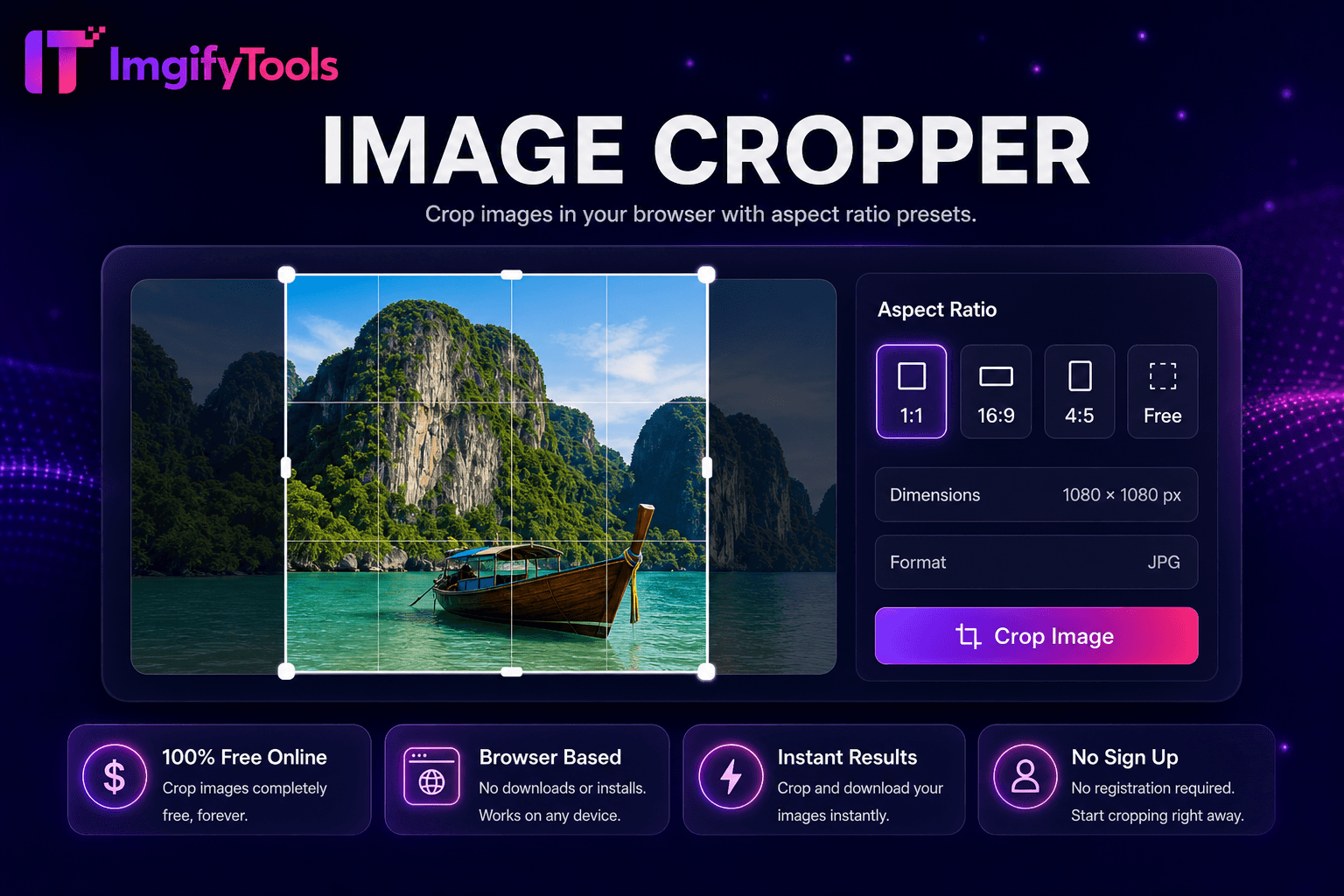
Recorta imágenes en tu navegador con ajustes preestablecidos de relación de aspecto.
Herramienta de lanzamiento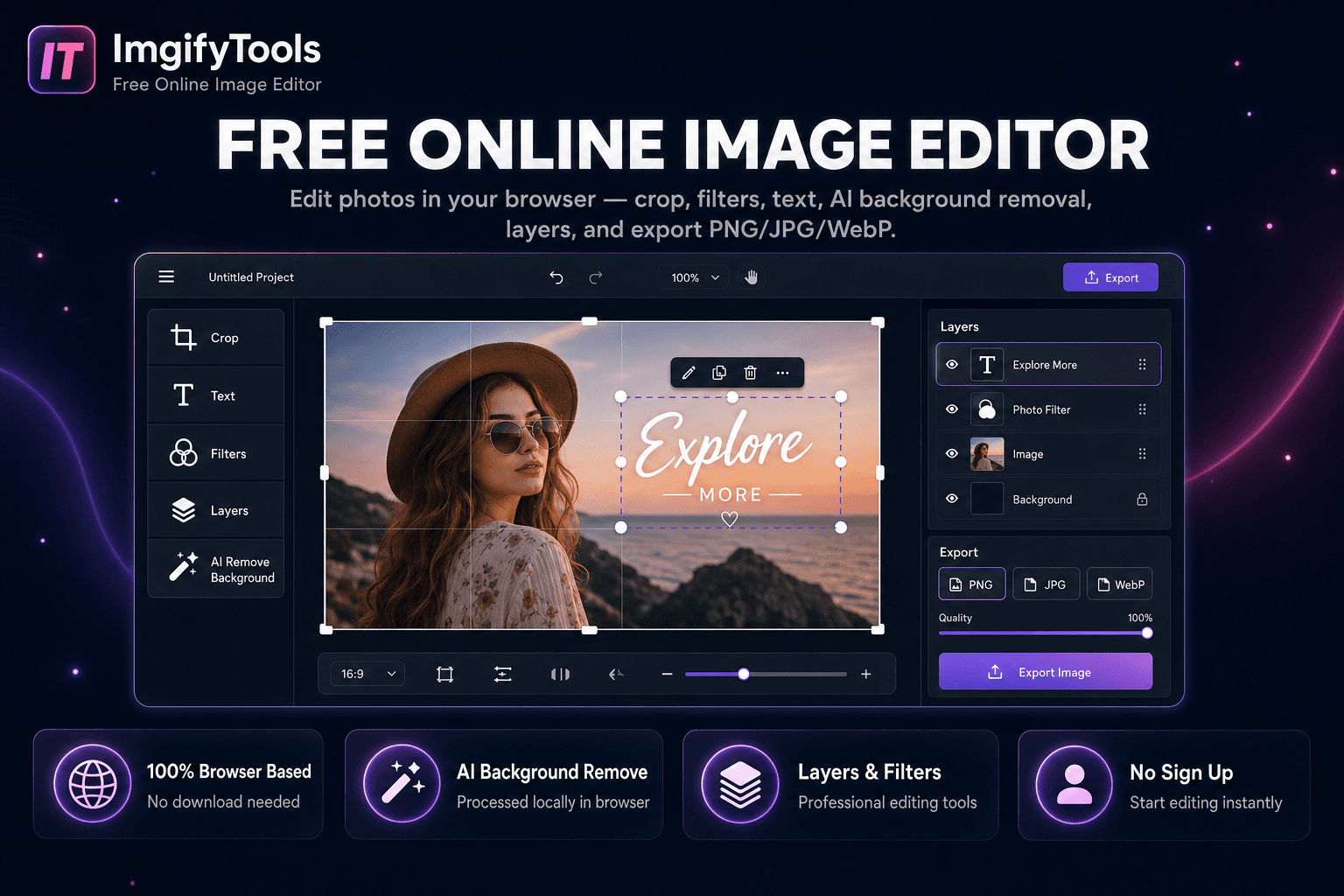
Edita fotos en tu navegador — recorte, texto, eliminación de fondo con IA y exportación PNG/JPG/WebP.
Herramienta de lanzamientoMás herramientas
Otras utilidades especializadas para su flujo de trabajo.
Gire, desenfoque, enfoque y aplique efectos en un solo centro.
Herramienta de lanzamientoRecorta imágenes en tu navegador con ajustes preestablecidos de relación de aspecto.
Herramienta de lanzamientoEdita fotos en tu navegador — recorte, texto, eliminación de fondo con IA y exportación PNG/JPG/WebP.
Herramienta de lanzamiento