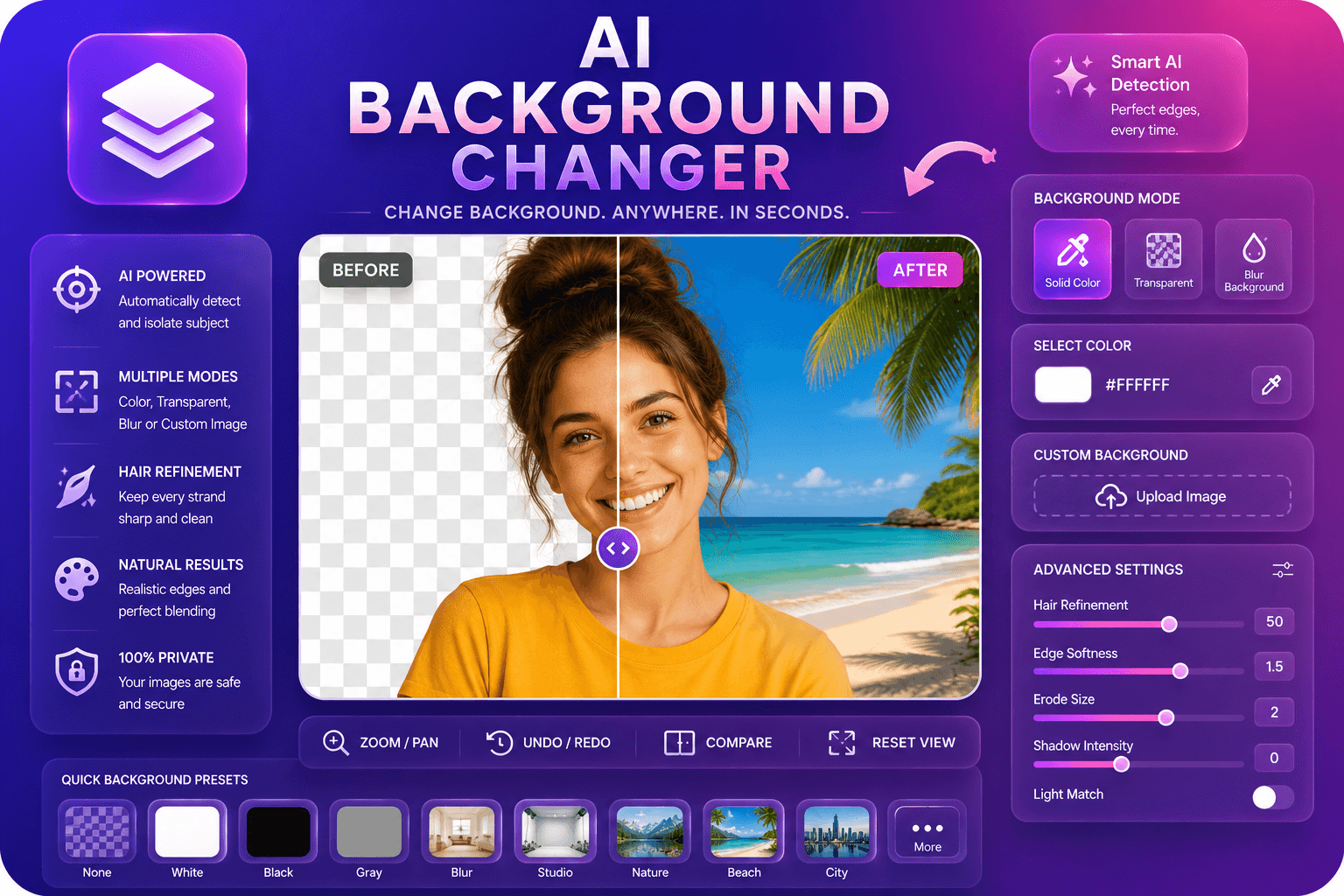
AI Background Changer
Reemplace los fondos de las imágenes con colores, desenfoque o imágenes personalizadas.
Herramienta de lanzamientoElimina fondos de imágenes automáticamente con IA. Rápido, seguro y completamente gratis — no requiere registro.
ImgifyTools AI Background Remover ofrece recortes profesionales en segundos sin habilidades de Photoshop ni enmascaramiento manual. Nuestra red neuronal analiza el contraste de color, las señales de profundidad y los patrones de bordes para separar a los sujetos de cualquier fondo: calles concurridas, estudios degradados, habitaciones abarrotadas o colores sólidos. El modelo destaca por los detalles finos que hacen tropezar a las herramientas más antiguas: mechones de cabello sueltos, tela semitransparente, reflejos de vidrio y sombras suaves alrededor de los bordes del producto. Cargue una foto de producto, retrato, logotipo o foto de mascota y reciba un PNG limpio con un canal alfa transparente listo para mercados, presentaciones o composiciones. Los vendedores de comercio electrónico lo utilizan para cumplir con los requisitos de fondo blanco de Amazon y Shopify. Los creadores intercambian fondos por miniaturas de YouTube e historias de Instagram. Los diseñadores colocan sujetos aislados en folletos sin volver a fotografiarlos. Debido a que el procesamiento se ejecuta en la sesión de su navegador, usted mantiene el control de sus activos y obtiene resultados con calidad de estudio sin costo alguno. Ya sea que necesite una imagen principal o docenas de fotografías de catálogo, el flujo de trabajo sigue siendo el mismo: cargar, obtener una vista previa y descargar. Sin suscripciones, sin marcas de agua, sin contadores de crédito: solo eliminación de fondo rápida y precisa diseñada para flujos de trabajo reales.
Cargue su foto en formato JPG, PNG o WebP: arrastre y suelte o haga clic para explorar.
Espere unos segundos mientras la IA detecta al sujeto y genera un recorte transparente.
Obtenga una vista previa del resultado y elija la salida PNG (transparente) o JPG (fondo blanco).
Haga clic en descargar para guardar su imagen aislada lista para el comercio electrónico, el diseño o las redes sociales.
Opcional: abra la herramienta de cambio de fondo para colocar su recorte en una nueva escena.
A diferencia de muchas otras plataformas que comprometen la calidad u ocultan los resultados detrás de muros de pago, ImgifyTools ofrece resultados de alta fidelidad centrándose en la velocidad y la privacidad del usuario. No es necesario crear una cuenta para comenzar a transformar sus imágenes.
Cuando carga una imagen, nuestra IA segmenta la escena en capas de primer plano y de fondo utilizando un modelo de aprendizaje profundo entrenado en millones de fotos etiquetadas. La canalización primero detecta el sujeto principal (persona, producto, animal u objeto) y construye una mate alfa de alta resolución que define qué píxeles permanecen opacos y cuáles se vuelven transparentes. El refinamiento de los bordes se ejecuta como una segunda pasada, afinando los límites alrededor del cabello, la piel, el encaje y otras regiones de bajo contraste donde la simple combinación de colores falla. Puede exportar como PNG para preservar la transparencia o elegir JPG con relleno blanco para plataformas que rechazan los canales alfa. Todo el proceso se completa en el lado del servidor en unos segundos y el resultado se muestra instantáneamente para su revisión. Si el recorte automático omite un área pequeña, volver a cargar una versión de mayor contraste o recortarla más a menudo mejora la precisión. La herramienta acepta cargas JPG, PNG y WebP y devuelve archivos de tamaño para uso web e impreso.
Los vendedores en línea eliminan los fondos de las fotografías de los productos para cumplir con las pautas del mercado: Amazon requiere fondos de color blanco puro para los listados principales, y los recortes limpios aumentan las tasas de clics en Etsy y eBay. Los fotógrafos de retratos ofrecen fotografías de rostros en LinkedIn con fondos neutros o personalizados sin una pantalla verde. Los administradores de redes sociales aíslan temas para plantillas de memes, pegatinas de reacción y marcos de historias de marca. Para obtener mejores resultados, fotografíe contra un fondo que contraste con el sujeto: una chaqueta oscura contra una pared clara corta más limpiamente que tonos similares. Evite el desenfoque de movimiento en los bordes y utilice una iluminación uniforme para reducir la dispersión del color en el cabello y la piel. Si planea realizar una composición sobre un fondo nuevo, exporte PNG y difumine ligeramente los bordes en su editor. Los flujos de trabajo por lotes combinan bien con nuestro eliminador de fondo de logotipos para activos de marca y el cambiador de fondo cuando desea una nueva escena en lugar de transparencia.
toolPage.comparisonSubtitle
| Función | ⟦0 | remove.bg |
|---|---|---|
| Precio | Gratis, no se requieren créditos | Nivel gratuito limitado; planes pagos desde $0.20/imagen |
| Es necesario registrarse | No se necesita cuenta | Cuenta requerida para API; la web tiene límites |
| Formatos de salida | PNG con transparencia, opción JPG | Formatos PNG, JPG y API |
| Procesamiento por lotes | Imagen única, resultados instantáneos | Disponible al por mayor en planes pagos |
| Detalle de pelo y borde. | Detección de bordes optimizada por IA | Calidad de vanguardia líder en la industria |
| Privacidad | Procesado en sesión, no almacenado | Las imágenes pueden conservarse según la política. |
| Límites de resolución | Se admiten cargas de alta resolución | Resolución de límites de niveles gratuitos |
Herramientas relacionadas
Reemplace los fondos de las imágenes con colores, desenfoque o imágenes personalizadas.
Herramienta de lanzamiento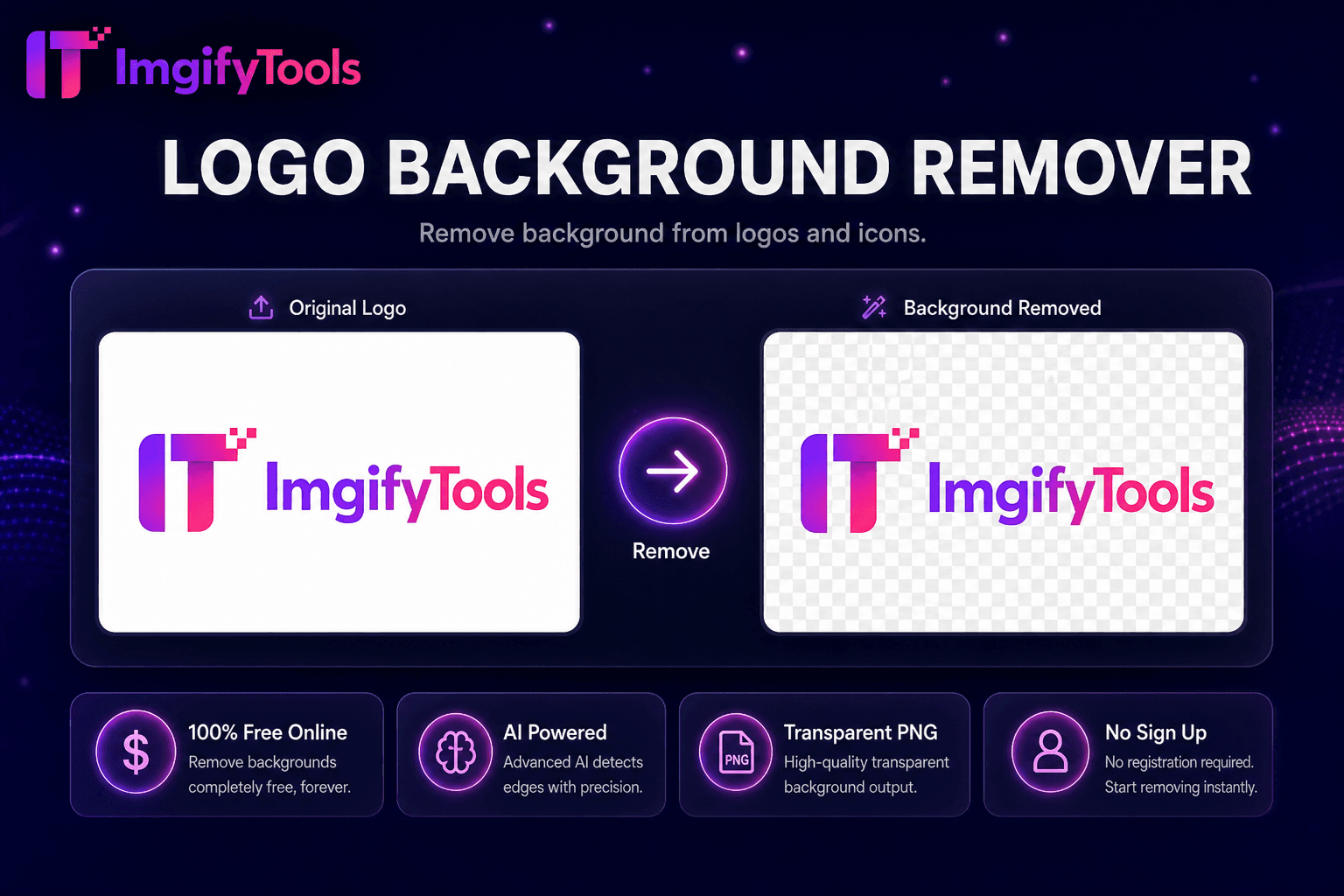
Elimina el fondo de logotipos e íconos.
Herramienta de lanzamiento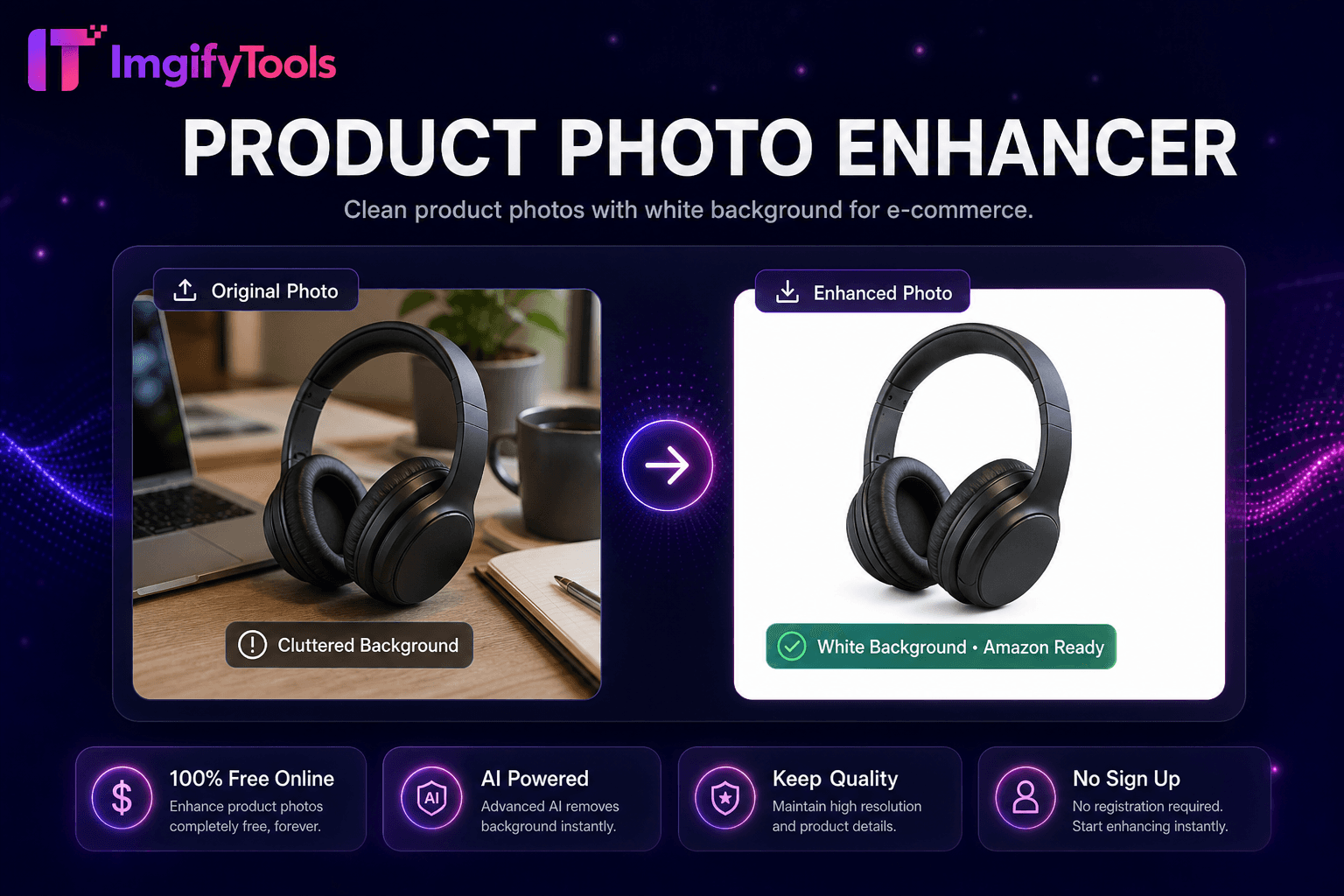
Fotografías limpias de productos con fondo blanco para comercio electrónico.
Herramienta de lanzamientoMás herramientas
Otras utilidades especializadas para su flujo de trabajo.
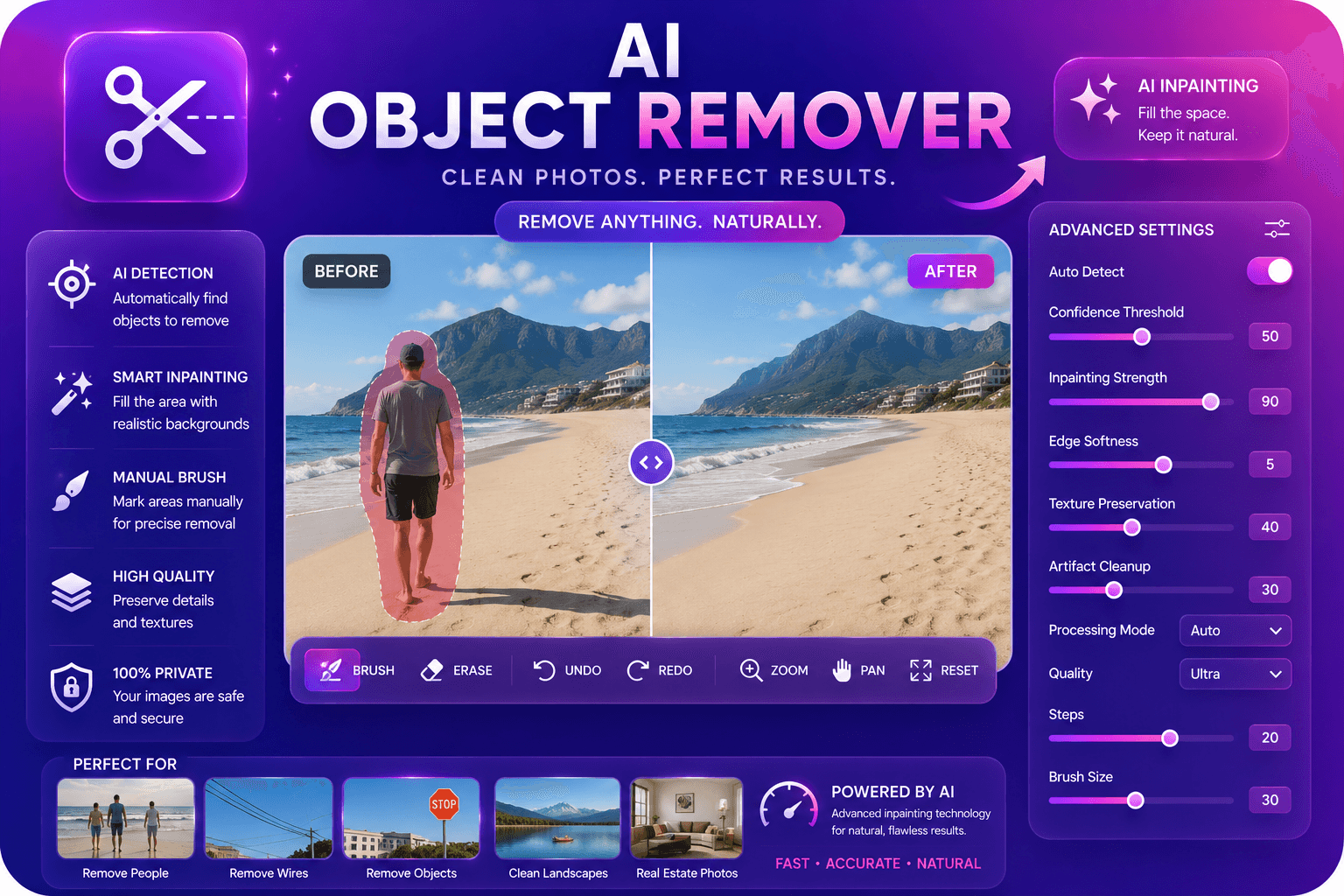
Elimine objetos no deseados de las fotografías con IA en pintura.
Herramienta de lanzamiento
Mejore y mejore la calidad de la imagen hasta 4 veces mediante IA.
Herramienta de lanzamiento
Desplazar y ampliar imágenes con borde espejo relleno para espacio extra de tela.
Herramienta de lanzamiento