Resize Image to 20KB
Comprime cualquier imagen a menos de 20 KB.
Herramienta de lanzamientoComprime JPG, PNG y WebP sin pérdida visible de calidad. Rápido, seguro y completamente gratis — no requiere registro.
ImgifyTools Image Compressor reduce el tamaño del archivo y mantiene las fotos visualmente nítidas, algo esencial para sitios web más rápidos, archivos adjuntos de correo electrónico y cargas de aplicaciones que imponen límites de megabytes. Los archivos PNG y JPG no optimizados de cámaras y exportaciones de diseños ralentizan los tiempos de carga de las páginas, perjudican las puntuaciones de Core Web Vitals y hacen que los visitantes móviles reboten en conexiones lentas. Nuestro compresor aplica una orientación de calidad inteligente: analiza el contenido de la imagen y aplica una cuantificación JPEG u optimización PNG apropiada para que los bordes del texto se mantengan nítidos y los tonos de piel eviten las bandas. Los blogueros reducen las imágenes de los héroes antes de subirlas a WordPress. Los desarrolladores alcanzan los presupuestos de rendimiento de Lighthouse sin sacrificar la calidad percibida. Los vendedores comprimen las galerías de listados para alcanzar los límites de carga del mercado. El control deslizante de calidad ajustable le permite obtener una vista previa de las compensaciones entre los bytes guardados y los artefactos visibles antes de confirmarlos. Los usuarios con mentalidad por lotes pueden cambiar a nuestro compresor masivo para carpetas de activos. A diferencia de los autocompresores ciegos que trituran la calidad de manera uniforme, ImgifyTools equilibra la reducción de tamaño con la fidelidad visible por el ser humano. Gratis, instantáneo y consciente de la privacidad: sus imágenes se procesan durante la sesión sin almacenamiento permanente.
Sube una o más imágenes en formato JPG, PNG o WebP.
Establezca el nivel de calidad que desee o utilice el valor predeterminado recomendado.
Procese la imagen y revise la vista previa comprimida.
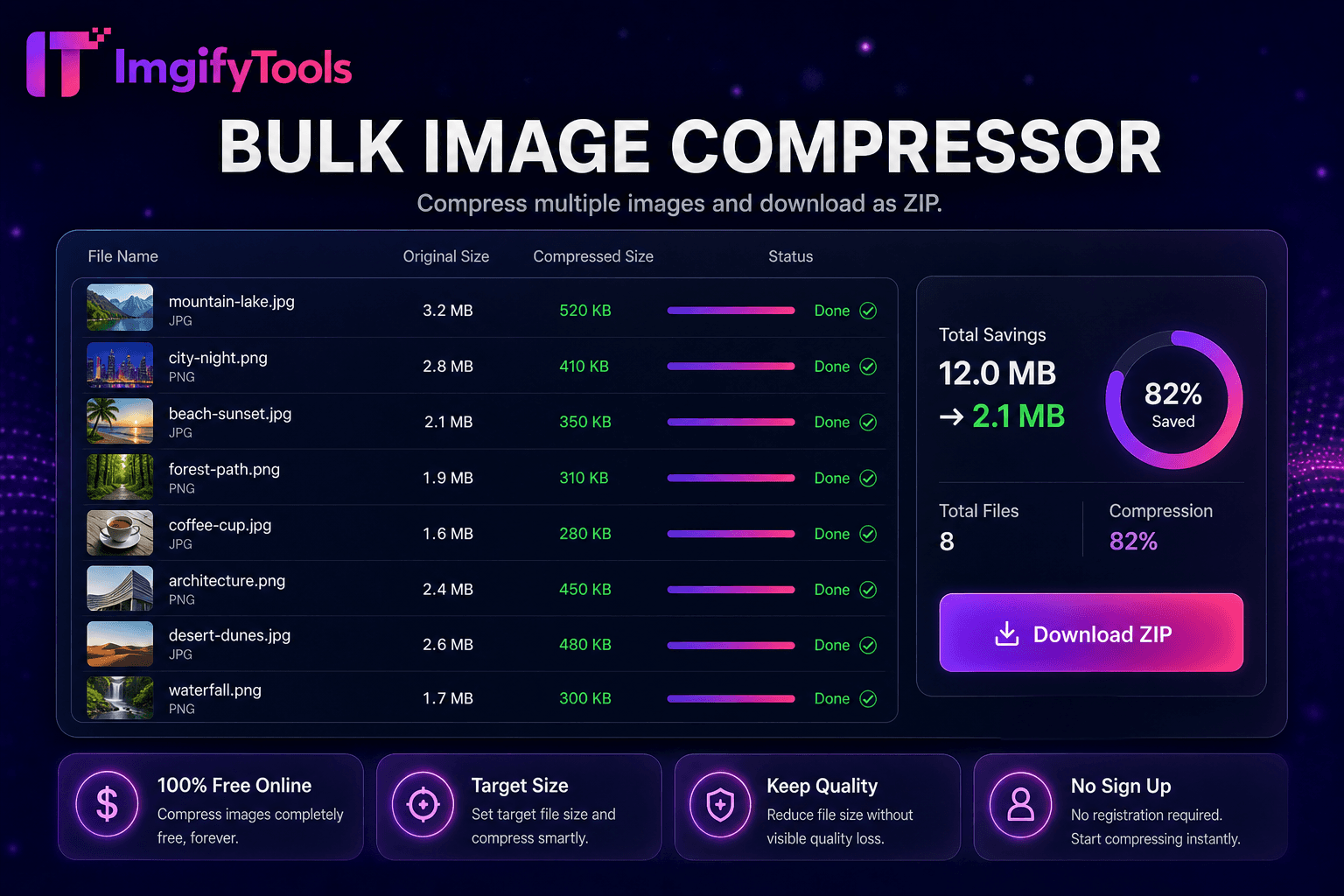
Compare la reducción del tamaño del archivo con el recuento de bytes original.
Descargue el archivo optimizado listo para la web, correo electrónico o carga.
A diferencia de muchas otras plataformas que comprometen la calidad u ocultan los resultados detrás de muros de pago, ImgifyTools ofrece resultados de alta fidelidad centrándose en la velocidad y la privacidad del usuario. No es necesario crear una cuenta para comenzar a transformar sus imágenes.
La compresión comienza decodificando el JPG, PNG o WebP cargado en un mapa de bits funcional. Para la salida JPEG, el codificador aplica submuestreo de croma y tablas de calidad ajustadas para preservar los bordes en regiones de alto contraste y al mismo tiempo permite una cuantificación más agresiva en cielos suaves y áreas de piel. La optimización PNG reindexa paletas, elimina metadatos innecesarios y aplica filtros sin pérdidas cuando sea beneficioso. Usted establece un porcentaje de calidad objetivo o acepta valores predeterminados inteligentes; la herramienta vuelve a codificar e informa los recuentos de bytes originales versus comprimidos para que pueda iterar. Las etiquetas de orientación EXIF se normalizan correctamente para que las fotos no aparezcan giradas después de la compresión. La salida se descarga inmediatamente como un archivo nuevo; su carga original nunca se sobrescribe. La codificación del lado del servidor utiliza bibliotecas estándar de la industria adaptadas para la entrega web.
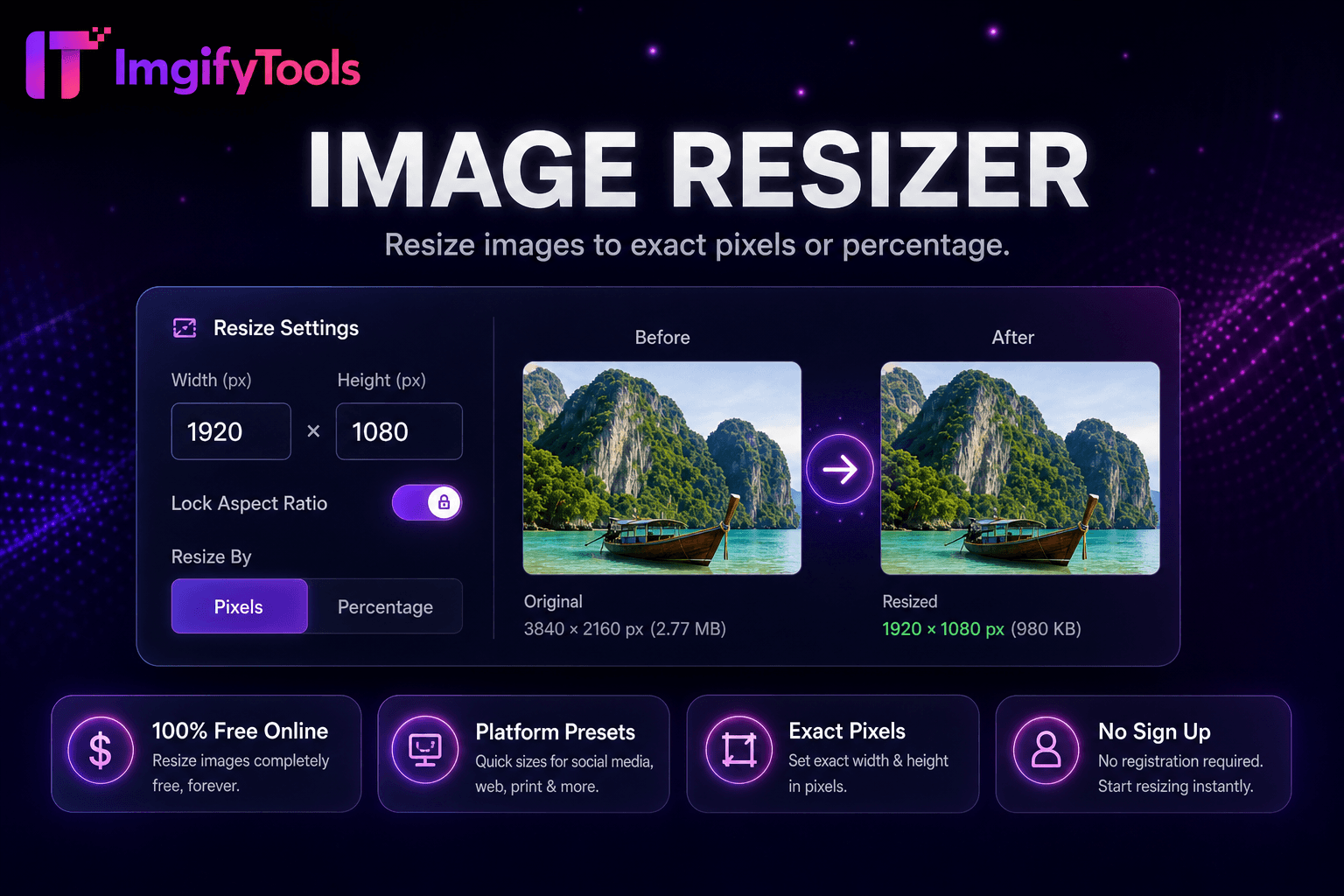
Comprima antes de cargarlo en Shopify, WooCommerce o Amazon para cumplir con las pautas de archivos de la plataforma y mejorar la velocidad de la tienda. Los boletines informativos por correo electrónico se mantienen por debajo de los límites de tamaño del proveedor cuando las imágenes principales pasan por el compresor con una calidad de 75 a 85. Los desarrolladores de aplicaciones móviles reducen los costos de ancho de banda de CDN en fuentes con muchas imágenes. Para capturas de pantalla con texto, prefiera PNG o una calidad JPEG superior para evitar tipos borrosos. Los fotógrafos entregan galerías web a los clientes en tamaños optimizados para la web mientras archivan los originales por separado. Combínelo con el redimensionador de imágenes cuando necesite reducción de dimensiones y bytes. Ejecute compresión masiva al migrar bibliotecas multimedia después de rediseñar un sitio.
toolPage.comparisonSubtitle
| Función | ⟦0 | TinyPNG |
|---|---|---|
| Precio | Gratis con controles de calidad | Gratis: 20 imágenes/mes; Planes profesionales disponibles |
| Método de compresión | Segmentación inteligente por calidad y tamaño | Optimización de PNG/JPG con pérdida |
| Soporte de formato | JPG, ⟦1 | PNG y JPG principalmente |
| Compresión masiva | Herramienta a granel dedicada disponible | Hasta 20 gratis por lote |
| Control de calidad | Control deslizante de calidad ajustable | Optimización automática |
| Acceso API | Basado en web, sin clave API | API de desarrollador en el nivel pago |
| Descargar | Descarga instantánea del navegador | Descarga instantánea |
Herramientas relacionadas
Más herramientas
Otras utilidades especializadas para su flujo de trabajo.