
AI Image Upscaler
Mejore y mejore la calidad de la imagen hasta 4 veces mediante IA.
Herramienta de lanzamientoMejore los rasgos faciales en las fotografías utilizando IA. Rápido, seguro y completamente gratis — no requiere registro.
ImgifyTools Face Enhancer restaura la textura natural de la piel, agudiza los ojos y reduce el ruido en fotografías de retratos utilizando IA entrenada en geometría facial y patrones de iluminación. Los selfies con teléfono, las capturas de cámaras web y los retratos escaneados antiguos a menudo sufren de enfoque suave, bloqueo de JPEG y tonos de piel desiguales que hacen que los sujetos parezcan cansados o poco profesionales. Nuestro potenciador analiza los puntos de referencia faciales (ojos, nariz, boca, mandíbula) y aplica correcciones específicas que preservan la identidad en lugar de crear una apariencia plástica artificial. Los profesionales de LinkedIn actualizan las fotos de perfil sin volver a tomarlas en el estudio. Los fotógrafos de eventos recuperan fotografías grupales en las que un rostro quedaba ligeramente desenfocado. Los entusiastas de la genealogía aclaran los retratos de los antepasados para los archivos familiares. La herramienta funciona en rostros individuales y fotografías de grupo, equilibrando la intensidad de la mejora para que los poros y las líneas finas sigan siendo creíbles mientras que las imperfecciones y los artefactos de compresión se desvanecen. Cargue un JPG o PNG, obtenga una vista previa del resultado refinado y descárguelo en segundos. Sin habilidades de retoque, sin flujo de trabajo de Photoshop en capas y sin suscripción por imagen: solo retratos más claros y seguros listos para currículums, perfiles de citas y fotografías de marketing.
Cargue una fotografía de retrato que contenga una o más caras (JPG, PNG o WebP).
La IA detecta rostros y aplica un enfoque específico y un refinamiento de la piel.
Obtenga una vista previa del resultado mejorado junto con la carga original.
Ajuste si su herramienta expone configuraciones de fuerza o acepte el equilibrio predeterminado.
Descargue el retrato mejorado para perfiles, impresiones o presentaciones.
A diferencia de muchas otras plataformas que comprometen la calidad u ocultan los resultados detrás de muros de pago, ImgifyTools ofrece resultados de alta fidelidad centrándose en la velocidad y la privacidad del usuario. No es necesario crear una cuenta para comenzar a transformar sus imágenes.
El proceso de mejora de rostros comienza con la detección de rostros para localizar a cada sujeto y establecer anclajes de alineación. Luego, un modelo de restauración generativa completa los detalles faltantes de alta frecuencia alrededor de los ojos, las cejas y los labios, mientras que una pasada separada para suavizar la piel reduce el ruido sin borrar la estructura natural de los poros. La corrección de color ajusta el balance de blancos y los sutiles gradientes de sombras comunes en la fotografía con teléfonos de interior. El sistema utiliza valores predeterminados conservadores para que los dientes, los reflejos del iris y los bordes del cabello se mantengan nítidos en lugar de demasiado afilados. Varias caras en un encuadre reciben un tratamiento independiente, lo que ayuda a las fotografías de bodas y conferencias en las que varias personas necesitan un pulido constante. La salida mantiene la relación de aspecto y la orientación originales. El procesamiento se realiza en el lado del servidor para mayor velocidad y usted recibe un archivo de imagen estándar compatible con cualquier plataforma social o laboratorio de impresión.
Utilice la mejora facial después de ampliar los cultivos de baja resolución, antes de enviar fotografías estilo pasaporte o al preparar biografías de los oradores para los sitios web de conferencias. Dispare con iluminación frontal uniforme cuando sea posible: la luz lateral intensa crea sombras alrededor de las cuales la IA debe inferir. Evite filtros extremos antes de cargar; partir de una fotografía natural produce la mejora más auténtica. Para fotografías profesionales, combínelo con un eliminador de fondo para obtener un fondo limpio y luego cambie el tamaño al mínimo recomendado por LinkedIn de 400×400. Si la mejora parece demasiado fuerte en una foto anterior, ejecute primero la restauración de la foto para reparar el daño global y luego aplique la mejora del rostro como segunda pasada. Las fotografías grupales se benefician al recortar retratos individuales cuando una persona necesita la máxima claridad.
toolPage.comparisonSubtitle
| Función | ⟦0 | Remini |
|---|---|---|
| Función primaria | La claridad facial y el pulido de retrato | Restauración de la cara AI y mejora |
| Precio | Libre, sin créditos requeridos | Limitación de nivel libre; suscripción Pro |
| Suscripción necesaria | No se necesita una cuenta | Cuenta recomendada para Pro |
| Watermark | Sin marca de agua en las descargas estándar | Marcas de agua en común de nivel libre |
| Nivel de carga | 10 MB por archivo | Plan-dependiente |
| Privacidad | sesión del servidor; no se mantiene permanentemente; no se utiliza para la formación | Procesamiento en la nube por política Remini |
| Best for | Esmalte rápido | Restauración de la cara vieja y pesada |
Herramientas relacionadas
Mejore y mejore la calidad de la imagen hasta 4 veces mediante IA.
Herramienta de lanzamiento
Elimina fondos de imágenes automáticamente con IA.
Herramienta de lanzamiento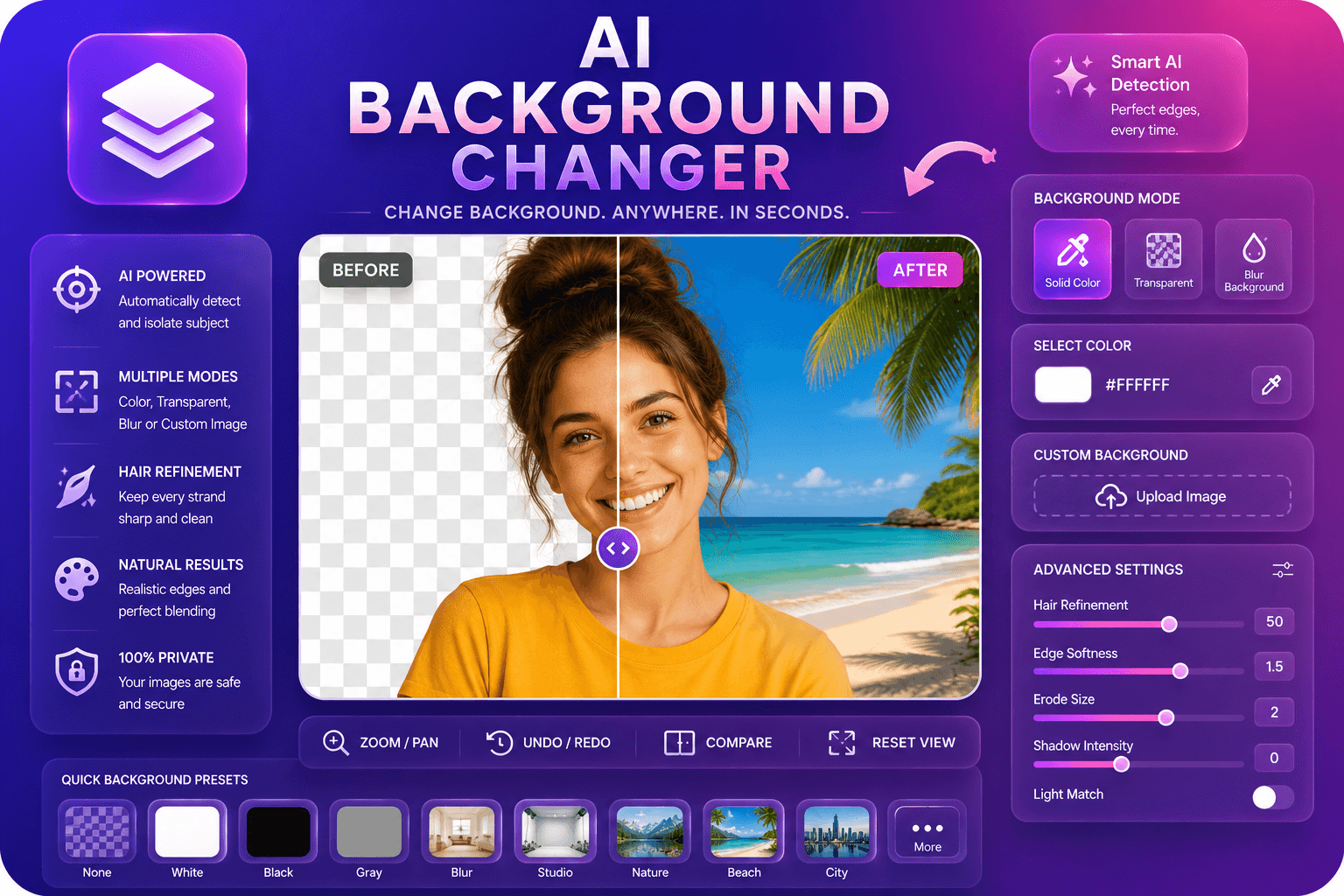
Reemplace los fondos de las imágenes con colores, desenfoque o imágenes personalizadas.
Herramienta de lanzamientoMás herramientas
Otras utilidades especializadas para su flujo de trabajo.
Elimina fondos de imágenes automáticamente con IA.
Herramienta de lanzamiento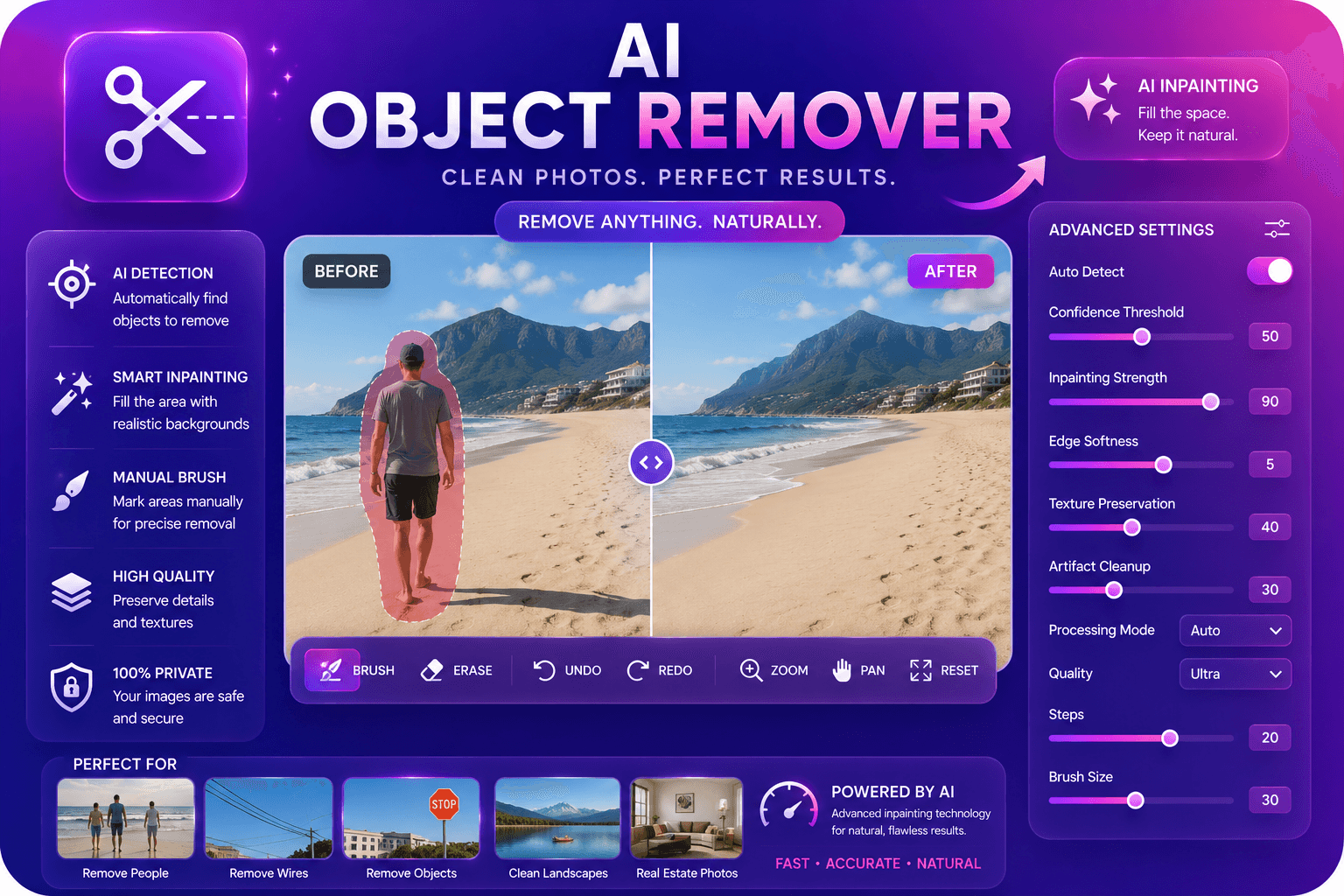
Elimine objetos no deseados de las fotografías con IA en pintura.
Herramienta de lanzamientoMejore y mejore la calidad de la imagen hasta 4 veces mediante IA.
Herramienta de lanzamiento