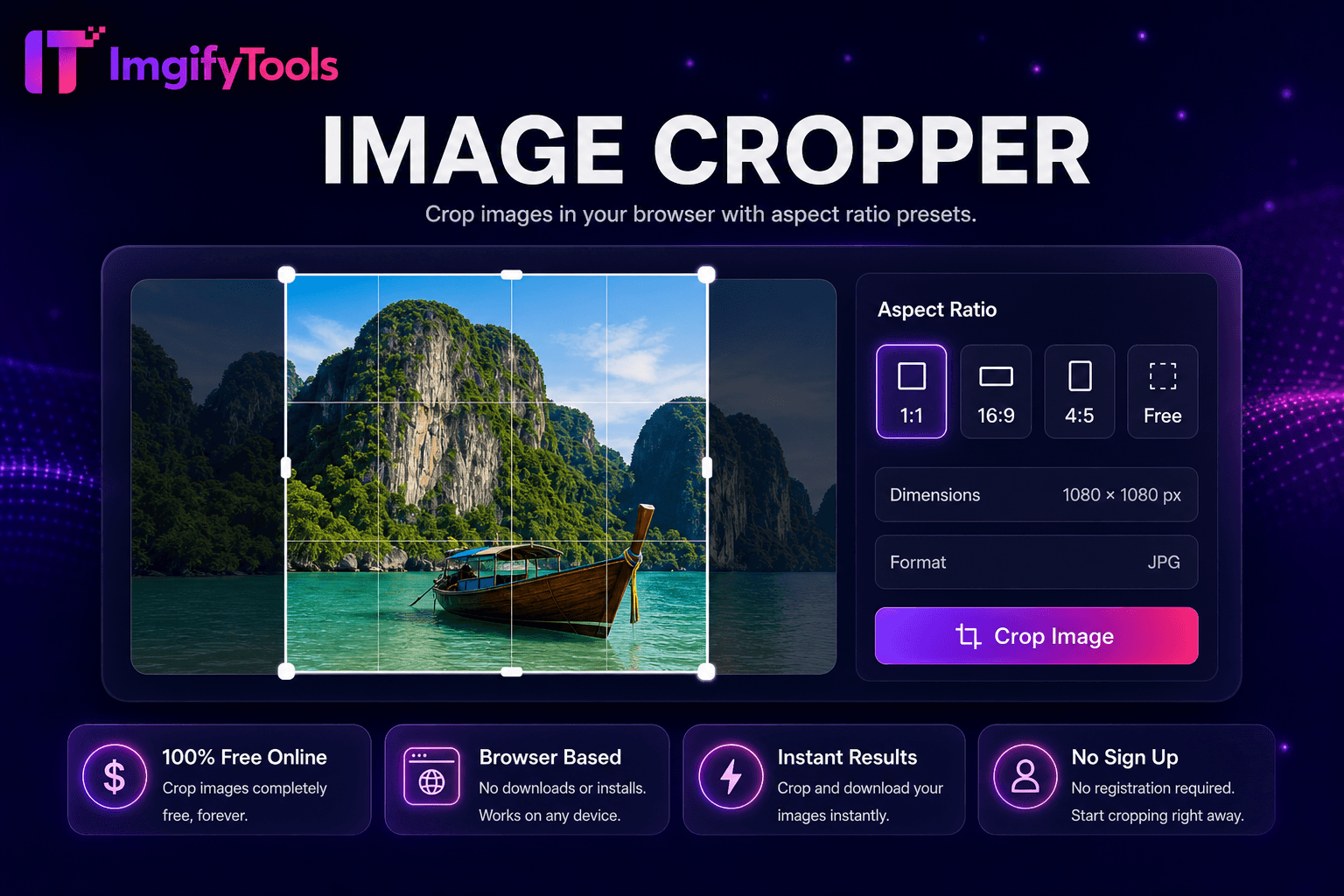
Image Cropper
Recorta imágenes en tu navegador con ajustes preestablecidos de relación de aspecto.
Herramienta de lanzamientoGire, desenfoque, enfoque y aplique efectos en un solo centro. Rápido, seguro y completamente gratis — no requiere registro.
El centro de efectos de imagen ImgifyTools aplica filtros y ajustes fotográficos profesionales (película antigua, blanco y negro, viñeta, desenfoque, nitidez, brillo, contraste y apariencia estilizada) sin suscripciones a Lightroom ni pérdida de calidad de exportación de aplicaciones móviles. Los creadores de contenido crean feeds de Instagram por lotes para lograr una estética coherente. Los blogueros añaden un sutil grano de película a las imágenes destacadas que coinciden con los paneles de estado de ánimo de la marca. Los especialistas en marketing generan variantes creativas de anuncios a partir de una fotografía maestra que prueba las respuestas de tono emocional. Cada efecto se previsualiza en vivo antes de descargarlo en resolución completa. Los efectos de navegador gratuitos se acumulan con cambio de tamaño y compresión para canales de publicación completos. La navegación del centro vincula herramientas de inteligencia artificial especializadas cuando los efectos por sí solos no son suficientes: caricaturizadores para ilustraciones, coloreados para fotografías históricas.
Sube una foto al centro de efectos de imagen.
Busque y seleccione filtro o efecto de ajuste.
Sintonice los controles deslizantes de intensidad mientras realiza una vista previa en vivo.
Compare el antes y el después con el zoom máximo en los detalles.
Descargue una imagen estilizada para publicarla en redes sociales o web.
A diferencia de muchas otras plataformas que comprometen la calidad u ocultan los resultados detrás de muros de pago, ImgifyTools ofrece resultados de alta fidelidad centrándose en la velocidad y la privacidad del usuario. No es necesario crear una cuenta para comenzar a transformar sus imágenes.
La canalización de efectos aplica un gráfico de filtro acelerado por GPU al mapa de bits decodificado: curvas de tono para contraste, núcleos de convolución para nitidez/desenfoque, asignaciones LUT para grados de color antiguos, inyección de ruido para grano de película. Los parámetros exponen controles deslizantes donde es importante el ajuste no destructivo. La salida se vuelve a codificar como JPG o PNG conservando las dimensiones. Encadenar múltiples efectos puede combinarse en una sola pasada para la interpretación. Obtenga una vista previa de las muestras reducidas para la capacidad de respuesta de la interfaz de usuario, pero la exportación utiliza resolución completa.
Aplique LUT antiguos consistentes en todas las series de blogs para lograr reconocimiento de marca. Una sutil viñeta llama la atención sobre el centro de productos en los banners de Shopify. Enfoque moderadamente después de cambiar el tamaño: afila demasiado los bordes de los halos en fuentes JPEG. La conversión en blanco y negro se adapta a una narración dramática de retratos antes de superponer citas de texto. Exportar PNG para gráficos con texto; JPG para filtros fotográficos en calidad 88.
toolPage.comparisonSubtitle
| Función | ⟦0 | iloveimg |
|---|---|---|
| Precio | Centro de efectos de imagen gratuito | Gratis con anuncios; prima elimina límites |
| Variedad de filtros | Vintage, B&W, viñeta, afilar, desenfoque | Filtros y efectos fotográficos. |
| Vista previa en vivo | Controles deslizantes de intensidad ajustables | Vista previa antes de descargar |
| Es necesario registrarse | No se necesita cuenta | Cuenta opcional para el historial. |
| Calidad de salida | Exportación en resolución completa | Ajustes preestablecidos de calidad estándar |
| Privacidad | Procesado en sesión, no almacenado | Procesamiento temporal en la nube |
| herramientas de inteligencia artificial | Enlaces de Hub a caricaturizador y colorear | Páginas de efectos separadas |
Herramientas relacionadas
Recorta imágenes en tu navegador con ajustes preestablecidos de relación de aspecto.
Herramienta de lanzamiento
Comprime JPG, PNG y WebP sin pérdida visible de calidad.
Herramienta de lanzamiento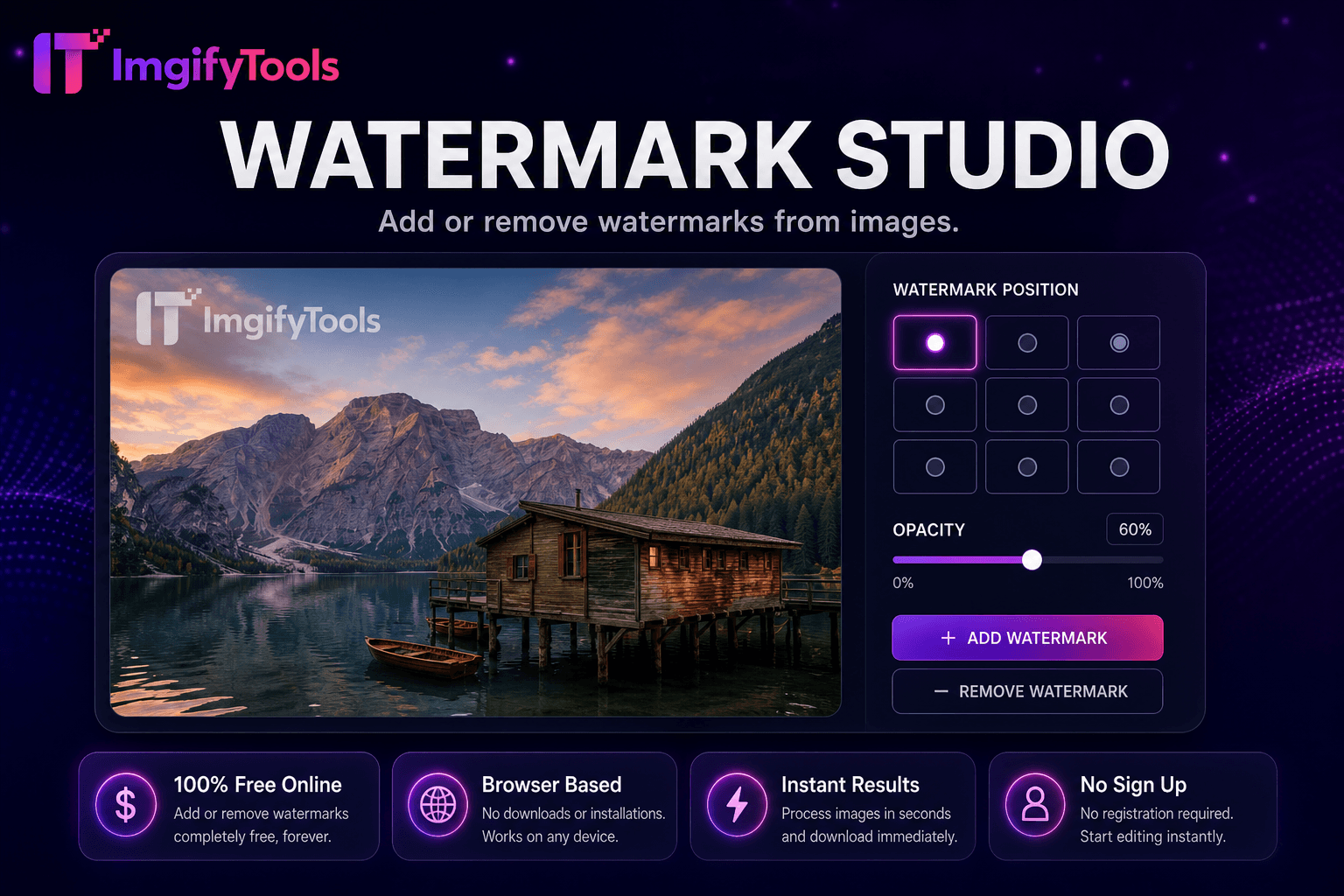
Agregue o elimine marcas de agua de las imágenes.
Herramienta de lanzamientoMás herramientas
Otras utilidades especializadas para su flujo de trabajo.
Recorta imágenes en tu navegador con ajustes preestablecidos de relación de aspecto.
Herramienta de lanzamiento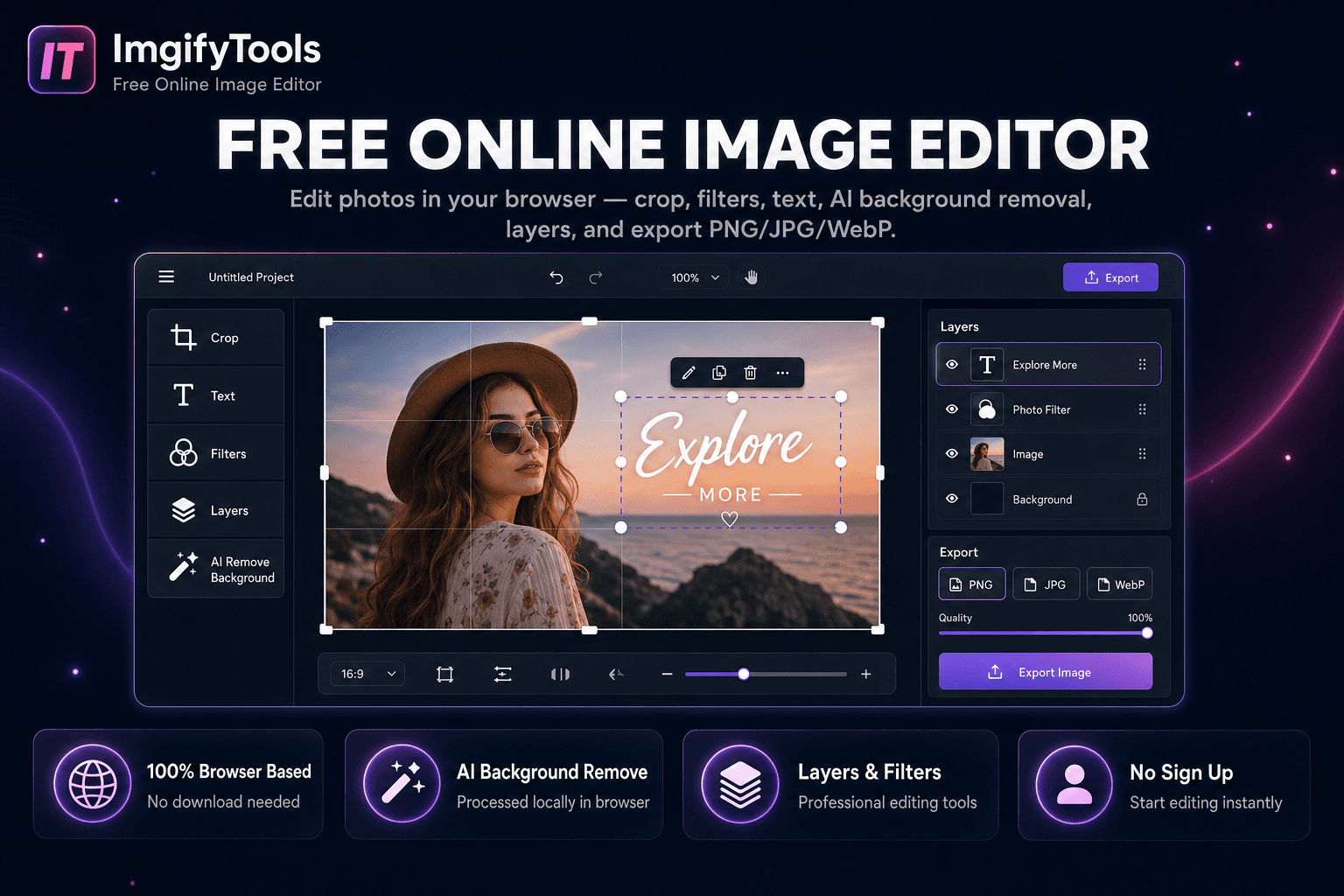
Edita fotos en tu navegador — recorte, texto, eliminación de fondo con IA y exportación PNG/JPG/WebP.
Herramienta de lanzamientoAgregue o elimine marcas de agua de las imágenes.
Herramienta de lanzamiento