Image Compressor
Comprime JPG, PNG y WebP sin pérdida visible de calidad.
Herramienta de lanzamientoAjustes preestablecidos con un solo clic para Instagram, YouTube, Amazon y más. Rápido, seguro y completamente gratis — no requiere registro.
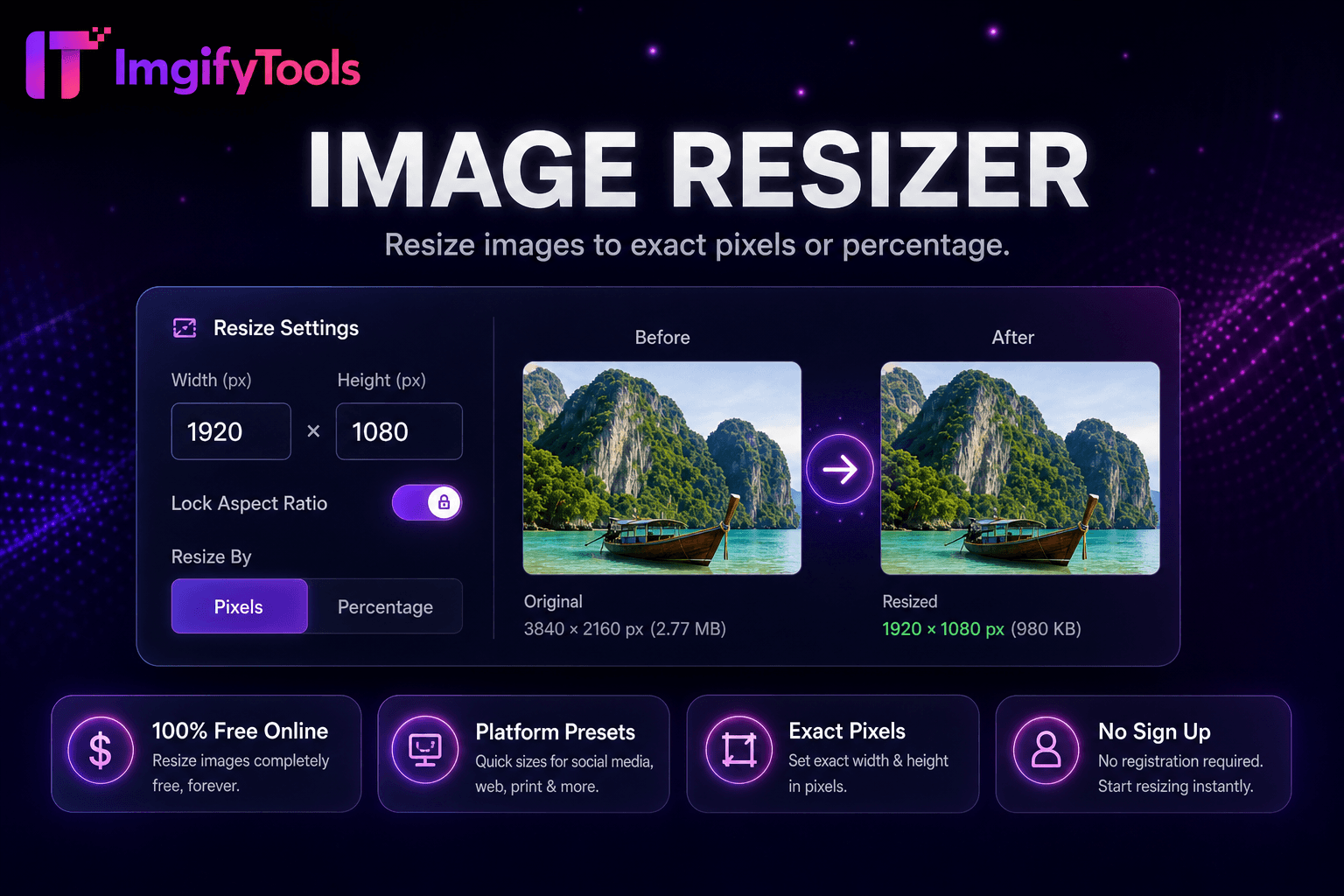
El centro Image Resizer de la plataforma ImgifyTools centraliza los ajustes preestablecidos de dimensiones para los requisitos de listado de Instagram, Facebook, LinkedIn, YouTube, TikTok, Pinterest, X, Etsy y Amazon: un punto de entrada en lugar de memorizar gráficos de píxeles en todas las redes. Los administradores sociales preparan lotes de contenido semanales que cubren todas las especificaciones del canal a partir de archivos maestros de sesiones de fotos. Los vendedores de Amazon exportan tamaños de imágenes principales y secundarias que cumplen con los mínimos del mercado. Los propietarios de tiendas de Etsy cambian el tamaño de las fotos de los anuncios según las proporciones recomendadas, lo que reduce las sorpresas del recorte automático de la plataforma. Las páginas centrales se anclan a herramientas de plataformas individuales y al mismo tiempo ofrecen planificación por lotes multiplataforma. Cambio de tamaño gratuito de pares con compresión para pesos listos para cargar. Cuando las plataformas actualizan las especificaciones, la documentación del centro agrega cambios más rápido que las publicaciones de blog dispersas.
Elija la plataforma de destino y la ubicación preestablecida desde el centro.
Cargue la foto maestra con la resolución más alta disponible.
Seleccione el modo de ajuste de recorte y ajuste el punto focal.
Genere resultados dimensionados y verifique zonas seguras.
Descargue el archivo listo para la plataforma para cargarlo directamente.
A diferencia de muchas otras plataformas que comprometen la calidad u ocultan los resultados detrás de muros de pago, ImgifyTools ofrece resultados de alta fidelidad centrándose en la velocidad y la privacidad del usuario. No es necesario crear una cuenta para comenzar a transformar sus imágenes.
Seleccione la plataforma y el tipo de ubicación (feed, historia, portada, miniatura, listado) desde el ancho, alto y relación de aspecto de carga de la matriz preestablecida. Subir fuente; cambiar el tamaño de cultivos o pads por modo de ajuste. Las superposiciones de zonas seguras en los banners de YouTube y los círculos de perfil muestran una vista previa de la ubicación crítica del logotipo. Los nombres de salida pueden incluir un slug de plataforma para las carpetas del organizador. El modo por lotes pone en cola varios ajustes preestablecidos en una carga maestra generando variantes de tamaño ZIP. Las opciones de calidad y formato reflejan las capacidades generales de cambio de tamaño.
Desde una sesión de fotos horizontal, exporte el artículo de LinkedIn 1200×627, el cuadrado de Instagram 1080×1080 y el pin de Pinterest 1000×1500 en una sola sesión. Las imágenes principales de Amazon a menudo necesitan un borde más largo de 2000 px; verifique las reglas específicas de la categoría. Mantenga un margen del 15 % en las superposiciones de texto de la historia utilizando guías de zonas seguras. Después de cambiar el tamaño del concentrador, ejecute el compresor de imágenes si la plataforma impone límites de tamaño de archivo.
toolPage.comparisonSubtitle
| Función | ⟦0 | iloveimg |
|---|---|---|
| Precio | Cambio de tamaño gratuito | Gratis con anuncios; prima disponible |
| Tamaños preestablecidos | Ajustes preestablecidos sociales y de plataforma integrados | Ajustes preestablecidos de tamaño común |
| Dimensiones personalizadas | Ancho y alto exactos de píxeles | Ancho/alto personalizado |
| Bloqueo de relación de aspecto | Opción de mantener proporciones | Bloquear relación de aspecto |
| cambio de tamaño por lotes | Plataforma y herramientas masivas | Lote en prima |
| Calidad de salida | Control deslizante de calidad disponible | Compresión estándar |
| Formatear salida | JPG, ⟦1 | Múltiples formatos |
Herramientas relacionadas
Comprime JPG, PNG y WebP sin pérdida visible de calidad.
Herramienta de lanzamiento
Elimina fondos de imágenes automáticamente con IA.
Herramienta de lanzamiento
Redimensionar imágenes a ⟦0 thumb tamaño de miniatura 1280x720 y Shorts 1080x1920.
Herramienta de lanzamientoMás herramientas
Otras utilidades especializadas para su flujo de trabajo.